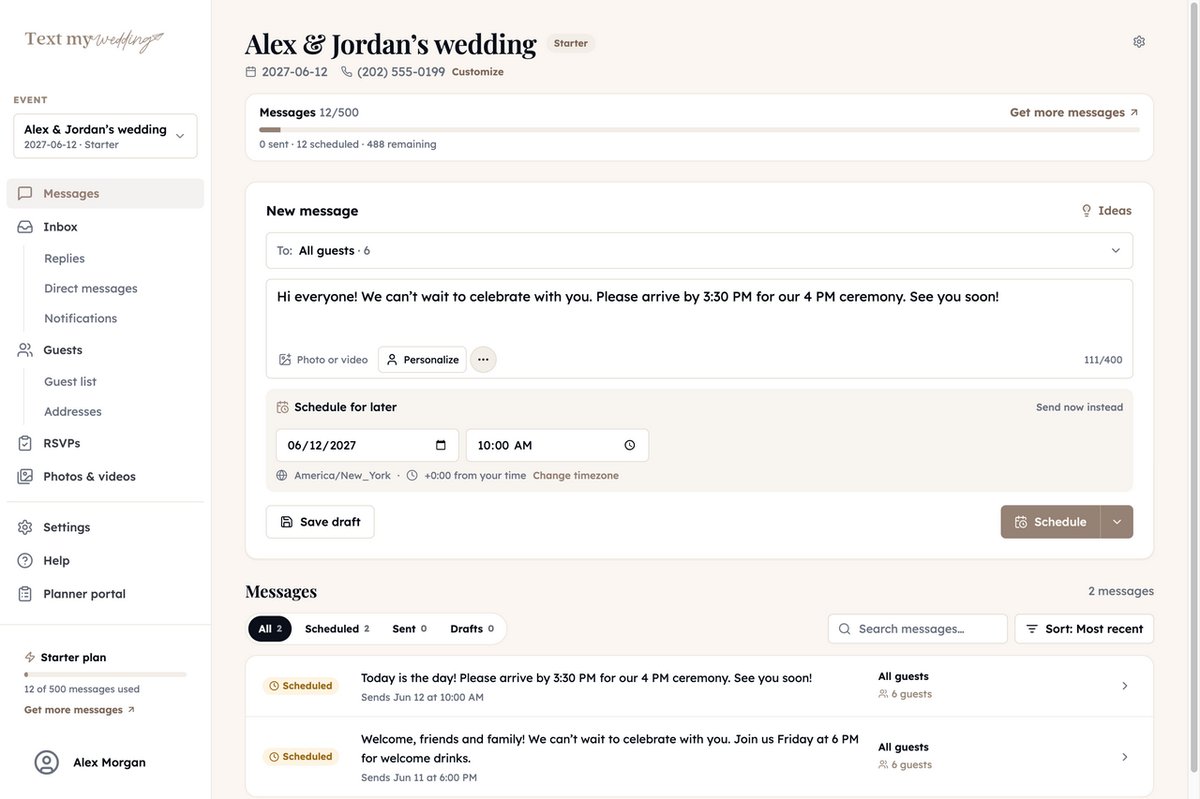
Wedding photo sharing, no app for guests
Every photo and video your guests took, in one album
Guests scan a QR code or tap the link you text them, then pick photos and videos straight from their camera roll. You get the original files, a gallery to share, and one button to download it all.
Photo uploads from $57, videos from $87. One-time payment, no subscription.
Your album
214 photos, 19 videos
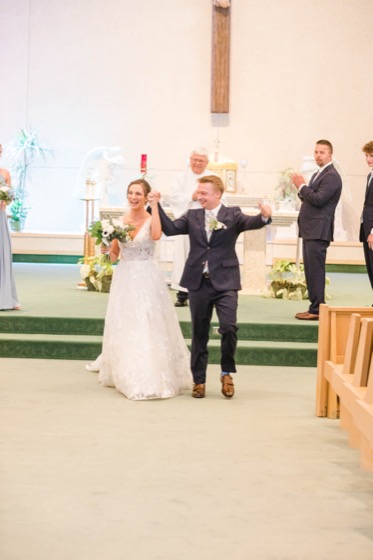 From Ken
 From Aunt Carol
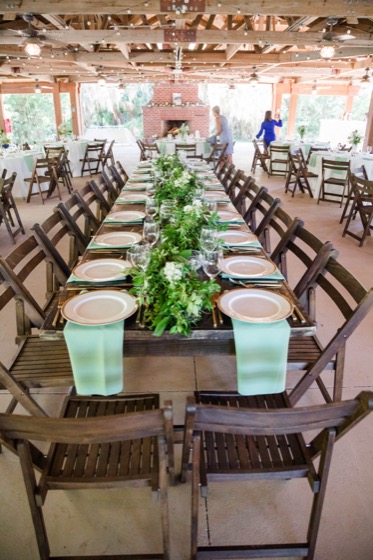 From Savannah
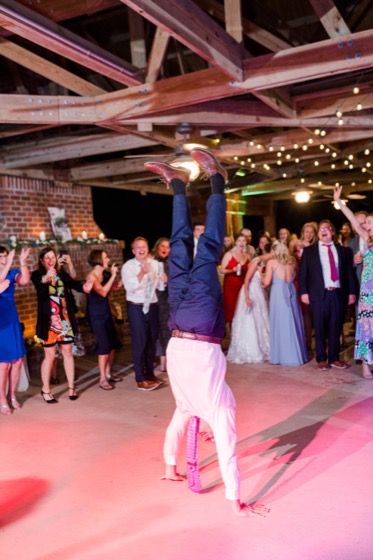 0:48From Dan
Three ways for guests to send you photos
Each one ends in the same album, so the guest who scans and the guest who would rather text both get counted.
Scan the QR code on the table
Download your upload page's QR code and print it on table cards or the welcome sign. It opens in the phone's browser.
Tap the link in your text
Text the upload link to every guest the morning after, when they're scrolling through last night's photos anyway.
Text photos backPlus and up
Guests who reply to your wedding text with a picture add it to the same album, with their message as the caption.
An upload page that looks like your wedding
Pick a layout, a color theme, and a font, add a cover photo, and write your own welcome. Guests see your page, not a generic upload form.
- No app to install and no account to create
- Guests add their name and an optional note for you
- Pick as many photos and videos as they like at once
- Design it for free before you choose a plan
Share your photos
Laura & Marty
June 14, 2026
We’d love to see the day through your eyes. Share your photos and videos here.
Your name
Straight from your camera roll
Try a color theme: Sage
Videos come through in fullPlus and up
The toasts, the first dance, and the dance floor at midnight are mostly on guests' phones. Uploads keep the original file, so nothing gets squeezed down the way a texted video does.
- Videos up to 20 minutes long
- Original photo and video files, never compressed
- Play videos right in your gallery
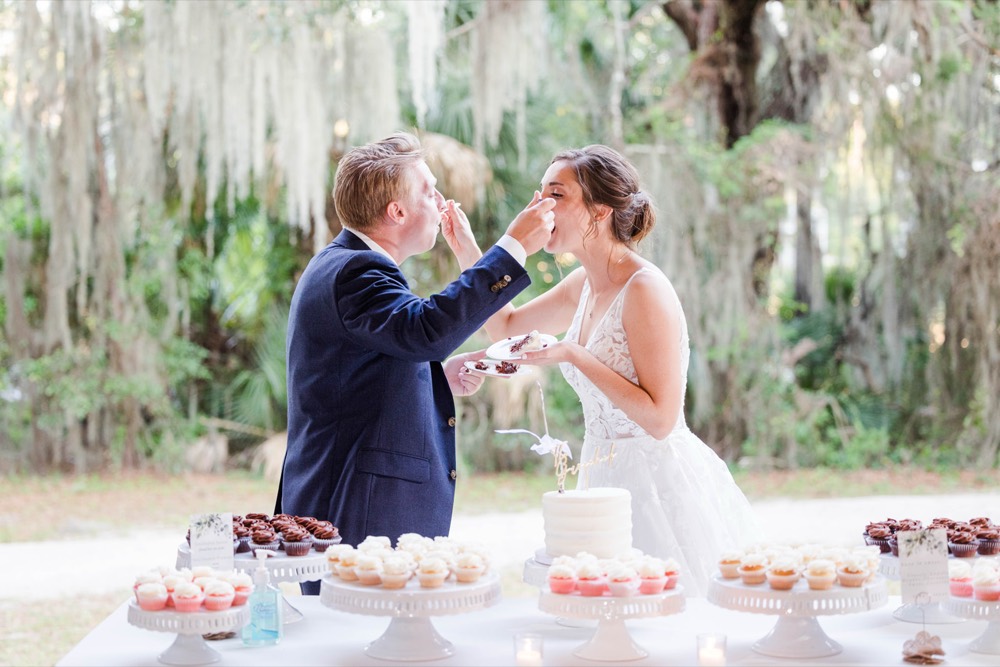
Cake cutting
From Bella
You decide what guests see
An automatic check screens every upload and hides anything it flags. Turn on review and you approve every photo and video before guests see it.
- Hide, delete, or download any single photo or video
- Add a passcode so only your people can open the gallery
Review guest photos before they’re shared
You approve each new photo and video before guests see it.
HiddenShare the gallery, keep every file
Send guests the gallery link or its QR code so everyone can relive the day and save their favorites. When you want everything, one click bundles it up.
- New photos show up while the gallery is open
- Play the gallery as a full-screen slideshow
- Download all as zip files with a folder for each guest
Laura-and-Marty.zip
Ready. We emailed you the link.
- Aunt Carol38 files
- Bella52 files
- Dan27 files
- Ken61 files
When to ask for photos
Most photos come in after the wedding, not during it. Plan three asks and schedule the texts ahead of time.
During the reception
Put the QR code on every table and ask your DJ to mention it before dinner. The gallery can run as a slideshow on a screen.
The morning after
Text everyone the upload link and ask for their favorites. This one message brings in more photos than anything else.
A week later
Send a reminder to catch the guests who meant to and forgot, plus anyone who just got their photos off a real camera.
“Getting to see hundreds of photos from guests the day after our wedding was an incredible way to keep the fun going.”
Pay once per wedding
No subscription and nothing for guests to pay. Upgrade later and you only pay the difference.
| Feature | Starter$57 | Plus$87 |
|---|---|---|
| Guest upload page with link and QR code | ||
| Full-quality photo uploads | ||
| Shareable gallery and slideshow | ||
| Review, hide, and passcode controls | ||
| Download everything in one zip | ||
| Video uploads, up to 20 minutes each | – | |
| Photos guests text to your wedding number | – | |
| Guest text replies in your inbox | – |
Starter includes 500 texts and Plus includes 1,200. Premium and Ultra include everything in Plus with more texts.
Questions couples ask
Do guests need to download an app or make an account?
No. The upload page opens in the phone's browser from a link or QR code. Guests type their name, pick photos and videos from their camera roll, and they're done.
Are photos and videos saved in full quality?
Yes. Files uploaded through the upload page keep their original quality, and Download all gives you the original files. Photos and clips texted to your wedding number arrive at the size phone carriers deliver.
Can guests upload videos?
On Plus ($87) and above. Guests can upload videos up to 20 minutes long, so the toasts and the first dance come through in full. You can turn video uploads off on the upload page settings.
Who can see the photos?
Only people with your gallery link. You can add a passcode, hide anything from the gallery, or turn on review so you approve each photo and video before guests see it. Either way, an automatic check screens every upload and hides anything it flags.
How do I get the photos off the site?
Click Download all. We bundle every photo and video into zip files with a folder for each guest and email you when they're ready. You can also download any single photo or video.
Which plan do I need?
Photo uploads, the gallery, and Download all start with Starter at $57. Plus at $87 adds video uploads, photos texted to your wedding number, and guest replies. Every plan is a one-time payment, and upgrading later only costs the difference.
Can I set it up before I pay?
Yes. Create your wedding for free, design your upload page, and send a test text to your own phone. Guests can start uploading once you pick a plan.
Sharing your photographer’s gallery instead?
Ready to dive in?Remove wedding day stress.
Send and schedule messages to your guests. Collect photos and RSVPs. All in one place.
Sign up now