Wedding guest management
One guest list for every text, RSVP, and address
Import the spreadsheet you already have, keep families together as households, sort guests into groups, and text exactly the people each update is for. RSVPs and mailing addresses land on the same list.
- Free to add and import guests
- No limit on guest count
- Nothing for guests to download
Import
Bring the list you already have
Export your guest list from your wedding website or planning tool and upload the CSV or Excel file. No retyping names or hunting through your phone's contacts.
- Columns are matched for you, and you can change any match before importing
- Preview households, groups, and possible duplicates before a single guest is created
- Re-import an updated spreadsheet: guests whose number is already on your list aren't added twice
- Starting from scratch? Download our template and fill it in
Households and plus ones
Keep families on one invitation
A household is everyone sharing an invitation: a couple, a family with kids, a guest and their plus one. Map your spreadsheet's party column and they're grouped on import, or add members one at a time.
- One RSVP link per household, listing every member and plus one
- One shared mailing address for the whole invitation
- Only people who should get texts need a phone number, so kids and plus ones can go without
- Couples sharing one phone get one copy of each text
Groups
Text the wedding party without texting everyone
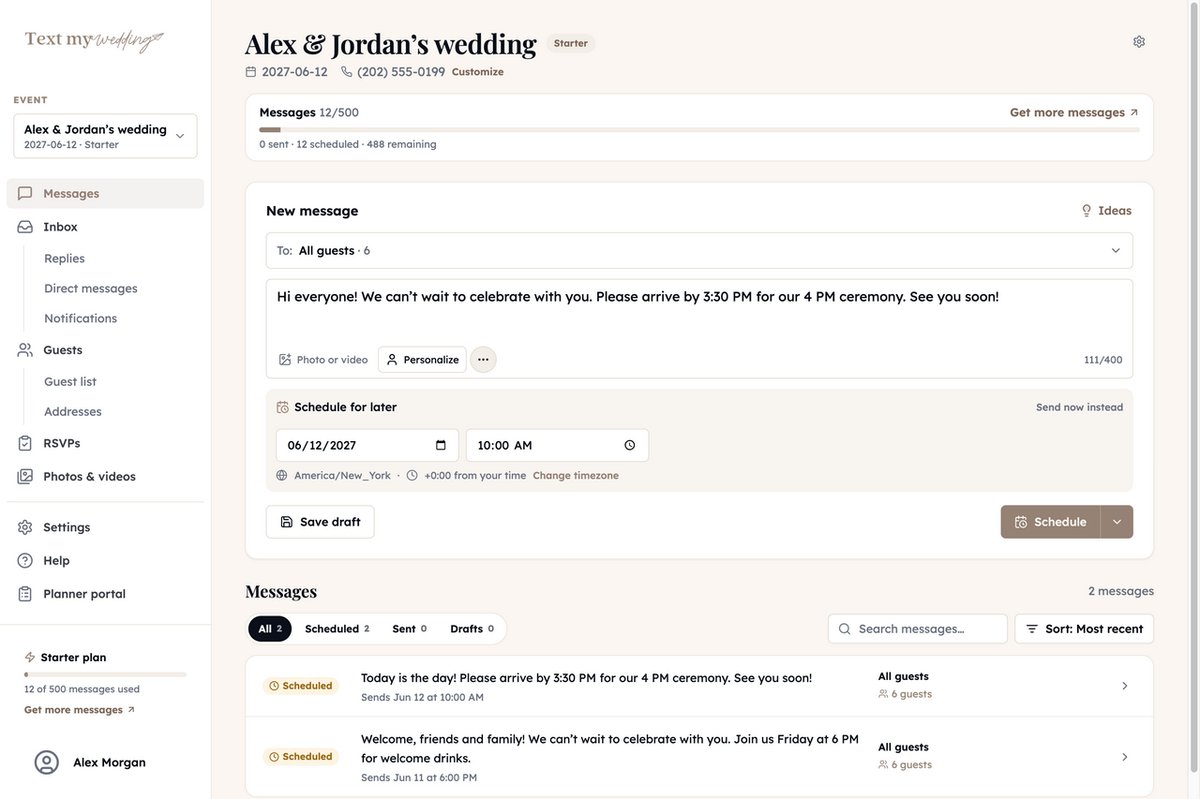
Bridesmaids, groomsmen, the rehearsal dinner crowd, everyone on the shuttle: put them in groups and text each one separately. Uncle Larry never needs to hear about your 8 AM hair appointment.
- A guest can belong to as many groups as you like
- Pick several groups for one message and anyone in more than one gets it once
- Add or remove a whole selection of guests from a group in one step
- Personalize with each guest's first name, household name, or a detail like their table number
- Send now or schedule it for the morning of
RSVPs and addresses fill in your list
Every household gets its own link. When guests answer, their reply saves to the same list you text from, so you always know who you're still waiting on.
RSVP status for every guest
See who's attending, who declined, and who hasn't answered, counted per person. Give the rehearsal dinner or welcome party its own RSVP form, then remind only the households that haven't replied.
How RSVP reminders workMailing addresses, collected for you
Text each household a private address form. Addresses save to the household, you can remind whoever's outstanding, and one click exports the list for your stationer.
How address collection worksThe small things that save an evening
Your own guest details
Add custom properties like table number, hotel, or shuttle time, edit them right in the list, and drop them into any message.
Let guests add themselves
Share a signup link or QR code. Guests enter their name, mobile number, and permission to text, plus a mailing address if you ask.
Find anyone fast
Search by name, number, or email, filter by group, and switch between contact, address, and custom-property views.
Delivery status for every guest
Each message shows who it was delivered to, who it couldn't reach, and who was skipped for having no phone.
Export whenever you need it
Download the full list with households, groups, addresses, and custom properties, plus each named guest's answer to every RSVP form.
Plan it together
Invite your partner, a parent, or your planner by email to work on the same guest list.
What your guests see
Guests get an ordinary text, sent to each of them individually. There's no app to install, no reply-all chain, and nobody sees anyone else's number.
Read our guide for wedding guestsStill deciding who to invite?
Build your list with our free guest list builder, then download a file that imports straight into Text My Wedding.
Open the guest list builderWhat Our Couples Say
Rachel J.
This service was a lifesaver for me and our guests loved it! We had transportation for our guests an...
Julia S.
We used Text My Wedding for our June 2025 wedding with over 100 out of town guests. It was super eas...
Dani S.
I used this service this weekend for my wedding. It was super easy to set up, no hidden fees, custom...
Carol J.
Did not think we would use the app until our wedding day but 3 weeks prior to our day the venue chan...
Sawyer G.
SO helpful! Our wedding was multiple days in different places and text my wedding was so so amazing....
Frequently asked questions
Step-by-step instructions are in the guest list help guides.
Ready to dive in?Remove wedding day stress.
Send and schedule messages to your guests. Collect photos and RSVPs. All in one place.
Sign up now