
Canva Free
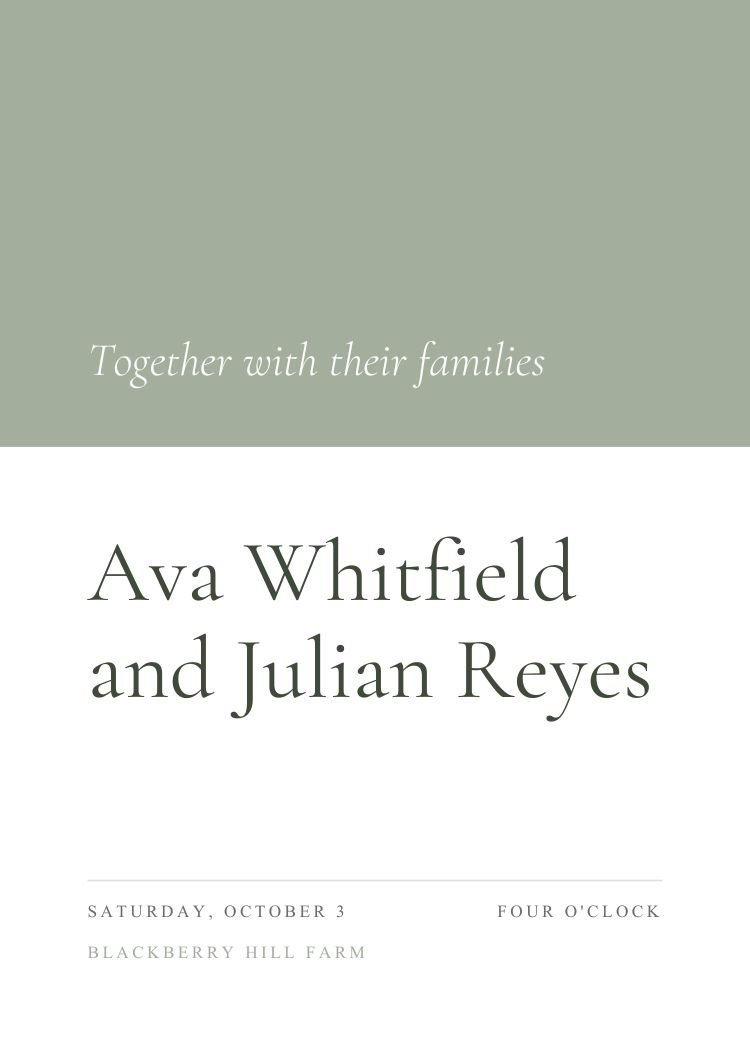
Explore 117 editable wedding invitation templates designed for Canva. Personalize your favorite design, then use Text My Wedding to send it to guests and collect RSVPs.
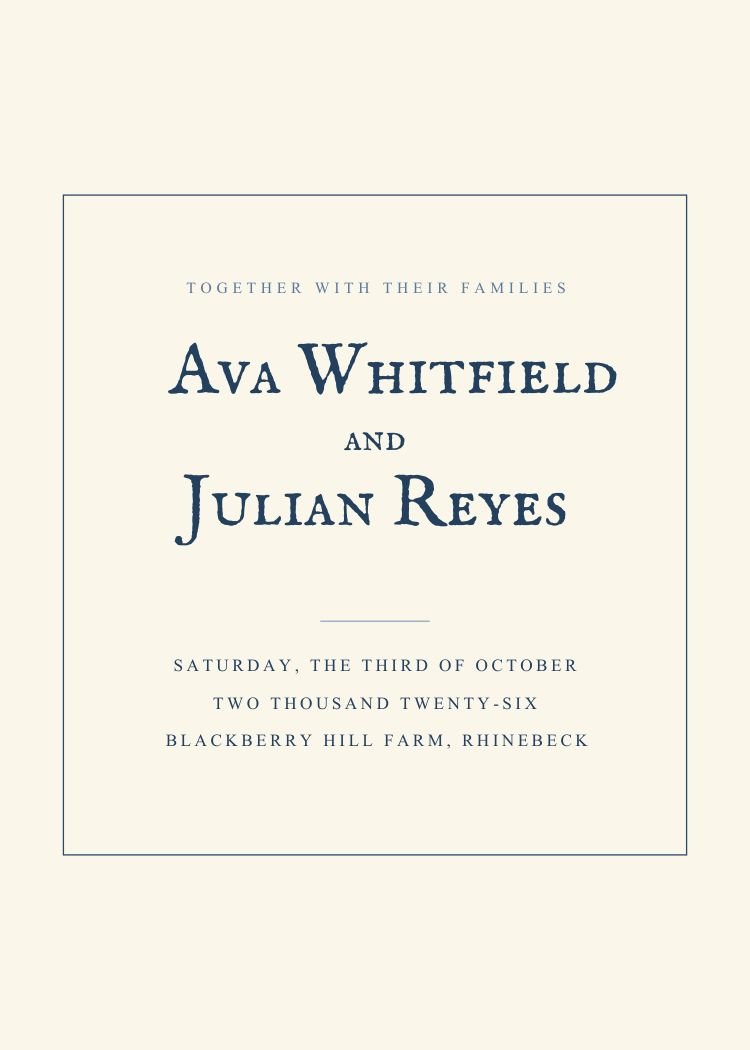
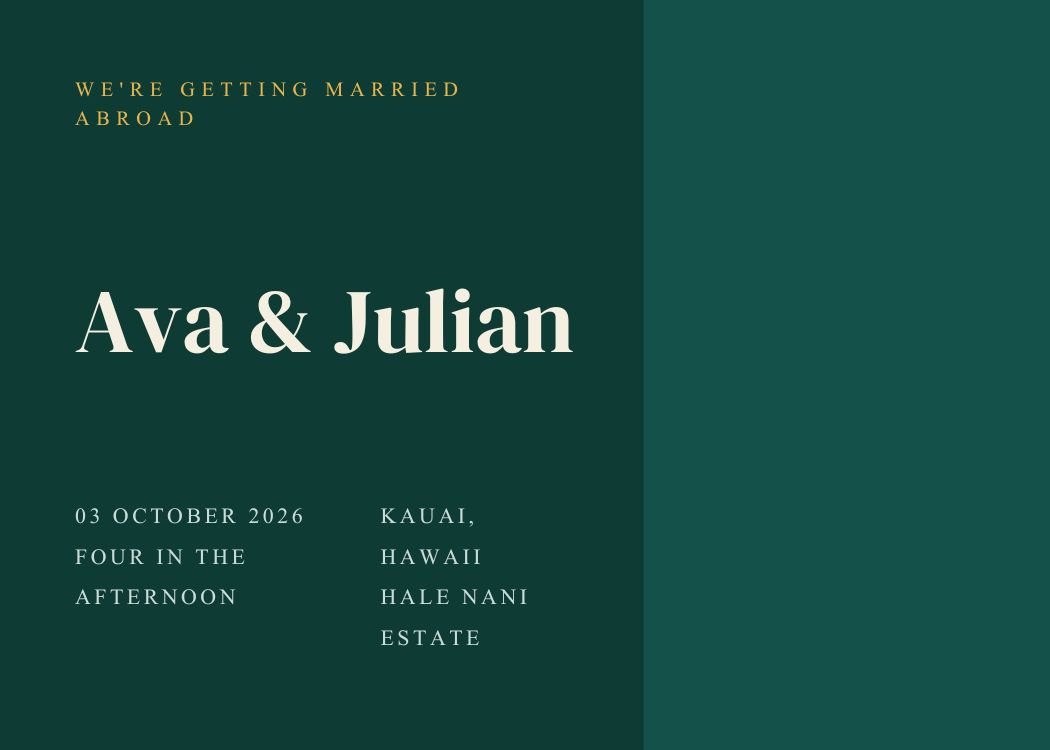
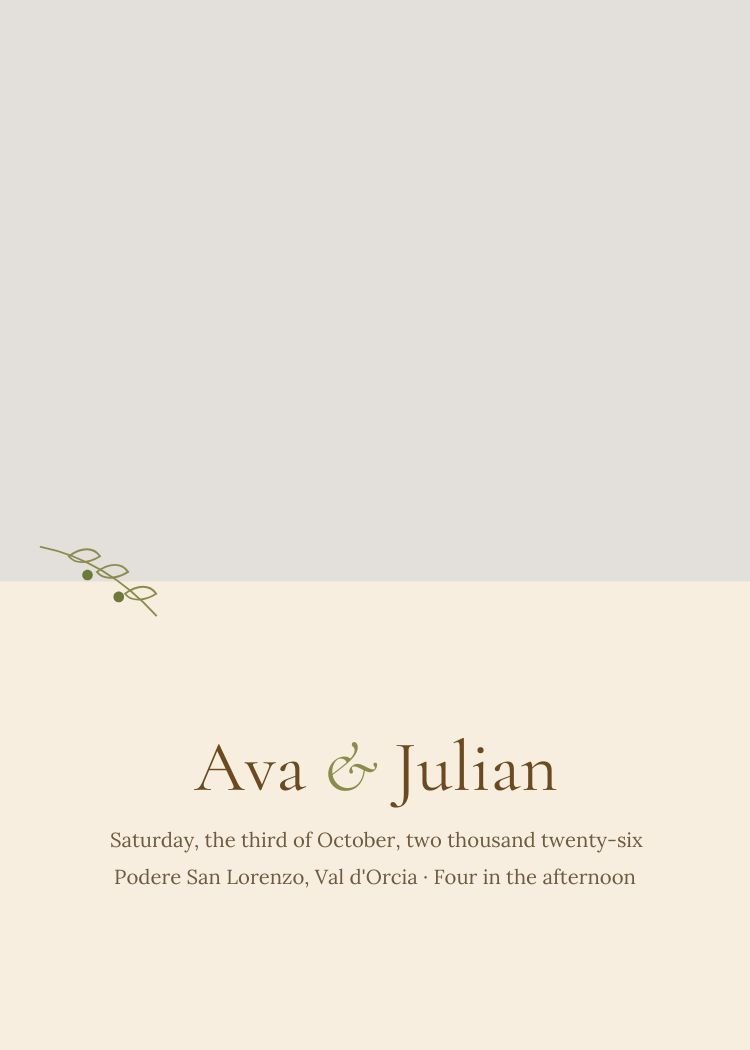
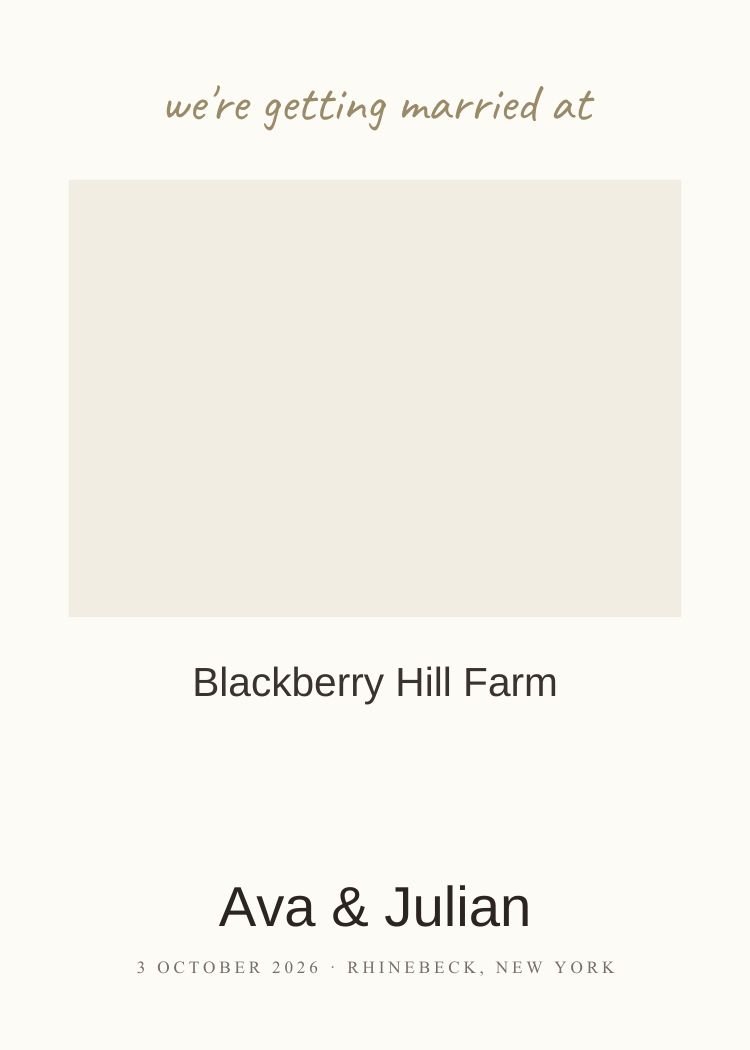
Eight invitations across every style and color — a fast way to see the range before you browse.
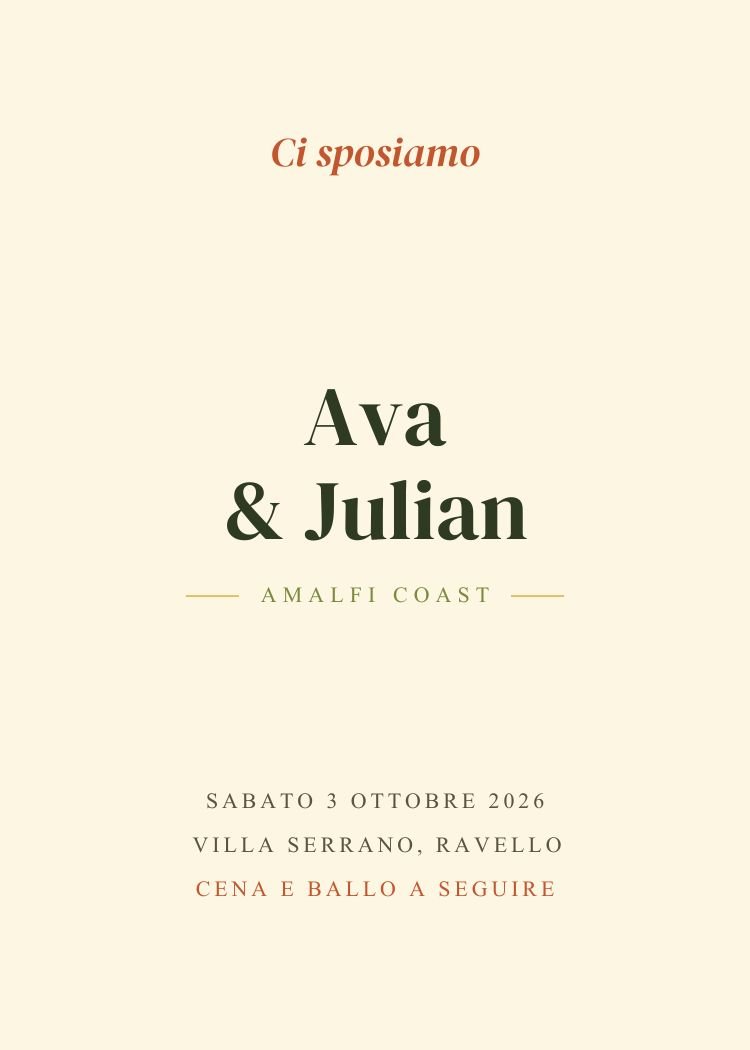
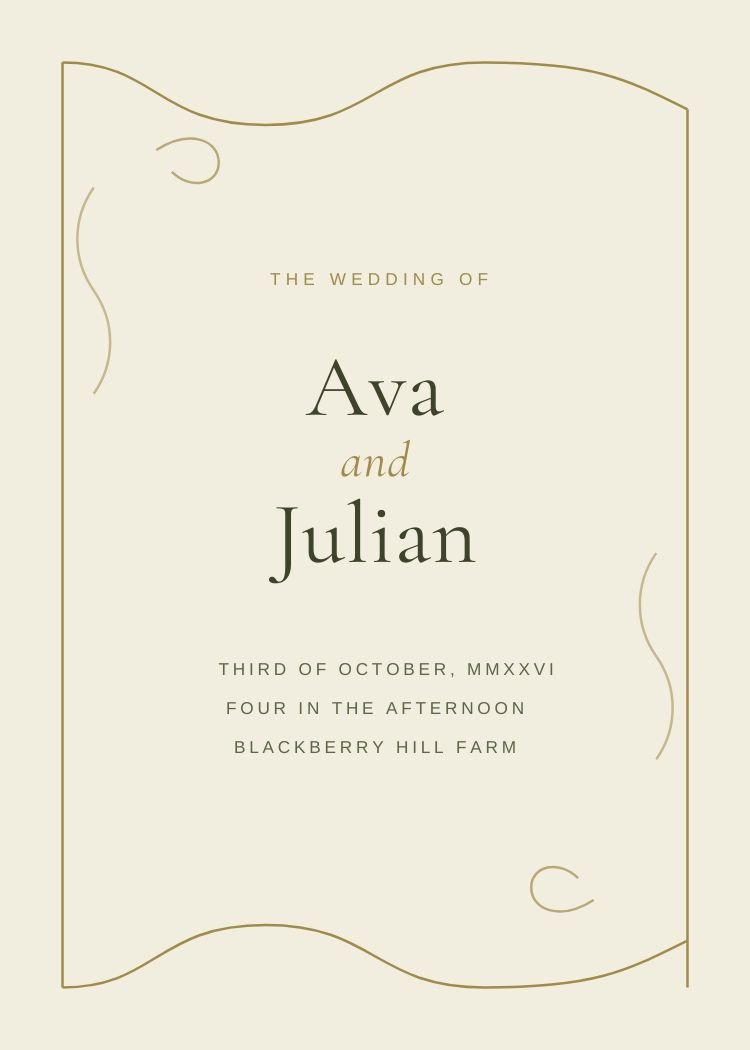
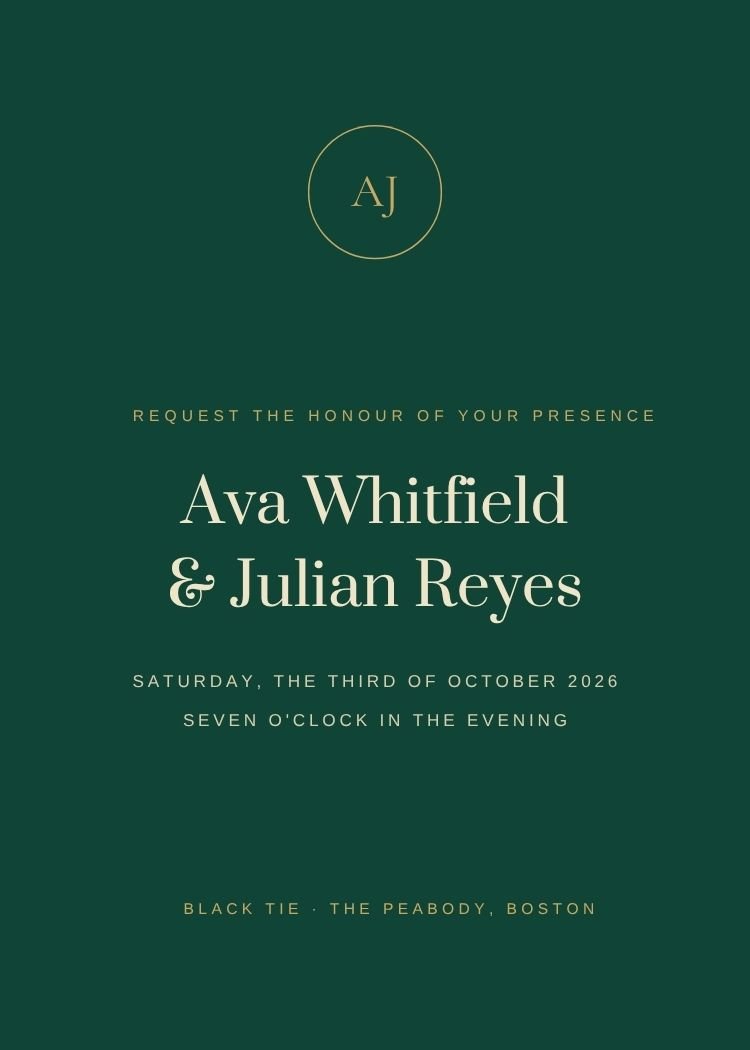
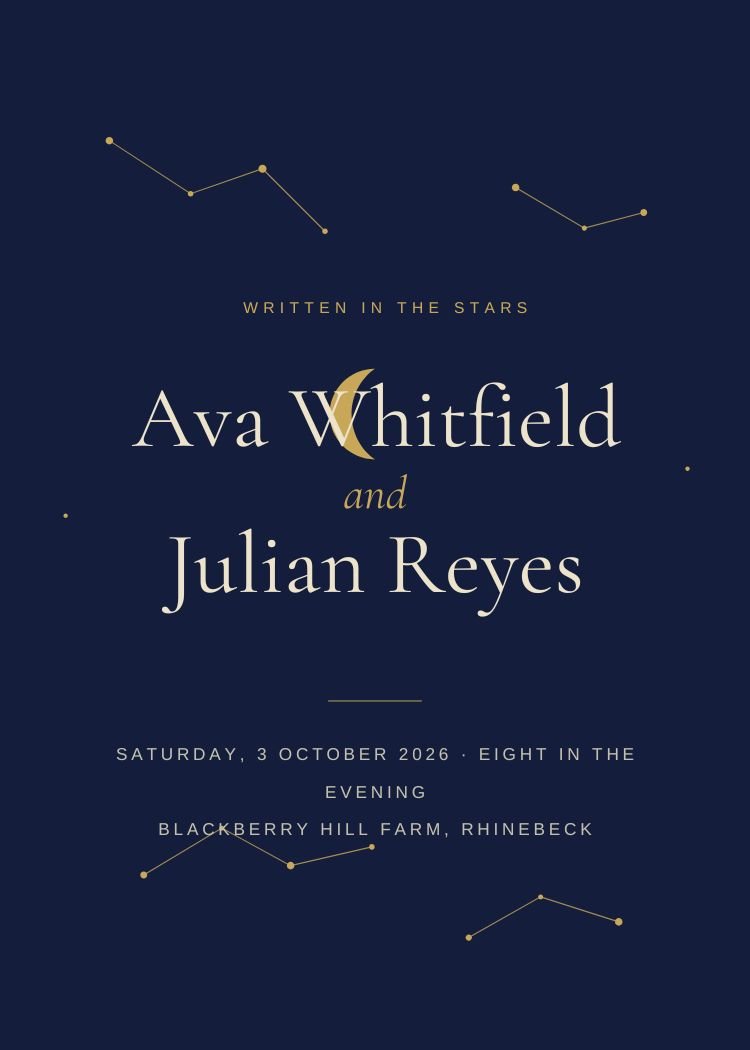
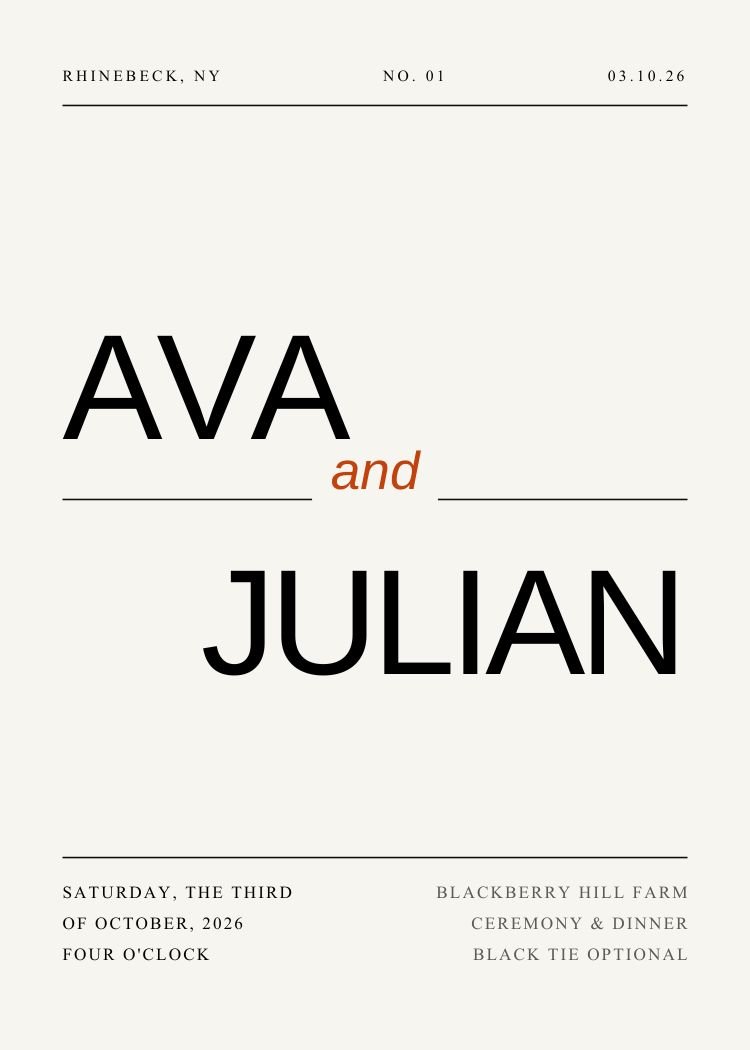
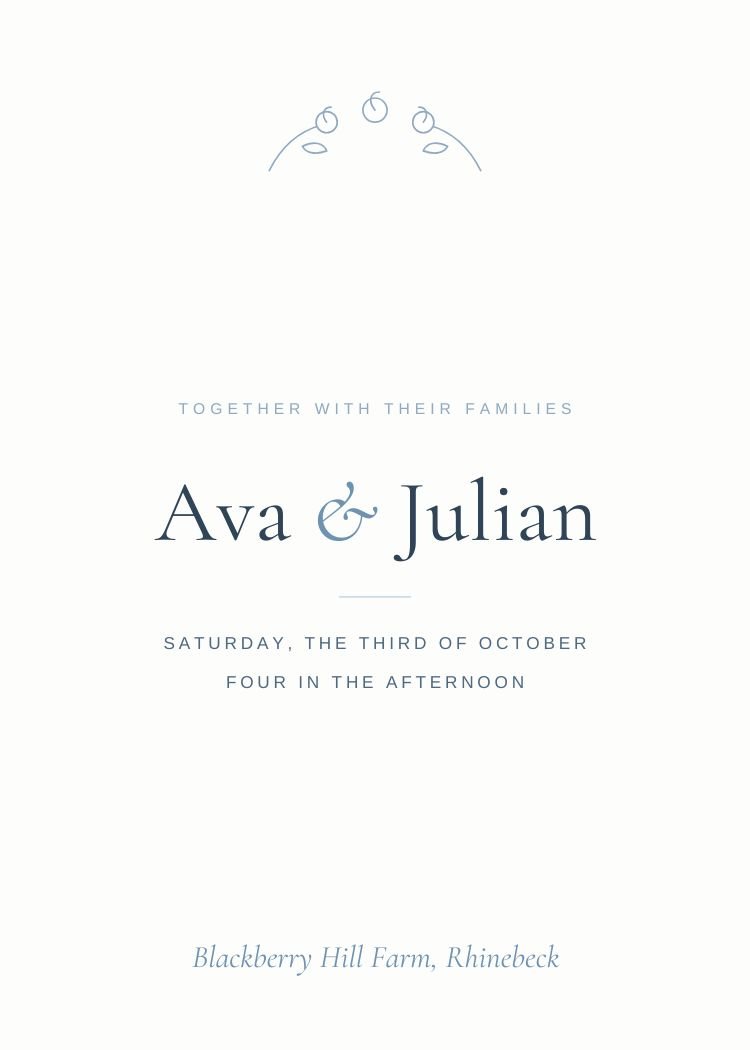
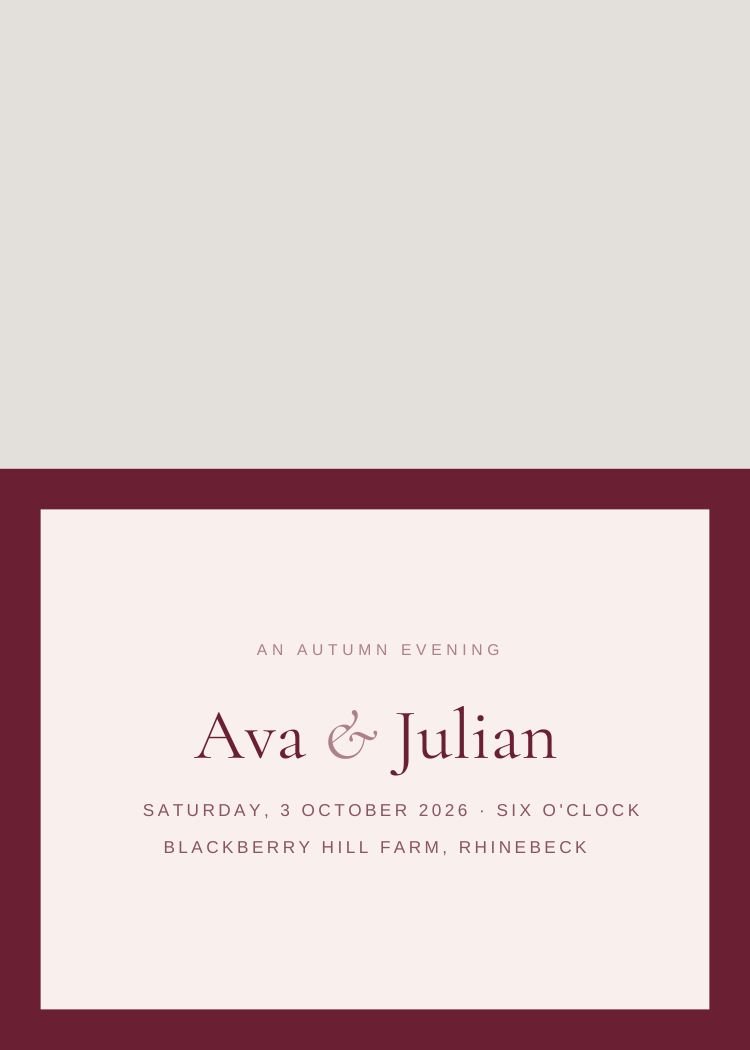
The way the invitation is designed — typography, ornament and how formal the wording feels.
Type, space and one rule. Prints cheaply and reads at any size.
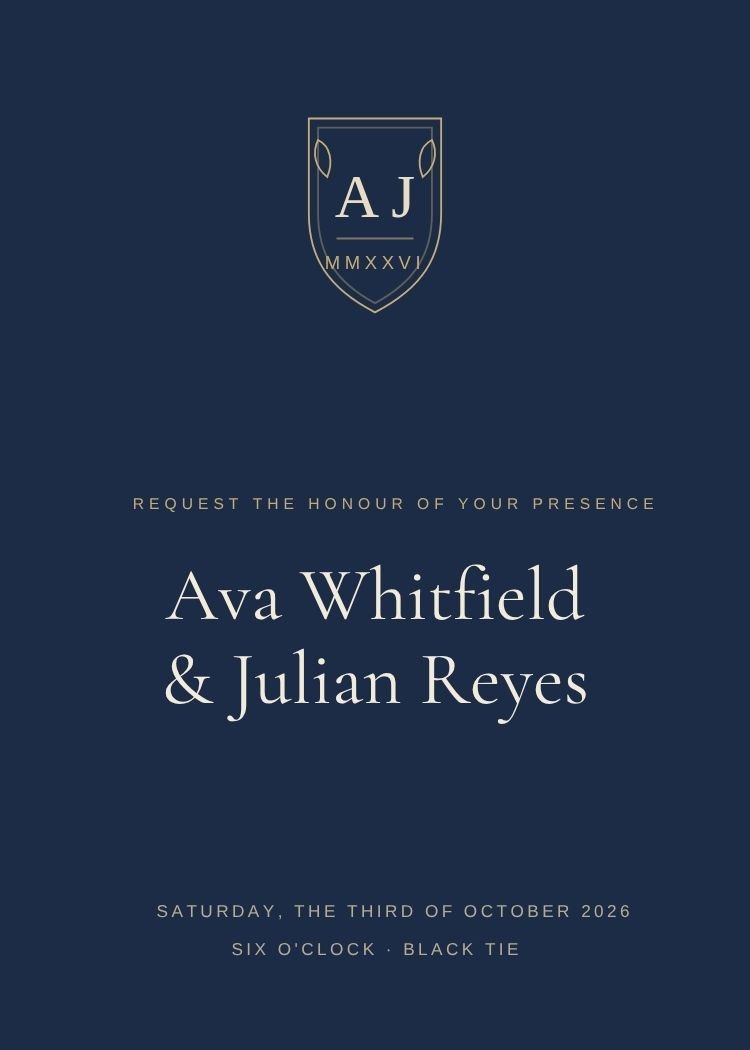
Formal wording, refined serifs, gold accents and restraint.
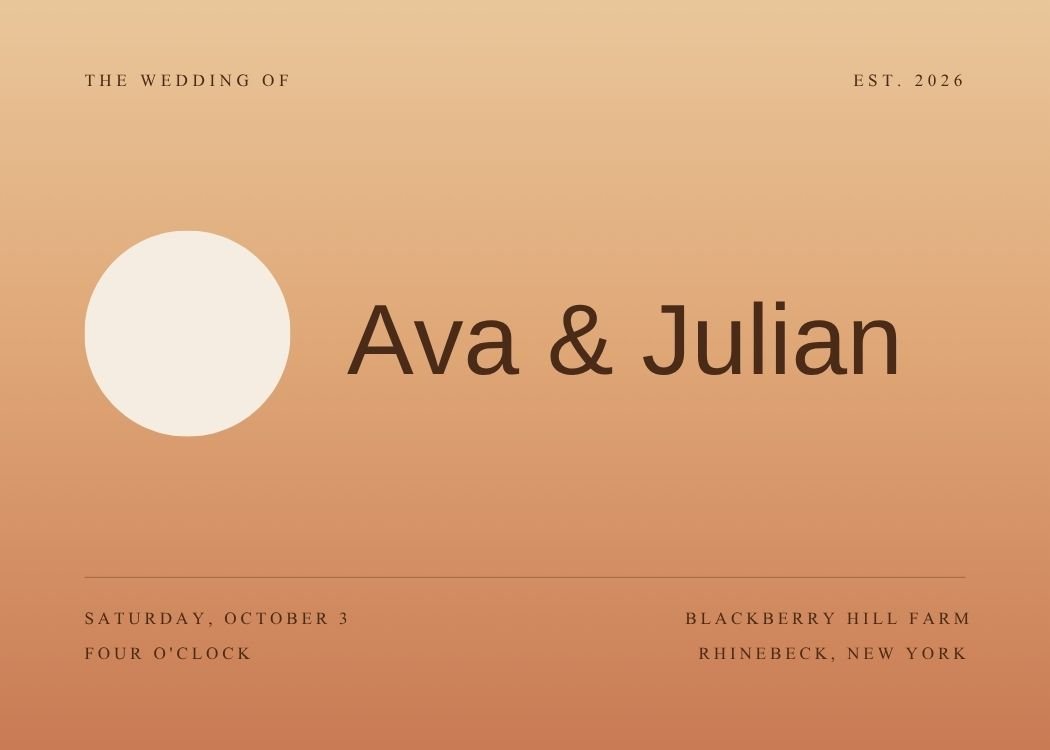
Sans-serif headlines, asymmetric layouts and confident color.
Centered layouts, engraved-feeling serifs, traditional wording.
Illustrated motifs and looser, hand-set wording.
Designs built around an engagement photo, frame included.
Palette-led browsing, with real invitations behind each swatch so you can see the range inside a color.
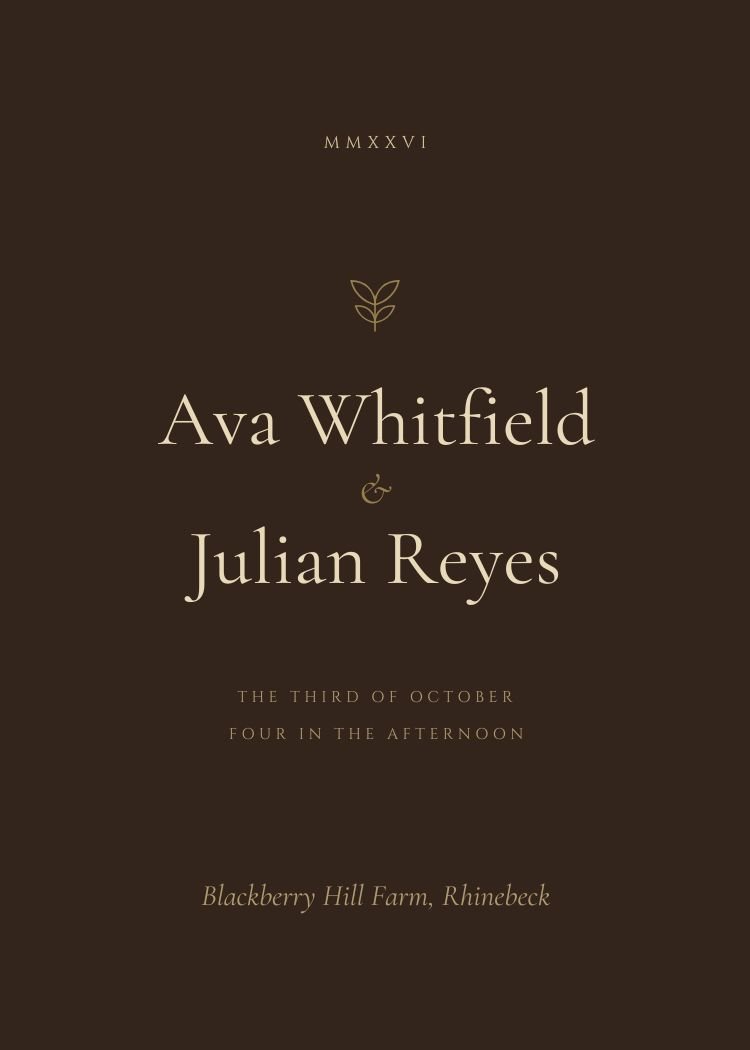
Cream, ivory and kraft grounds that let type lead.
The formal blue; sharp with white, warm with gold.
Metallic warmth, from champagne washes to gilded frames.
The most-searched wedding color of the last three seasons.
The safest print, and the cheapest to produce at volume.
Cool and quiet; works for spring gardens and coastal weddings.
Where the wedding is, and what the invitation should look like when it gets there.
Passports, itineraries and weddings worth traveling for.
Greenery-forward designs for outdoor and marquee ceremonies.
Amalfi, Tuscany and lake weddings; citrus and stone.
Greek islands, Spanish villas and painted tile.
New England and Pacific coast; softer than beach.
Formal, typographic, black-tie appropriate.
Palettes that suit the month you're marrying in.
How the invitation is delivered — printed, texted, scanned or all three.
Card layouts that export print-ready PDFs from Canva.
Sized and composed for a message thread, not a mailbox.
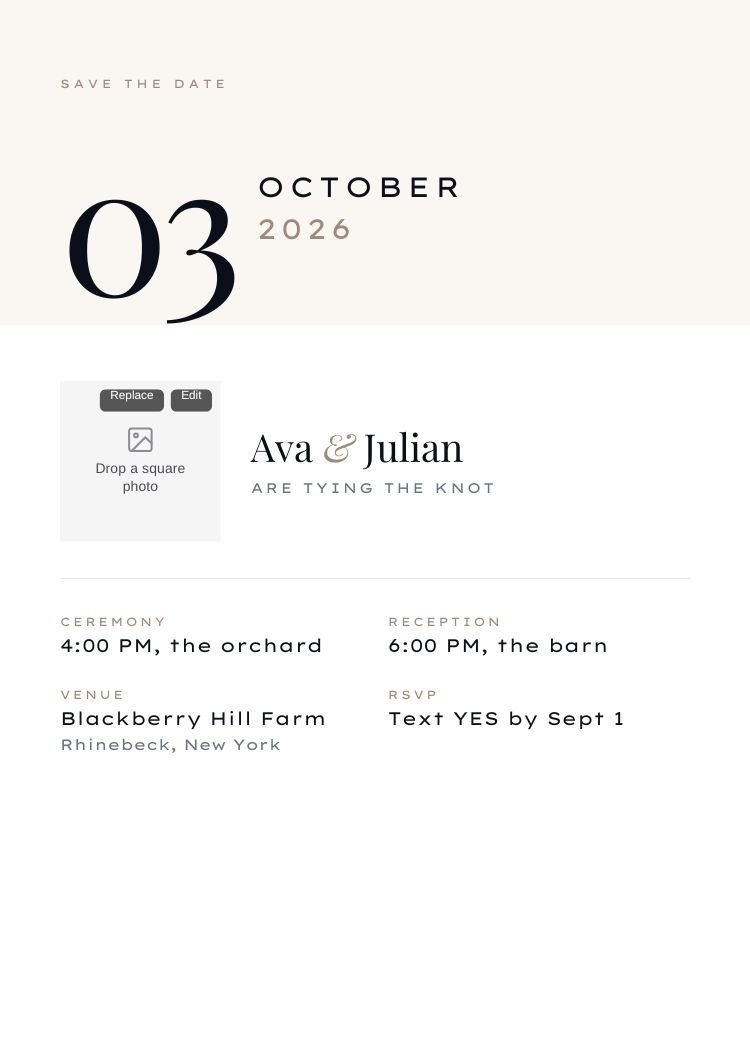
A framed well for an engagement photo, drag-and-drop in Canva.
Wording built around replying by text rather than a card.
Invitation, details and RSVP on a single card.
A reserved well that points at your RSVP page.
The full collection. Open any design to see what’s editable, preview it in a text thread, and open it in Canva.
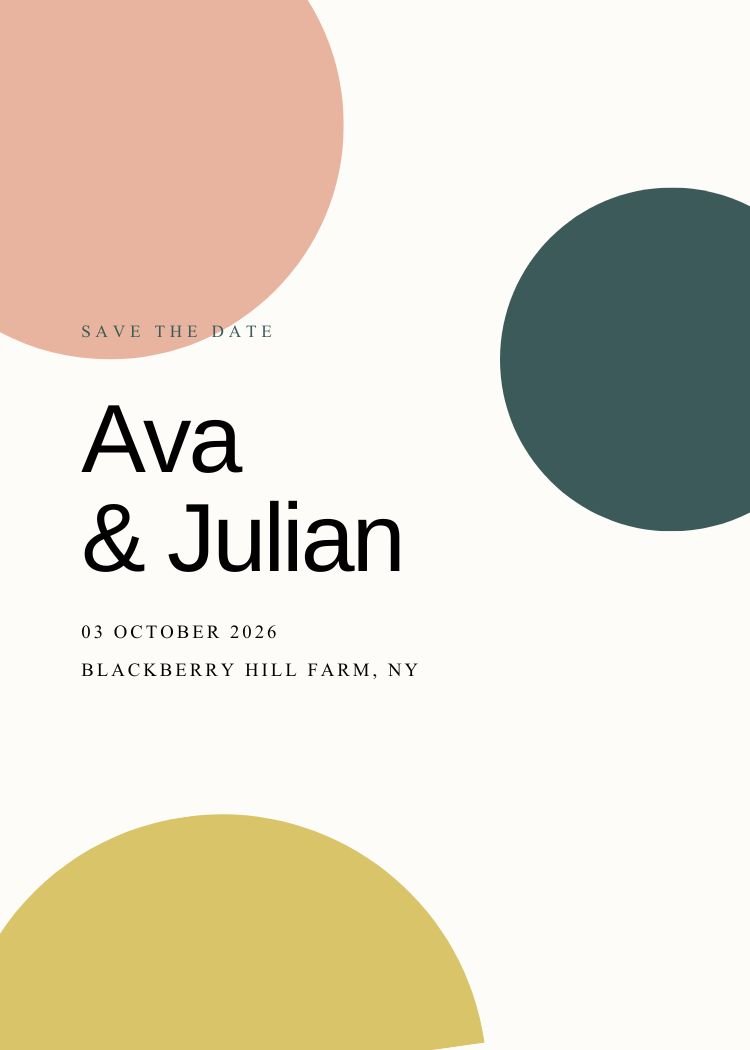
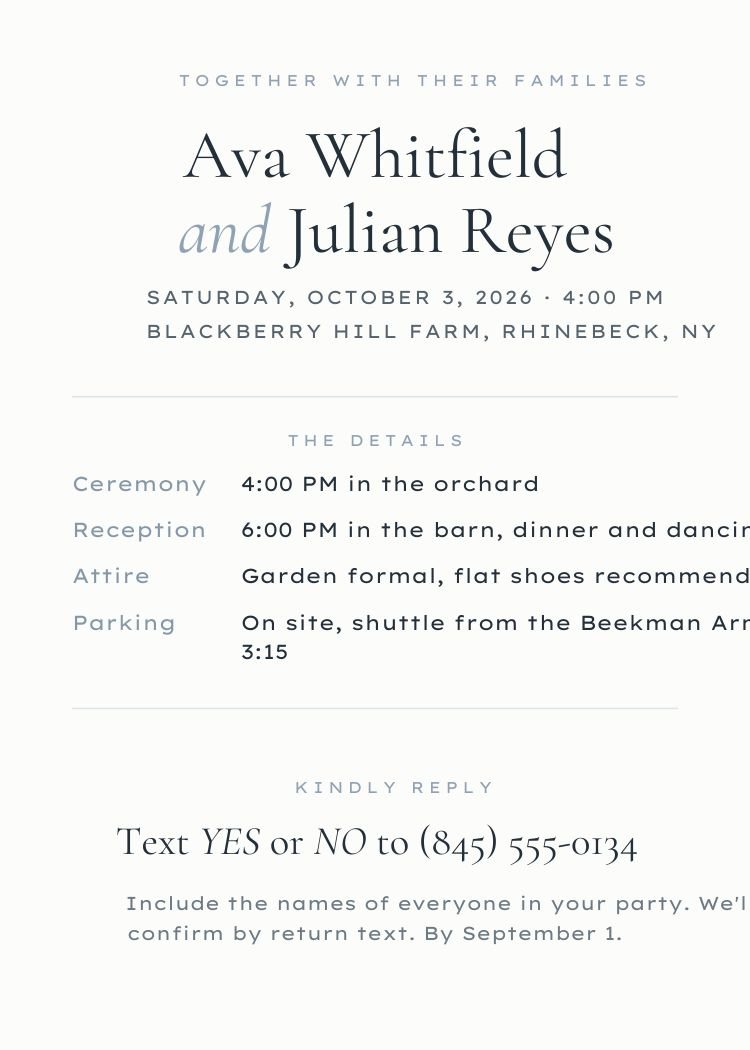
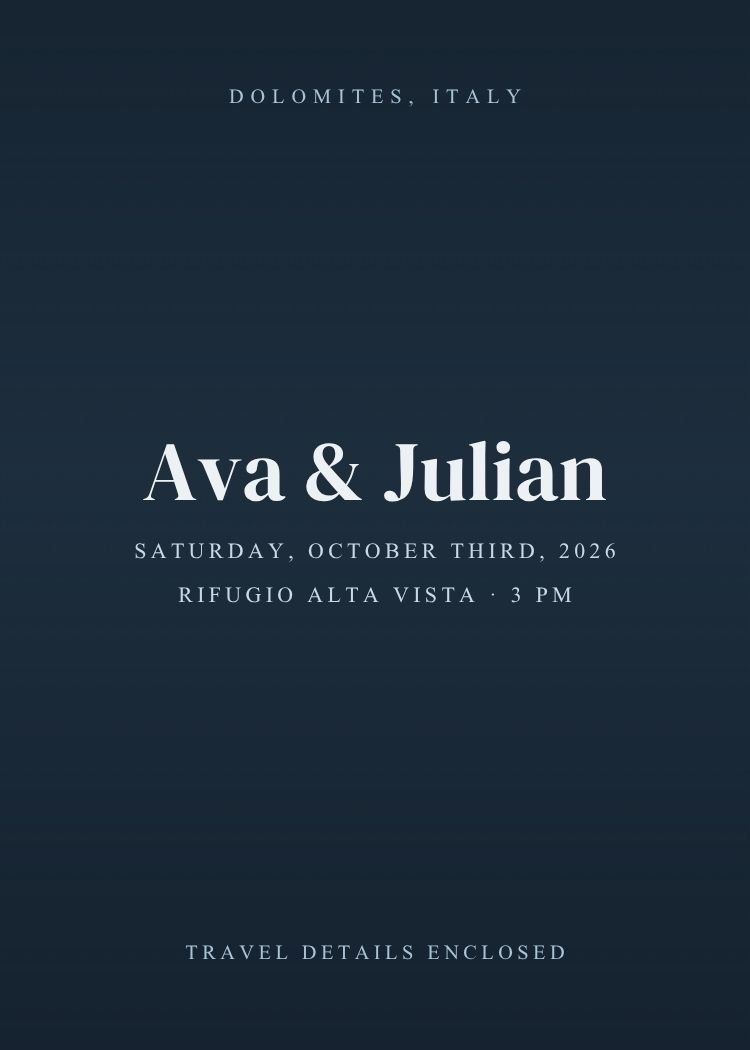
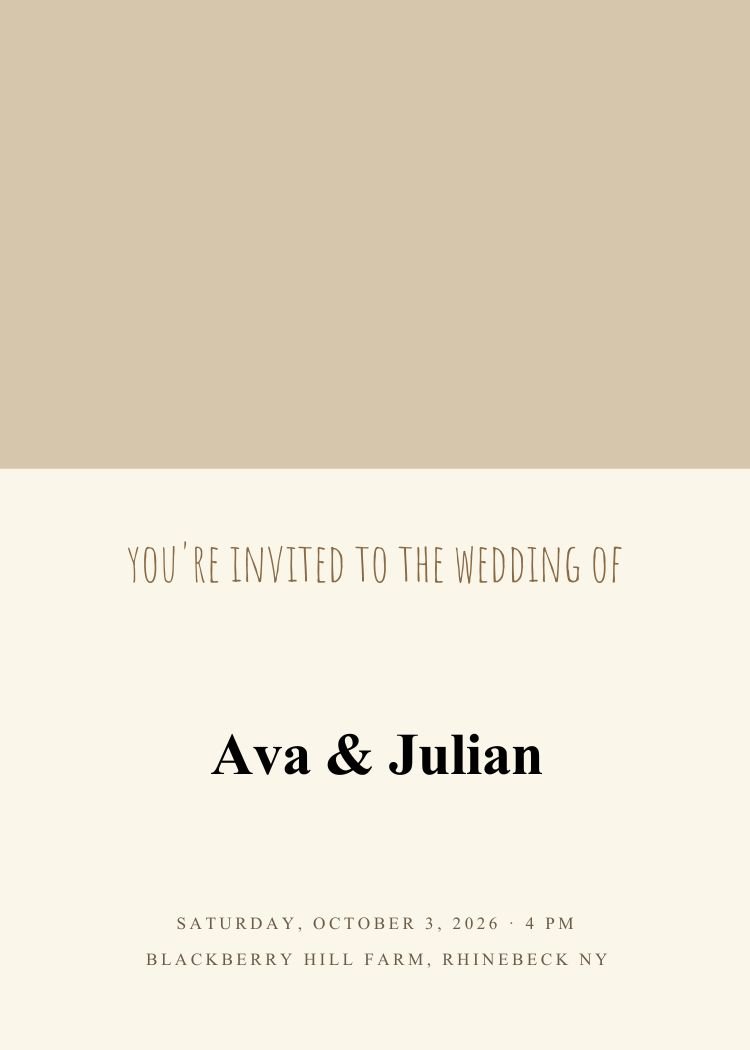
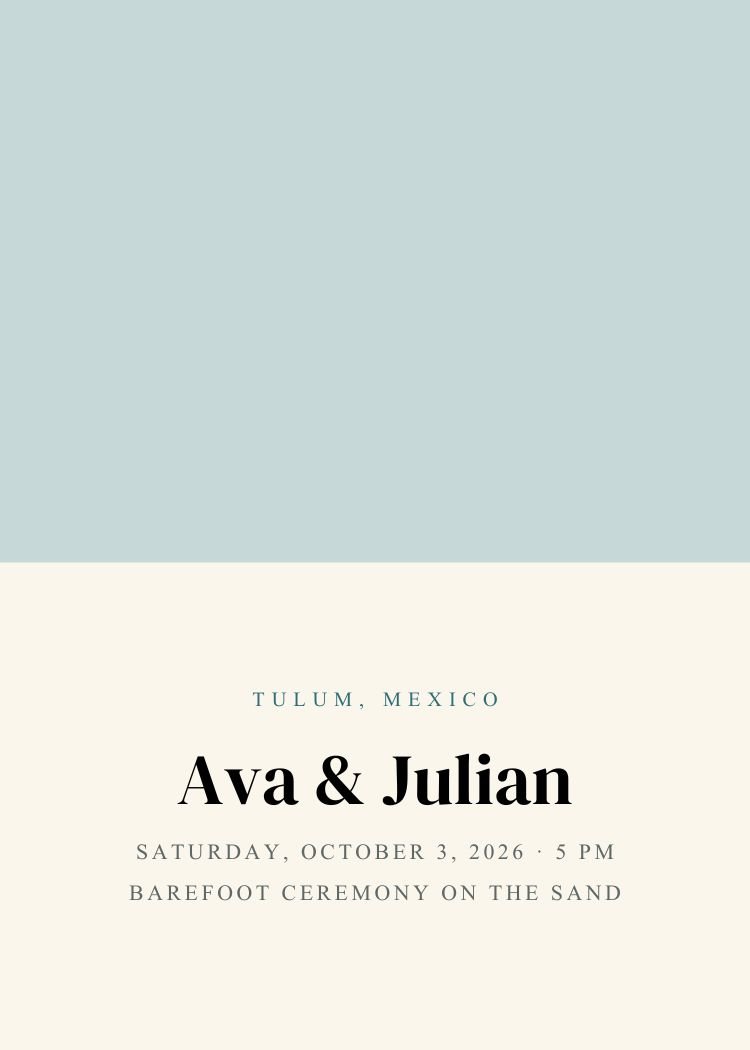
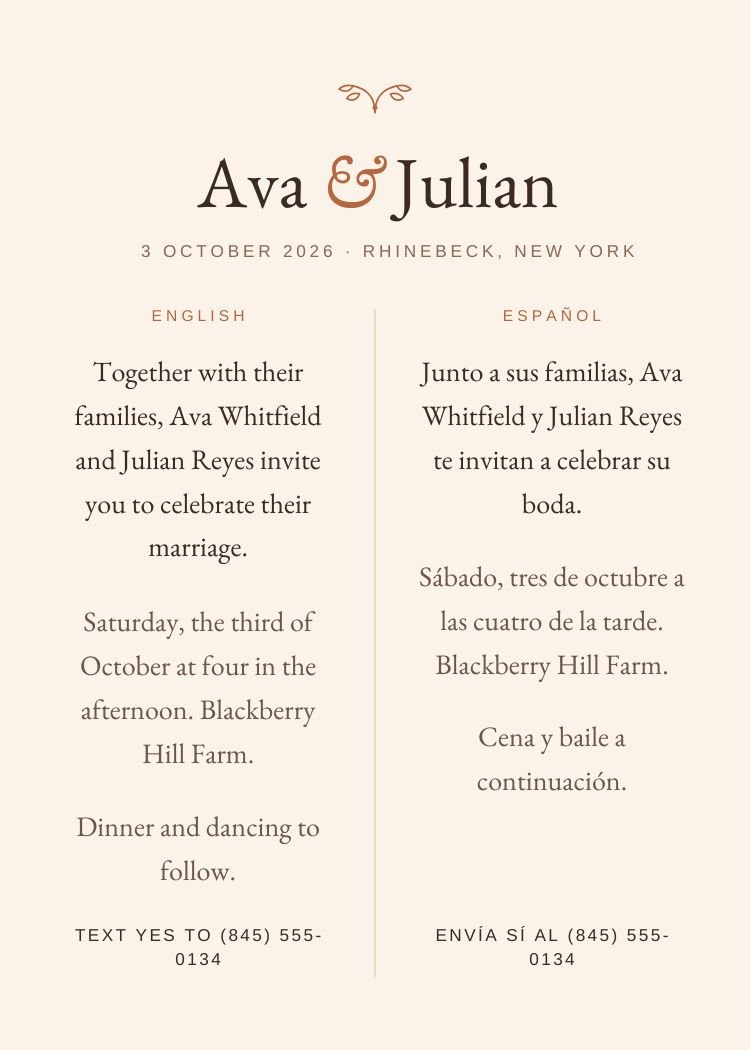
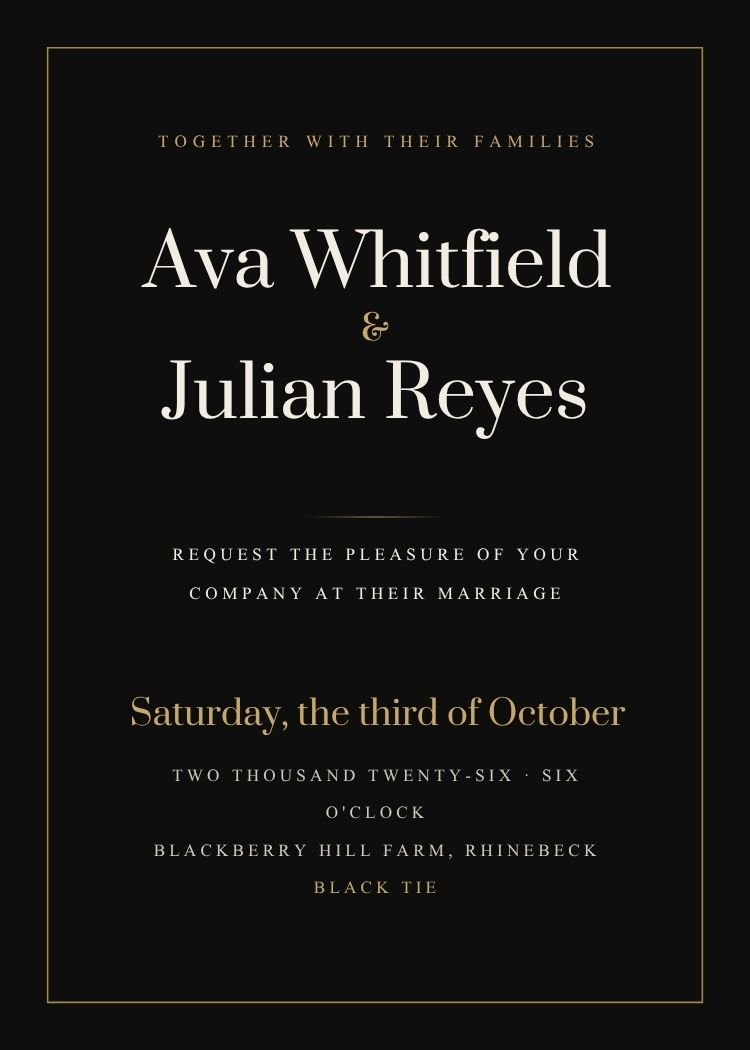
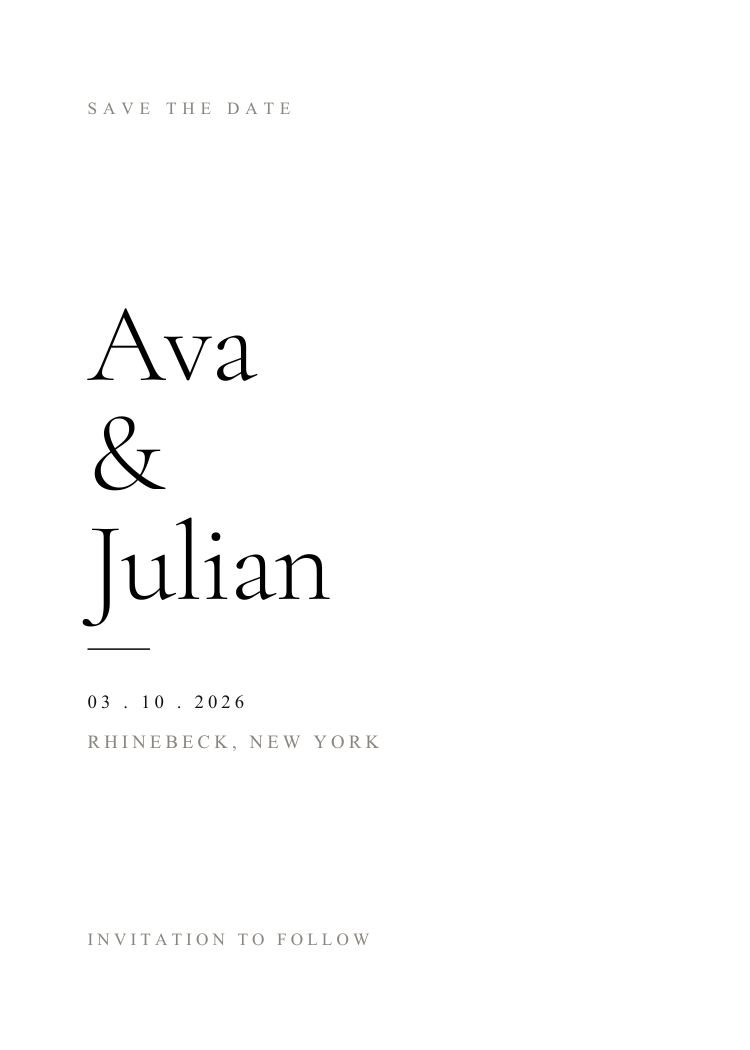
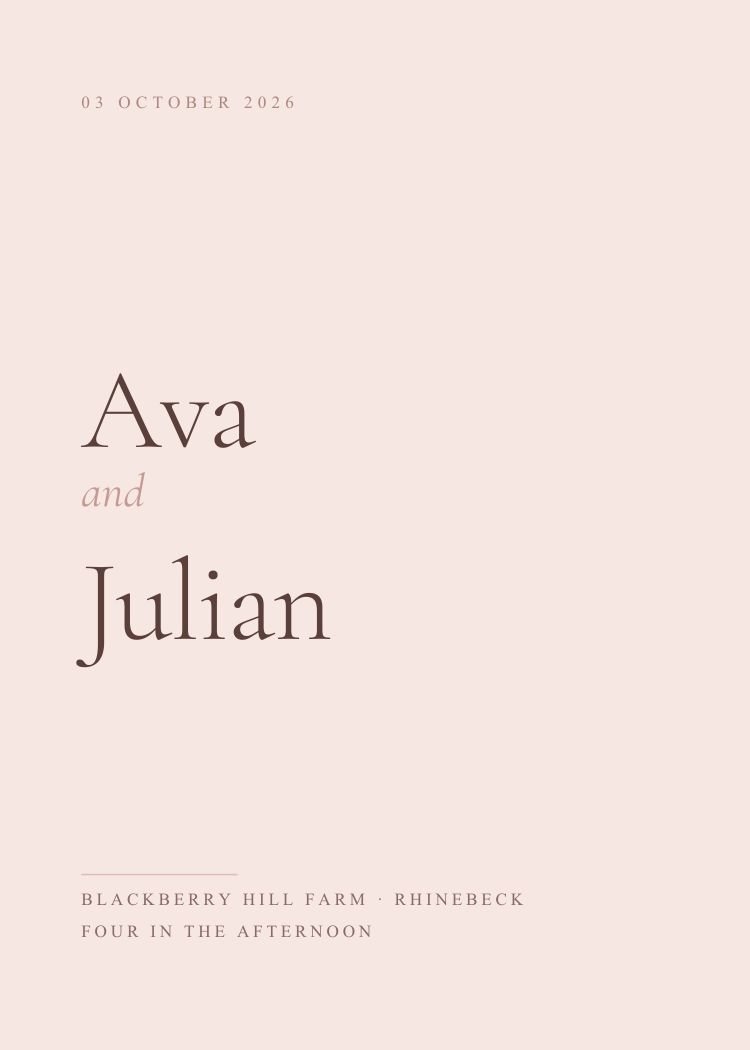

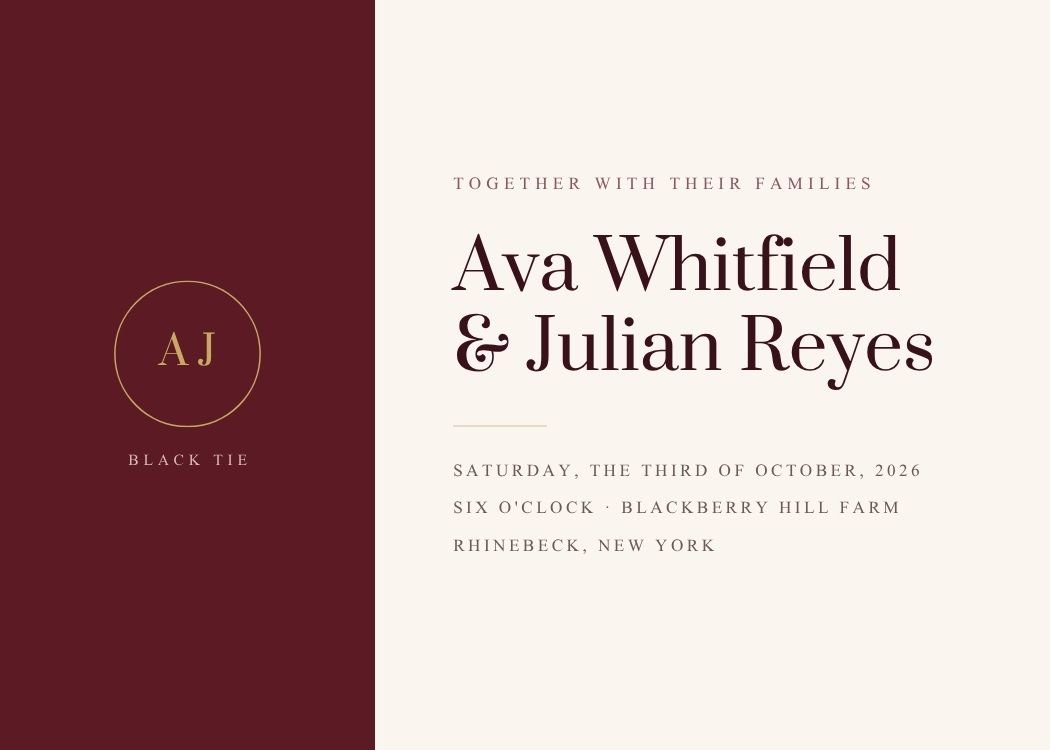
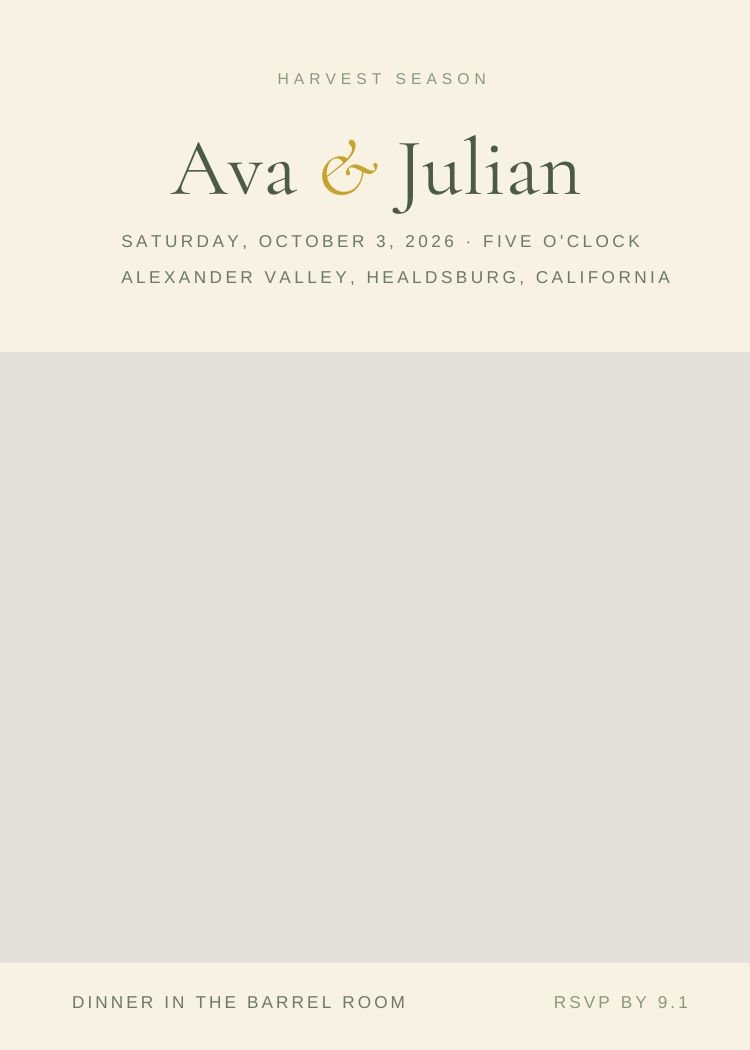
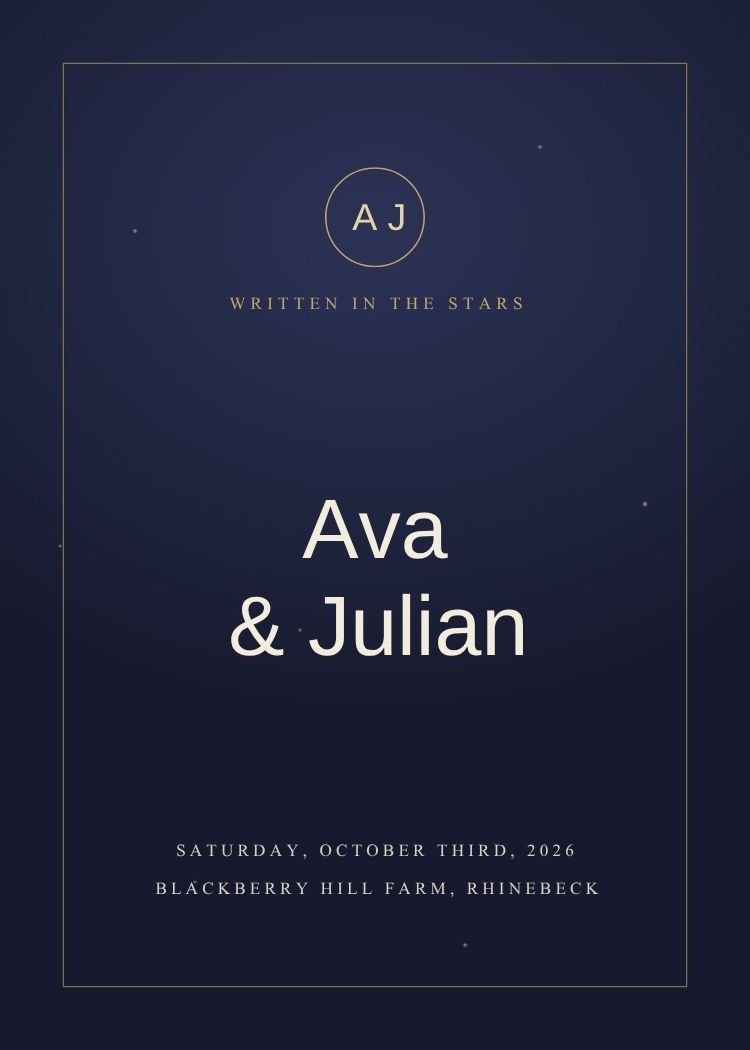
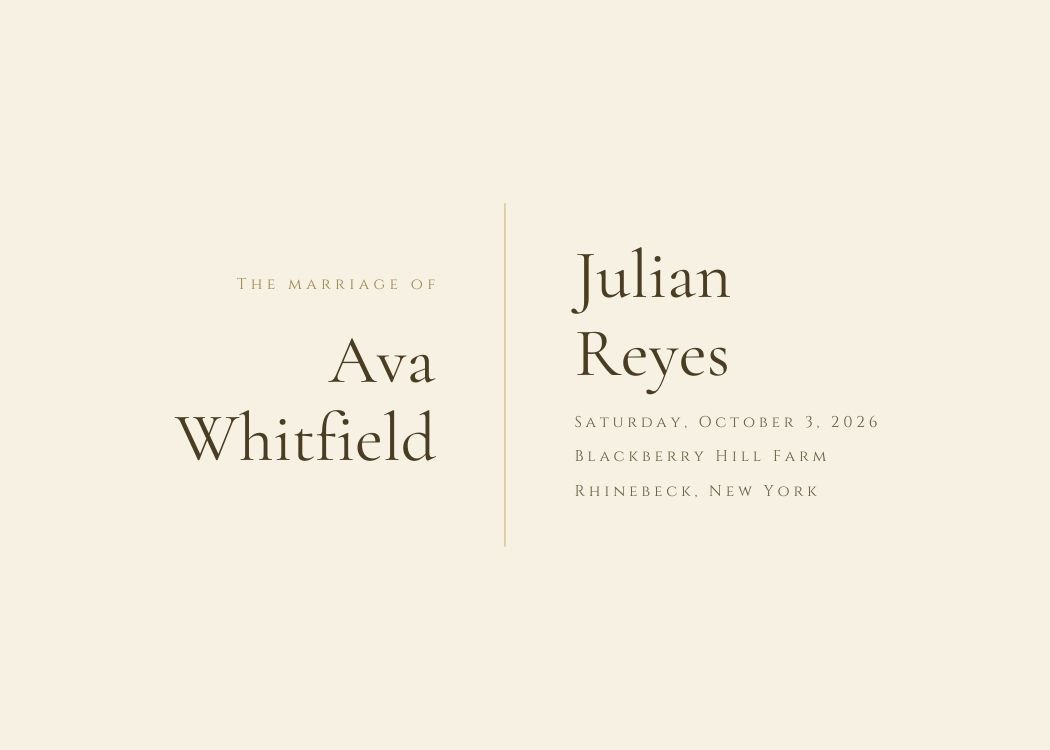
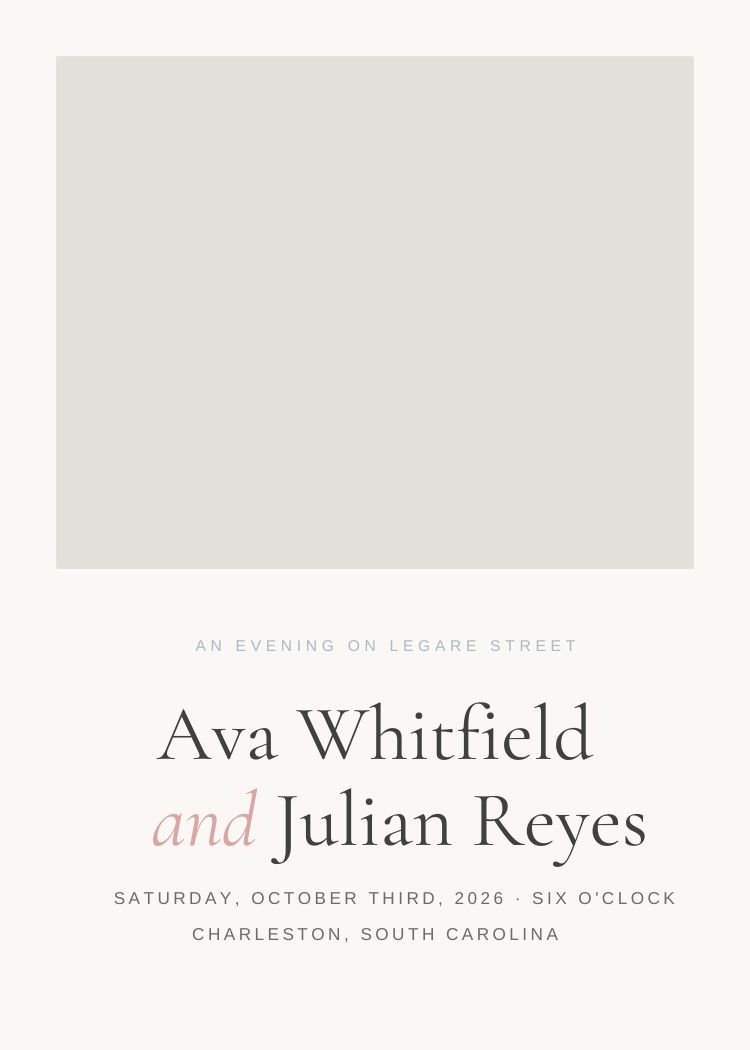
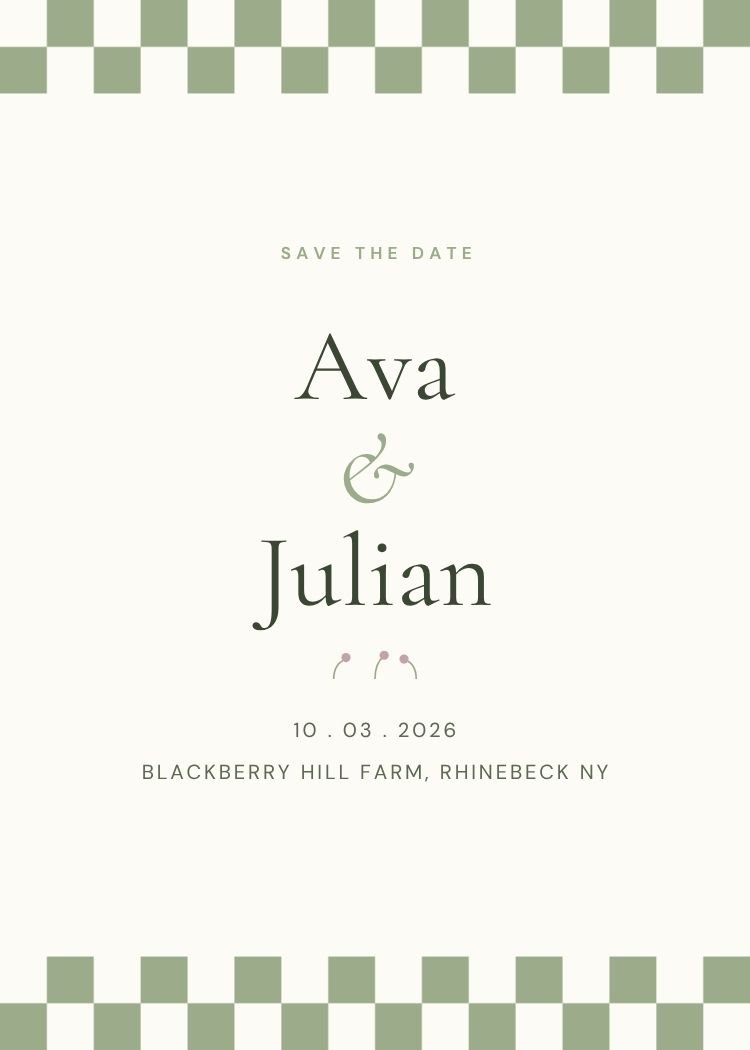
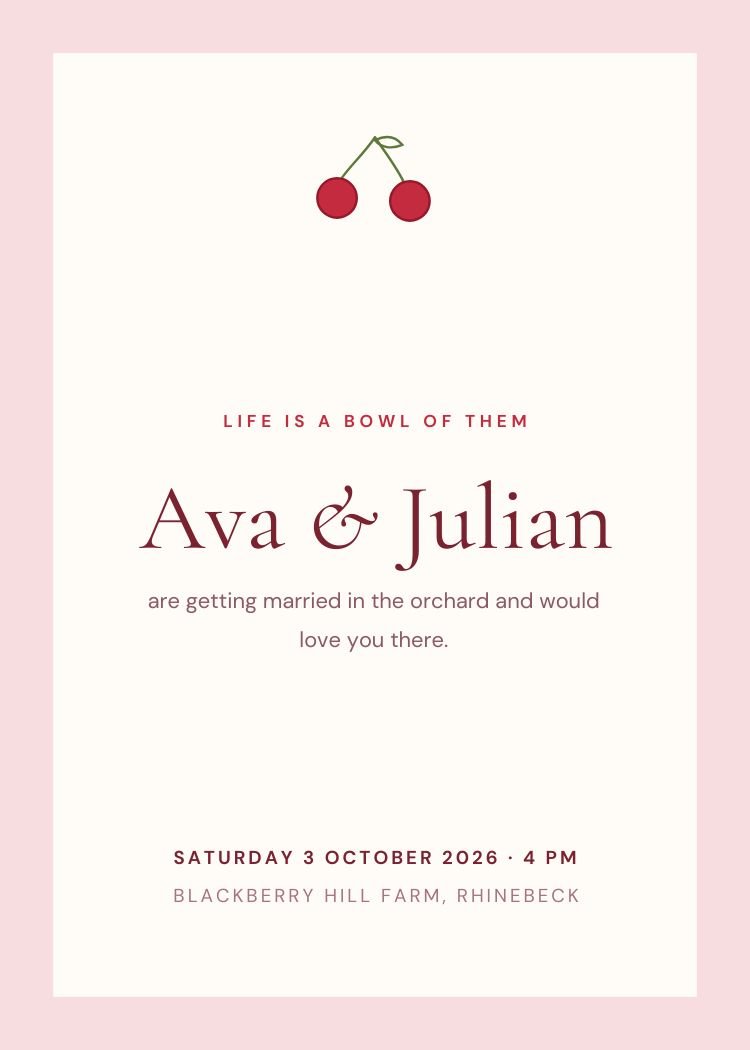
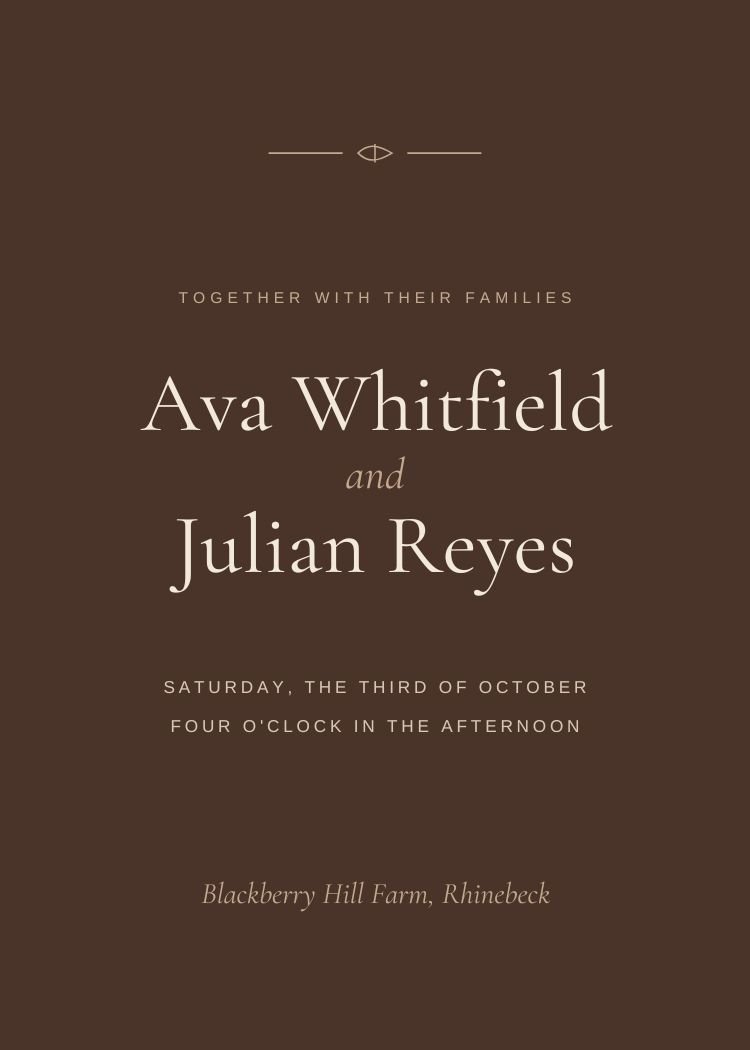
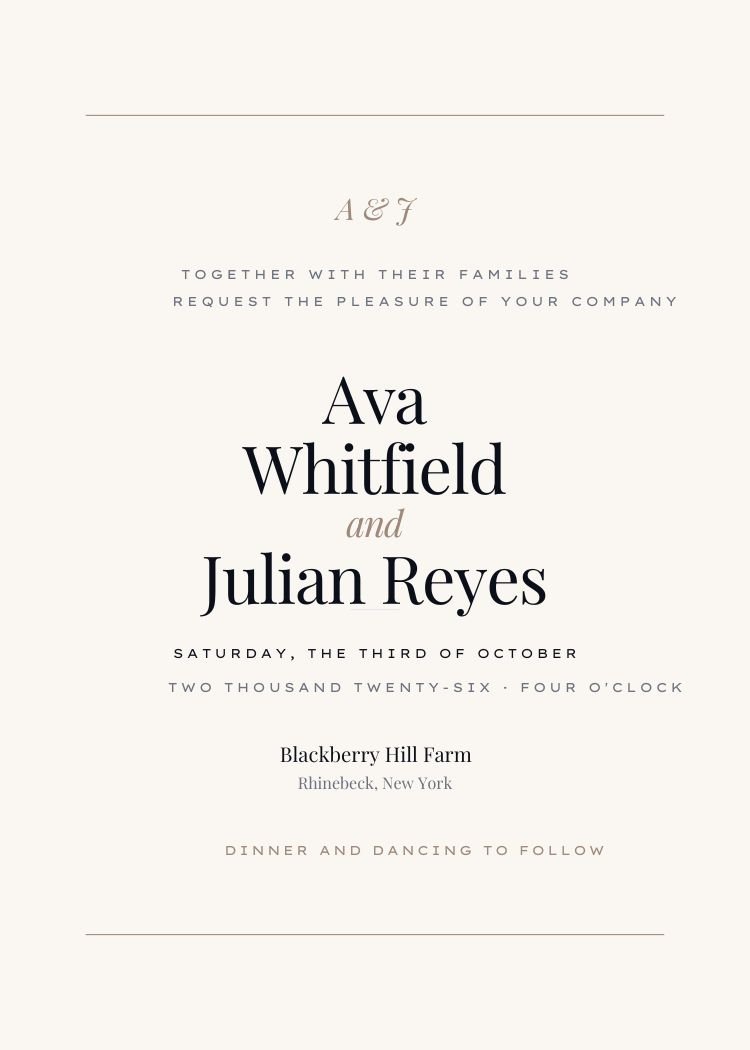
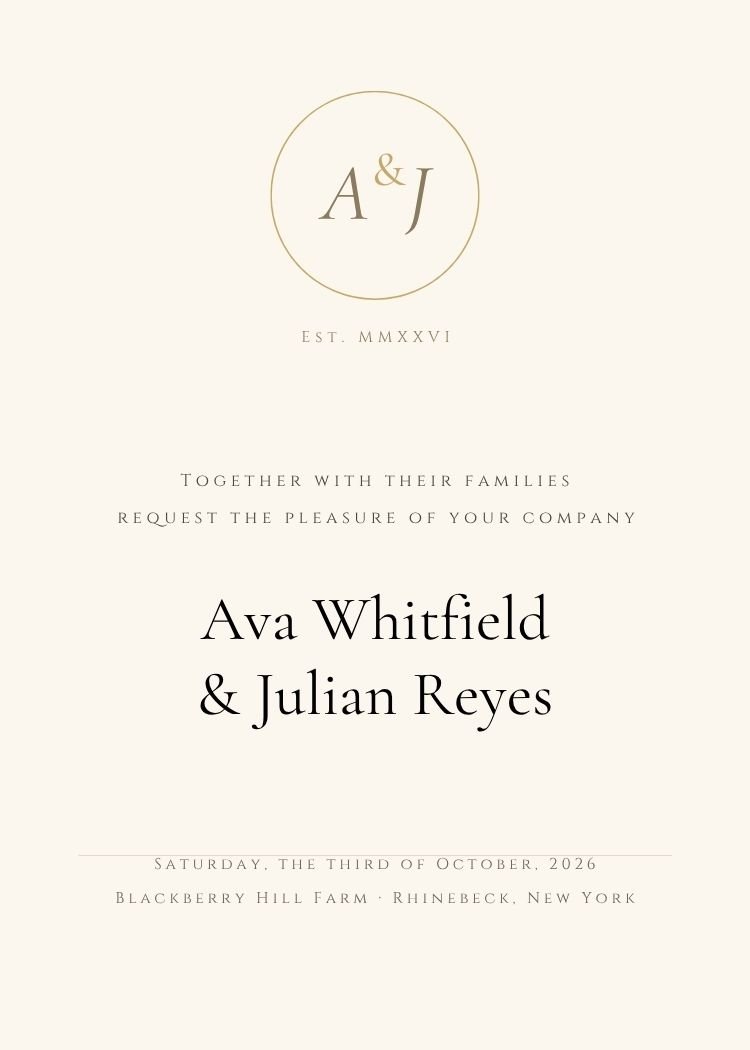
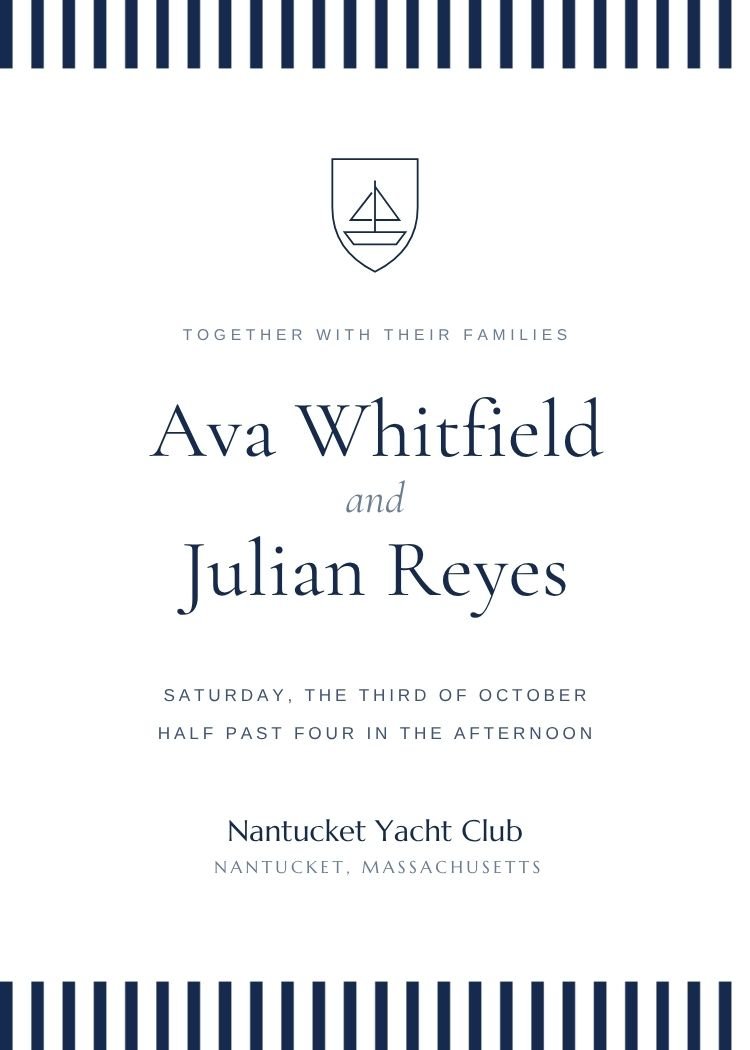
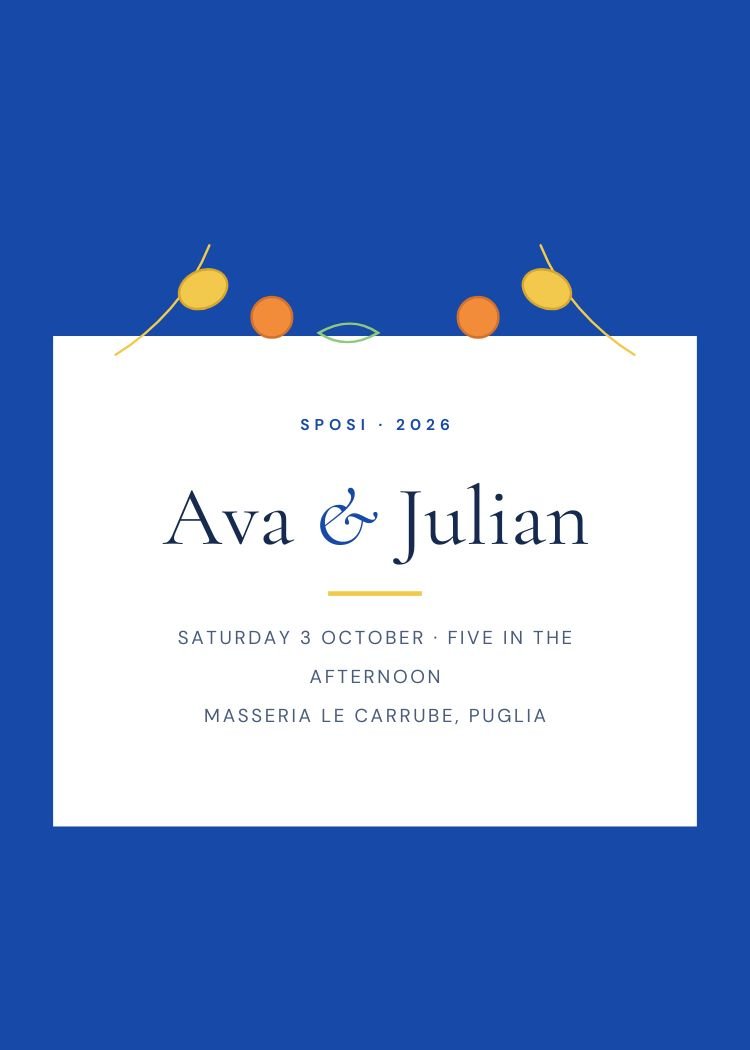
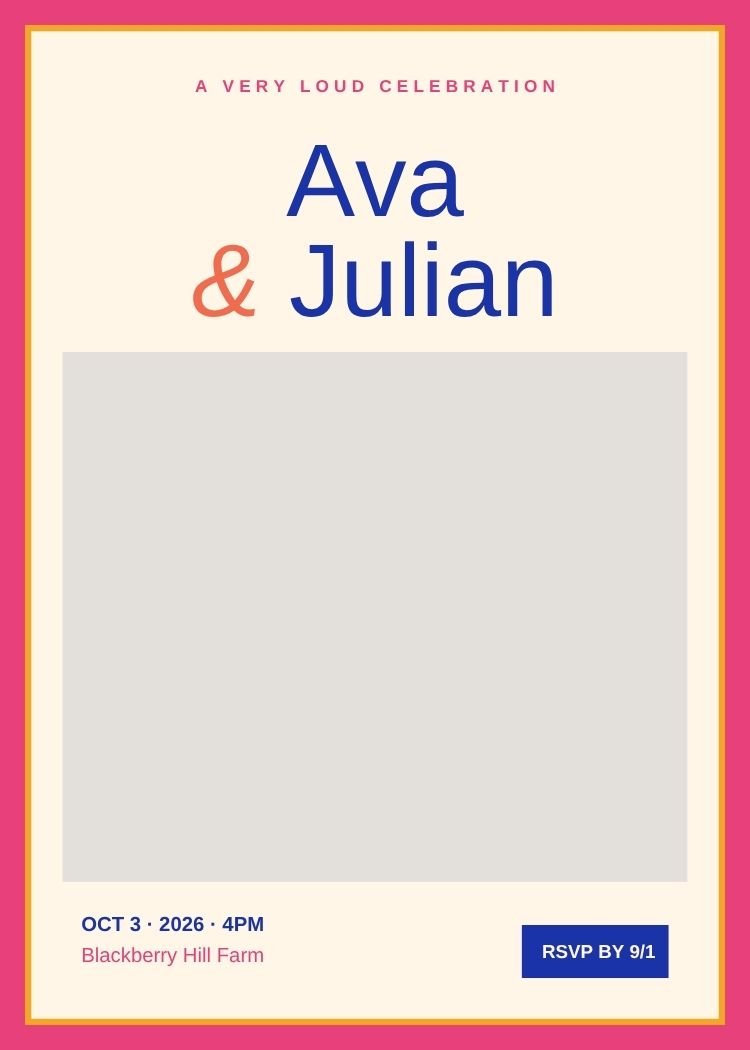
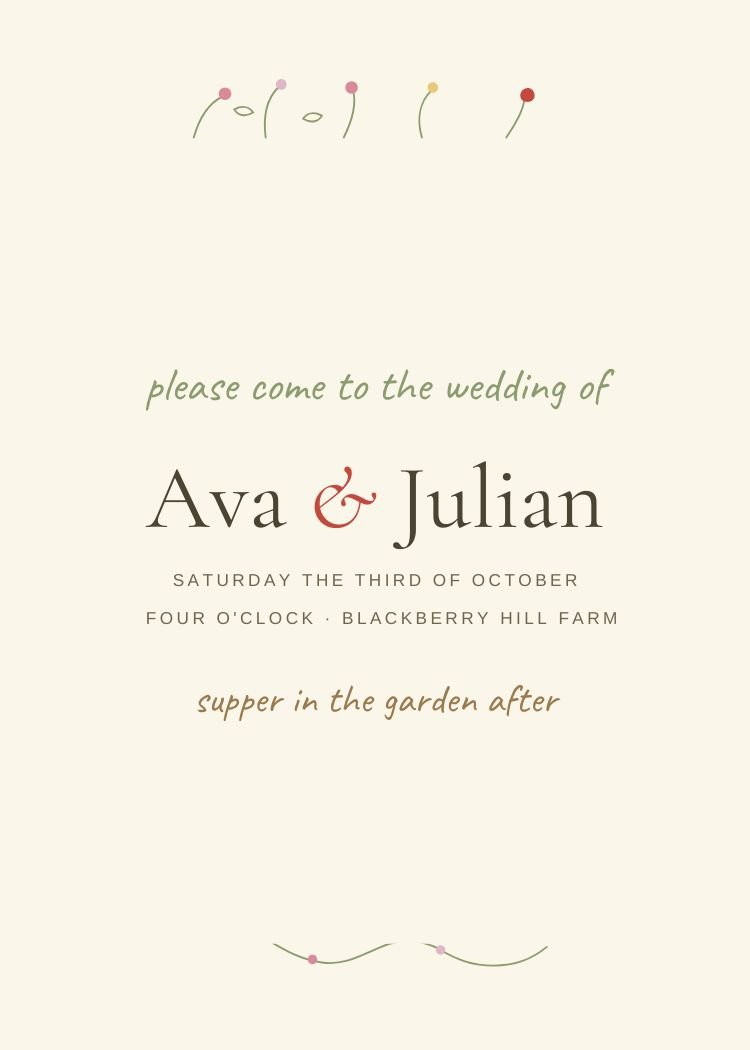
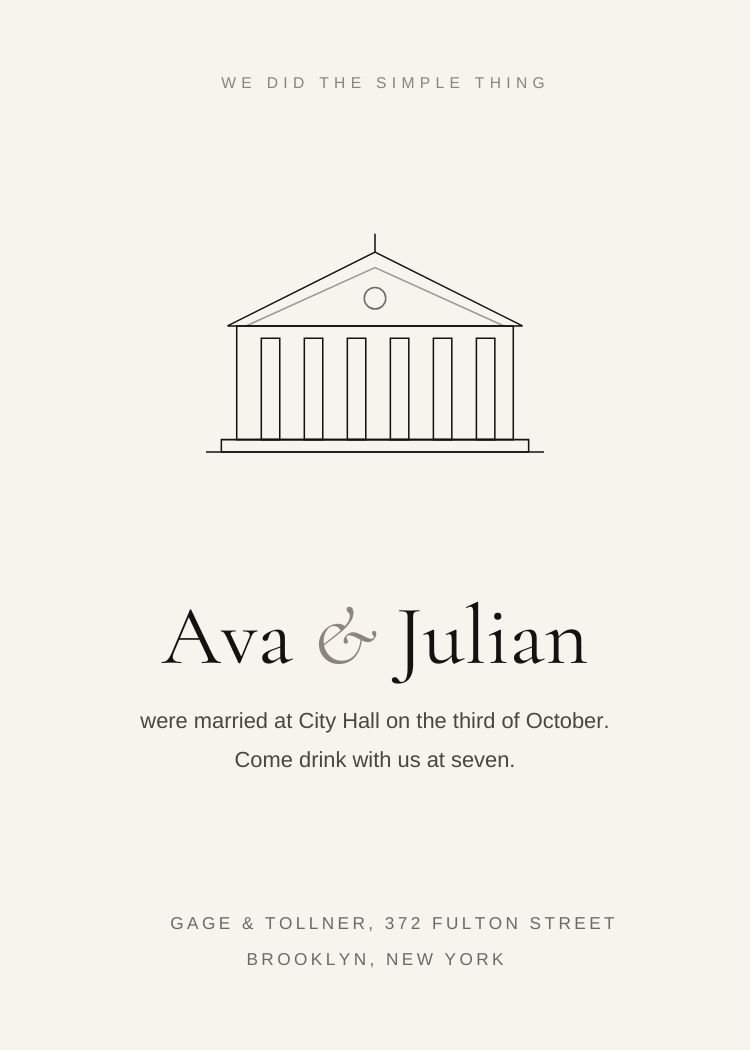
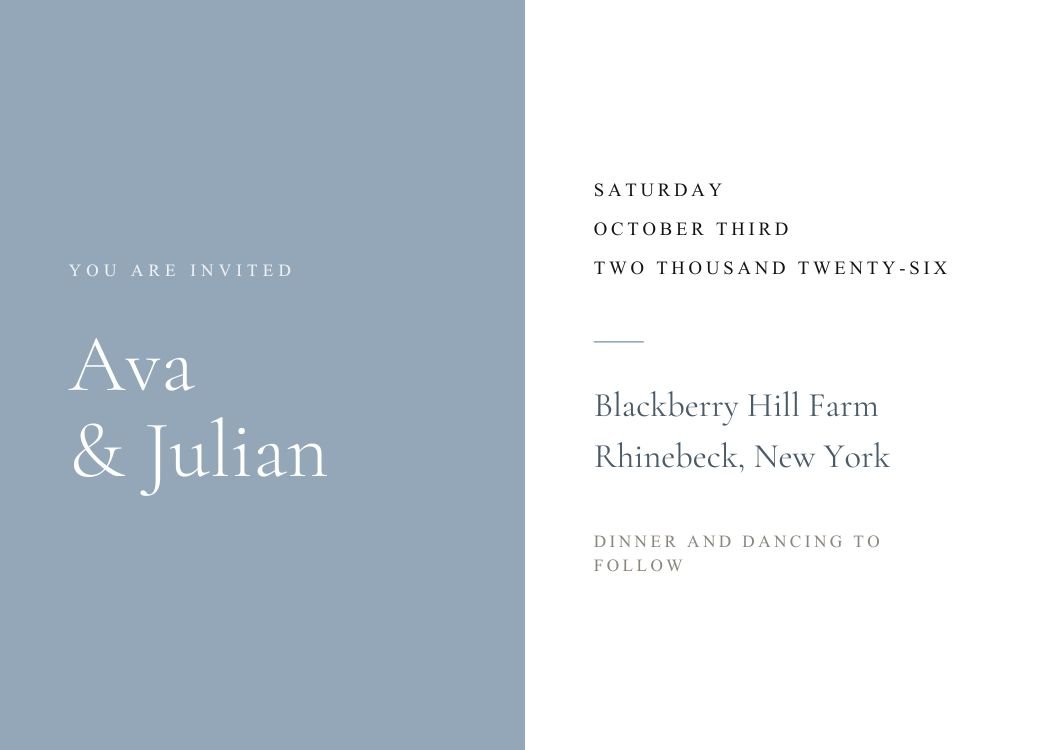
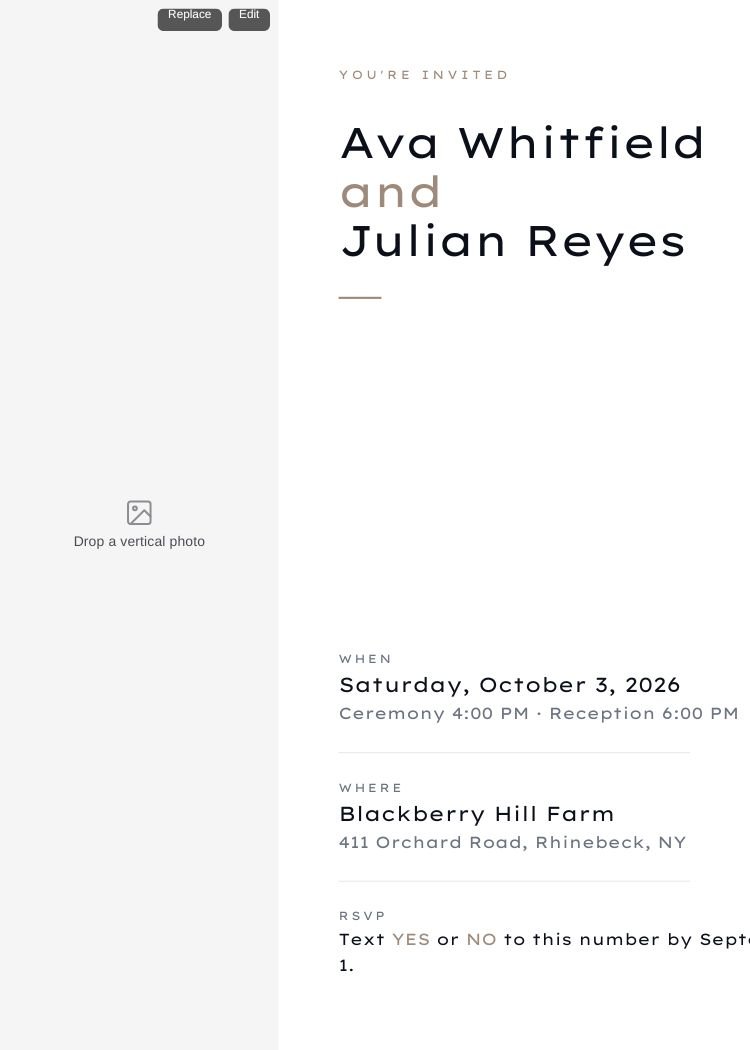
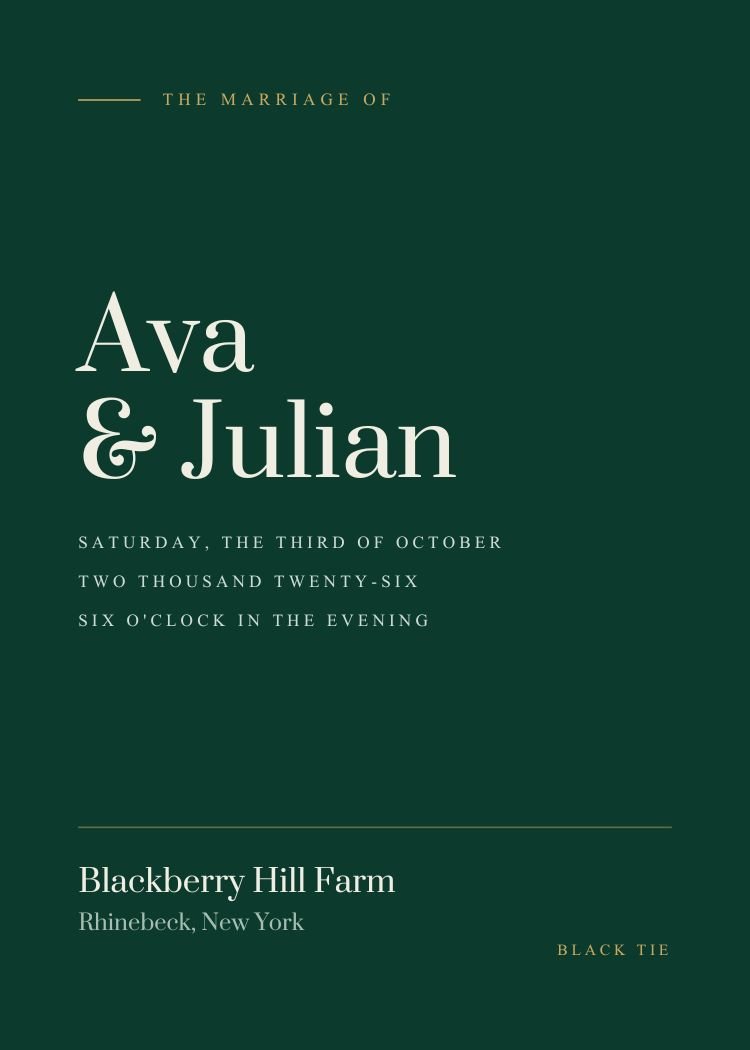
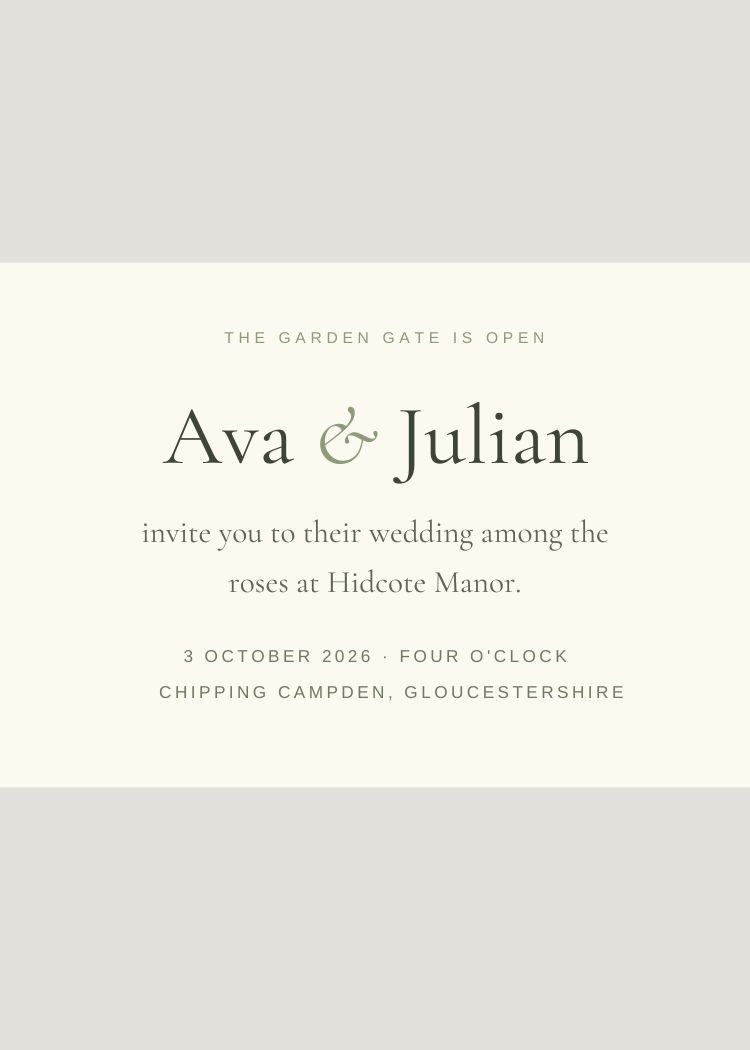
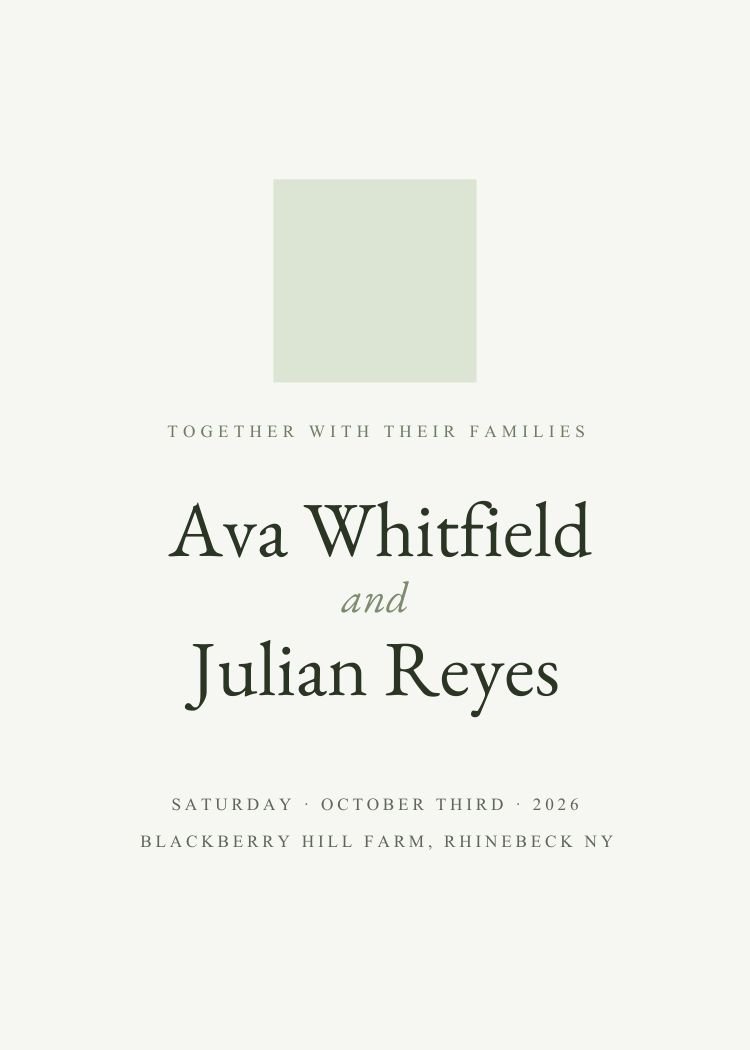
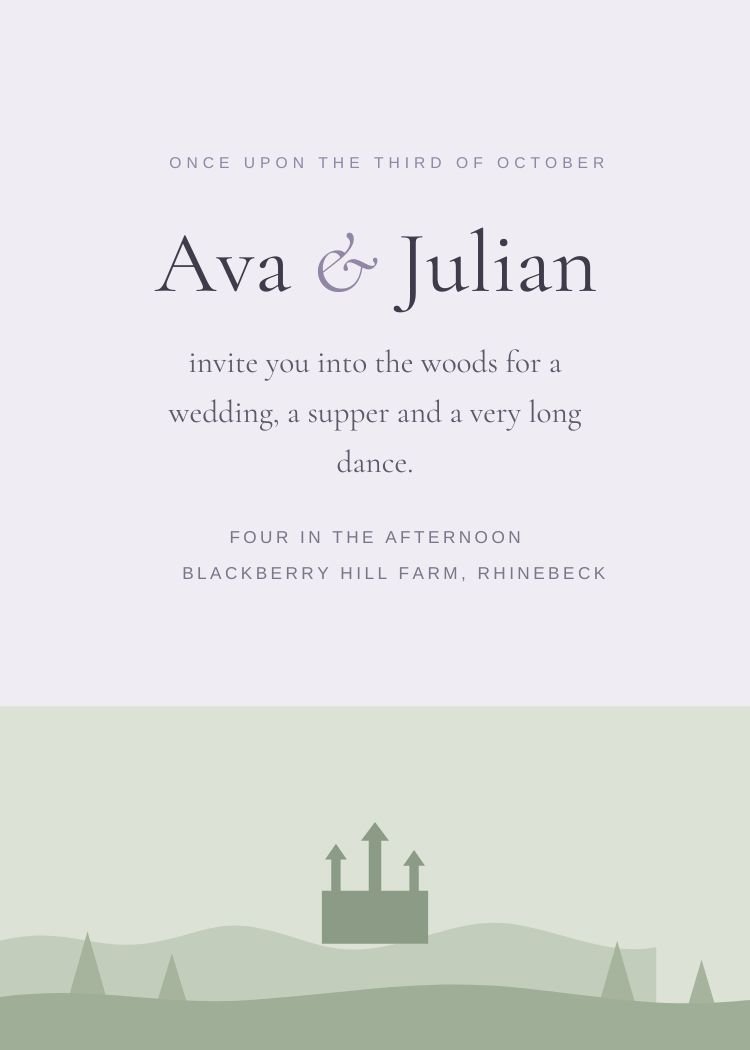
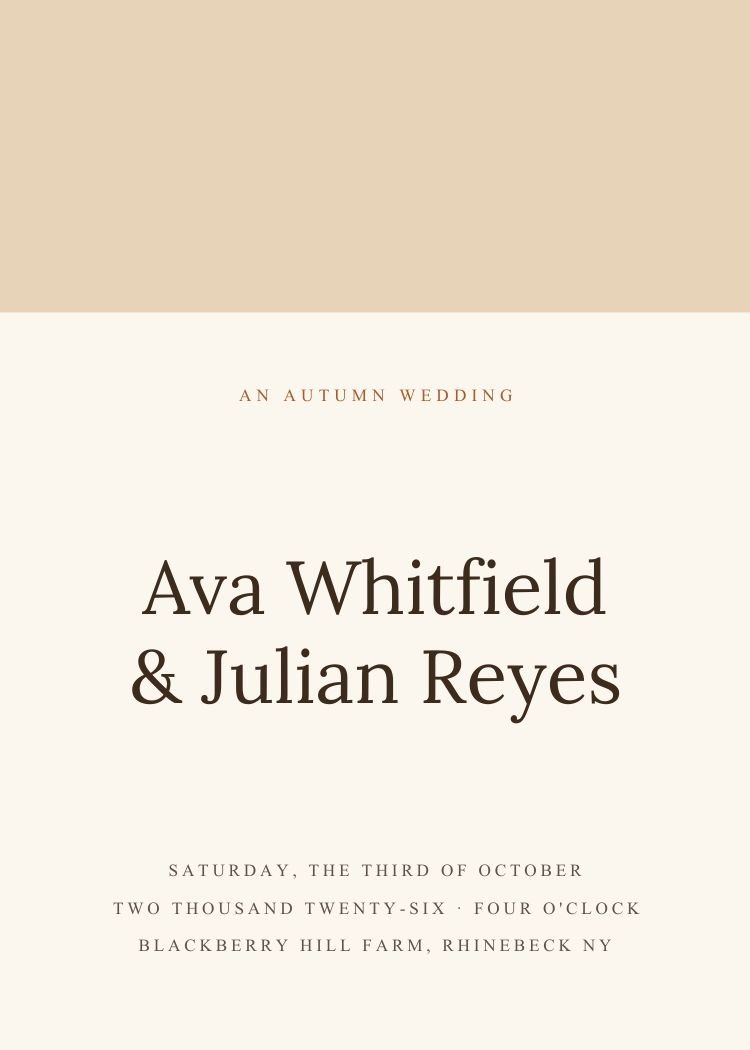
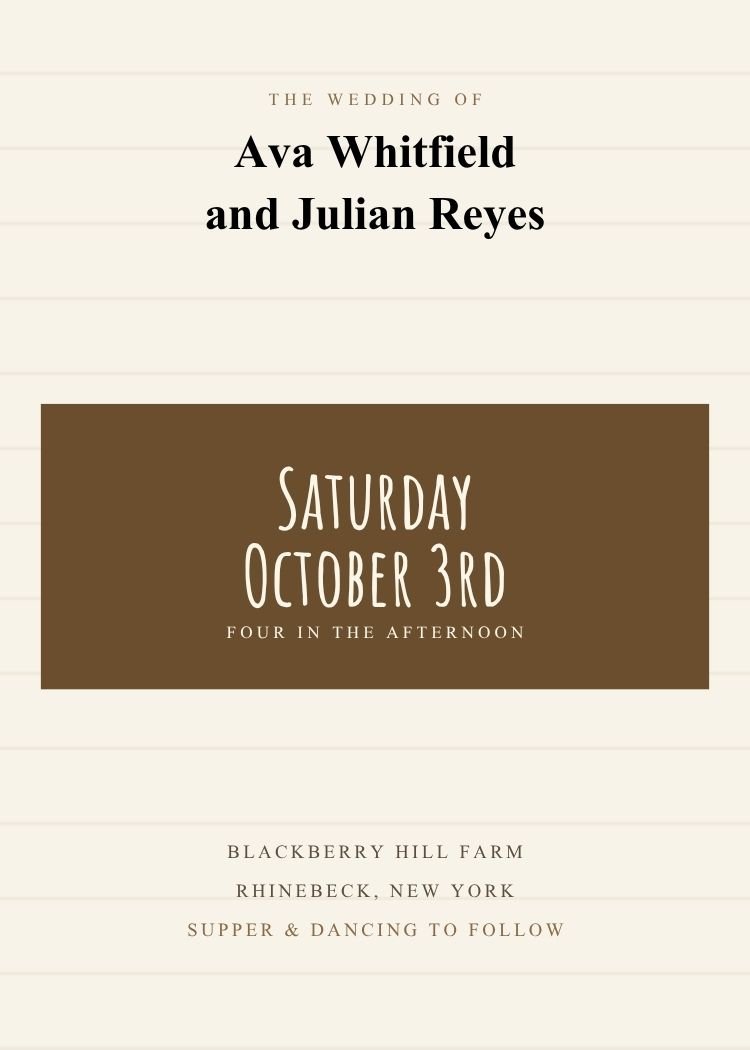
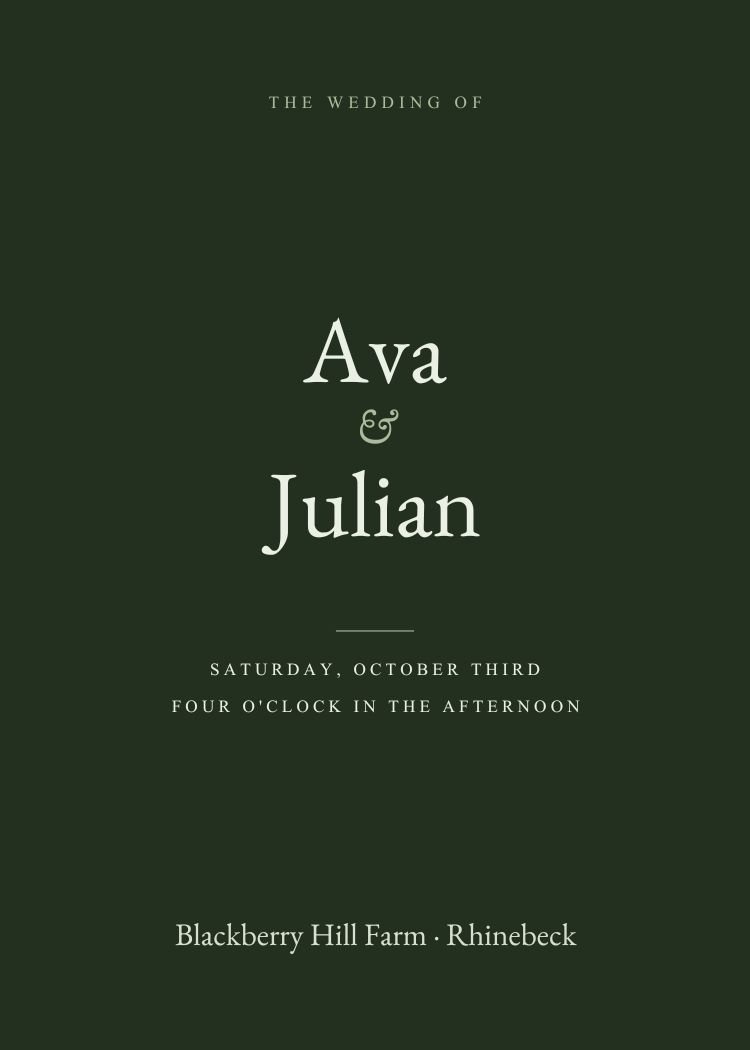
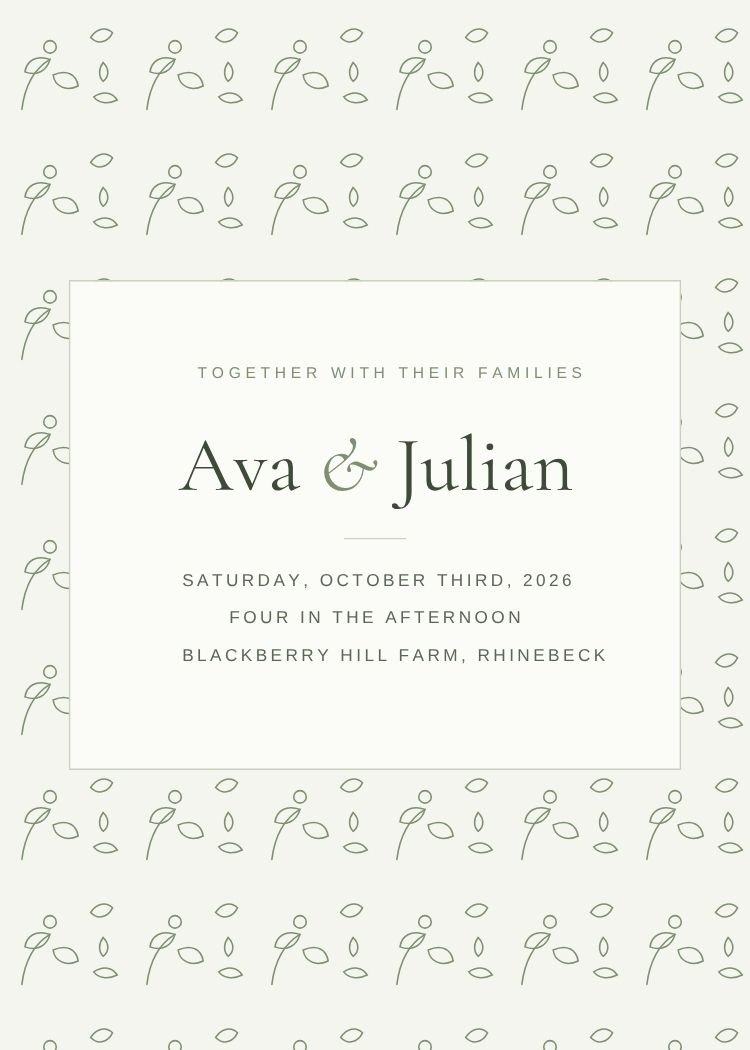
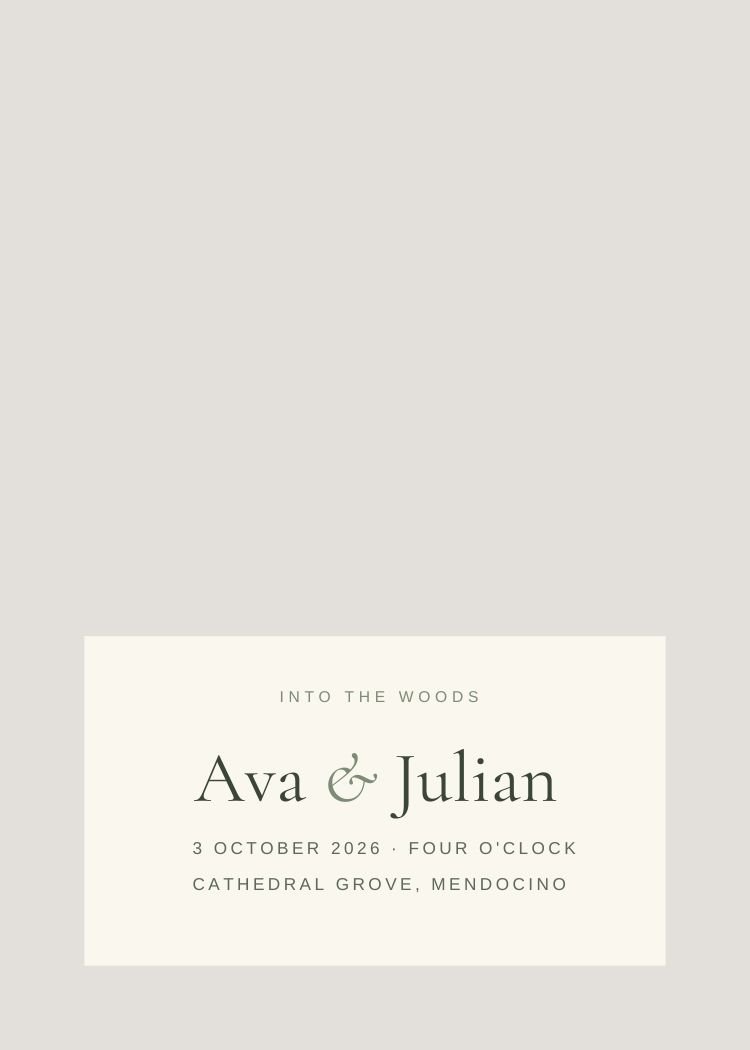
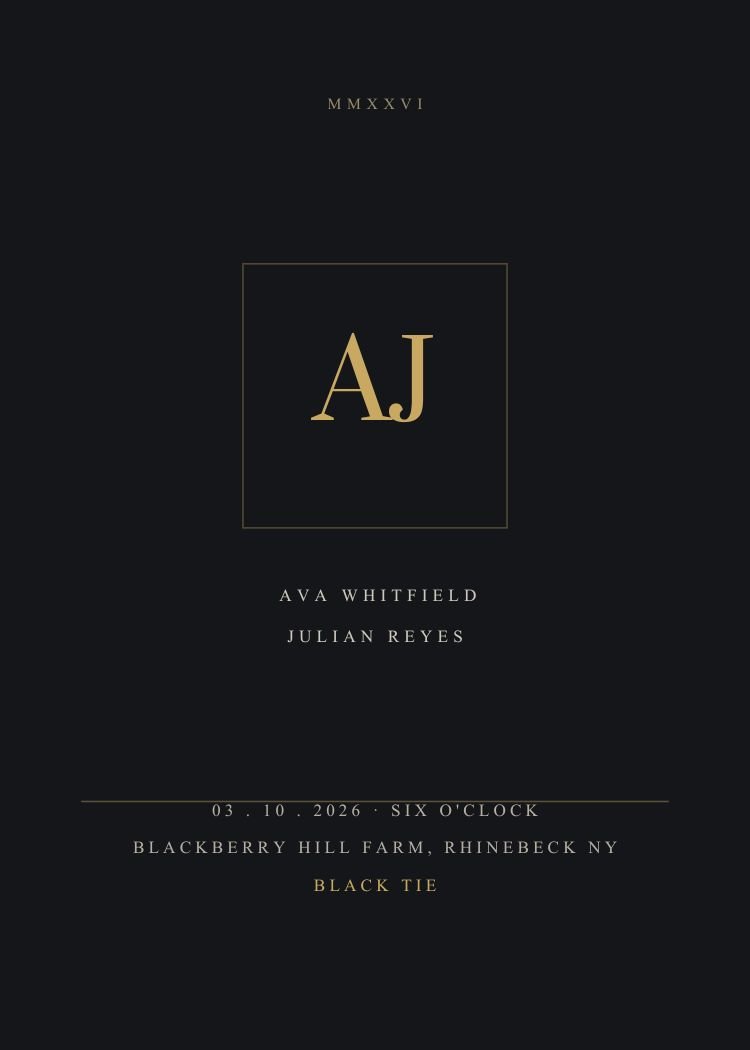
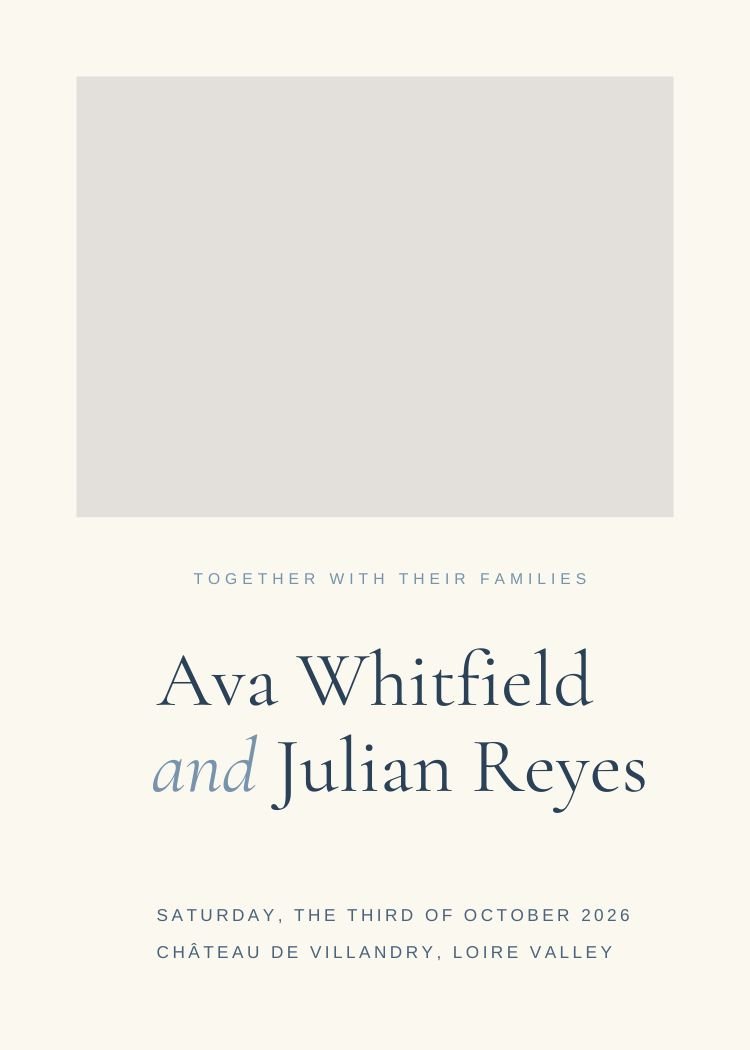
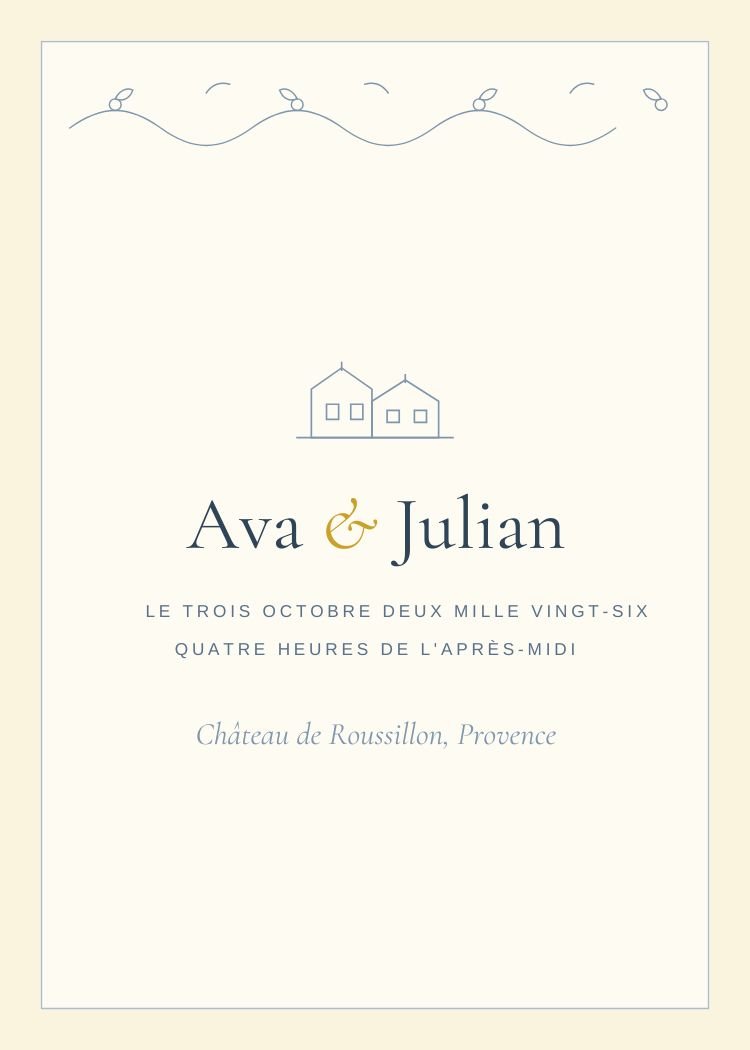
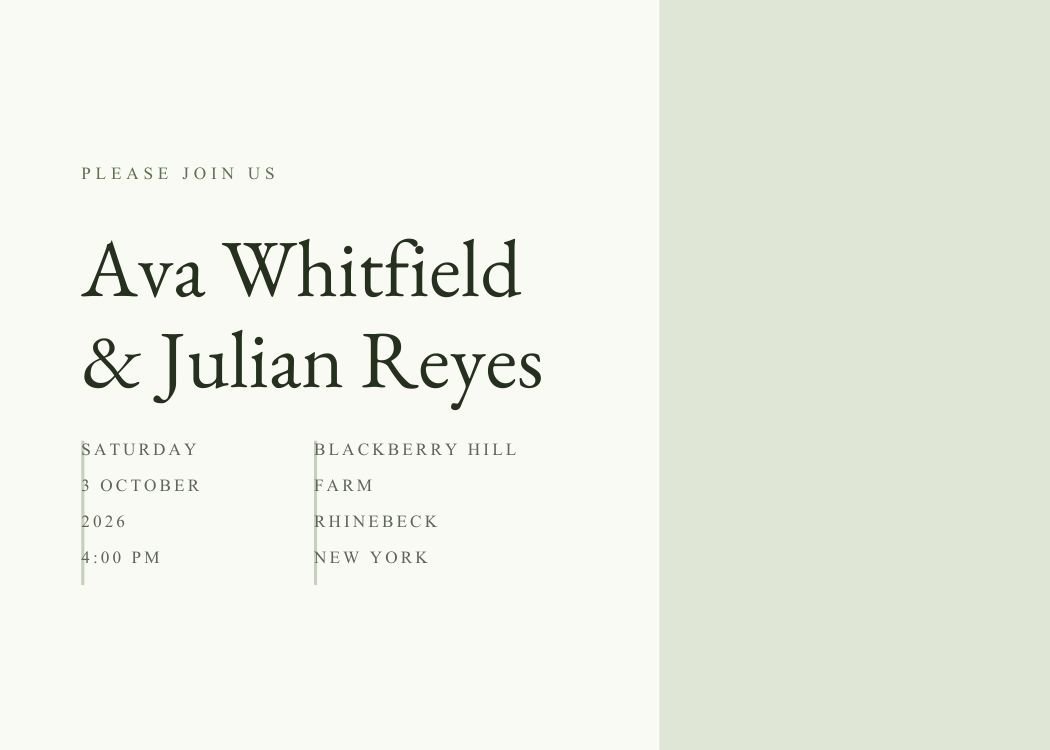
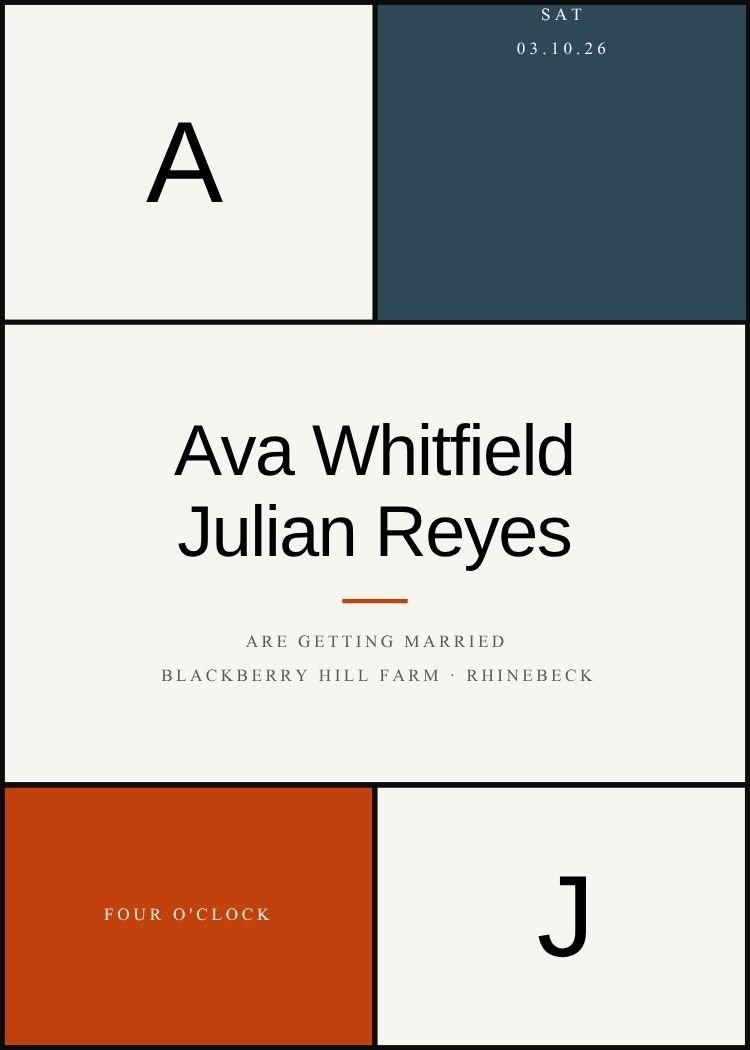
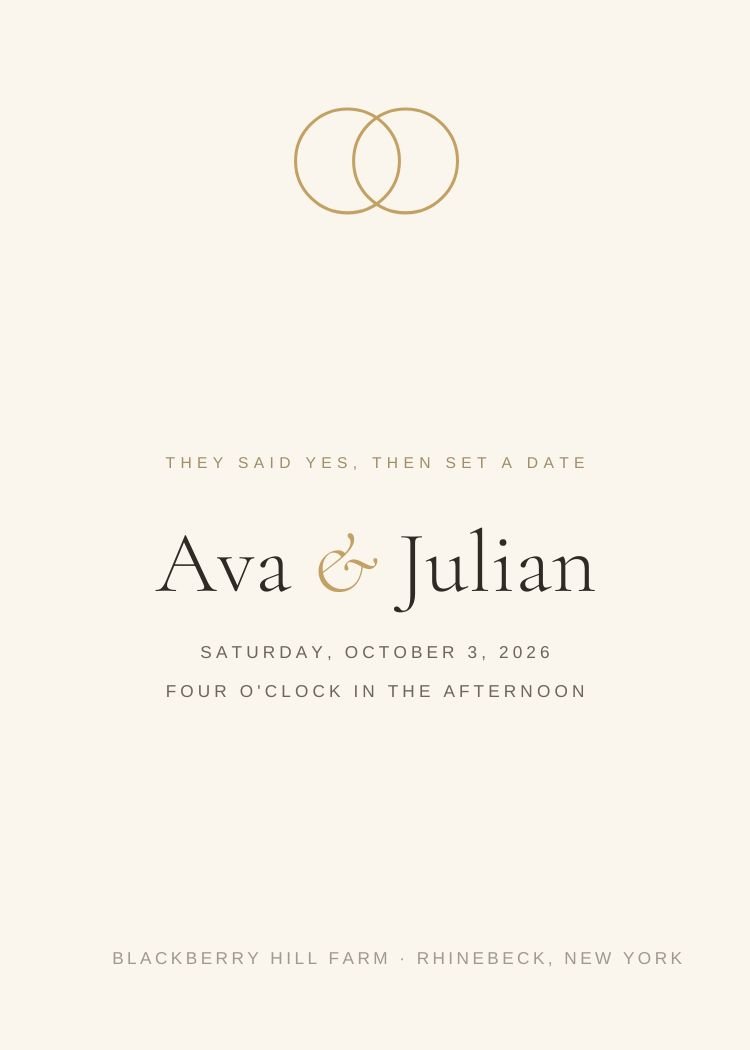
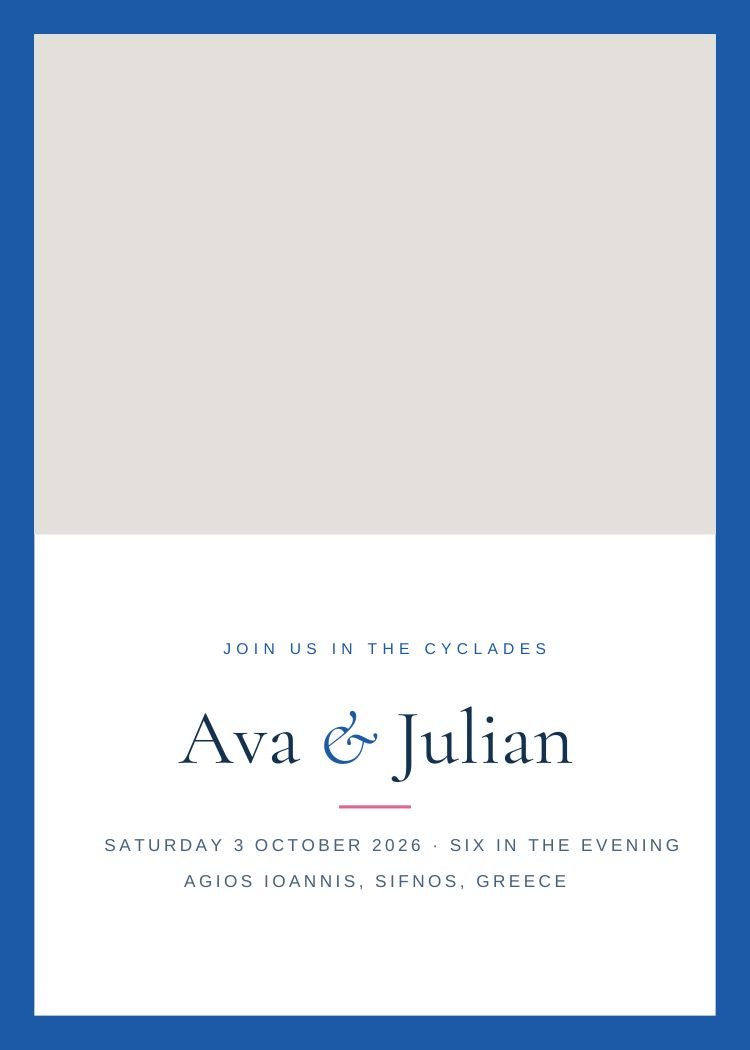
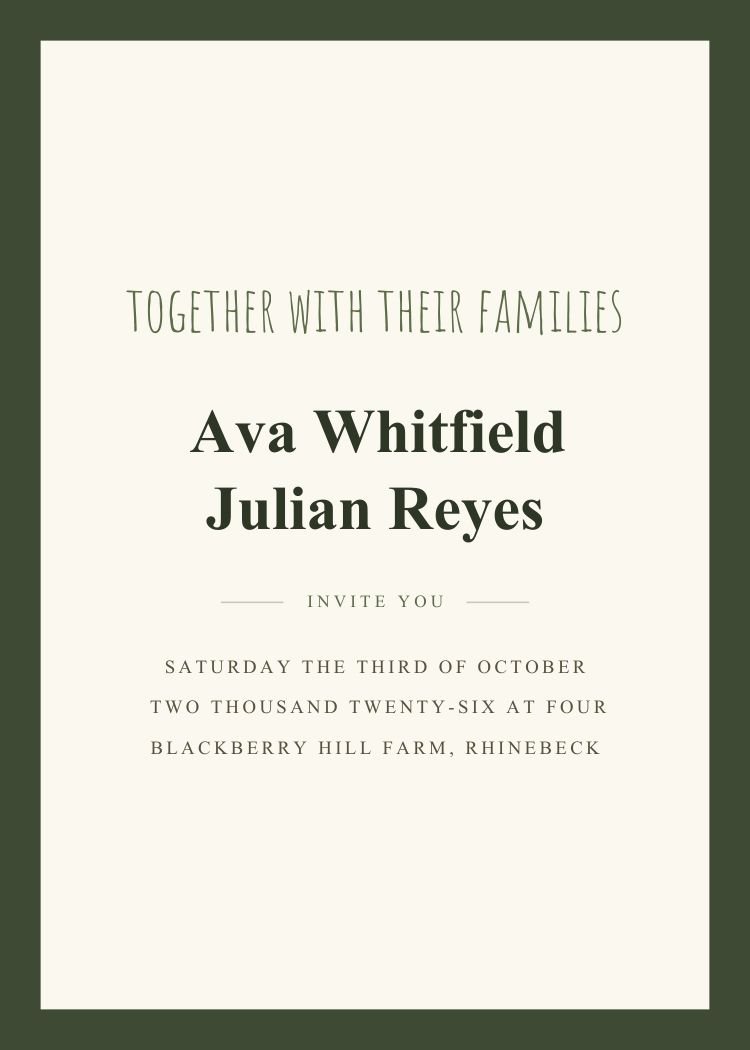
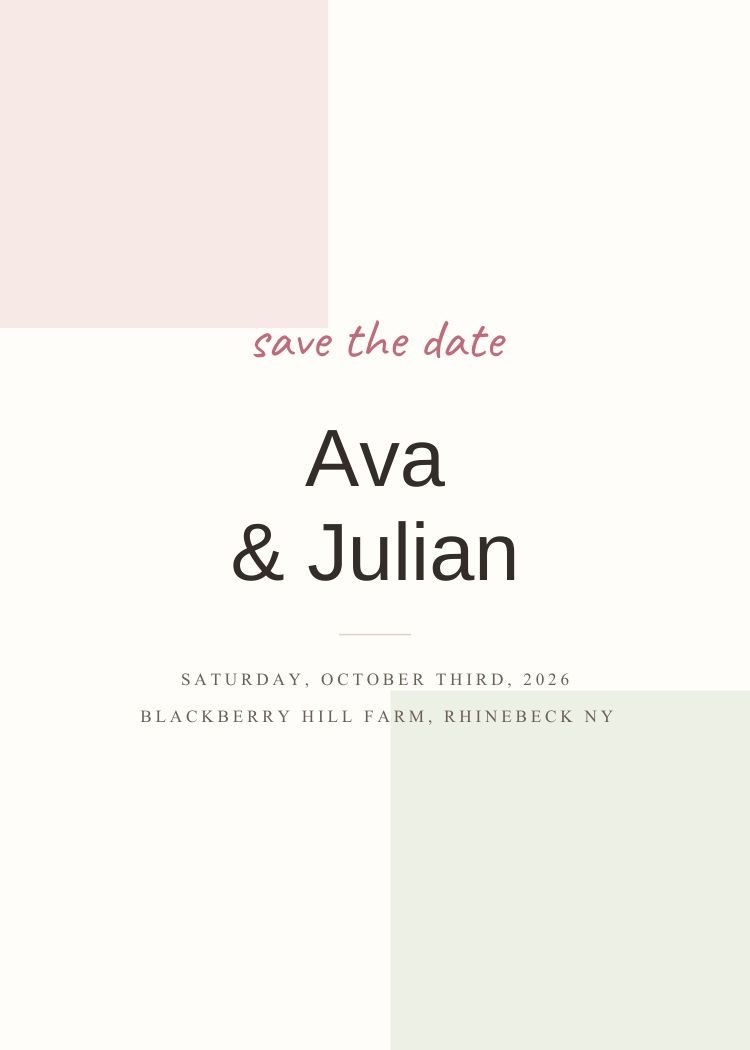
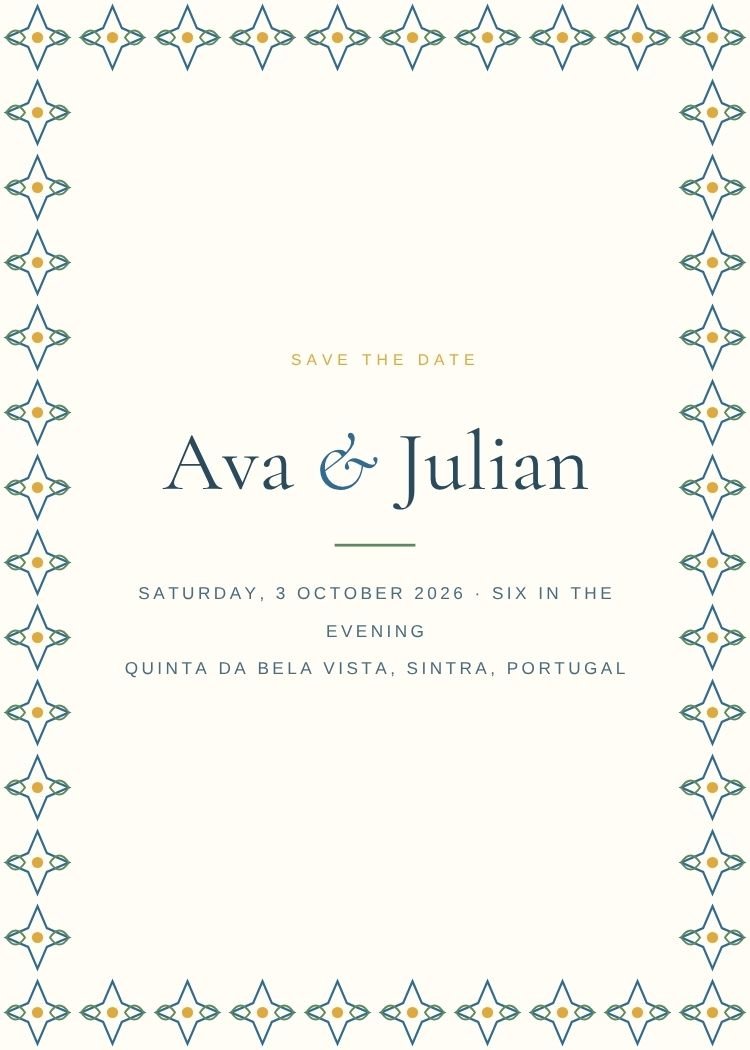
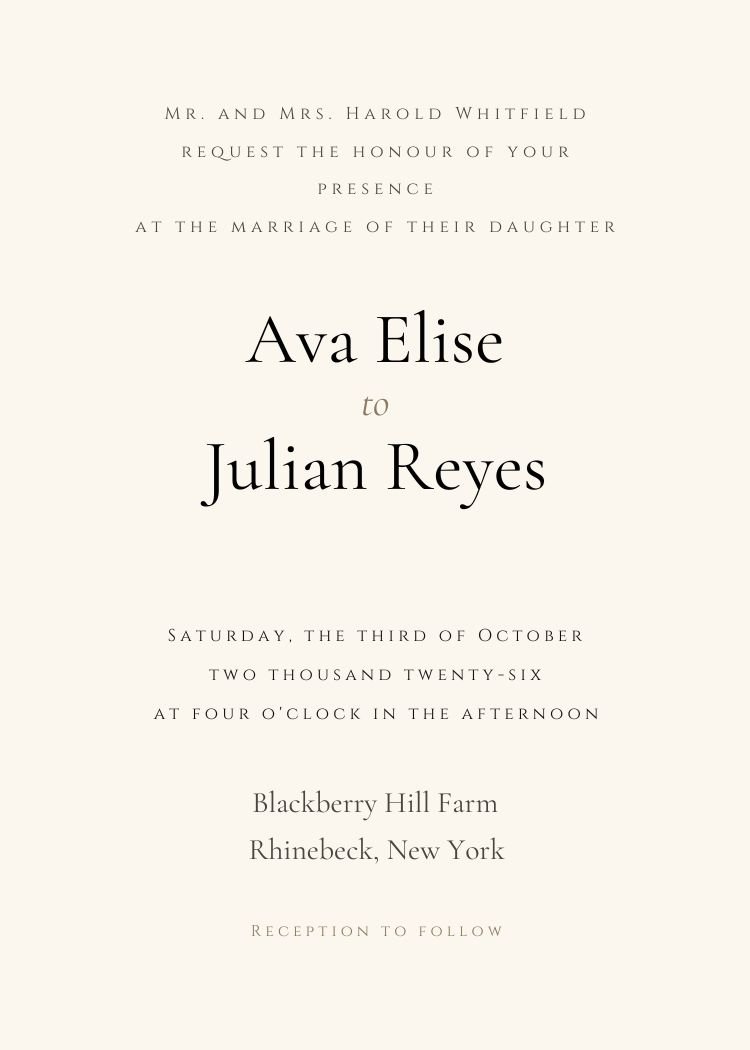
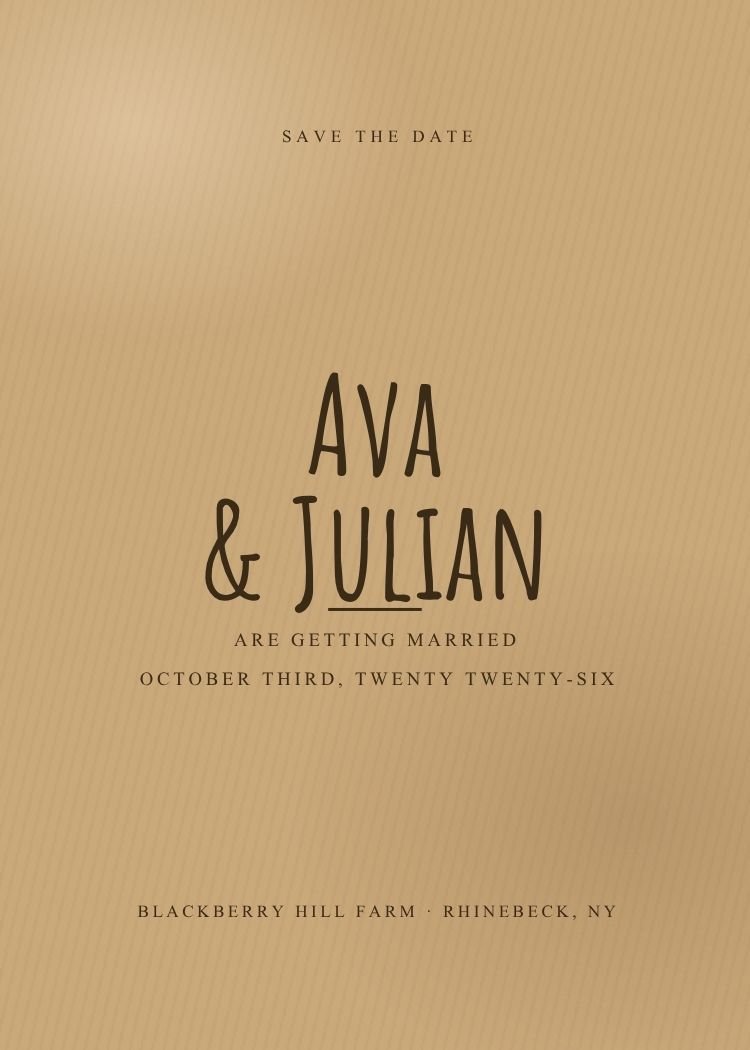
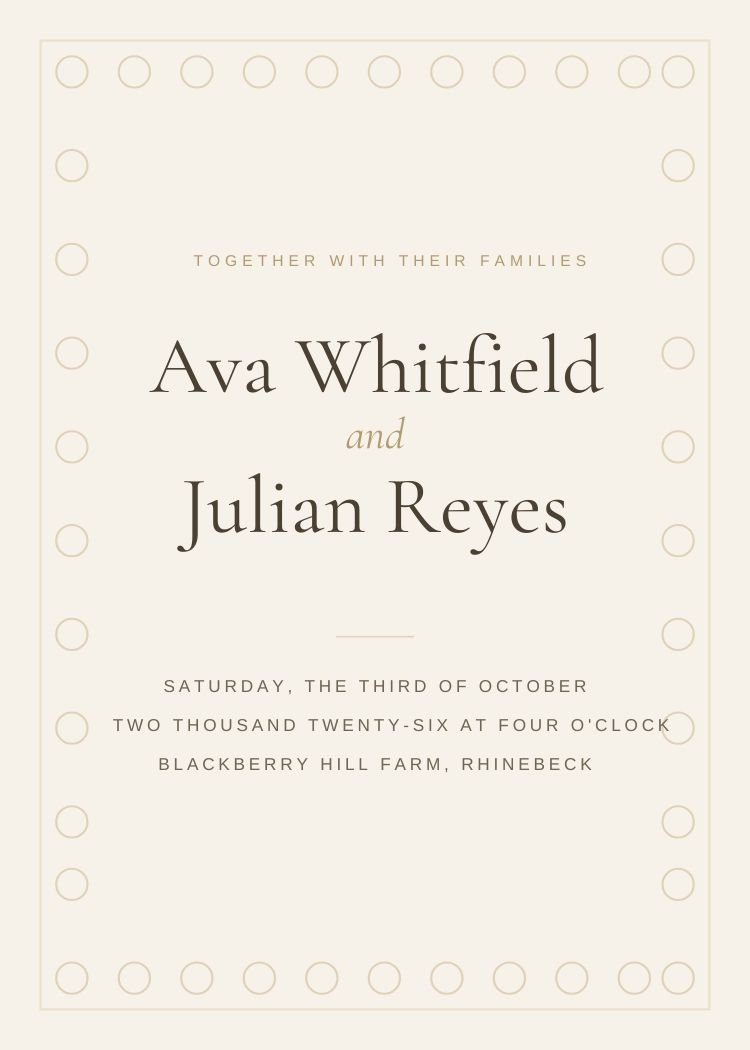
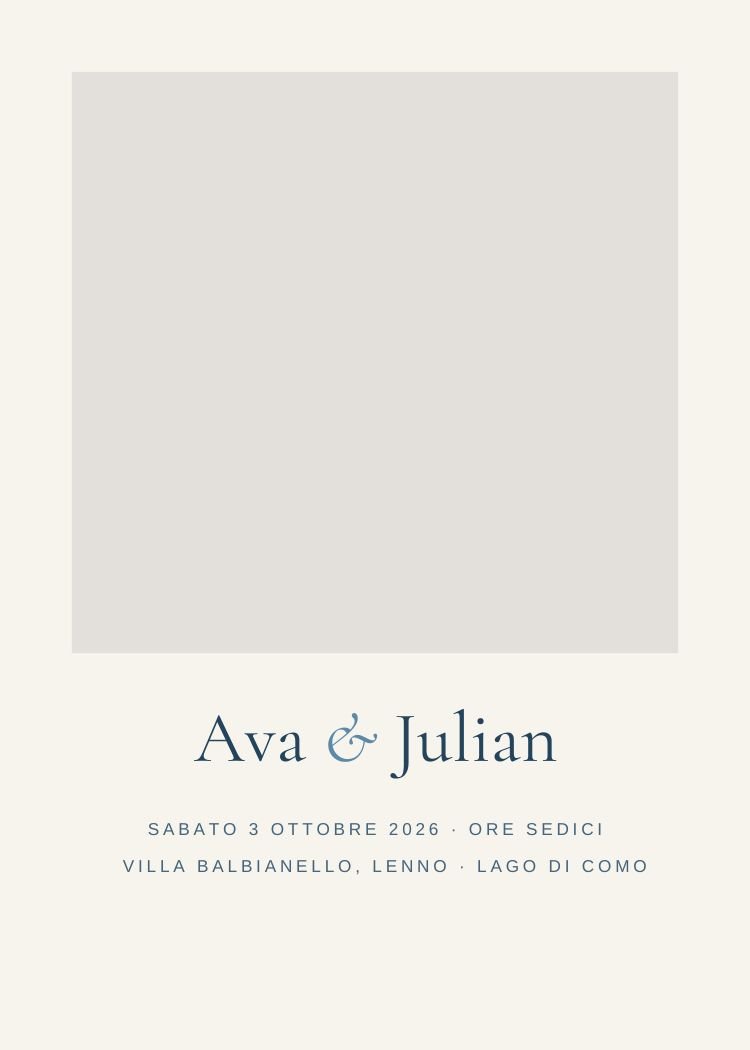
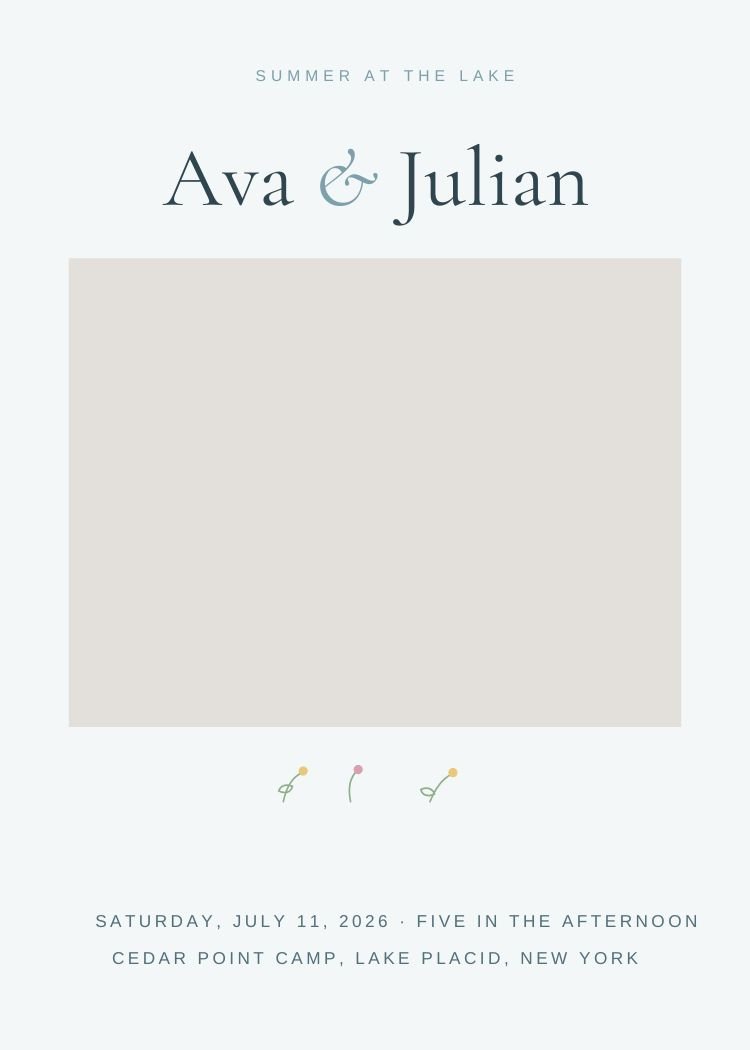
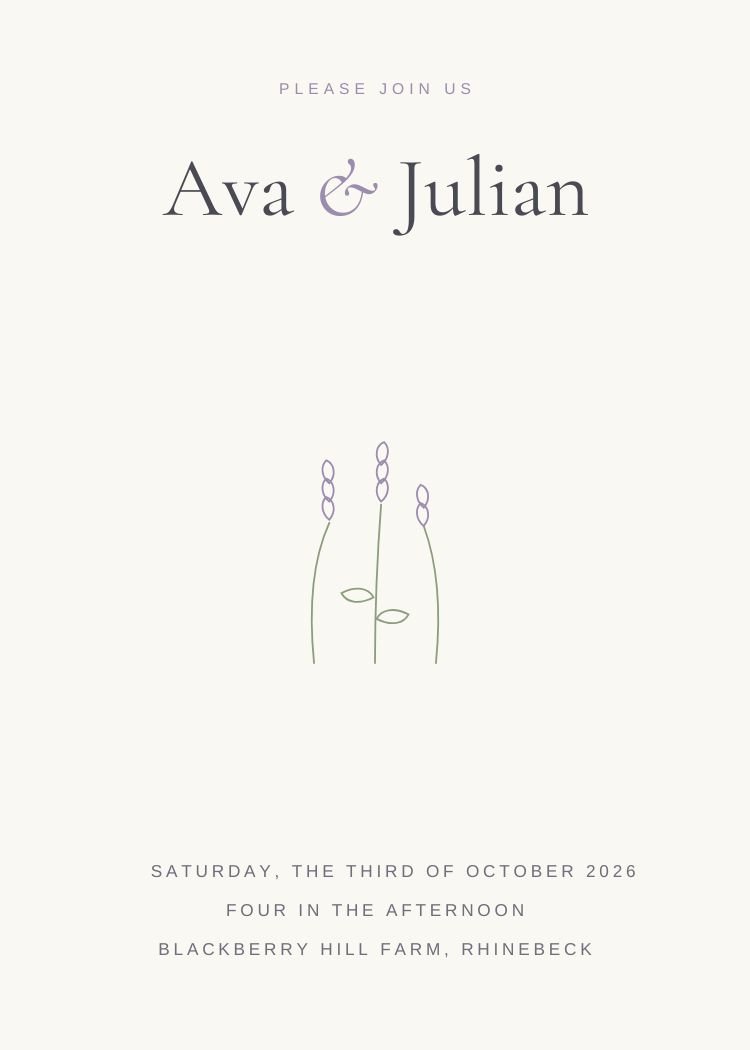
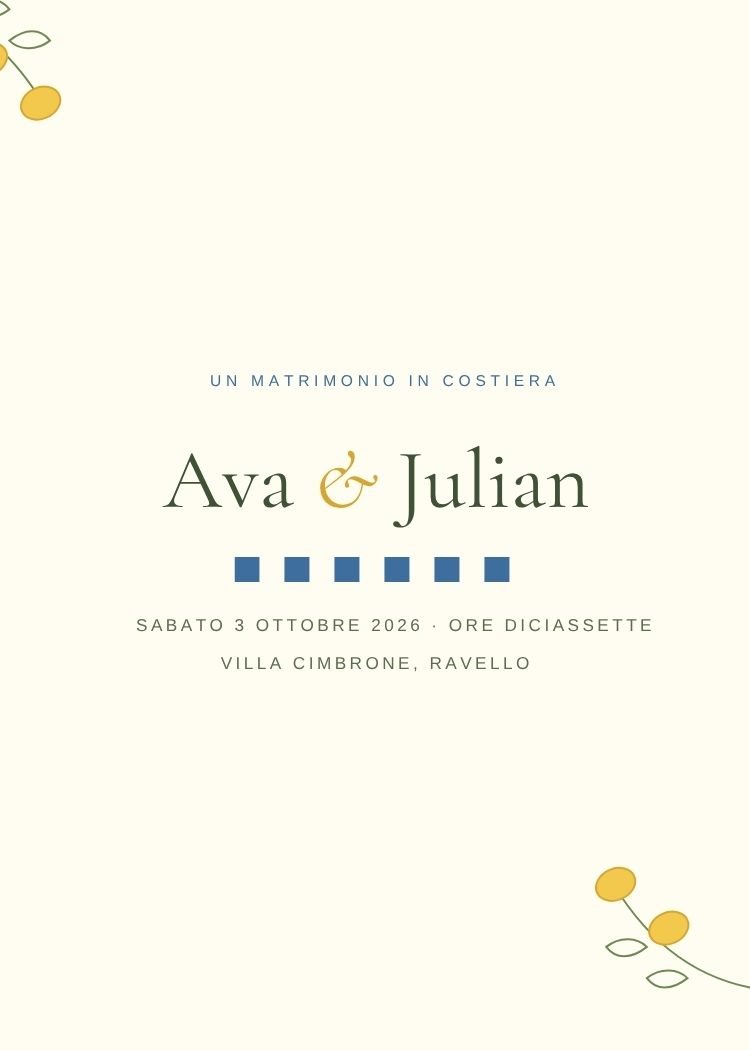
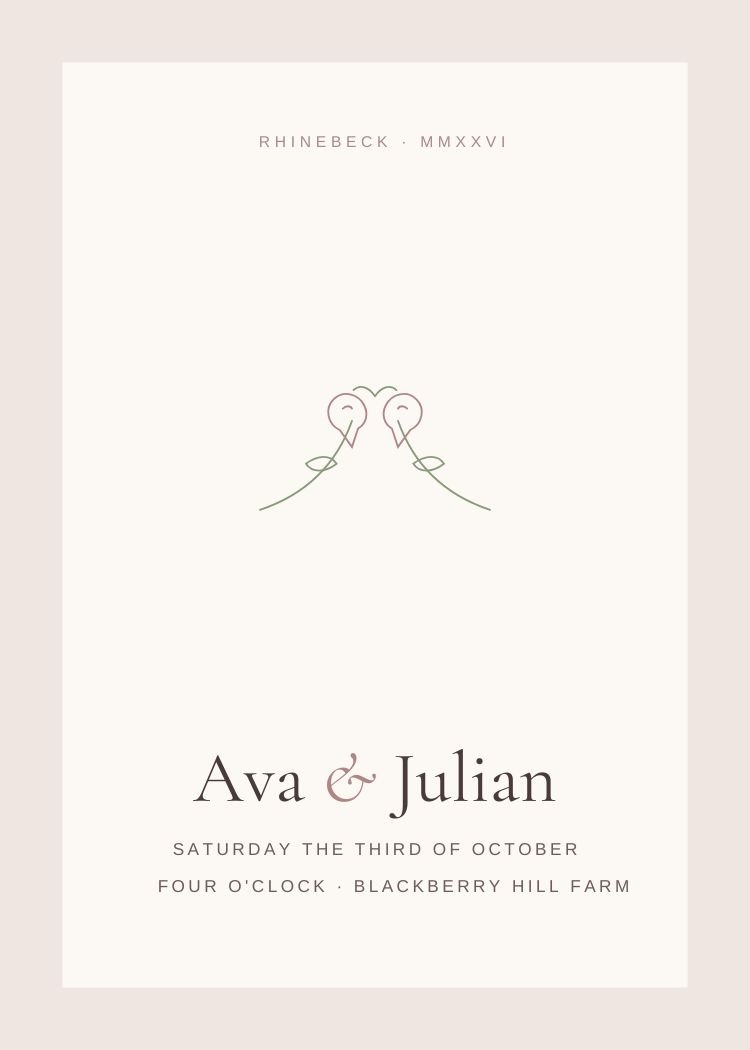
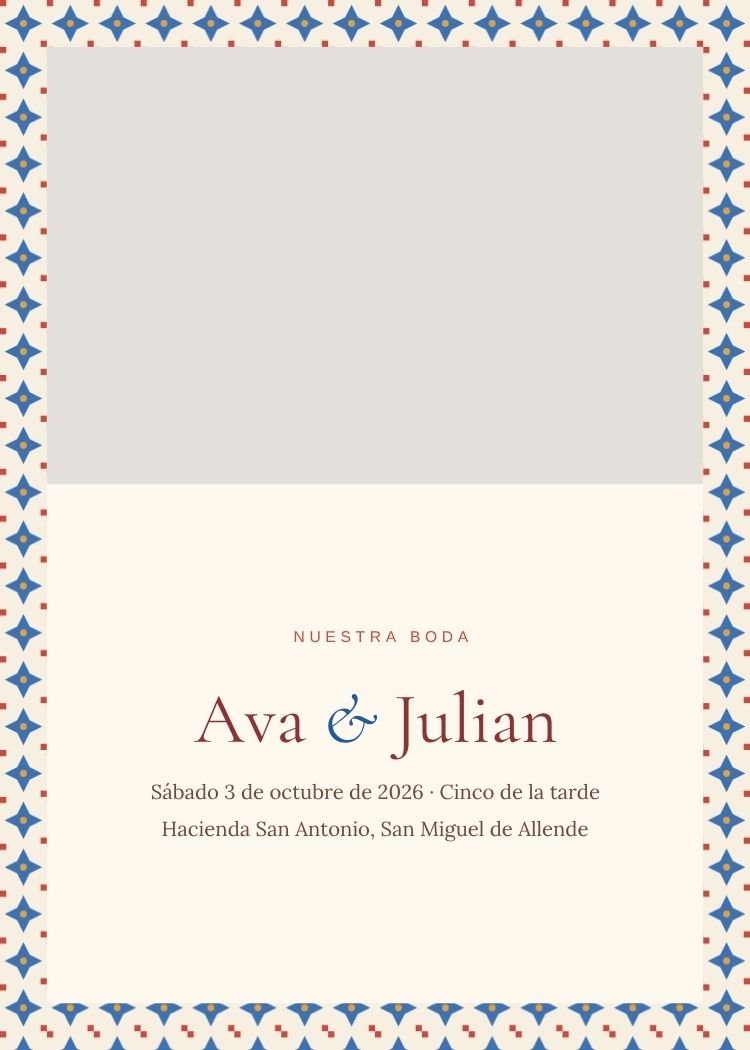
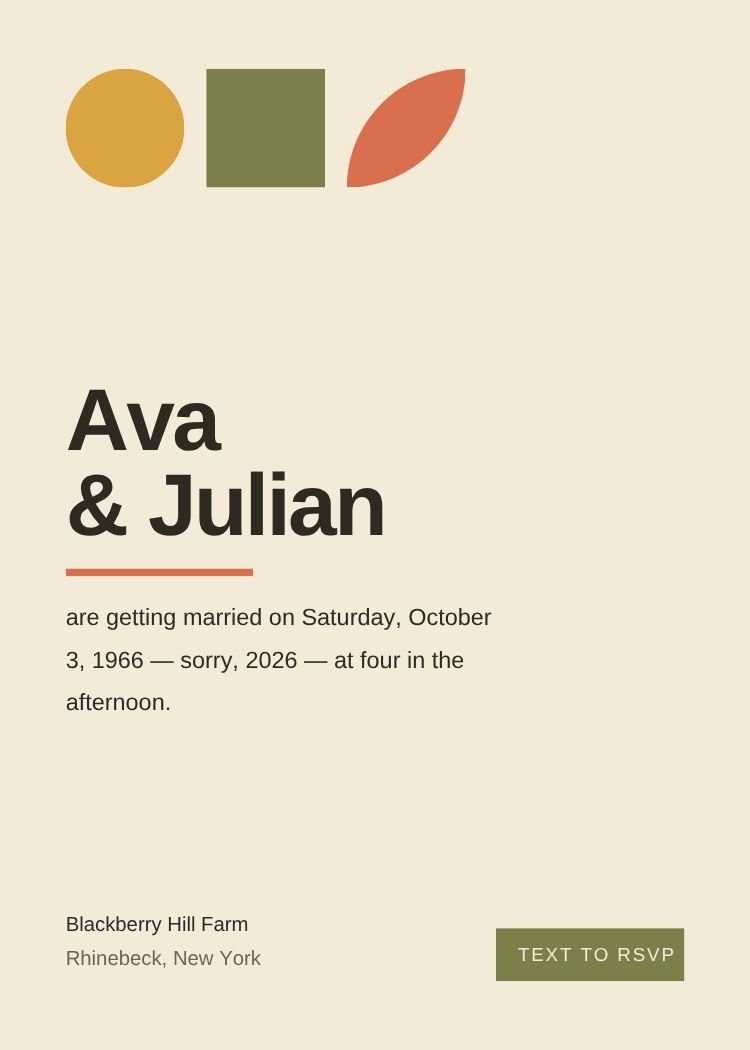

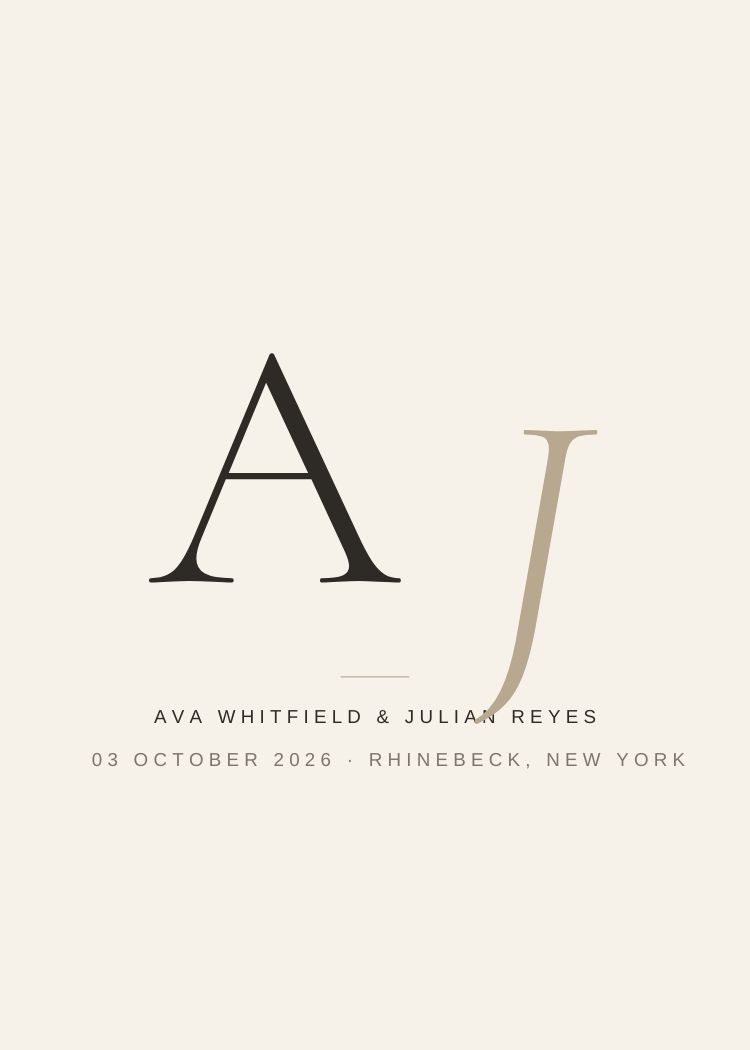
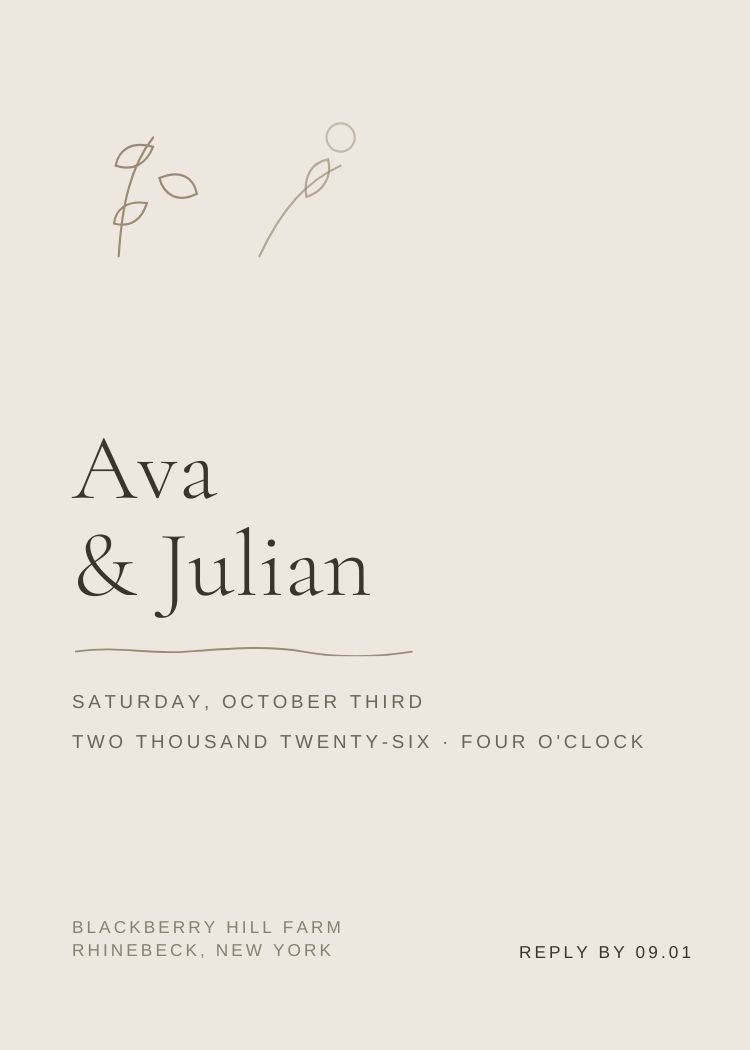
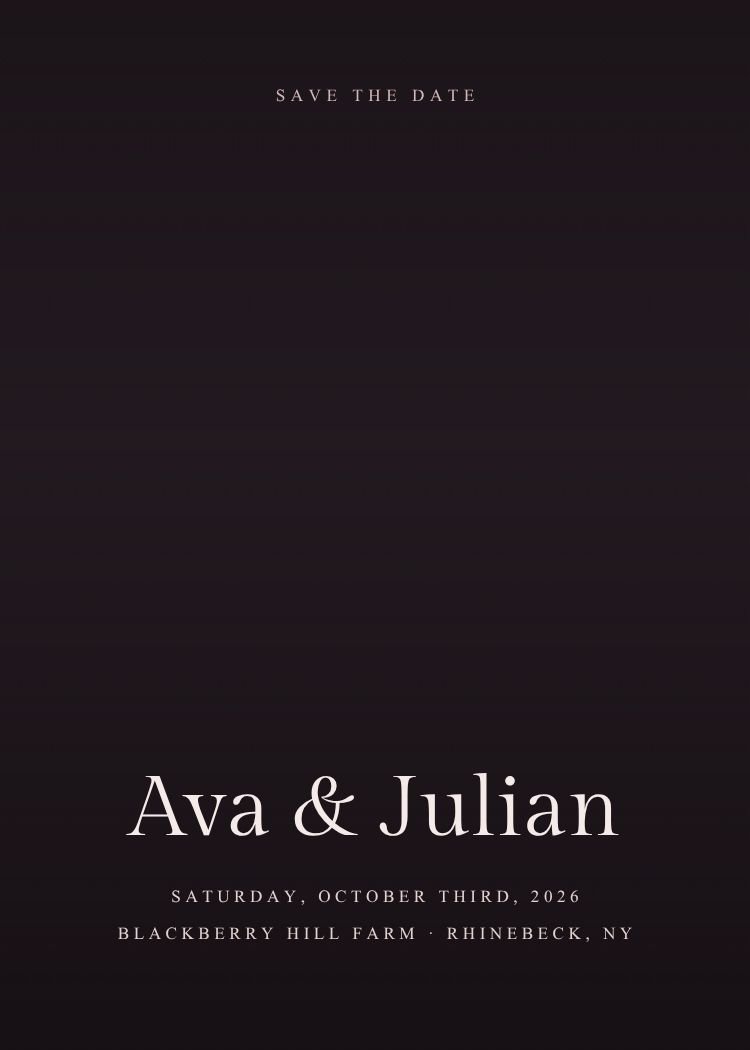
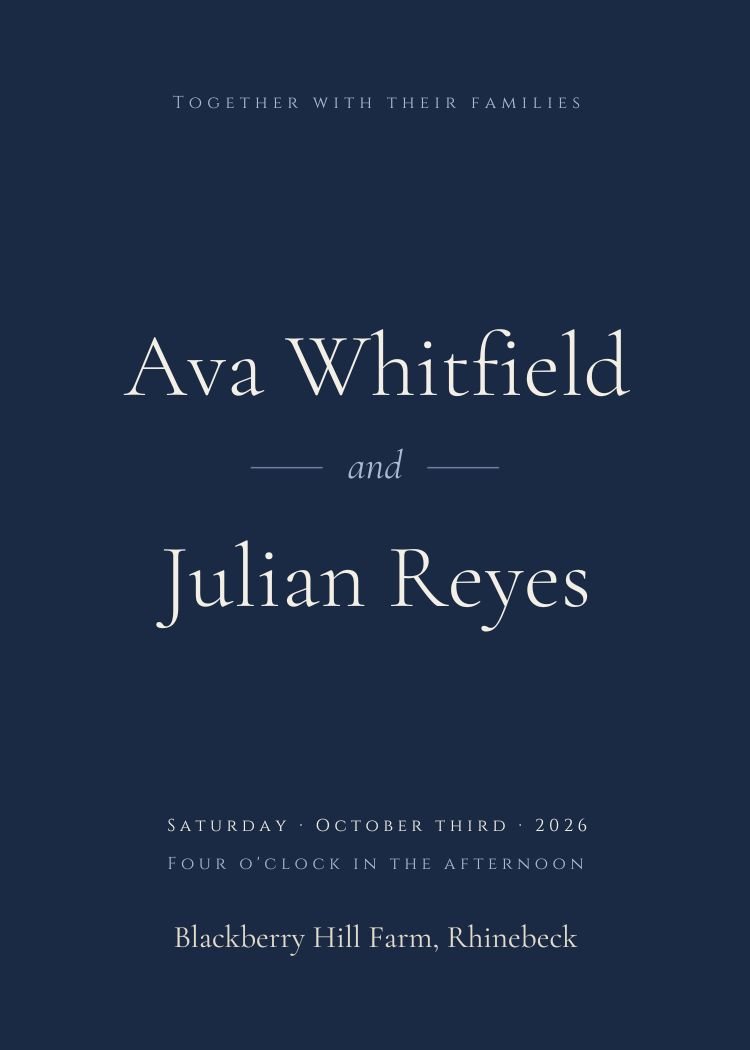
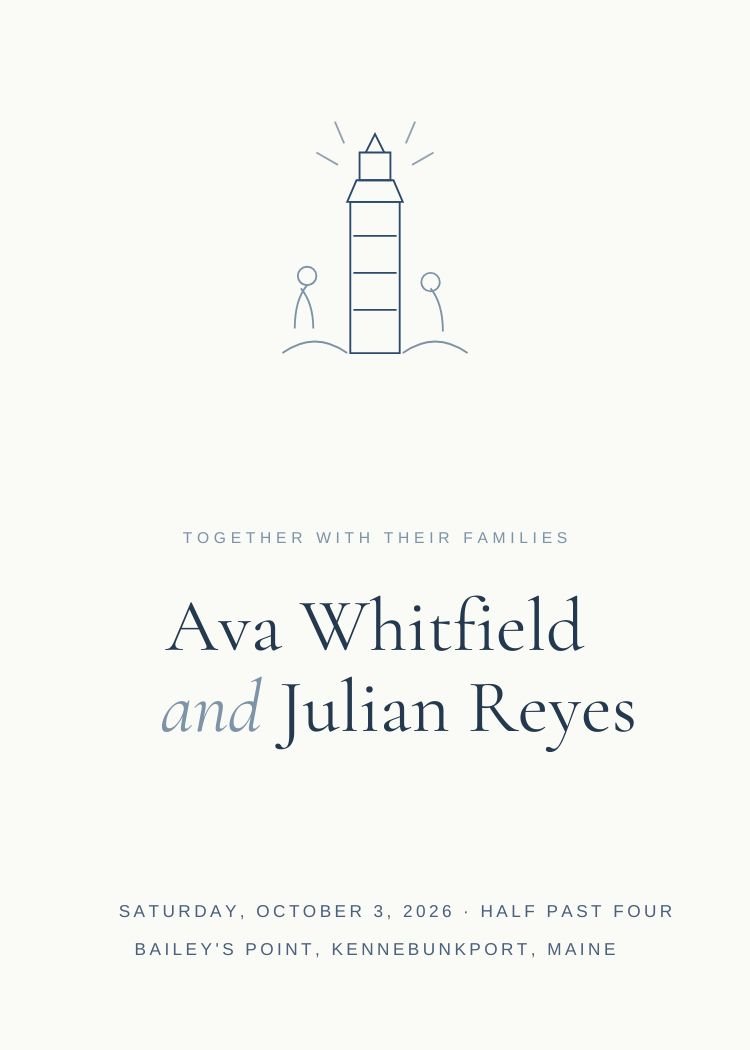
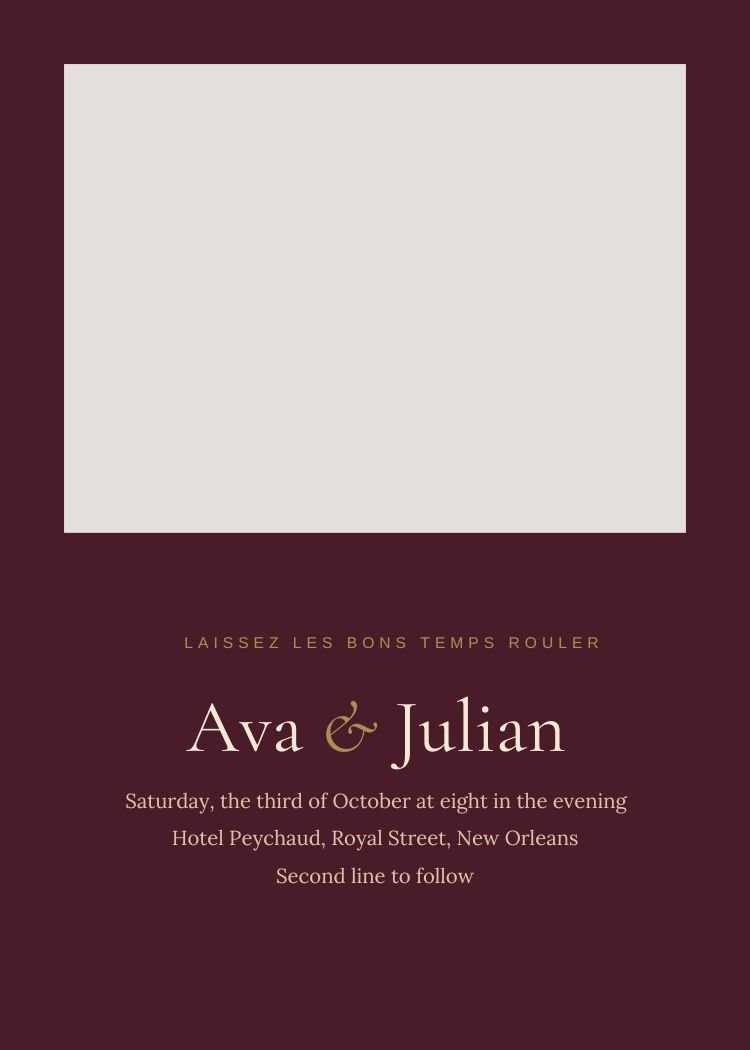
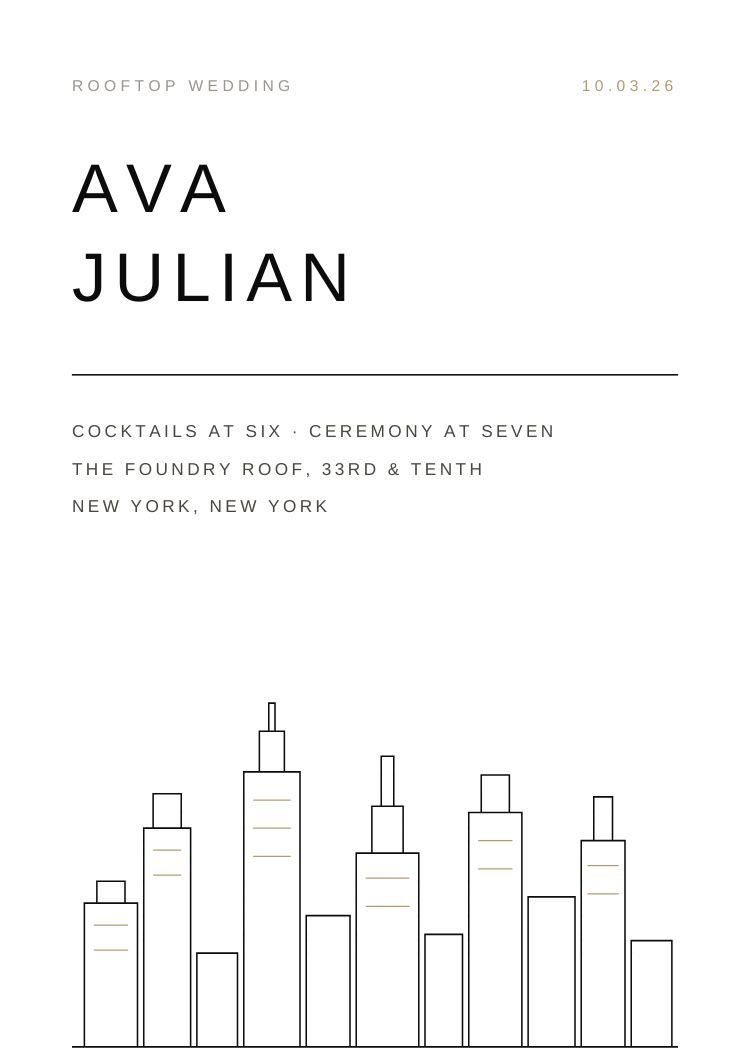
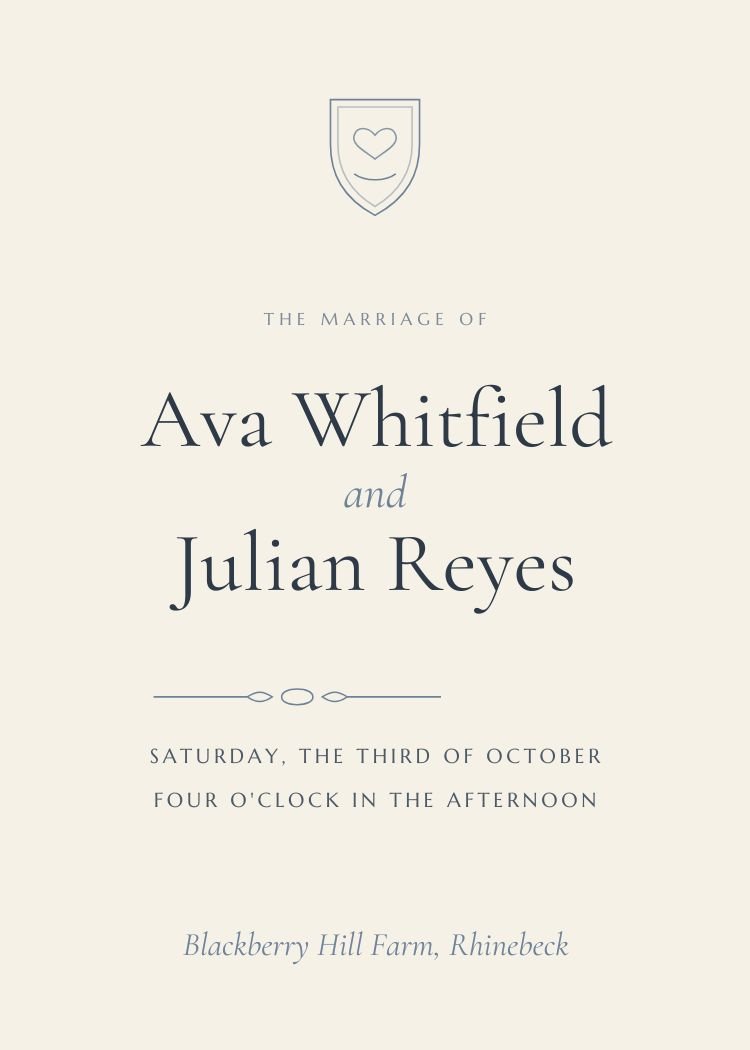
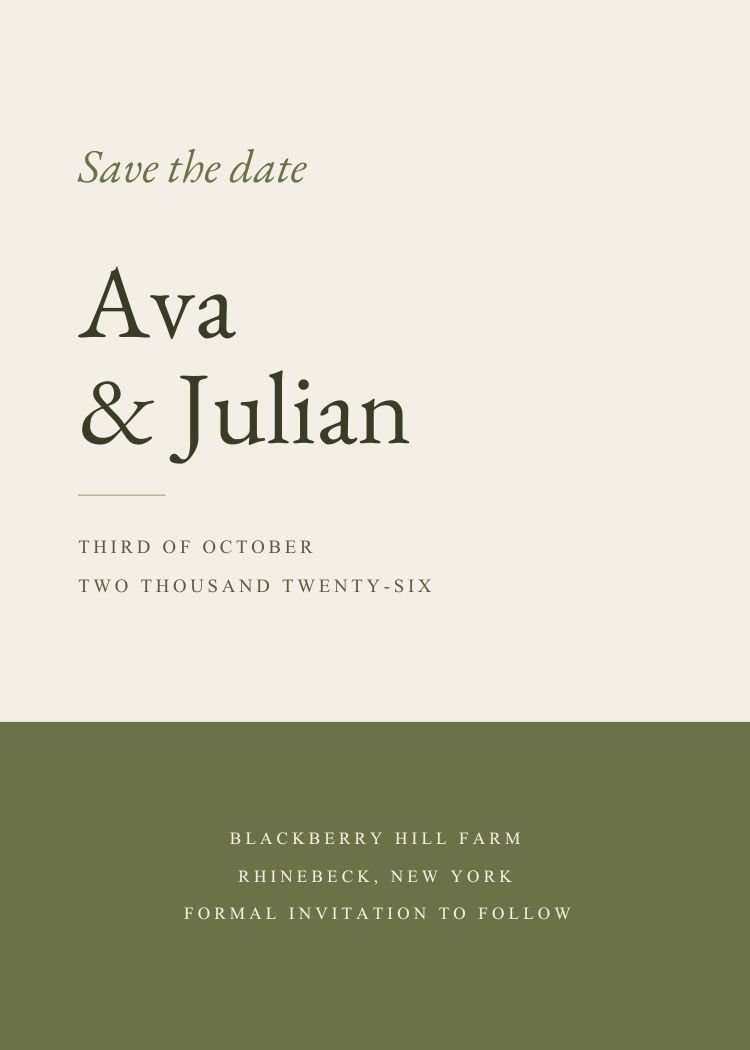
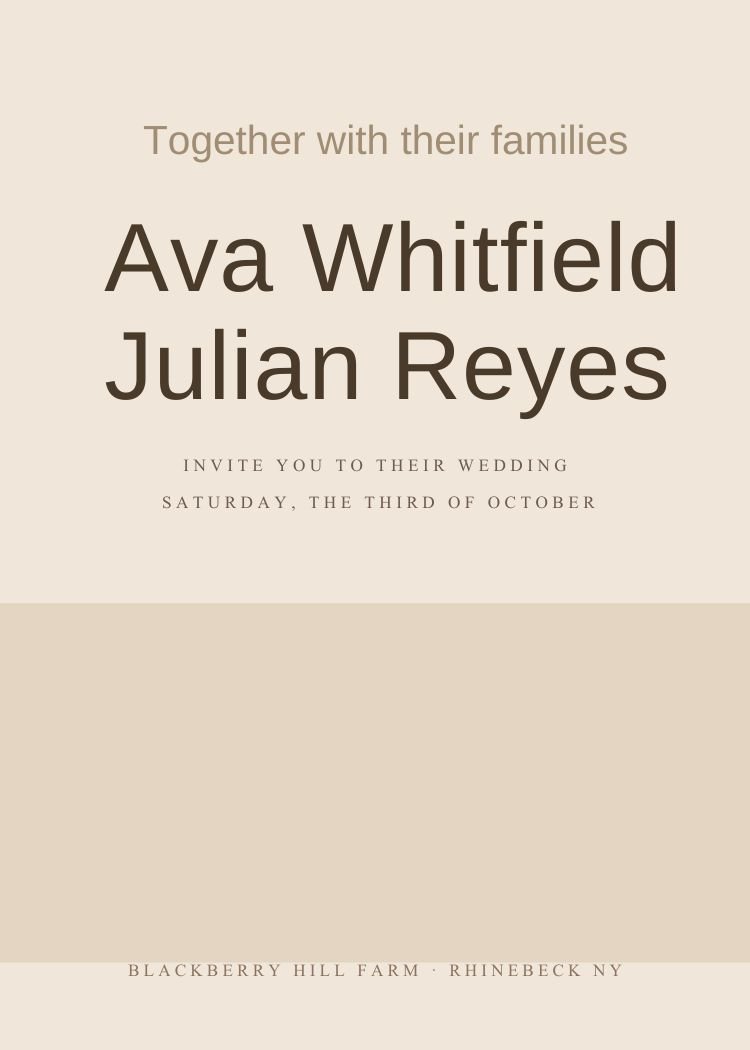
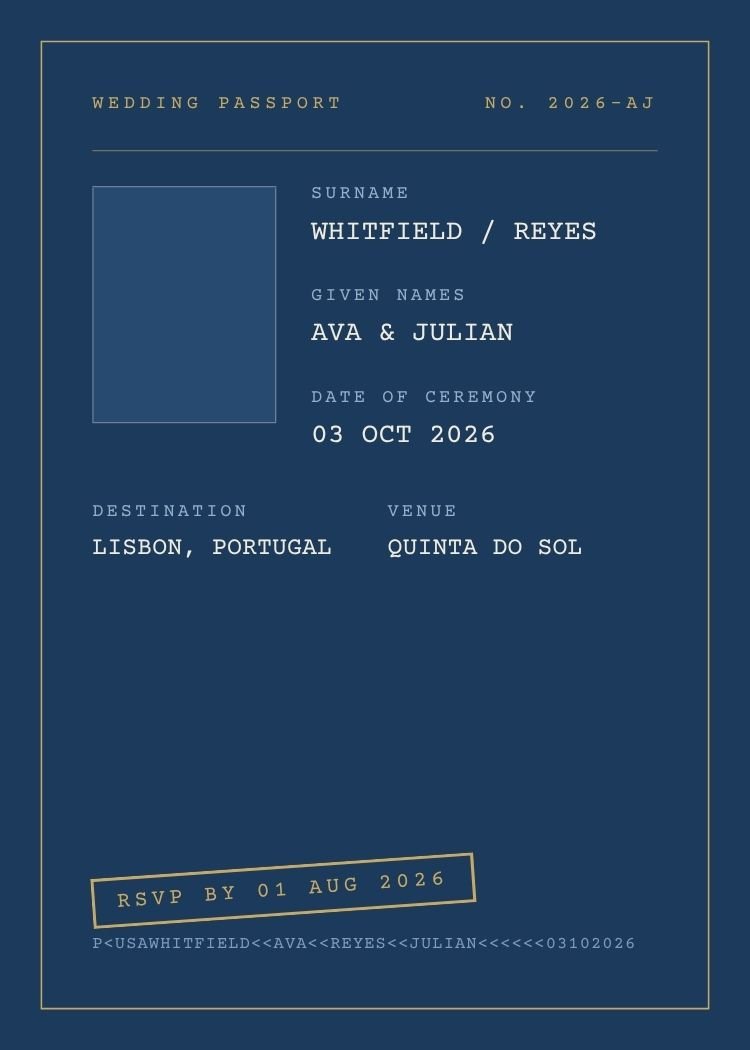
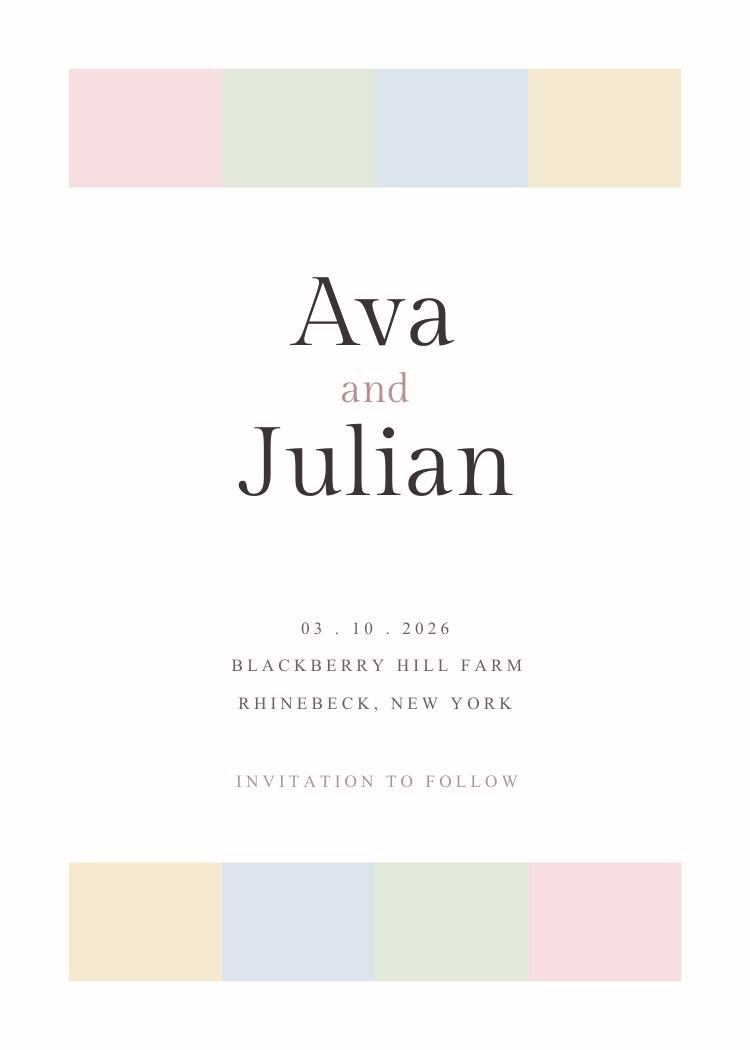
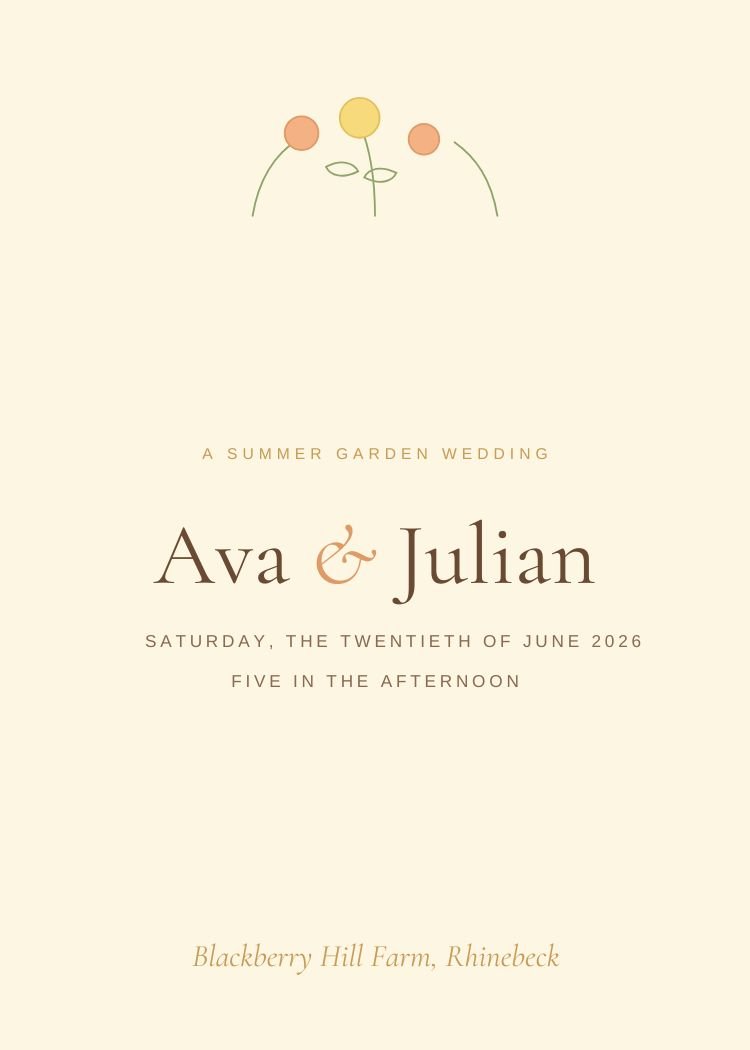
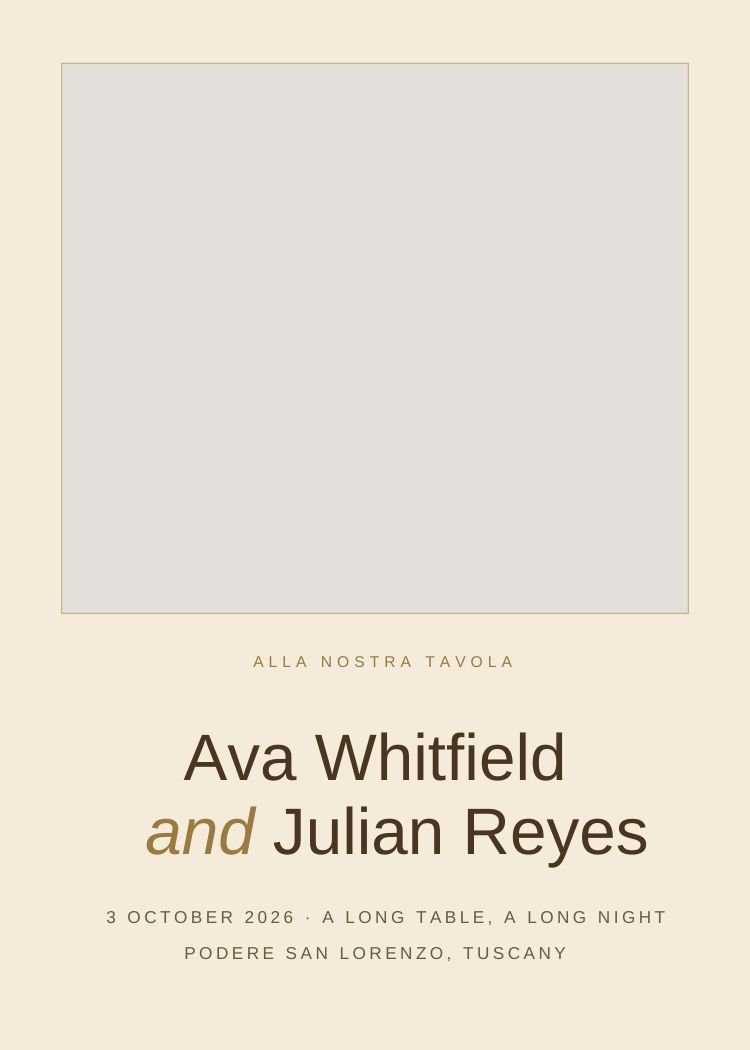
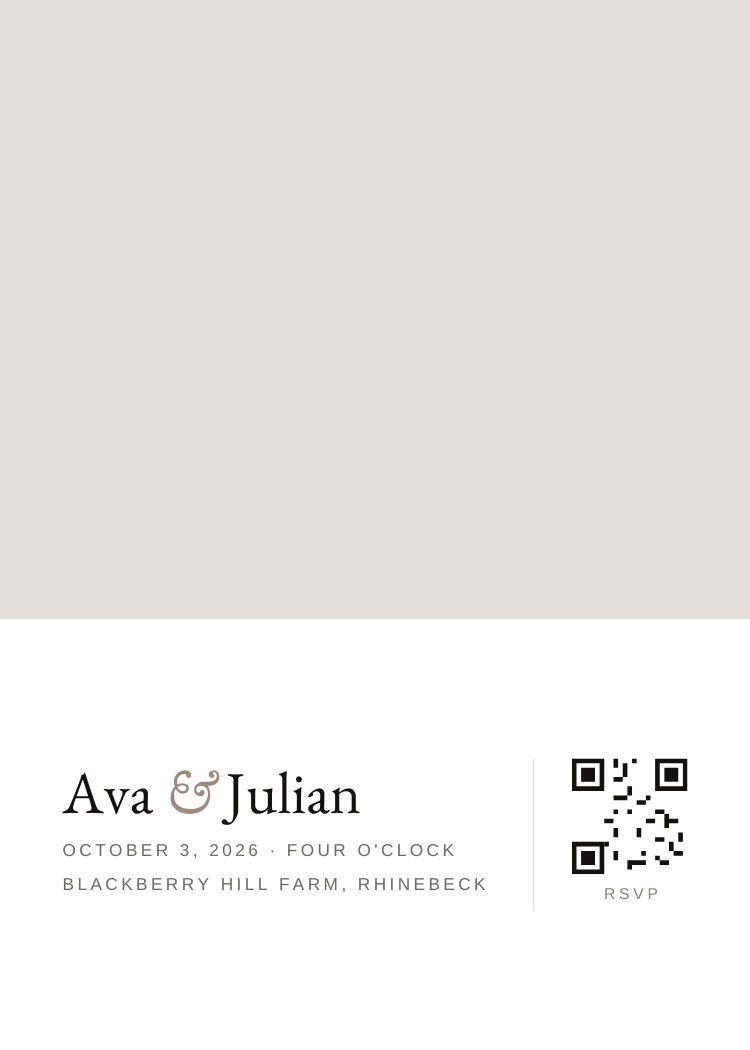
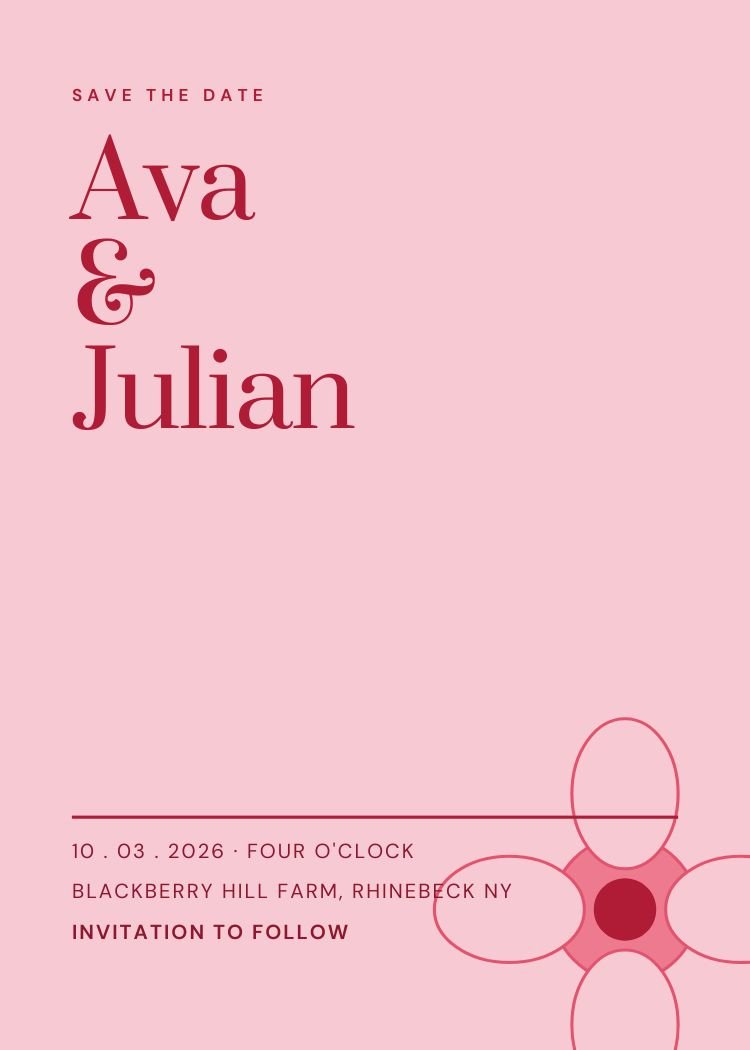
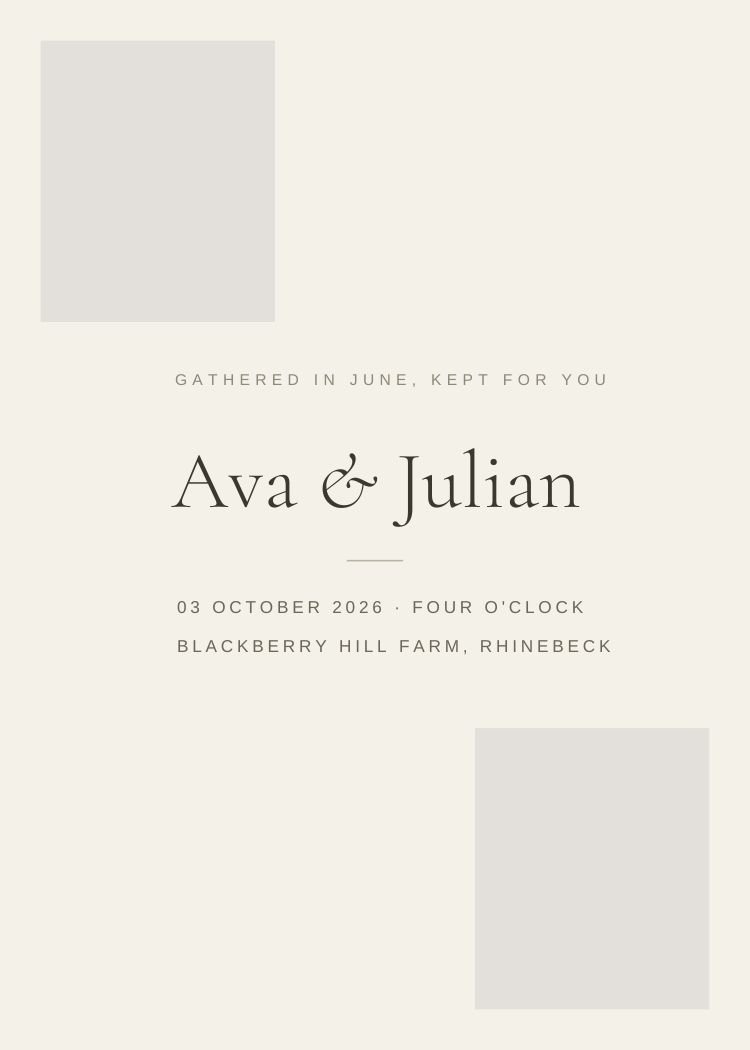
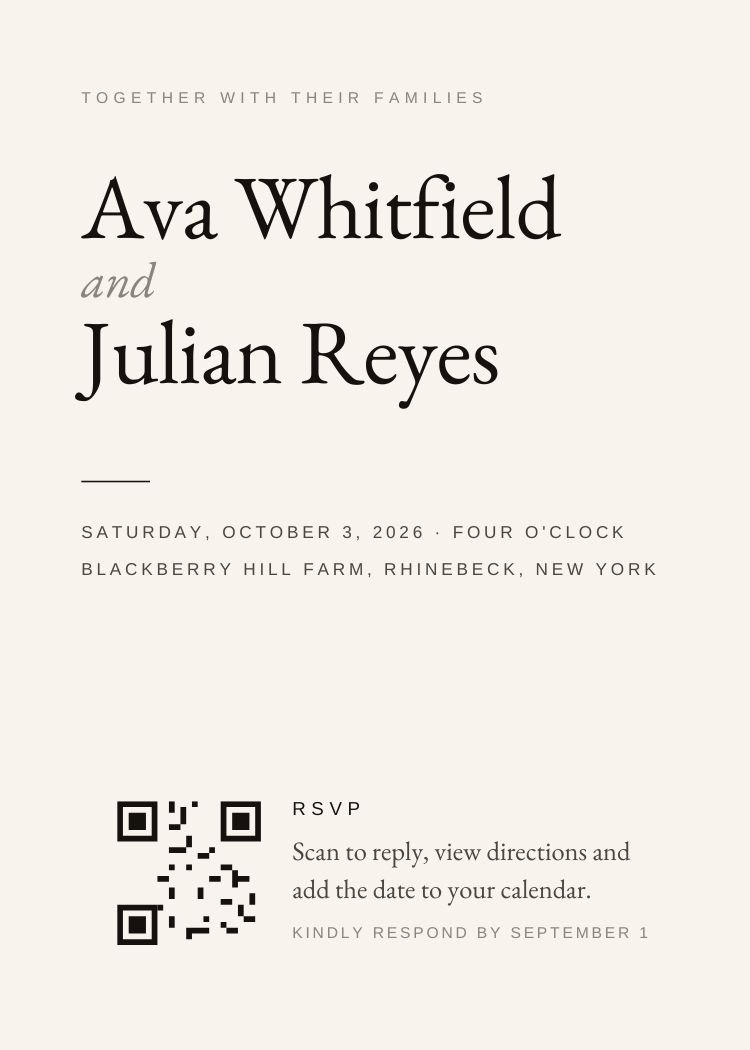
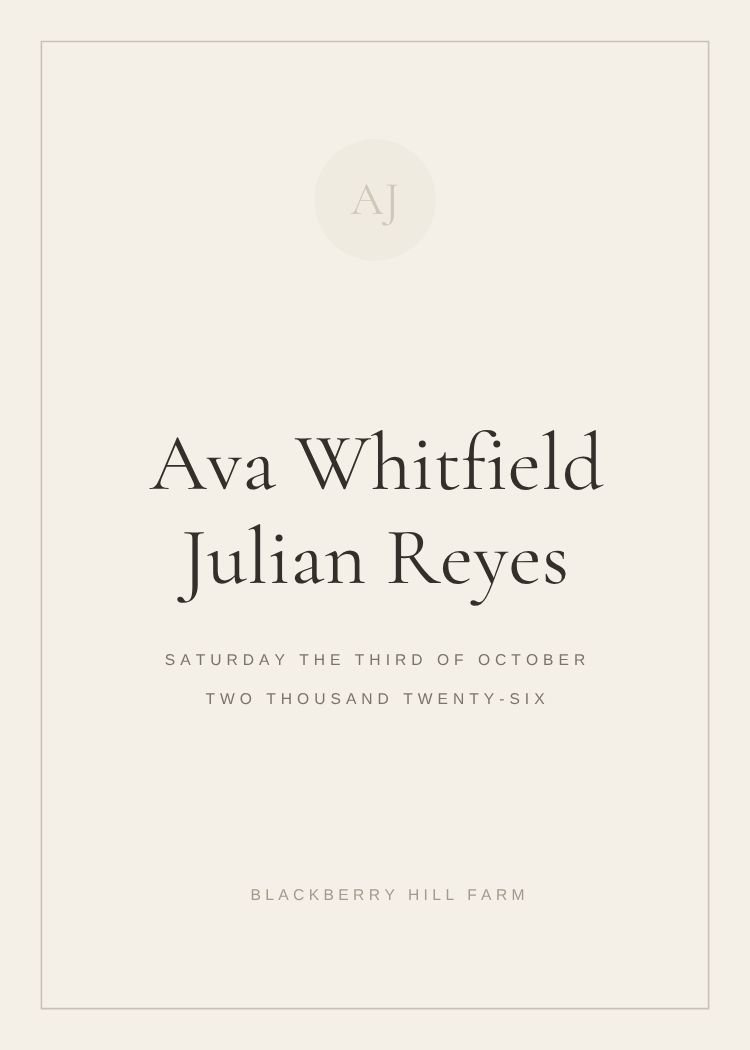
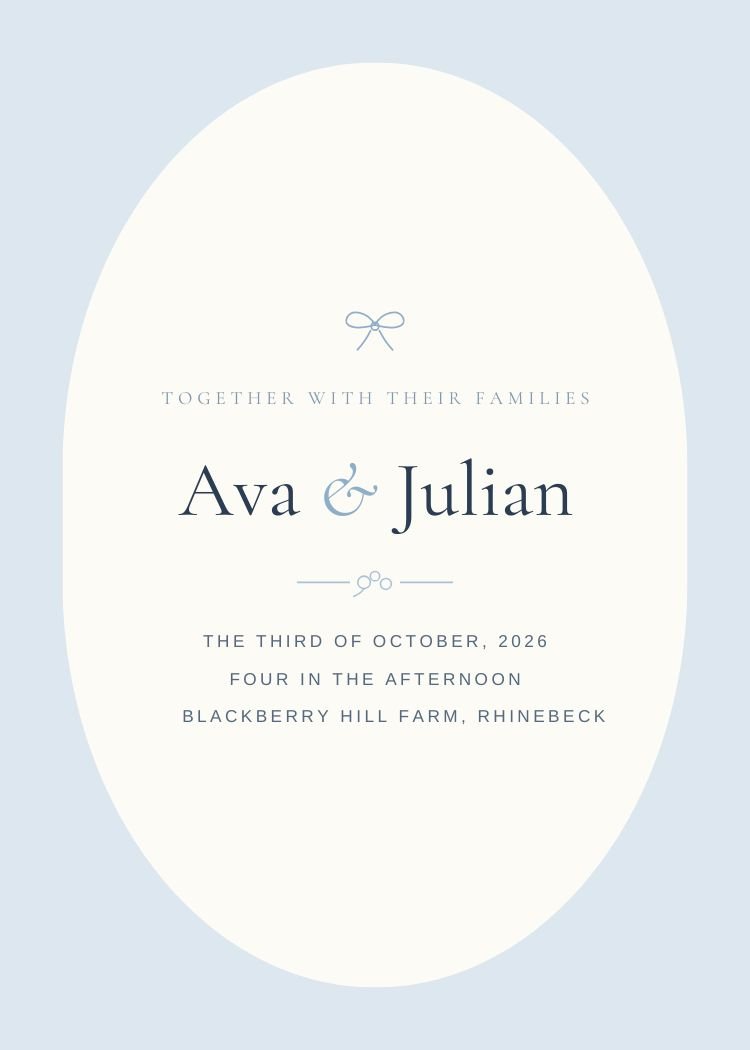
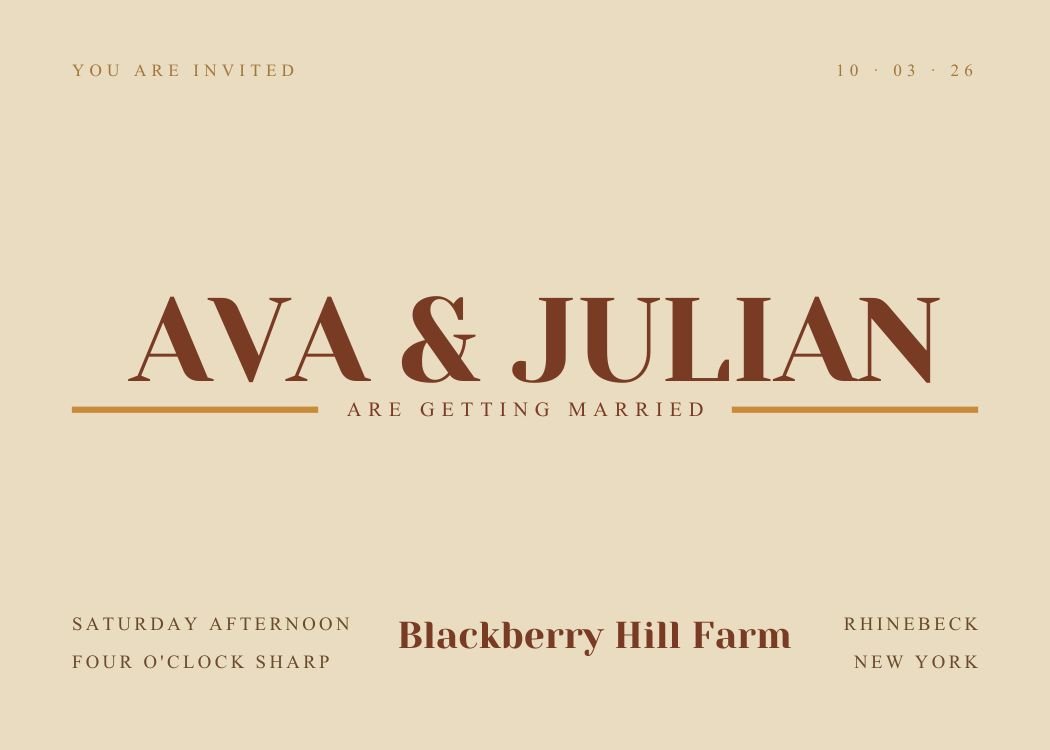
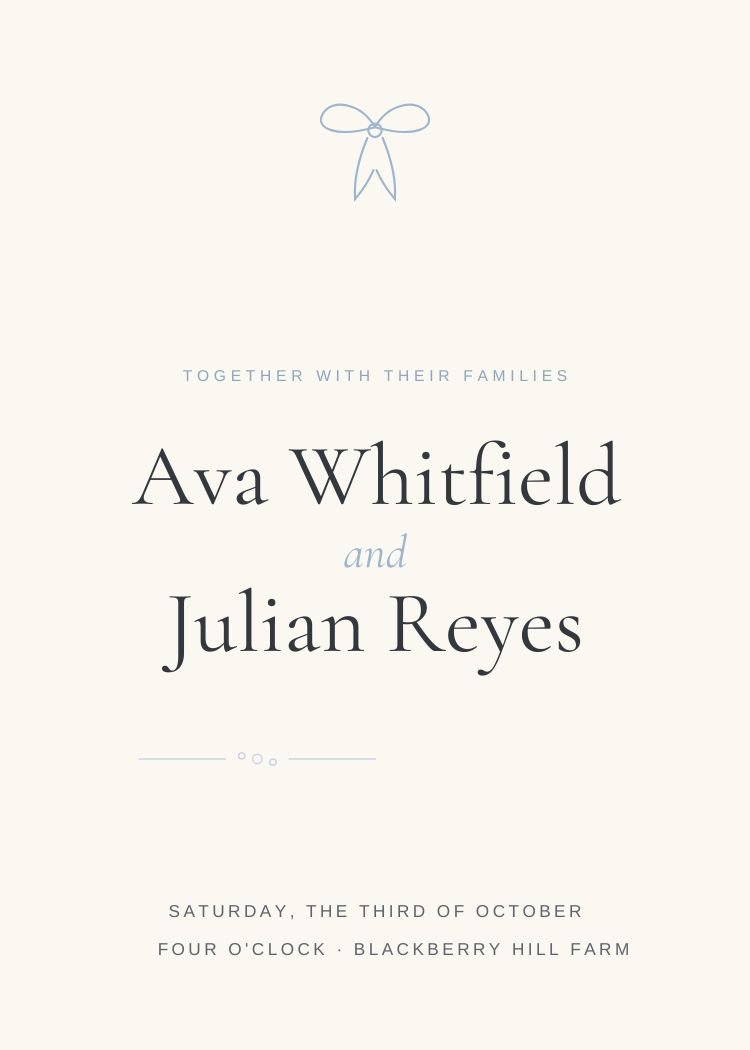
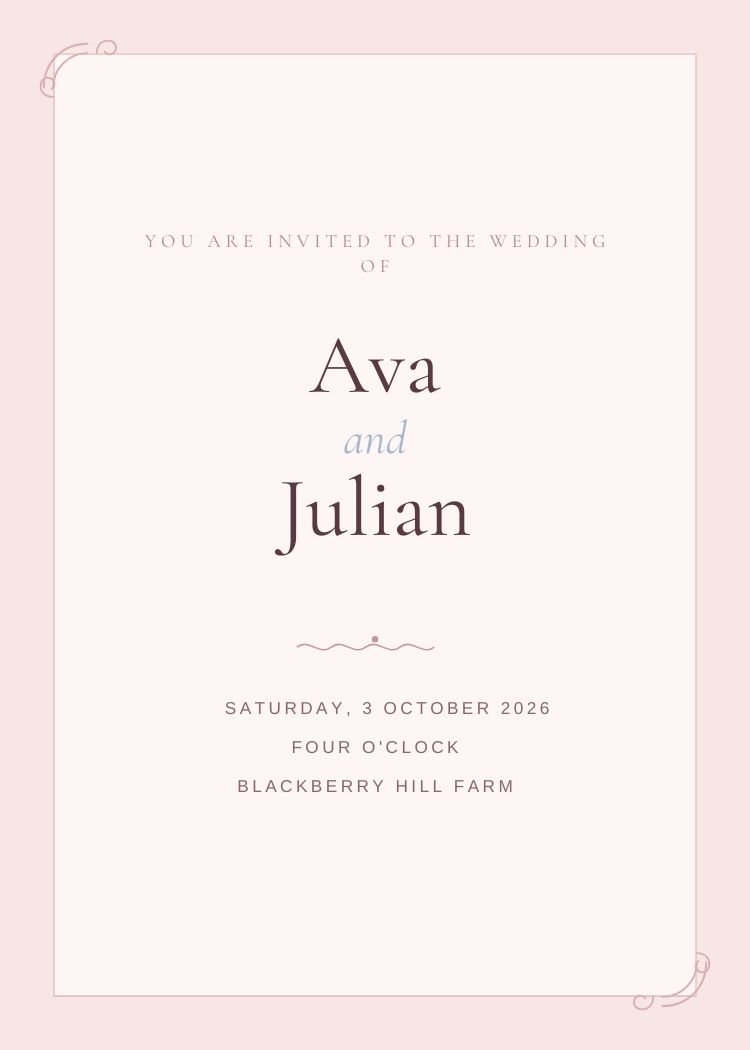
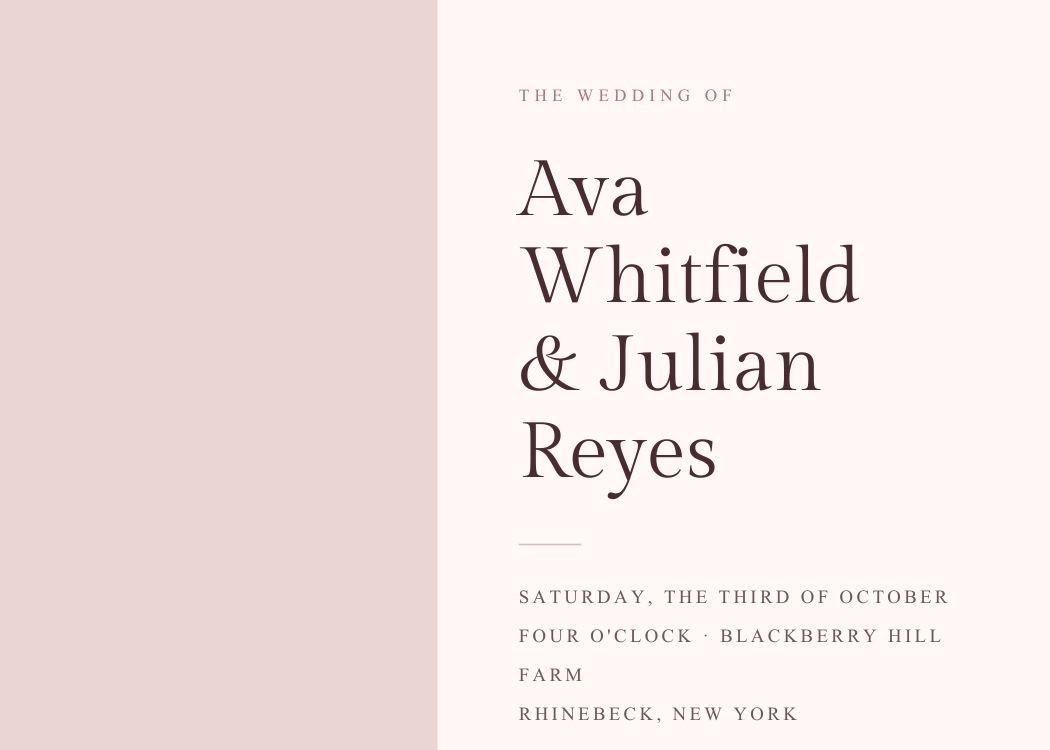
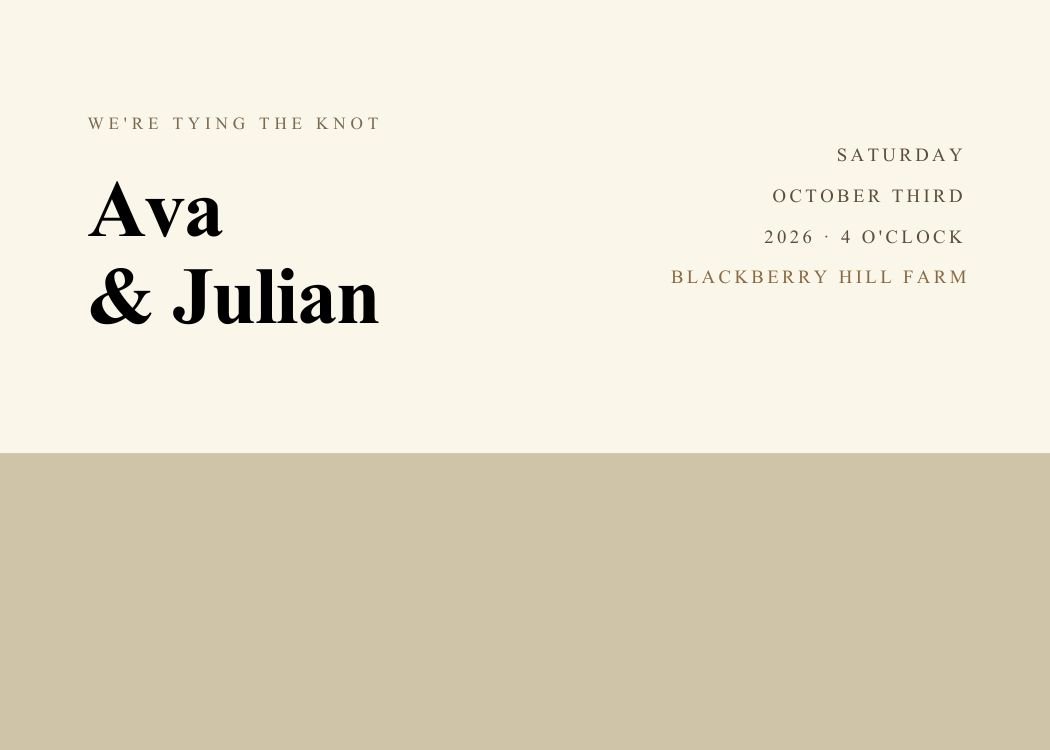
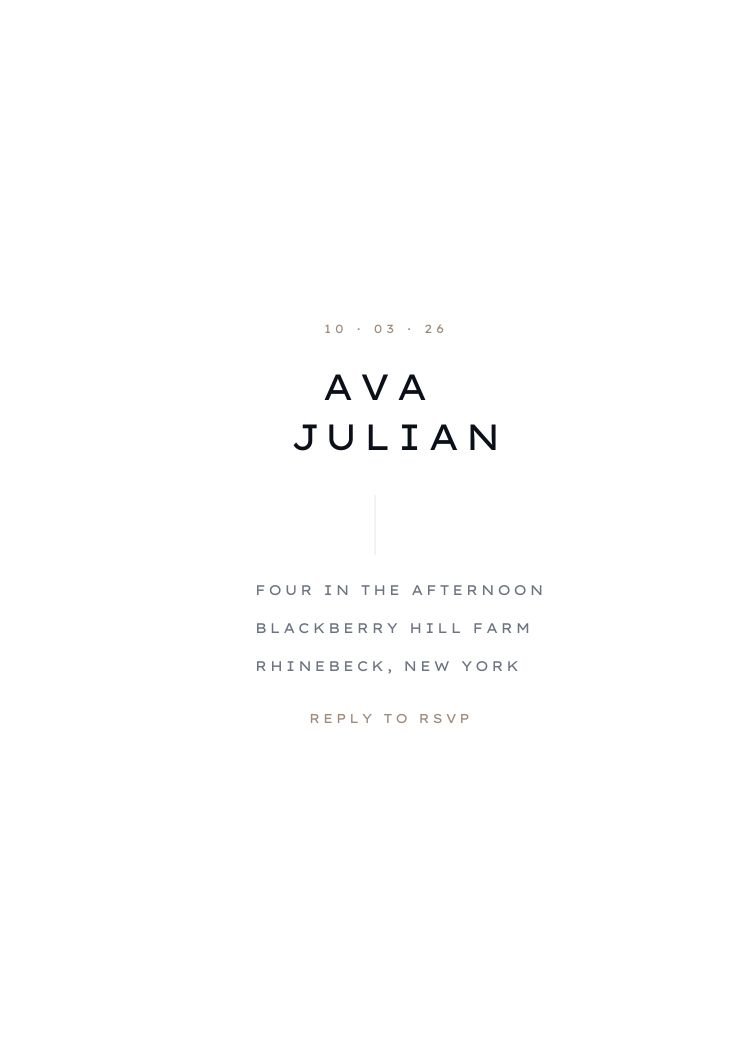
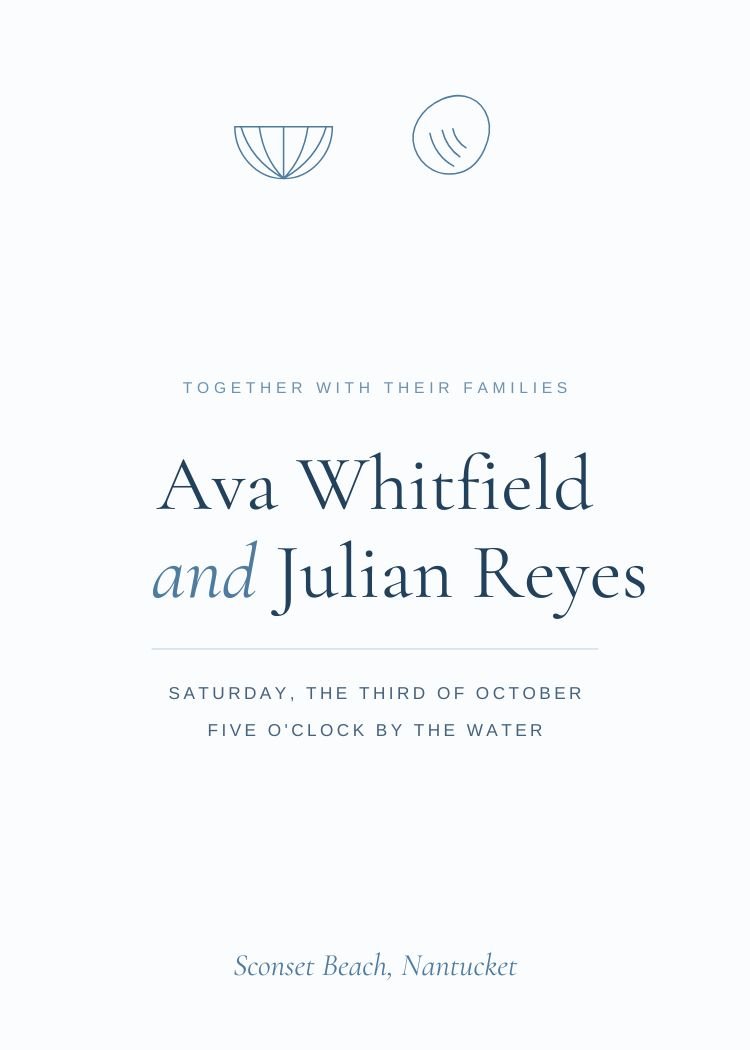
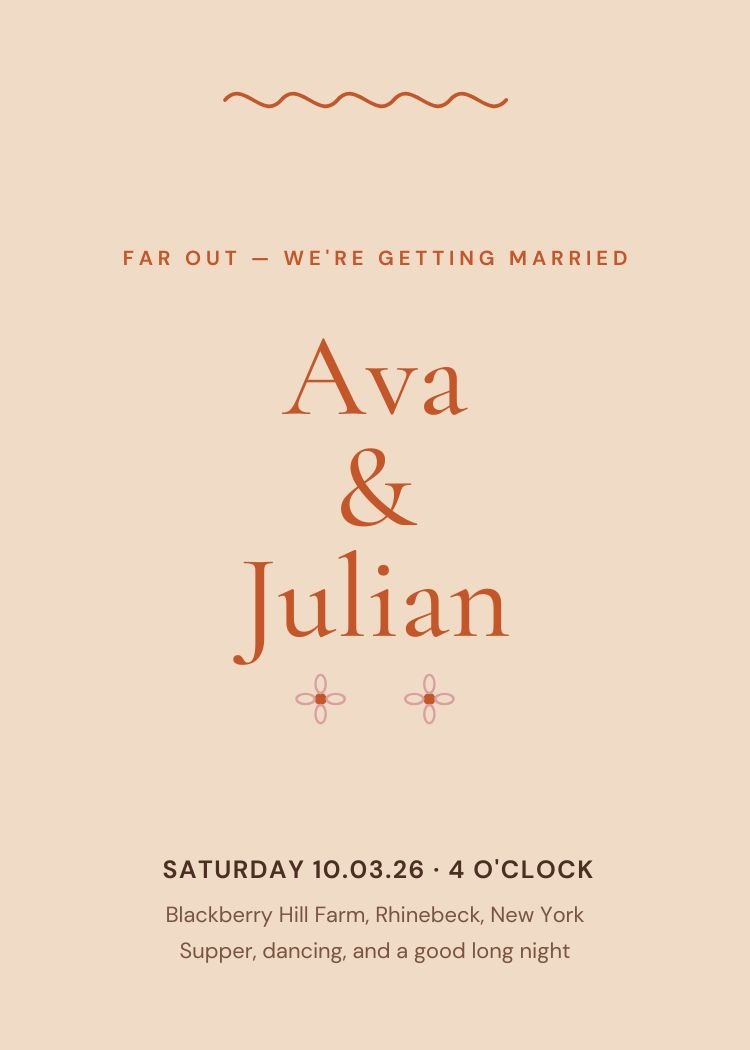
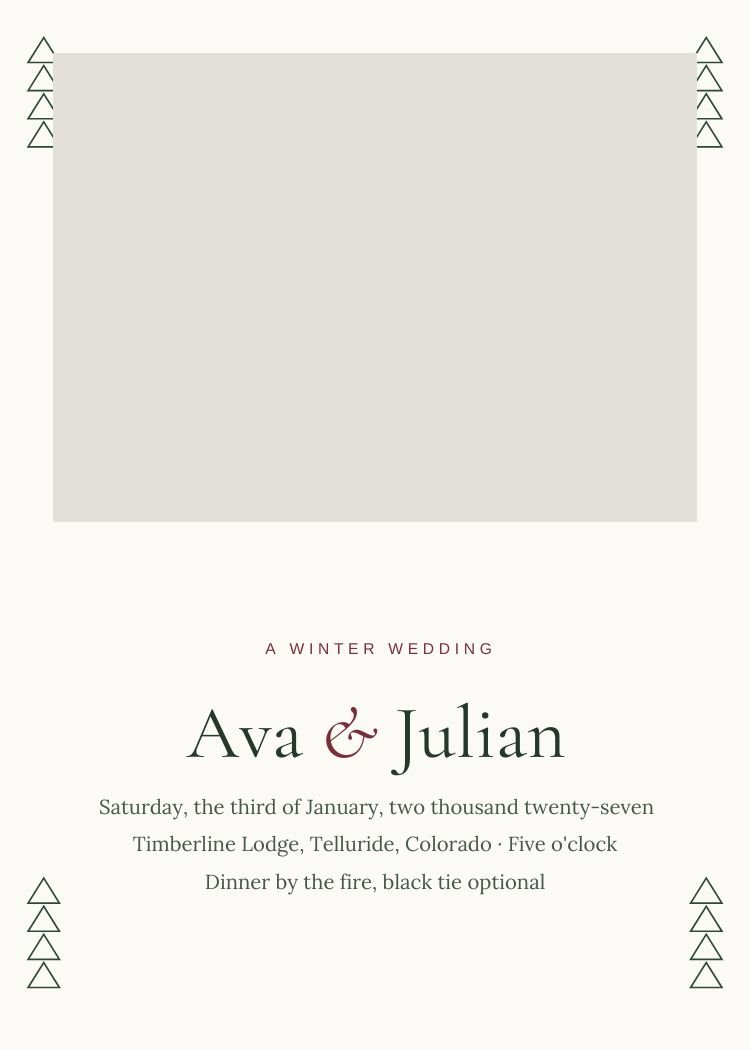
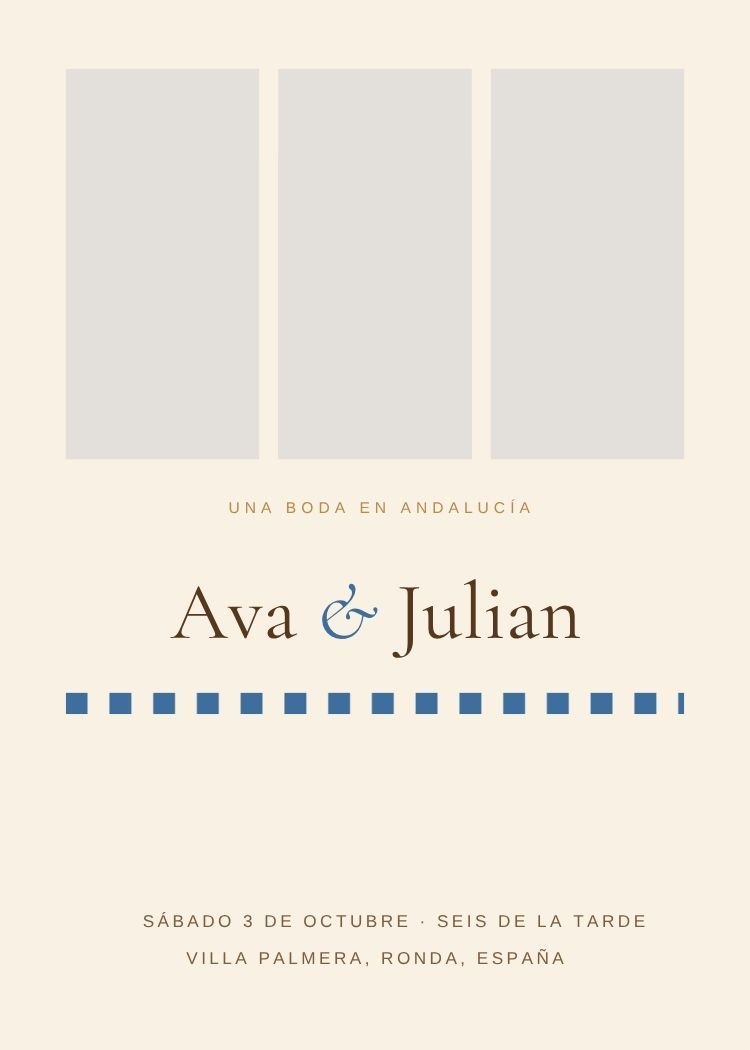
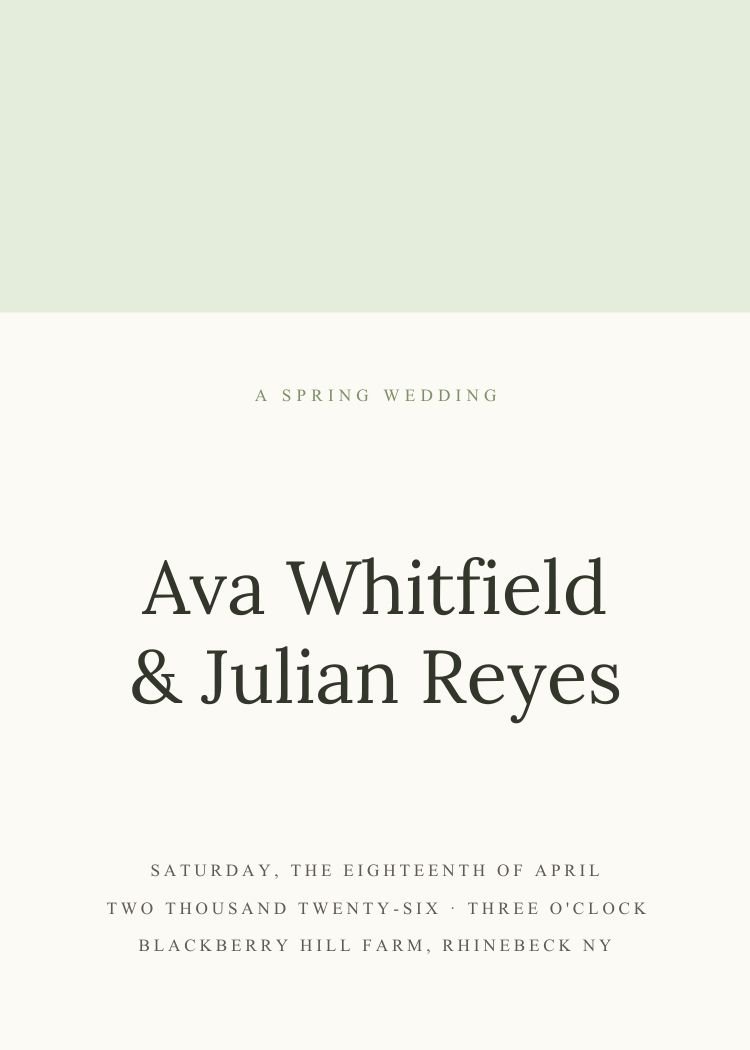
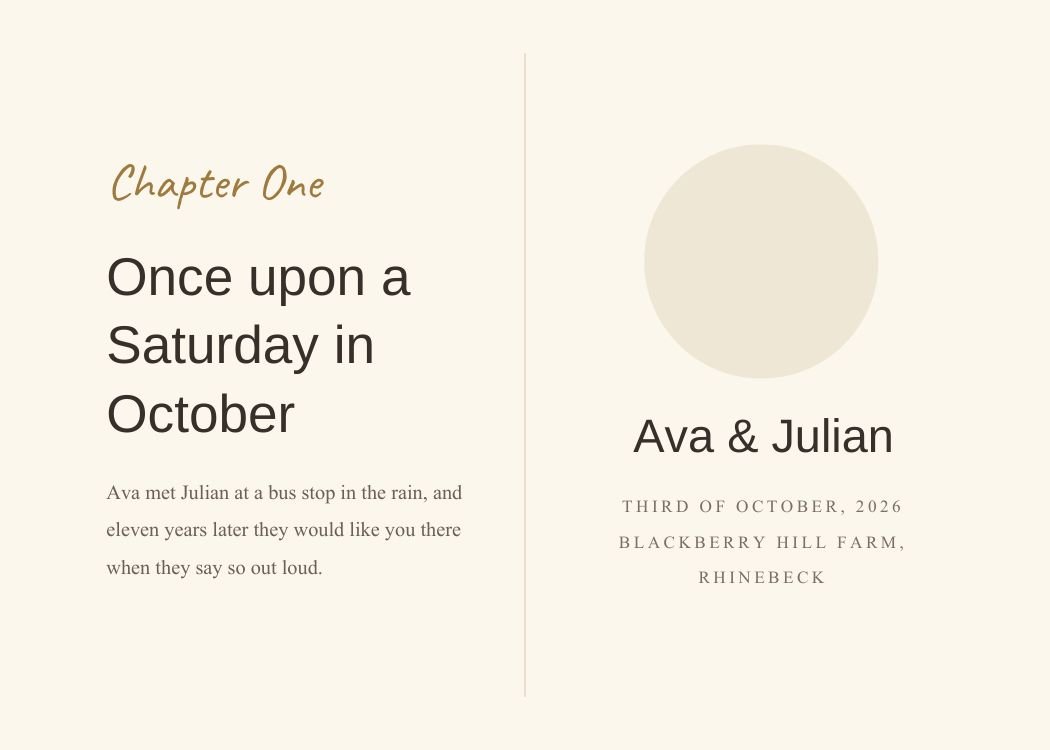
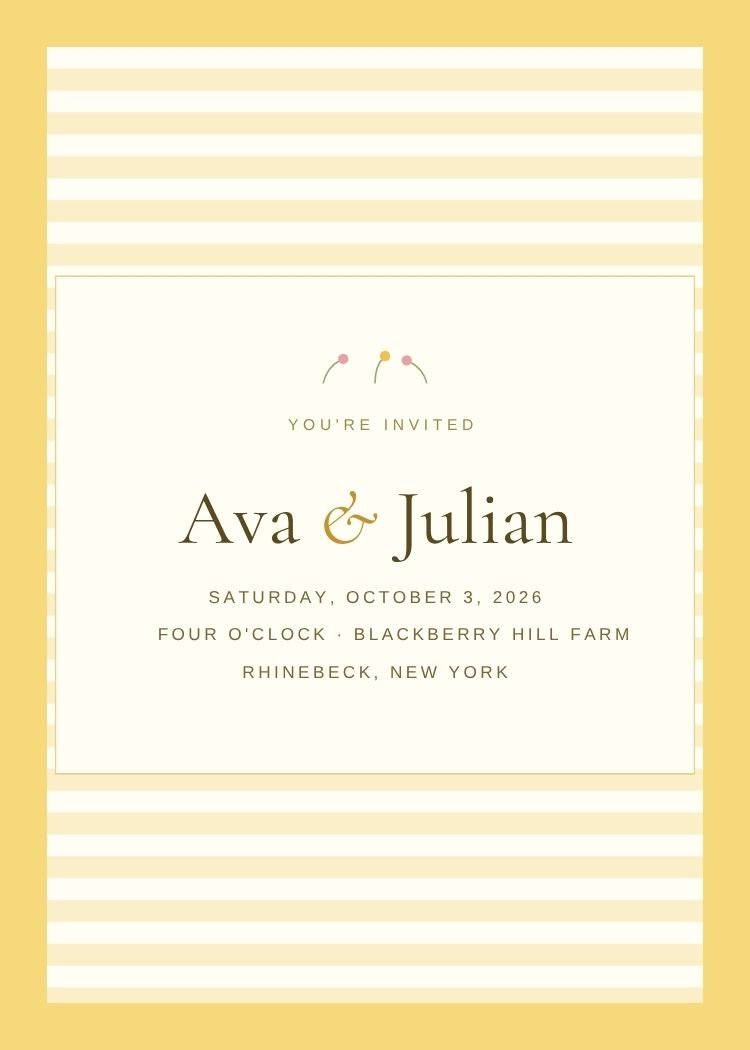
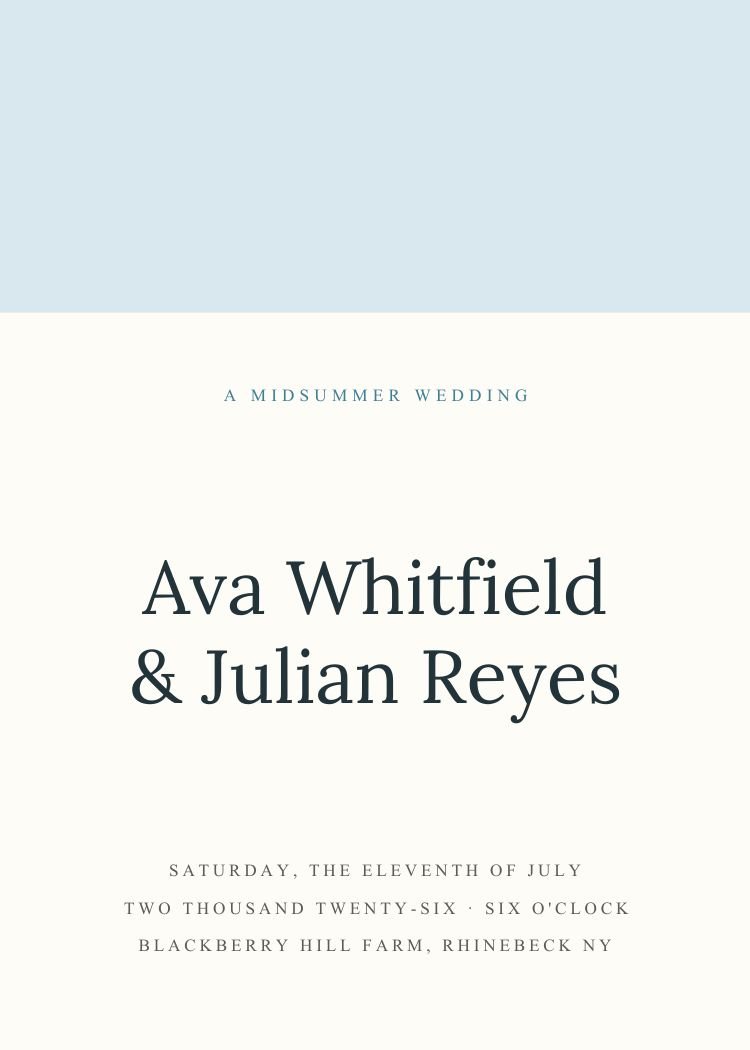
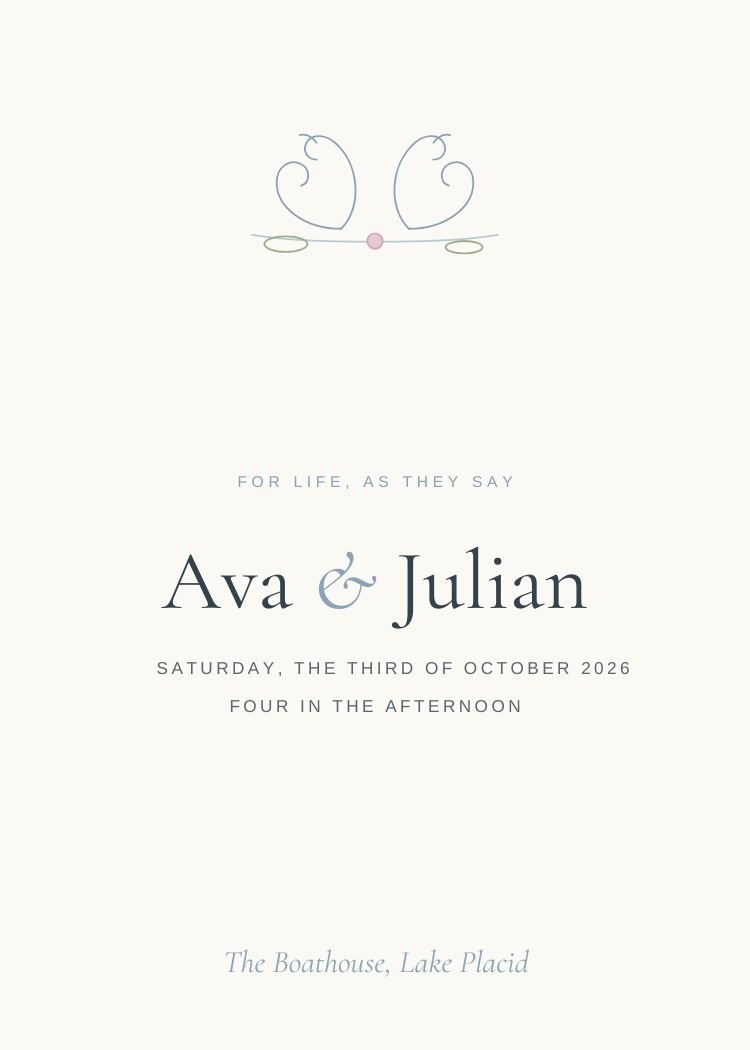
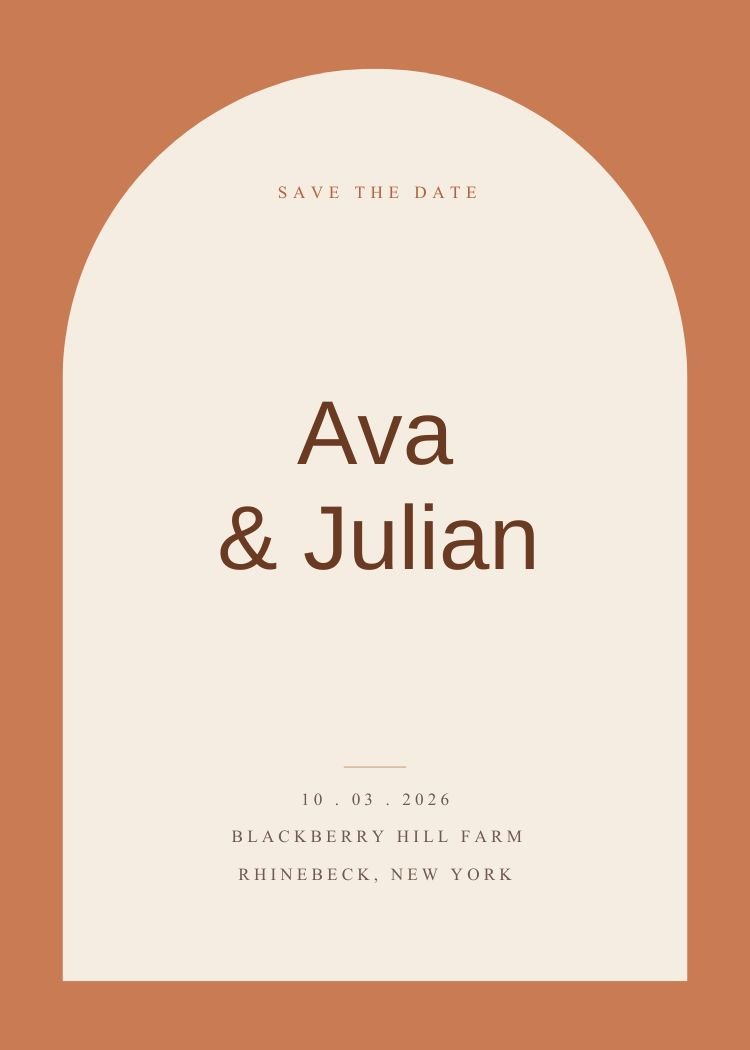
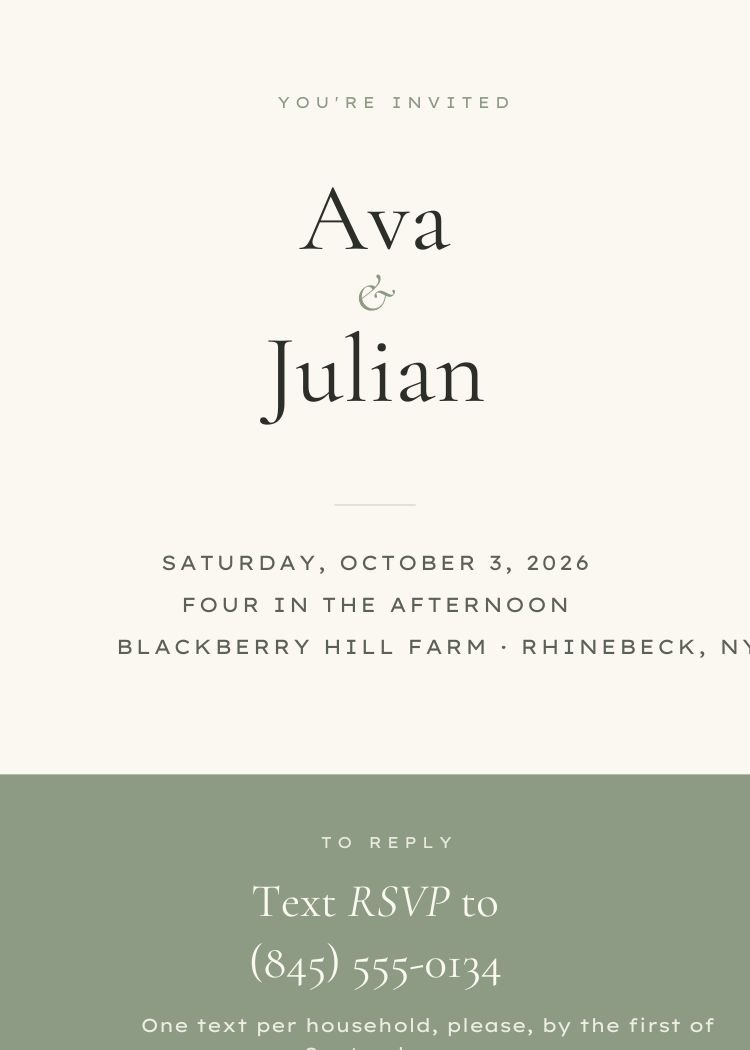
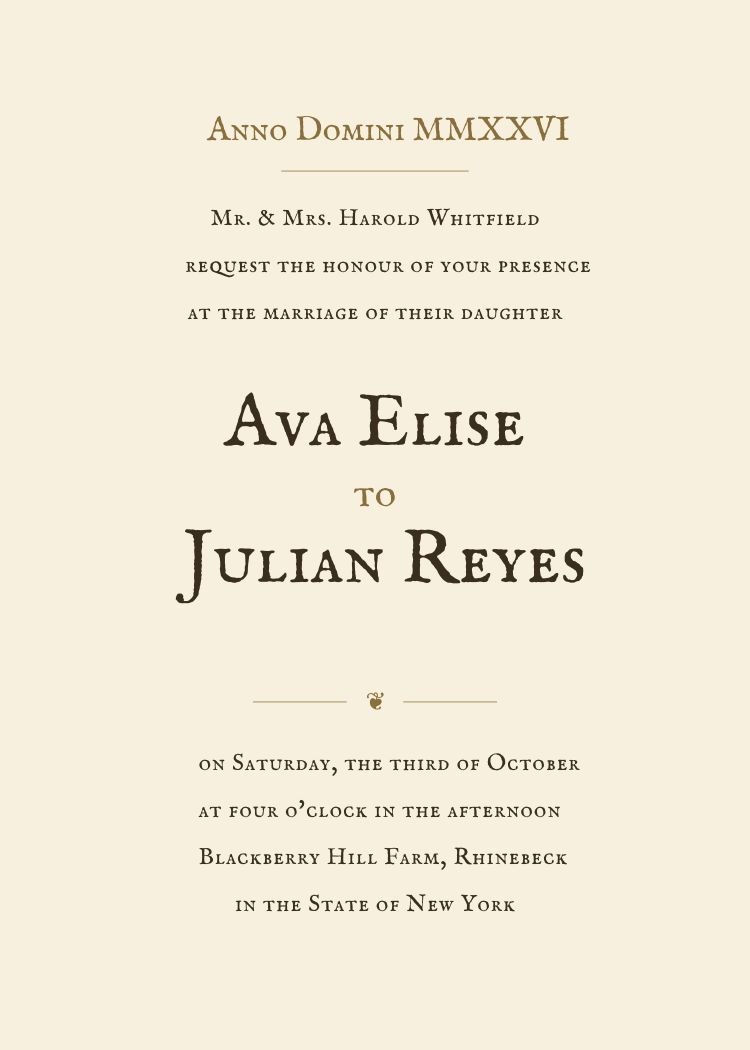
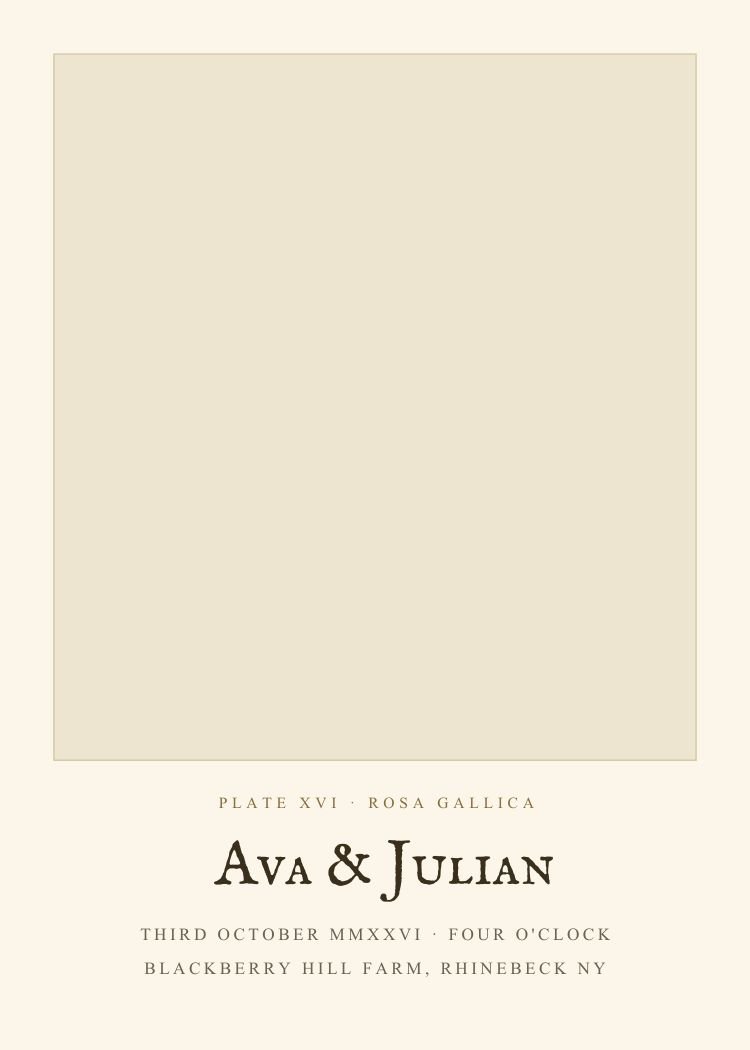
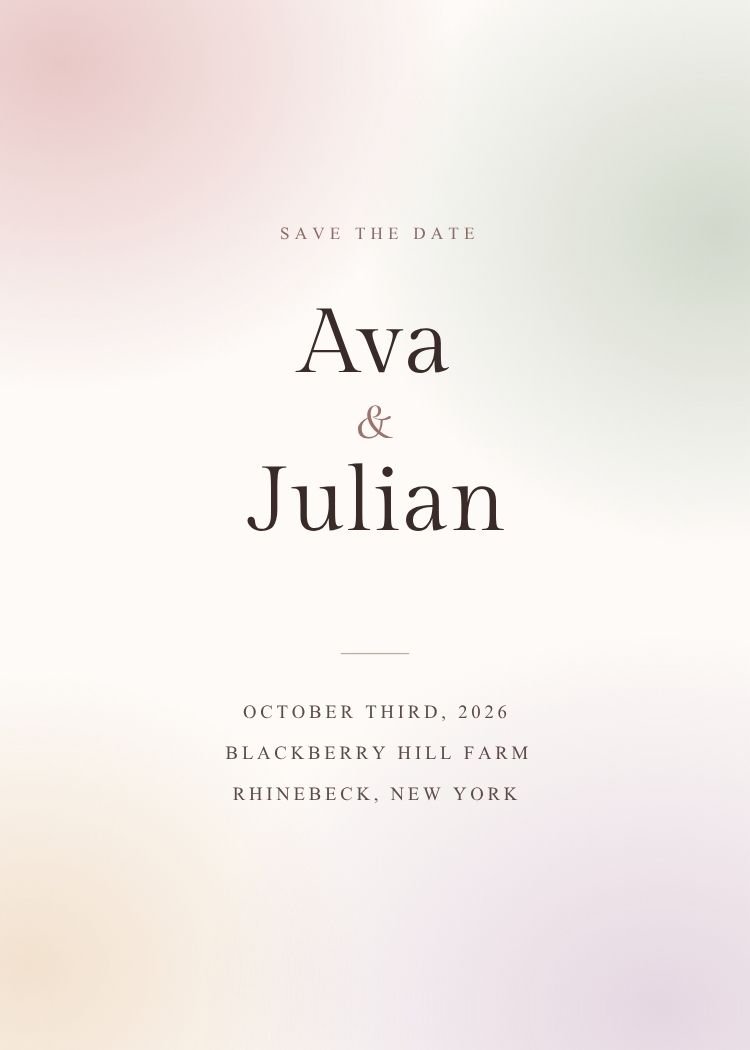
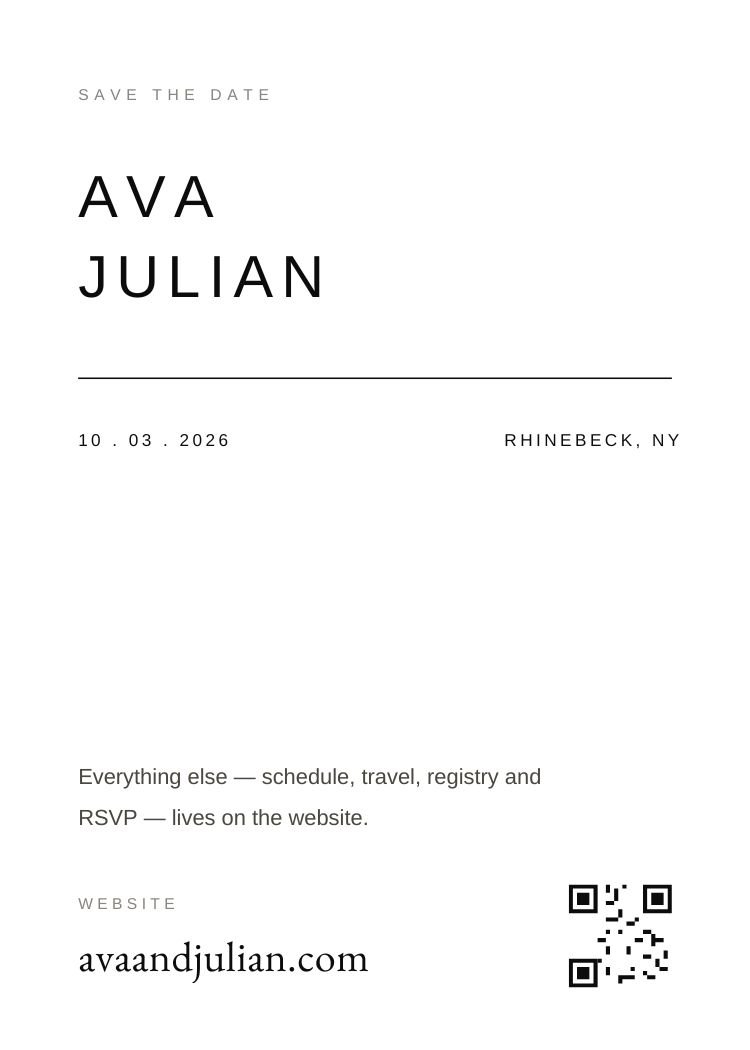
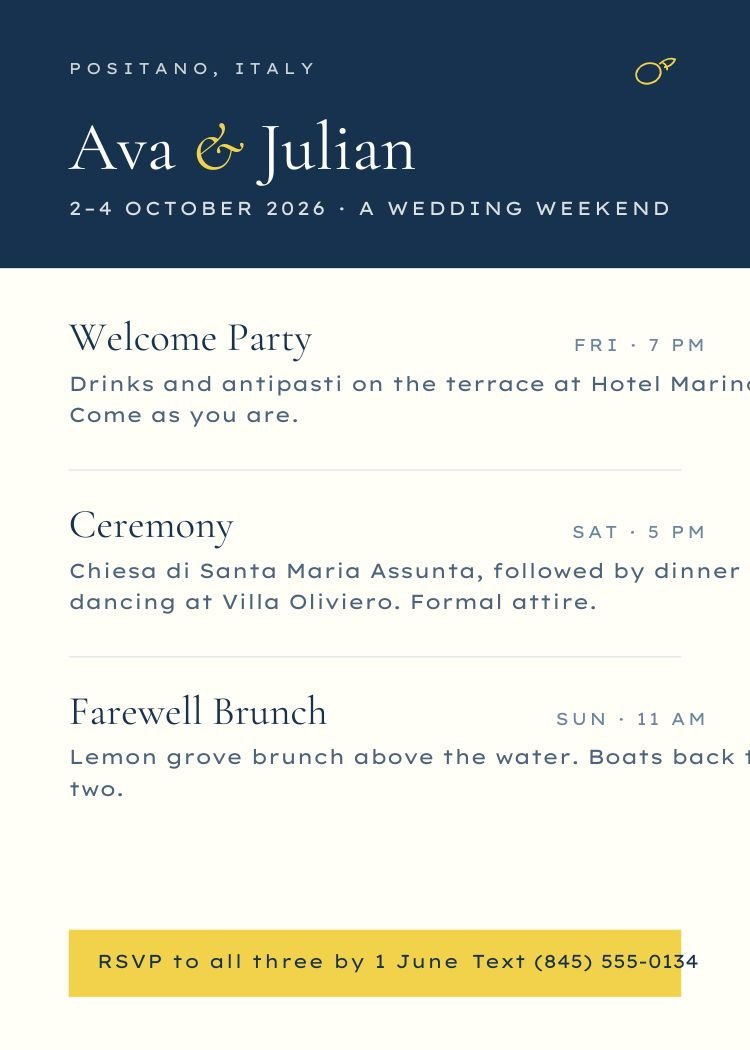
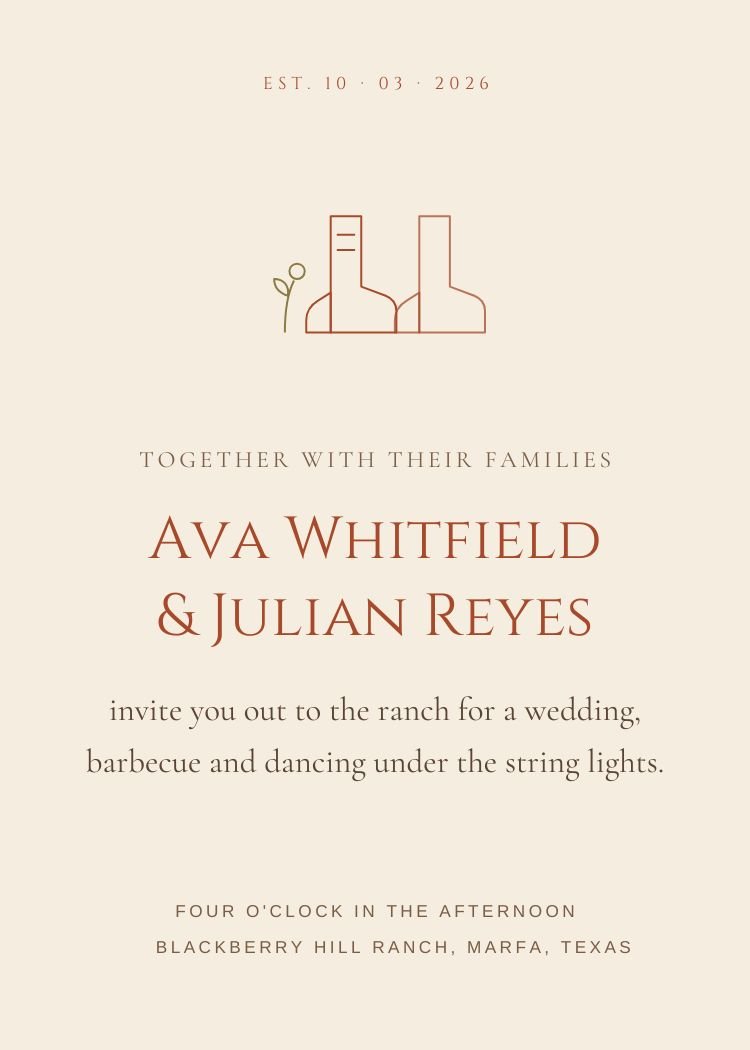
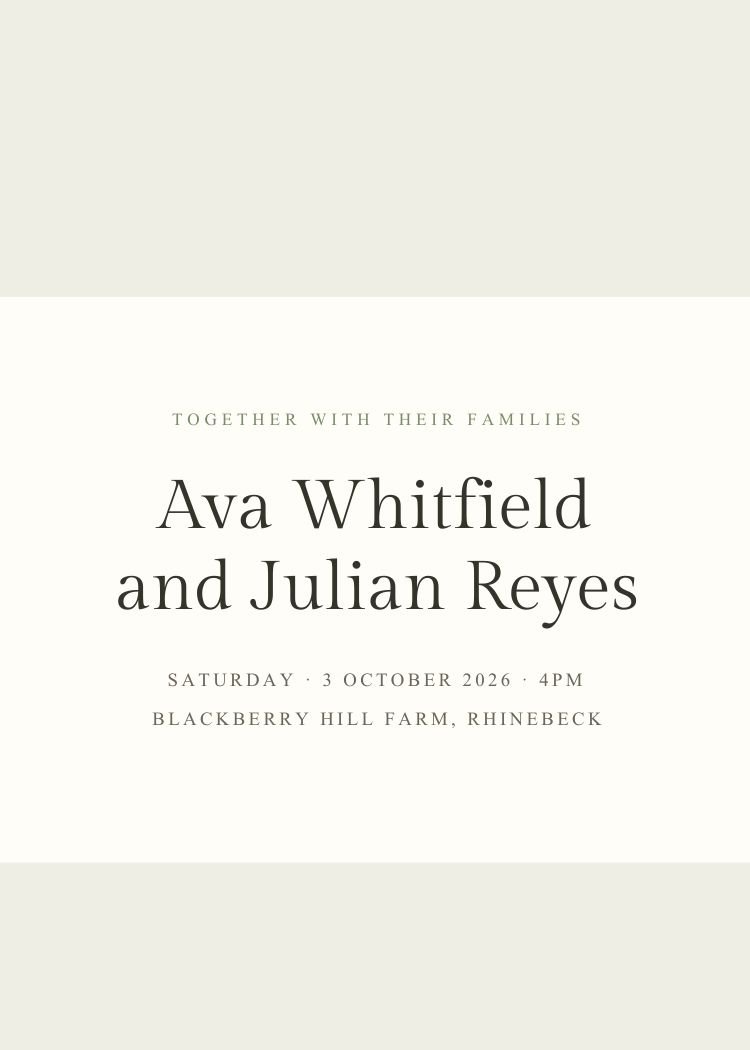
Two tools, one continuous job: design the invitation in Canva, then send it and manage everything that comes back.
Browse by style, color, season or format and open the template's page to see what's editable.
Names, dates, wording, fonts and colors. The design opens in a new tab so this page stays open.
Create your event, add your guest list and text the finished invitation with a personal RSVP link.
Track replies, schedule reminders for non-responders and send wedding-week updates to the same list.
Customize your design in Canva, then use Text My Wedding to send it directly to guests, collect RSVPs and schedule reminders.
Every template on this page is free to open and edit. A free Canva account is enough for all of them — none of the designs require Canva Pro to customize or download.
Yes — the designs are editable in Canva, so you need a free Canva account to change the wording and download the file. Nothing else is required to browse or to send the finished invitation from Text My Wedding.
Most templates are set up as 5×7 cards, so you can export a PDF from Canva and send it to a print shop or print at home. The template page lists the exact size and download formats for each design.
Download your finished design from Canva, create an event in Text My Wedding, add your guest list and attach the image. Each guest receives the invitation with their own RSVP link, and replies are tracked against the guest list.
Yes. Text My Wedding gives every guest a personal RSVP link in the message, so there is no wedding website to build and no card to post back. Designs with a QR code can also carry a scannable code for printed invitations.
No. These templates are designed for Canva and open in Canva, but Text My Wedding is an independent product and is not affiliated with or endorsed by Canva. Canva is a trademark of Canva Pty Ltd.
Canva is a trademark of Canva Pty Ltd. Text My Wedding is not affiliated with or endorsed by Canva.
Writing the wording first? Try the free invitation wording generator and the wording examples library. Printing your invitation? Add a scannable RSVP with the wedding QR code generator.