Got a text about a wedding?
You're in the right place. The couple is using Text My Wedding to keep their guests informed by text message — no app downloads, no group-chat chaos, no missed details. Here's how it works for you as a guest.
- Updates arrive as normal text messages from the couple's dedicated event number
- Nothing to install and no account to create
- Your replies and phone number are only visible to the couple — never to other guests
- Reply STOP any time to opt out
Common questions from guests
- Why did I get this text?
- A couple (or event host) added you to their guest list on Text My Wedding so they can keep you in the loop — save-the-dates, RSVP requests, directions, day-of updates, and photo sharing all arrive as regular text messages.
- Do I need to download an app?
- No. Everything happens over normal text messages. There is nothing to install, no account to create, and it works on any phone — including flip phones.
- Can other guests see my replies or my phone number?
- No. Messages are sent to each guest individually, so there is no group chat and no reply-all. When you reply, only the couple sees it.
- How do I RSVP or send photos?
- If the couple asks for an RSVP or photos, the text will include a link or instructions — usually just tapping a link or replying with a photo. That's it.
- How do I stop receiving messages?
- Reply STOP to any message and you won't receive further texts for that event. You can also let the couple know directly.
Planning your own wedding?
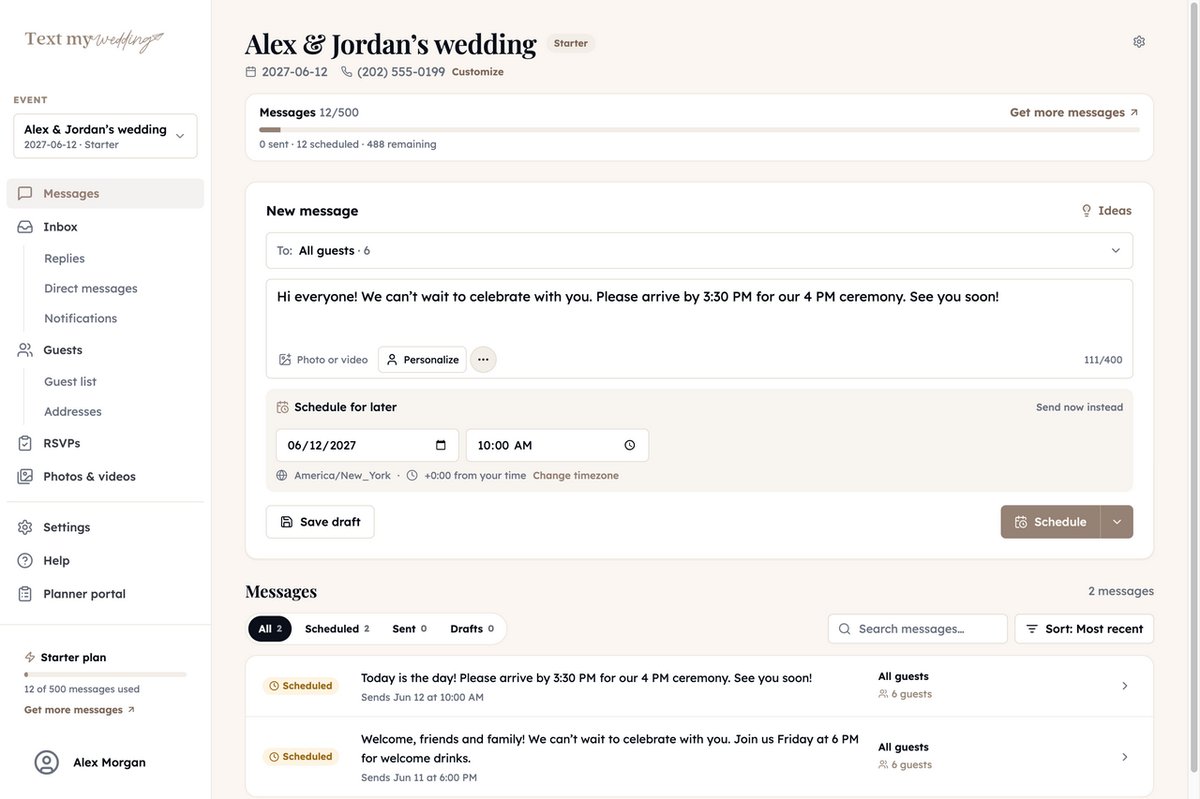
If you liked getting updates this way, you can do the same for your own guests — schedule texts, collect RSVPs and addresses, and gather photos from everyone, all without your guests downloading anything. See how Text My Wedding works, or see how couples manage their guest list.
Ready to dive in?Remove wedding day stress.
Send and schedule messages to your guests. Collect photos and RSVPs. All in one place.
Sign up now