
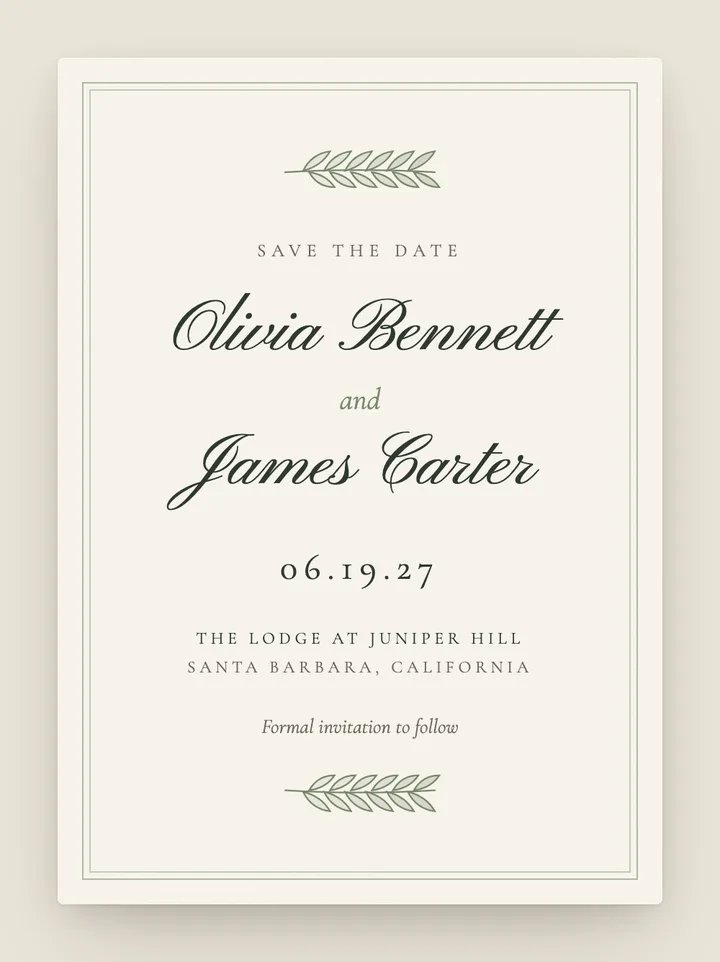
Juniper
Classic · Botanical
A text lands with their name in it. One tap and an envelope addressed to them flips over, the wax seal lifts and your save the date slides out, with your date ready to drop into their calendar.
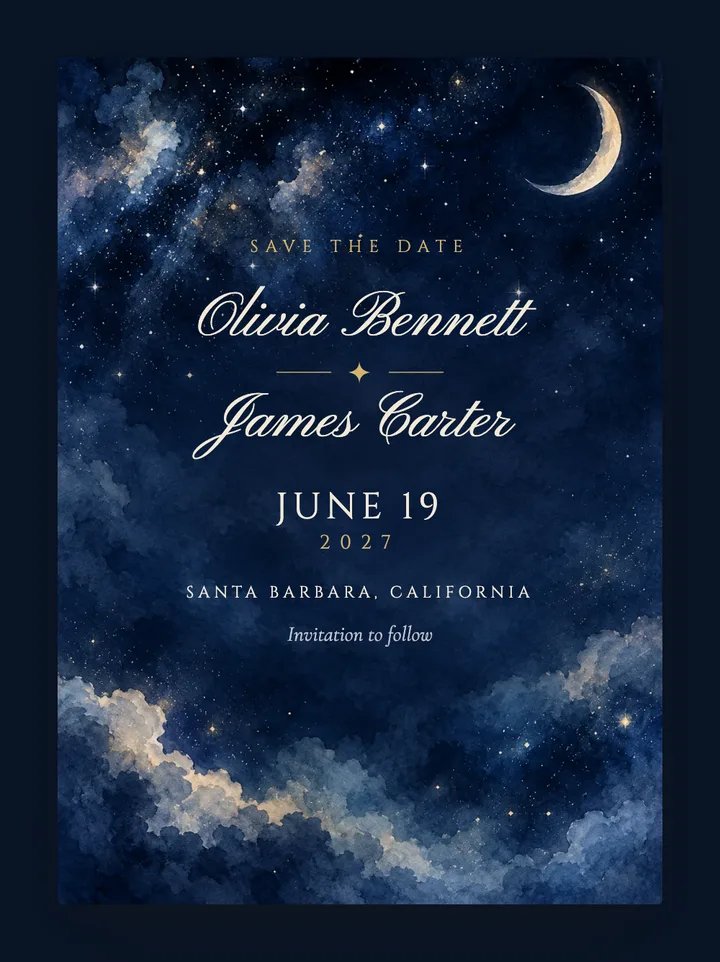
You design the card and add your guests. Text My Wedding sends every guest their own link and keeps track of who replied.
Pick a design, add your names, date and city, and choose the palette, envelope liner, wax seal and stamp. No account needed.
Upload a spreadsheet, paste a list or import from The Knot, Zola or Joy. Group households so they share one envelope.
Each guest gets a text with their own link and an envelope addressed to them. They can add your date to Google, Apple or Outlook in one tap.
An online save the date only works if people see it. Ours arrive as a text message, so they land where guests actually look, and each one opens into an animated save the date with an envelope addressed to that guest. There are 40 electronic save the date designs to choose from, from minimalist type and hand-circled calendars to starry skies, Lisbon tiles and a front-page newspaper.
Because every guest has their own link, you know the news reached the right person, and the same guest list carries straight through to the invitation, the RSVPs and the wedding-week updates. No coins, no per-card fees and nothing for guests to download.
40 designs, each available in several palettes. Every one is free to personalize.
40 designs.
Classic · Botanical
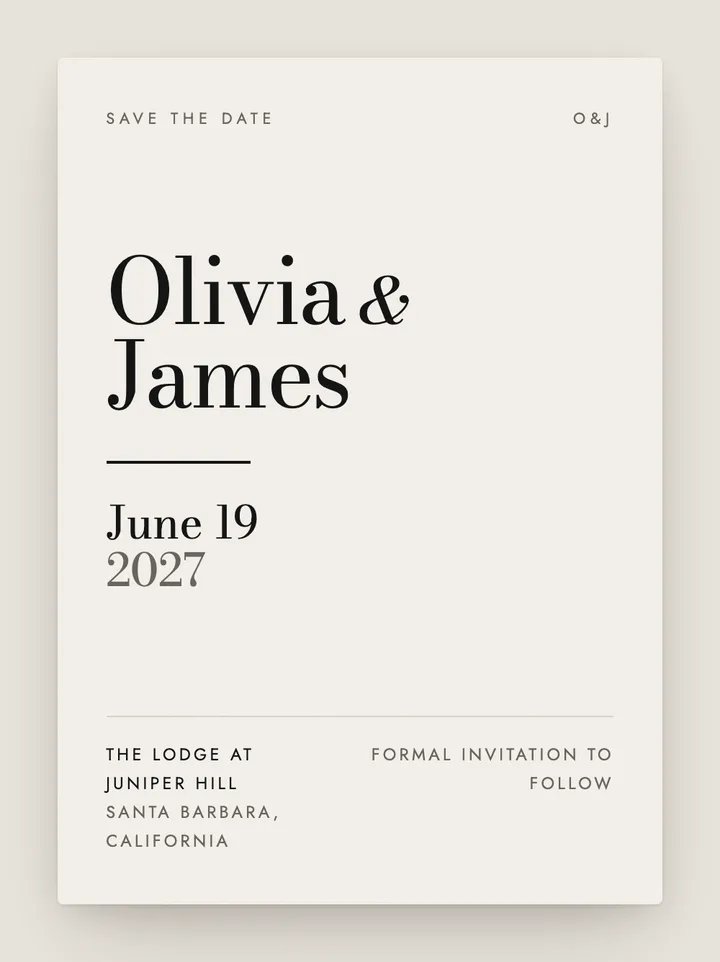
Modern · Minimalist
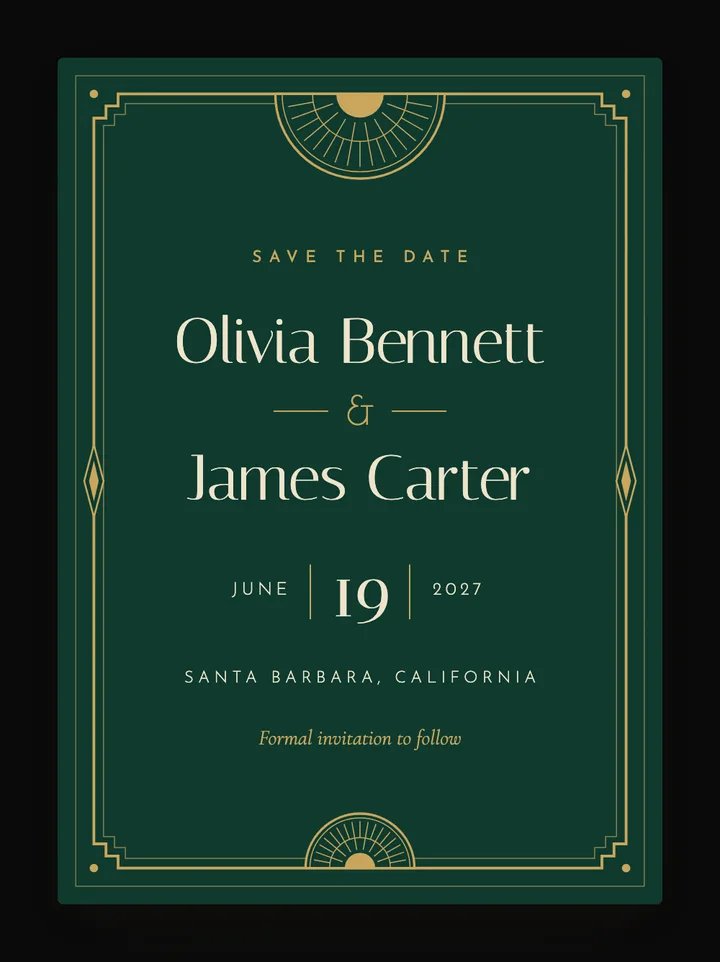
Art Deco · Black tie
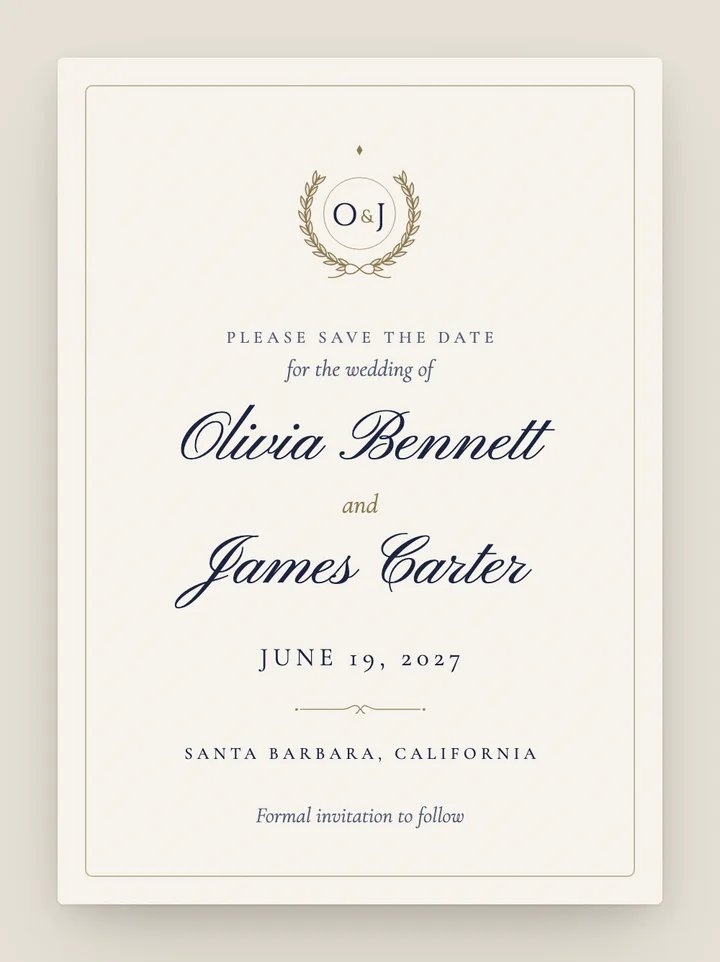
Classic · Calligraphy
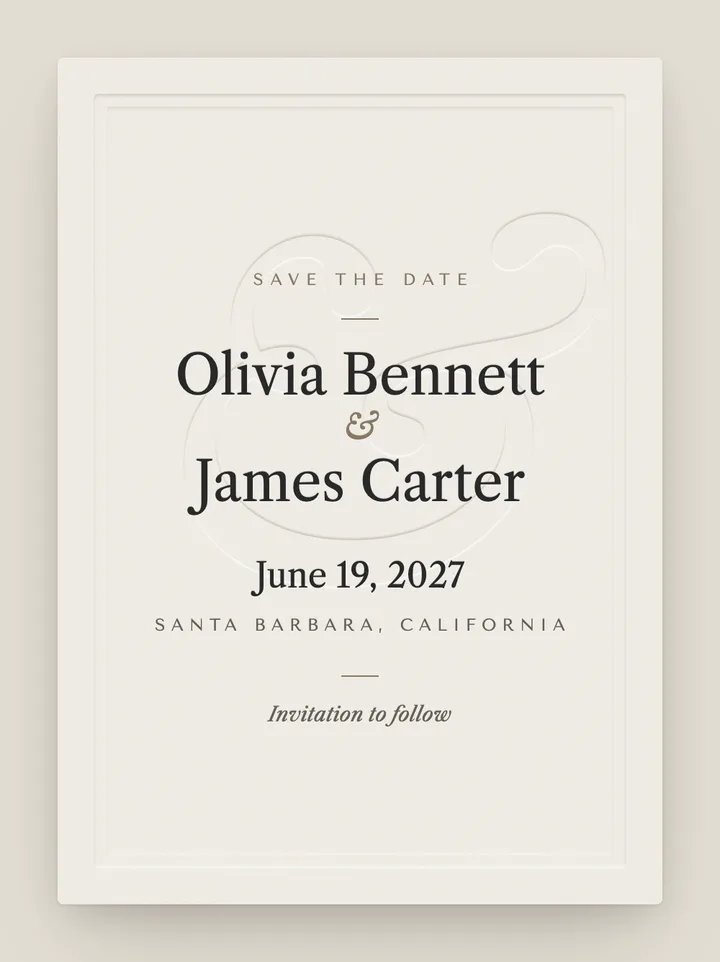
Classic · Minimalist
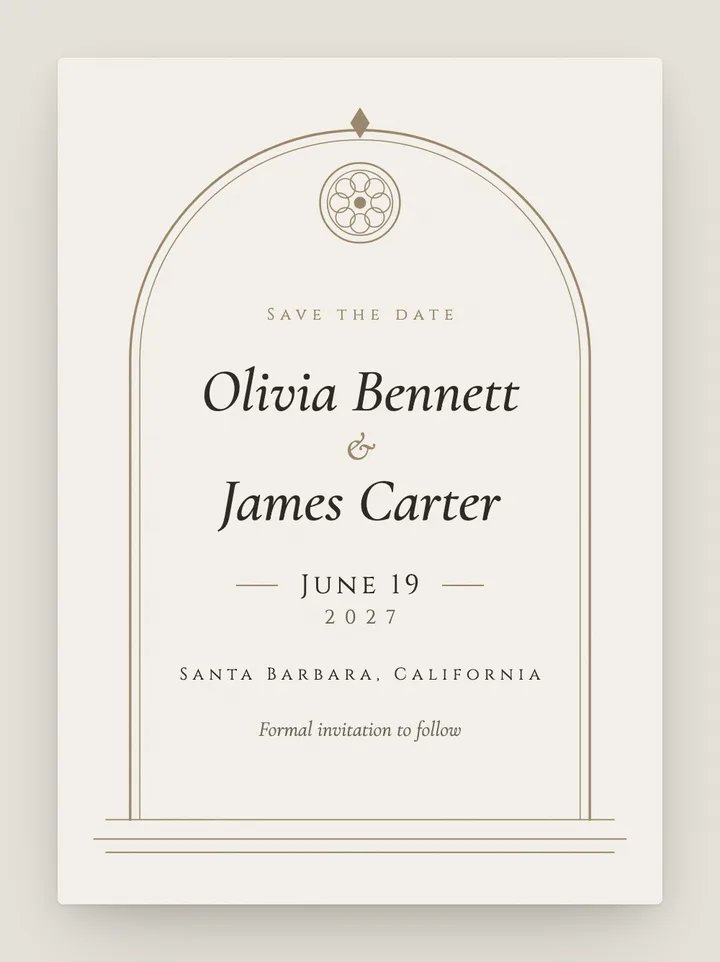
Classic · Romantic
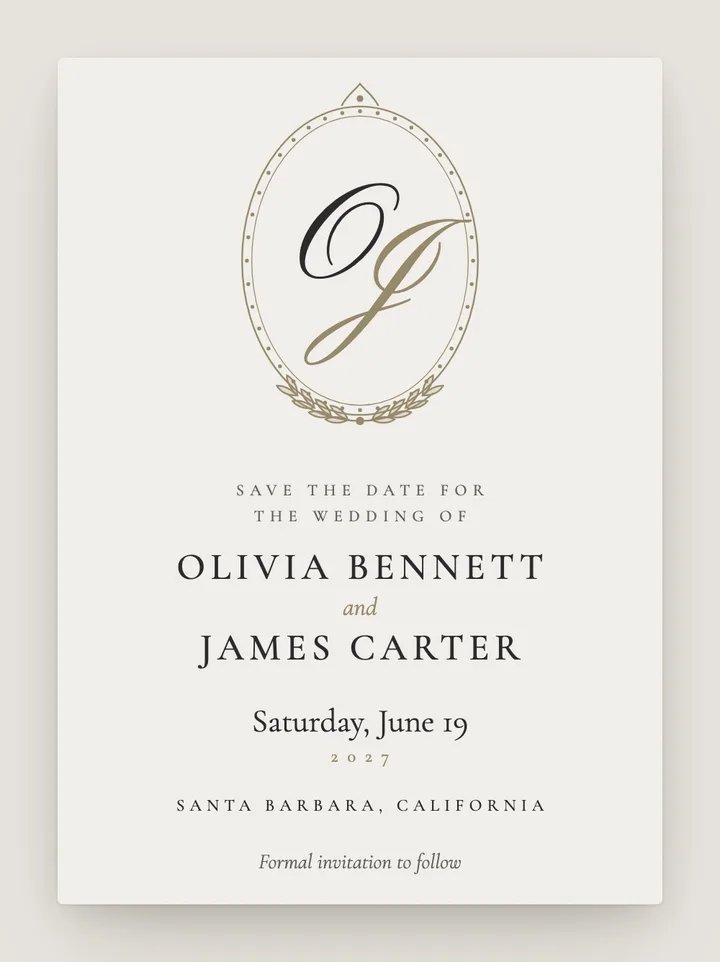
Classic · Calligraphy
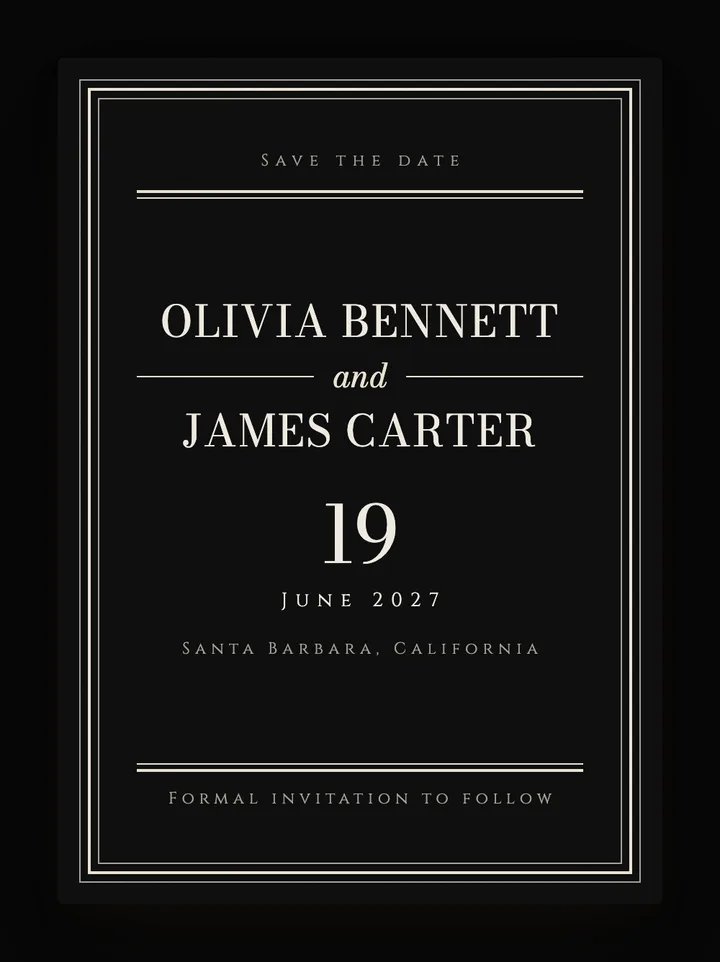
Black tie · Classic
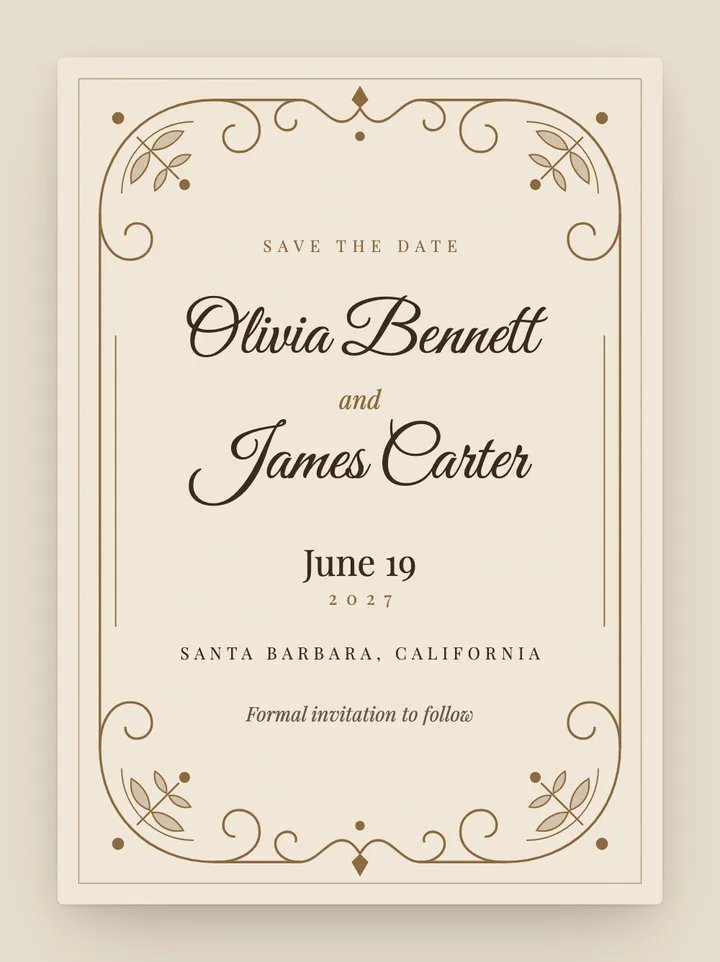
Vintage · Romantic
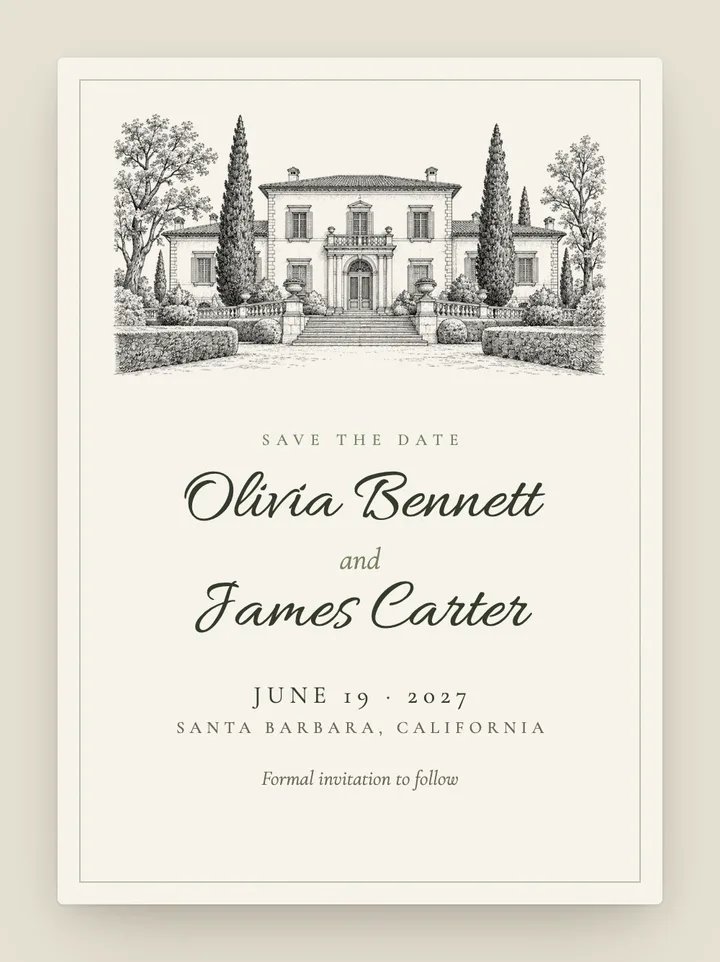
Classic · Garden
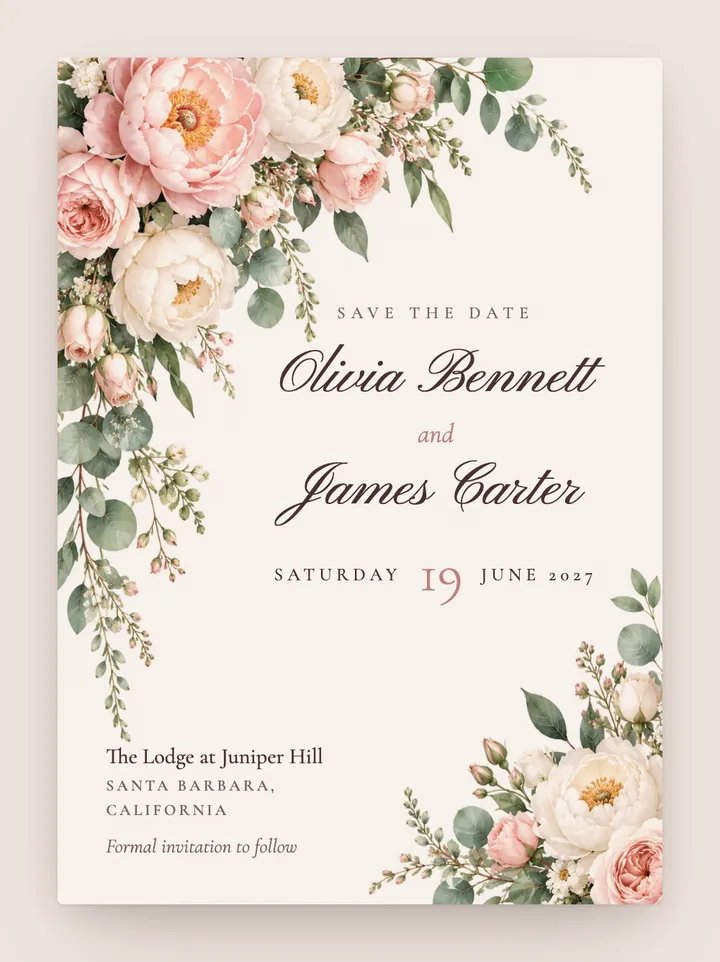
Romantic · Floral
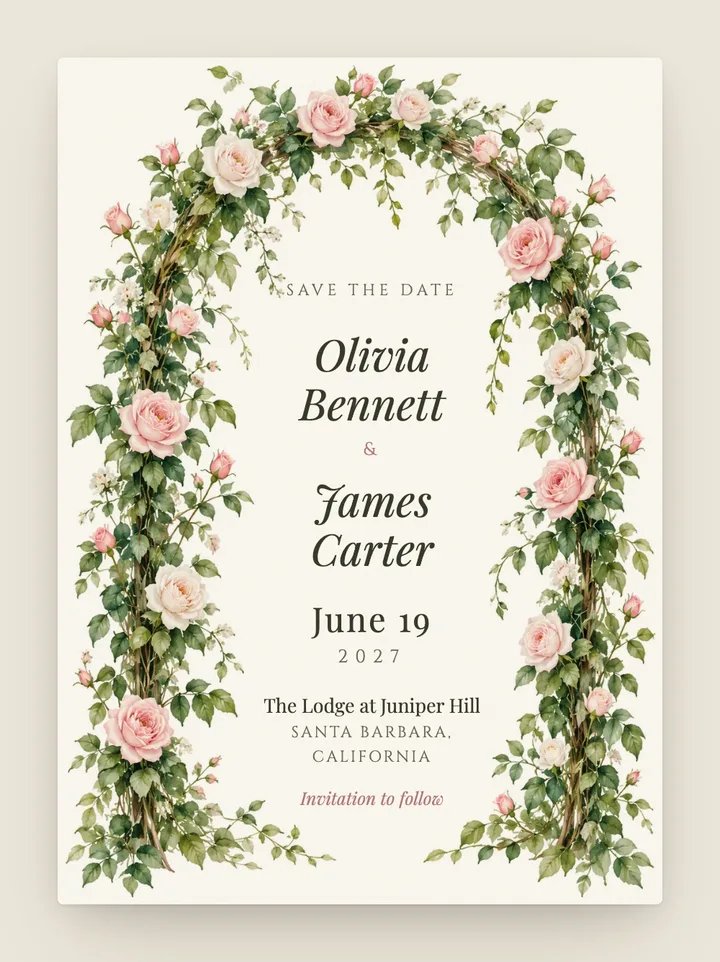
Romantic · Garden
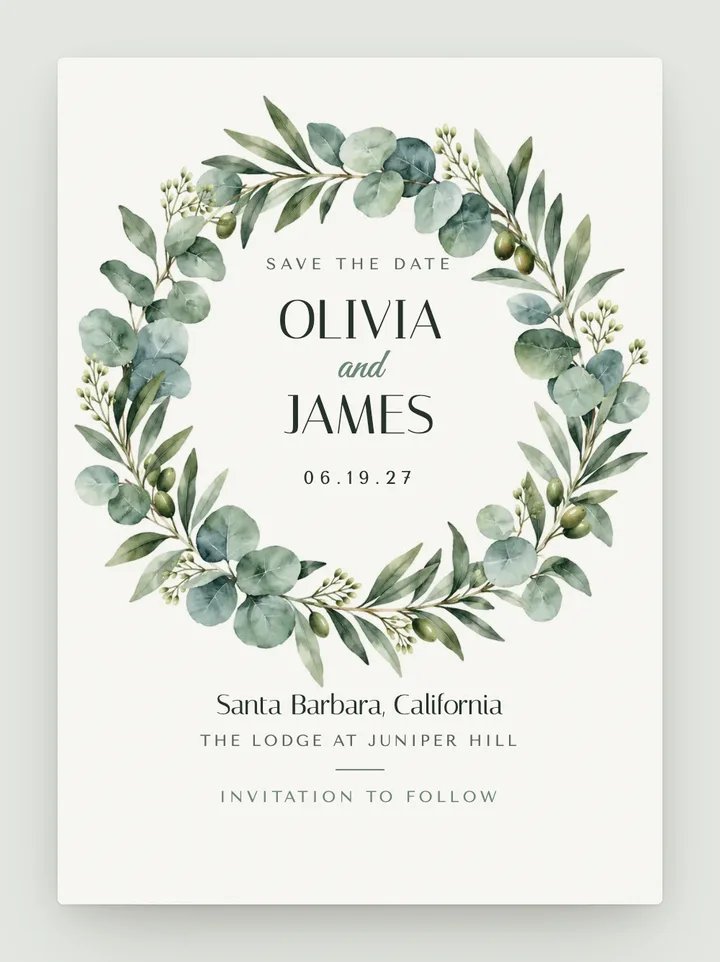
Botanical · Modern
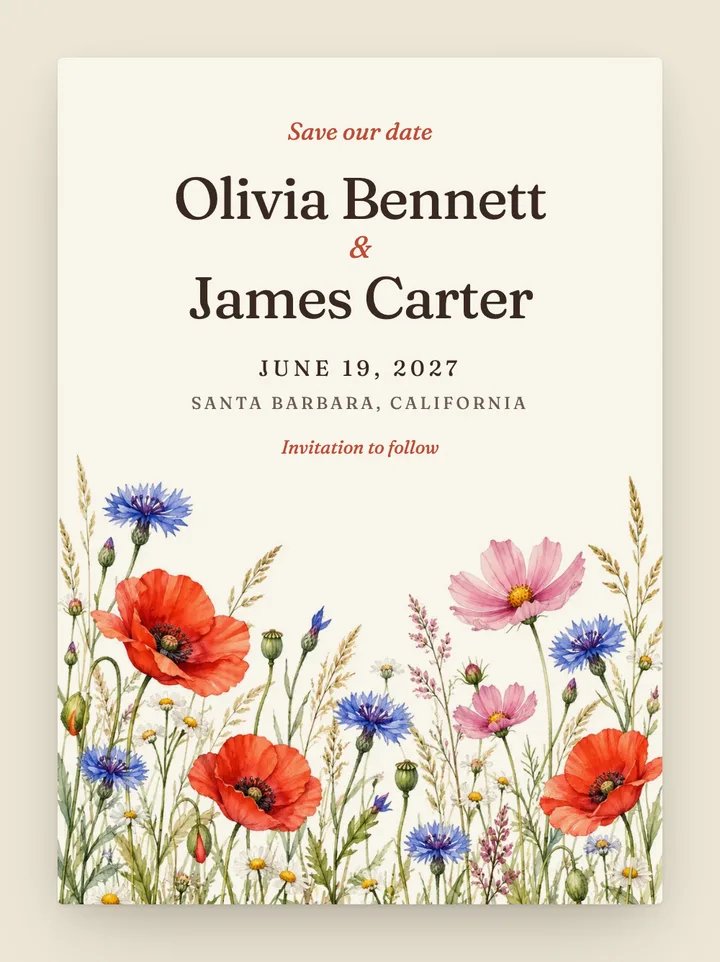
Whimsical · Garden
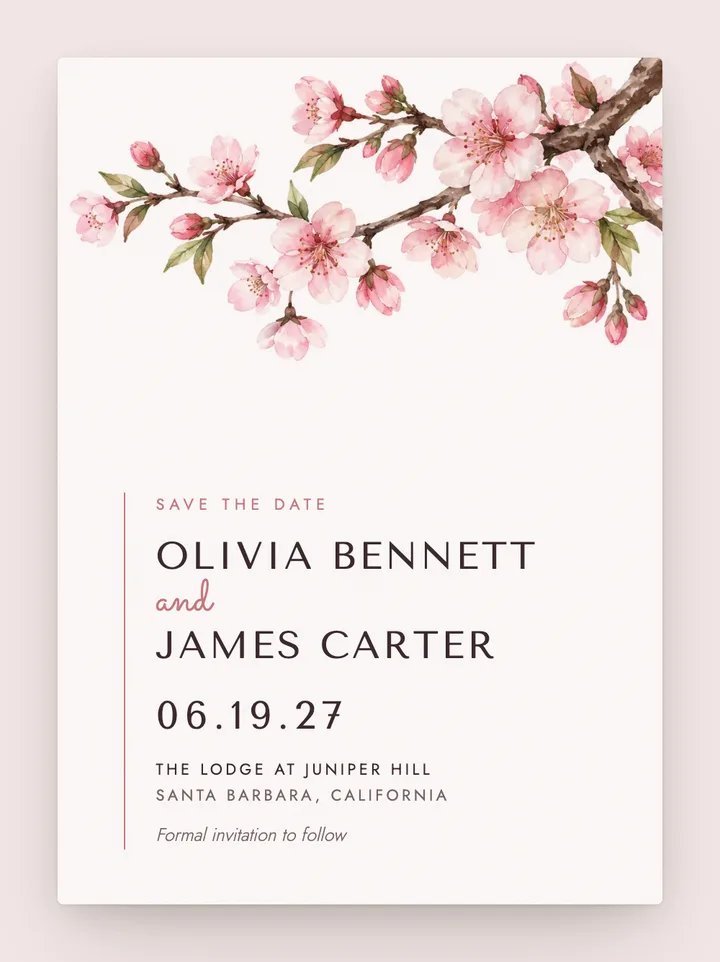
Modern · Floral
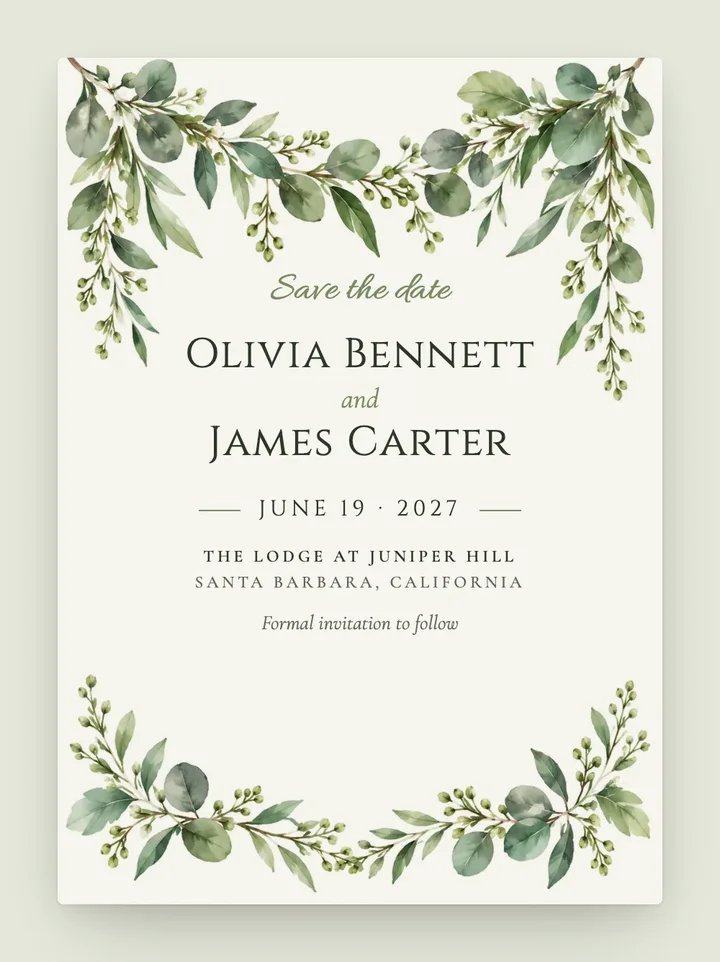
Botanical · Classic
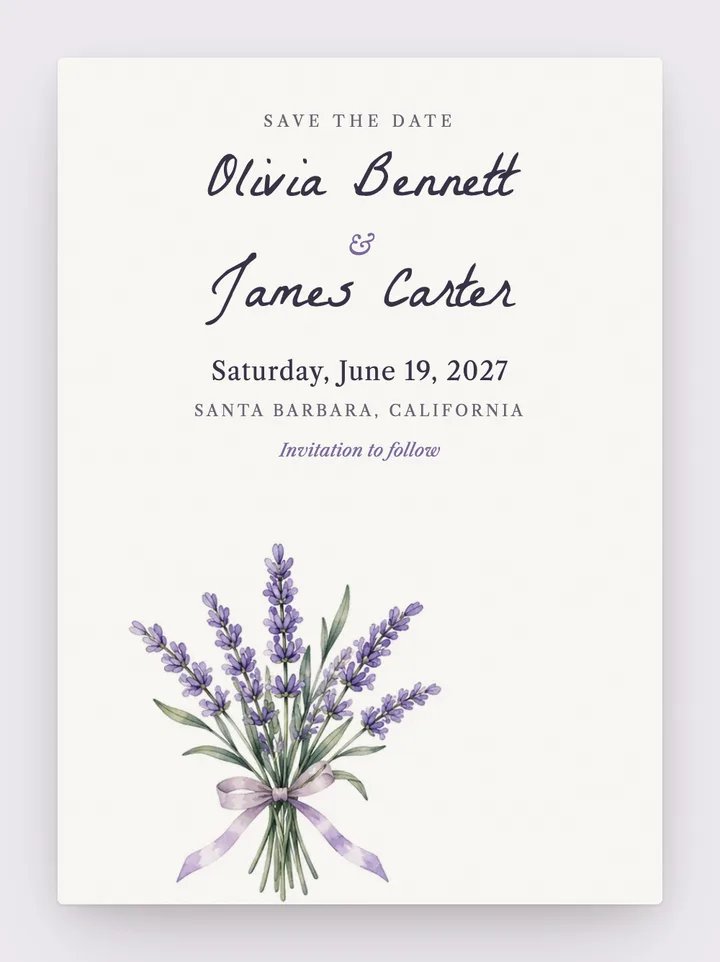
Romantic · Calligraphy
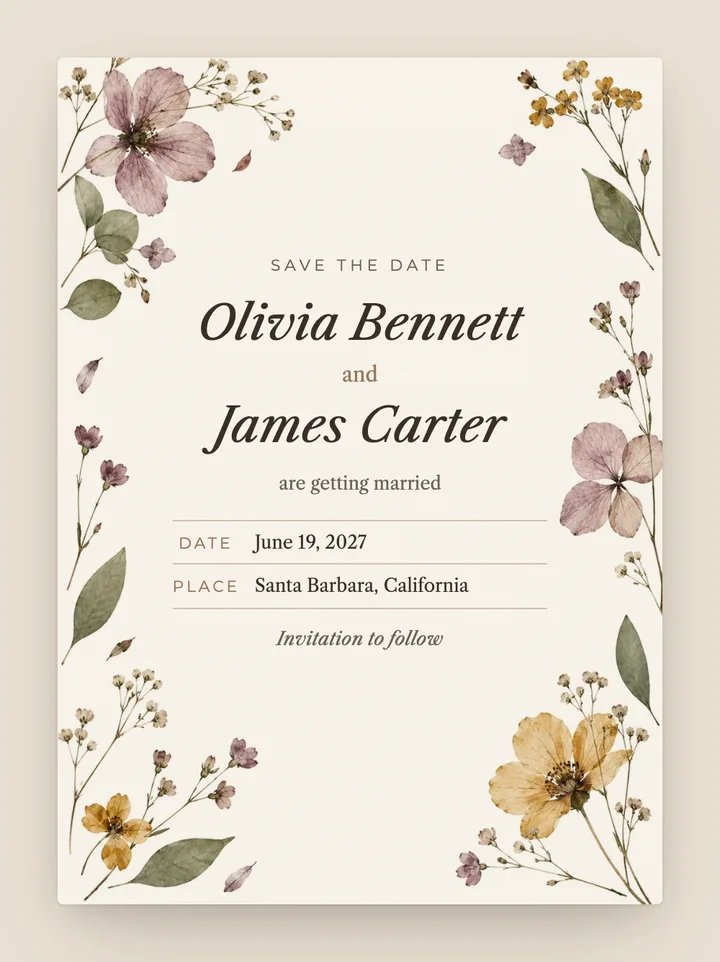
Vintage · Botanical
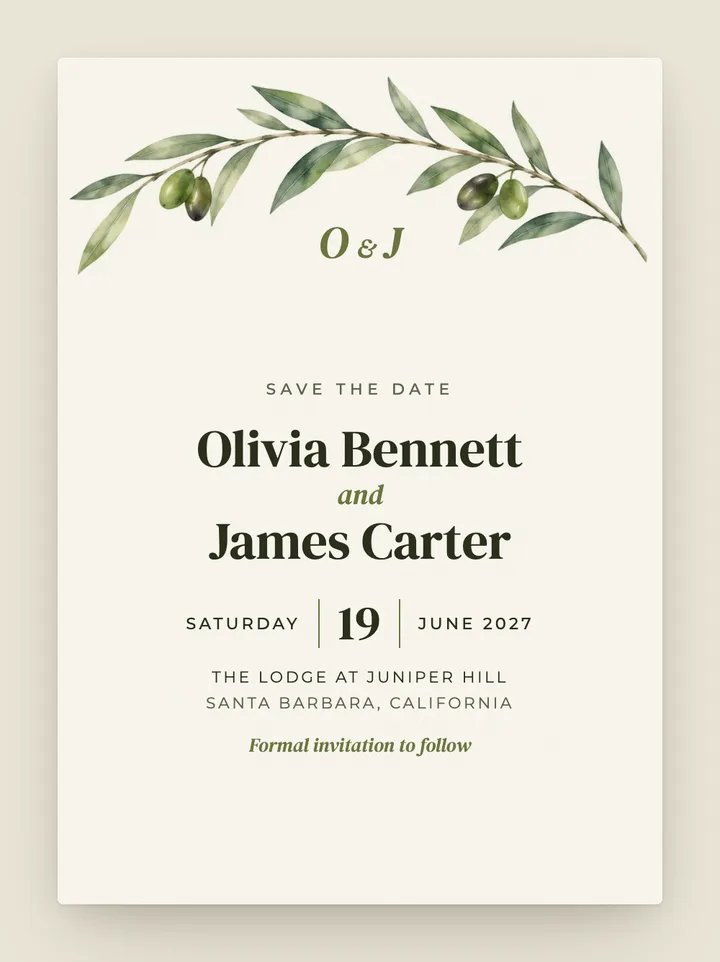
Botanical · Modern
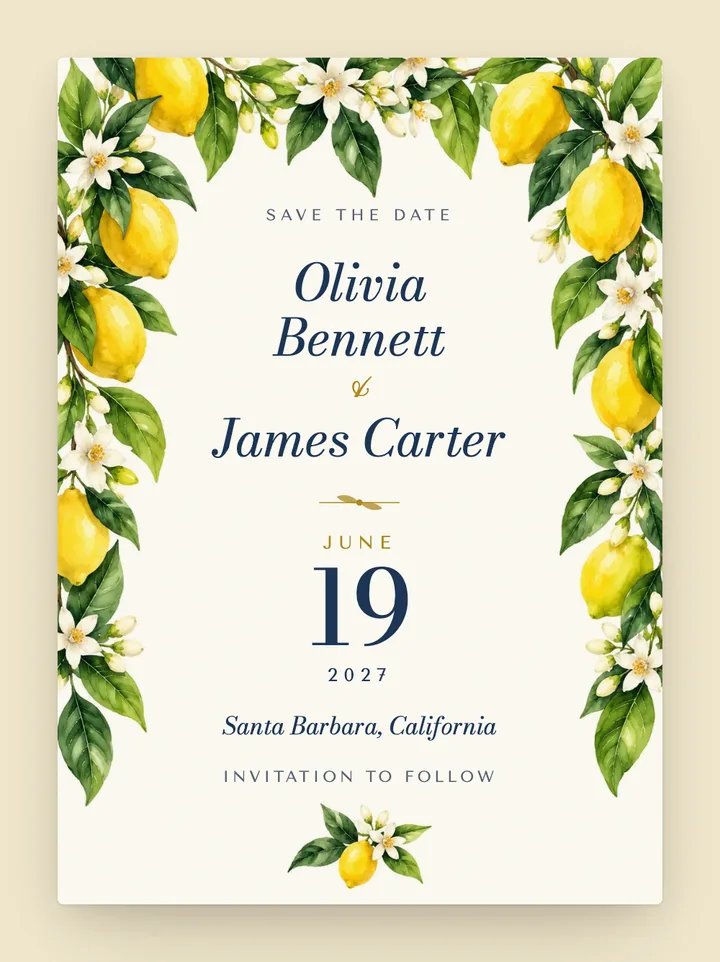
Destination · Coastal
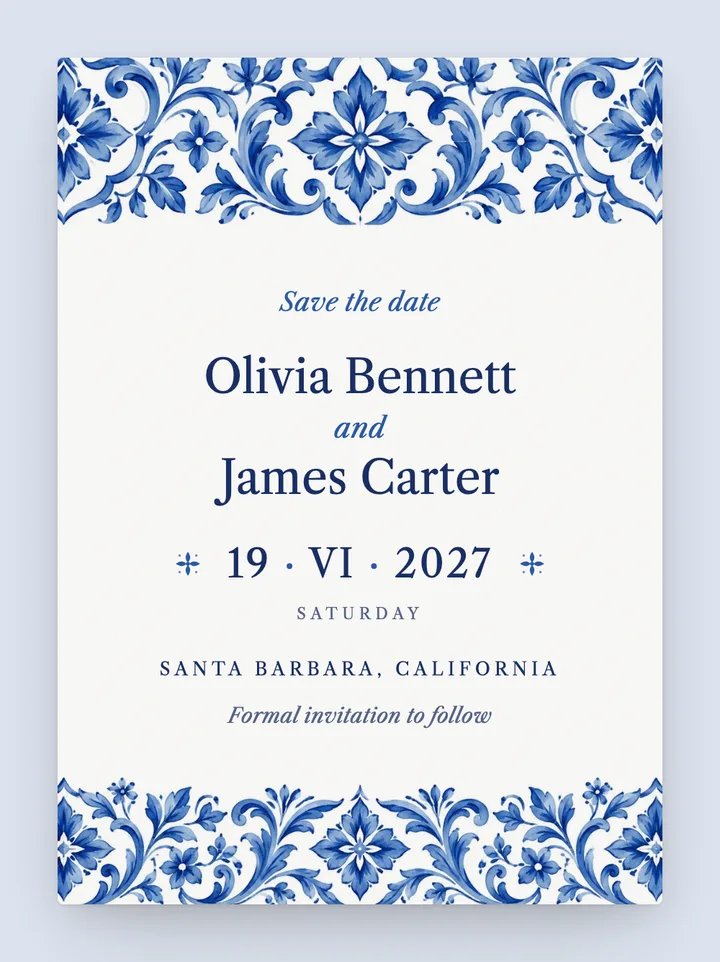
Destination · Classic
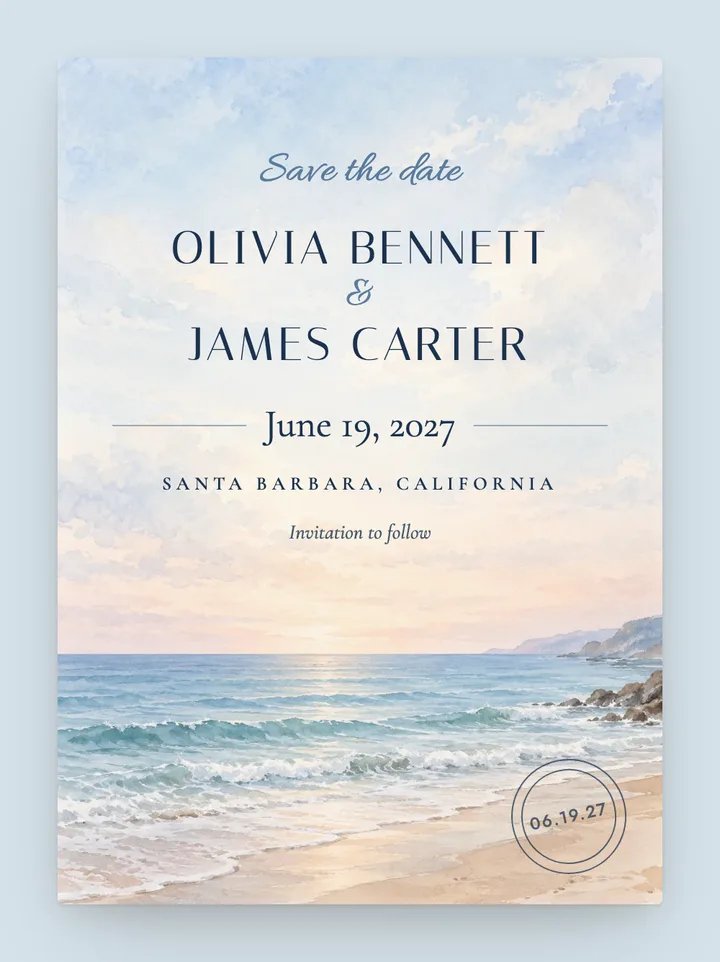
Coastal · Destination
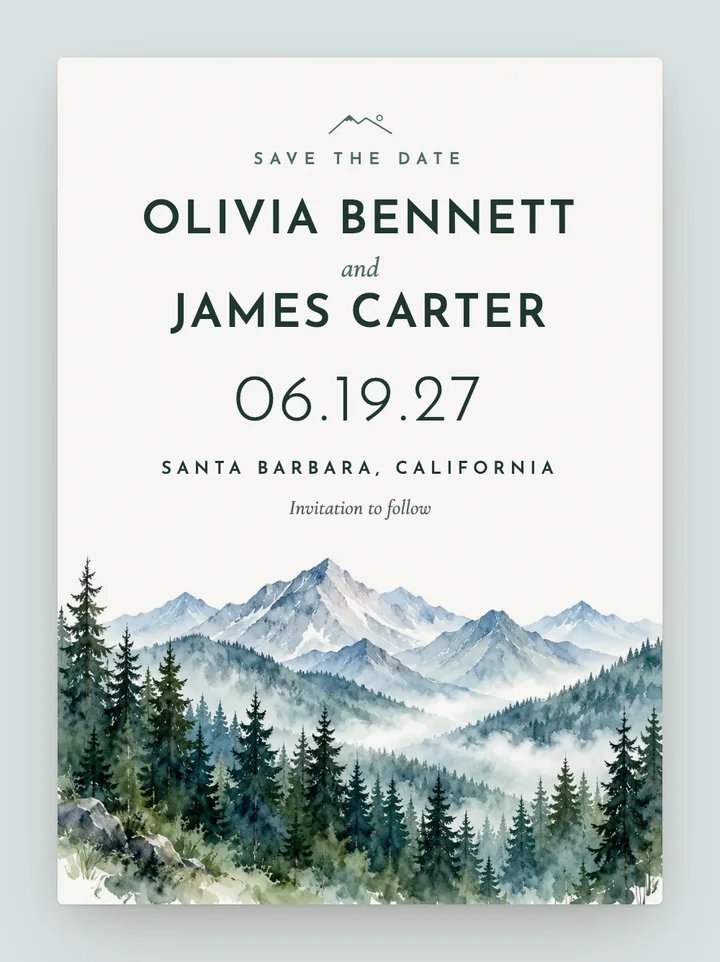
Destination · Rustic
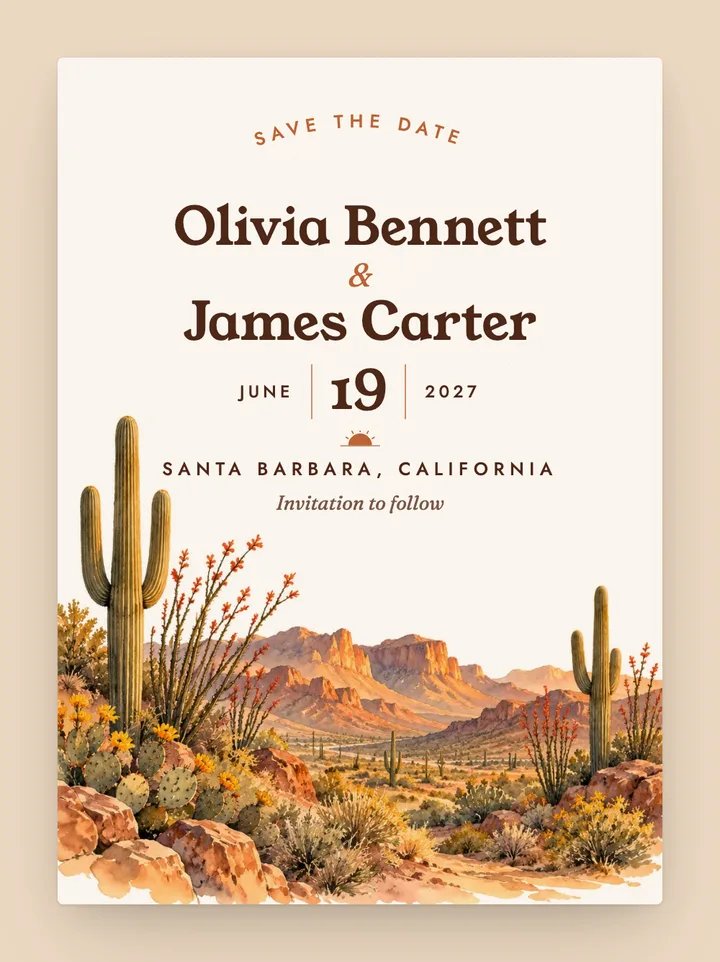
Destination · Boho
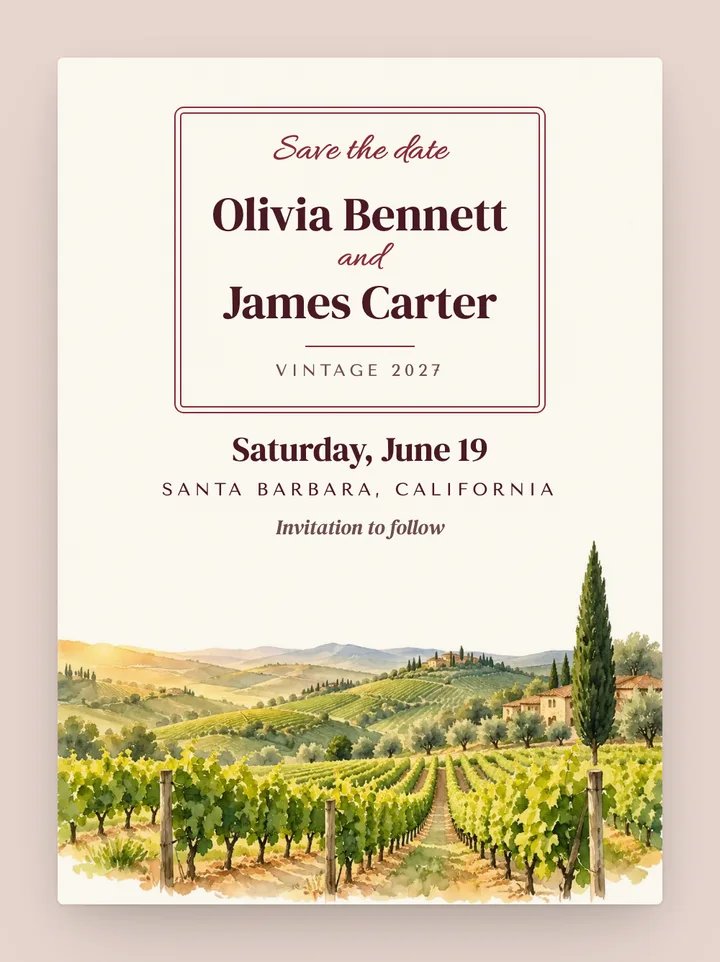
Destination · Rustic
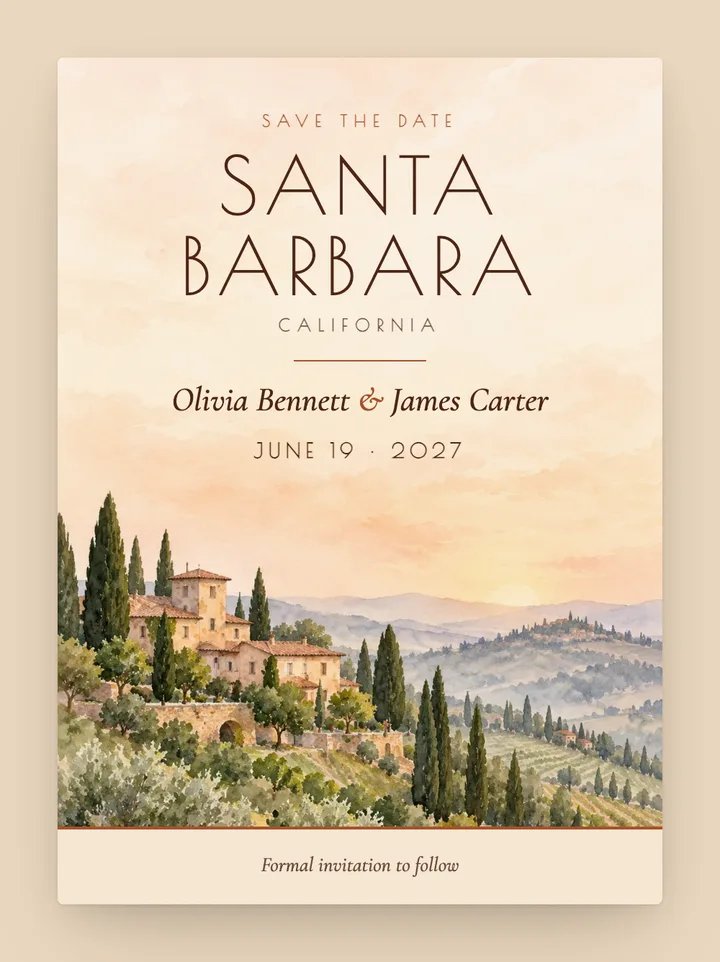
Destination · Vintage
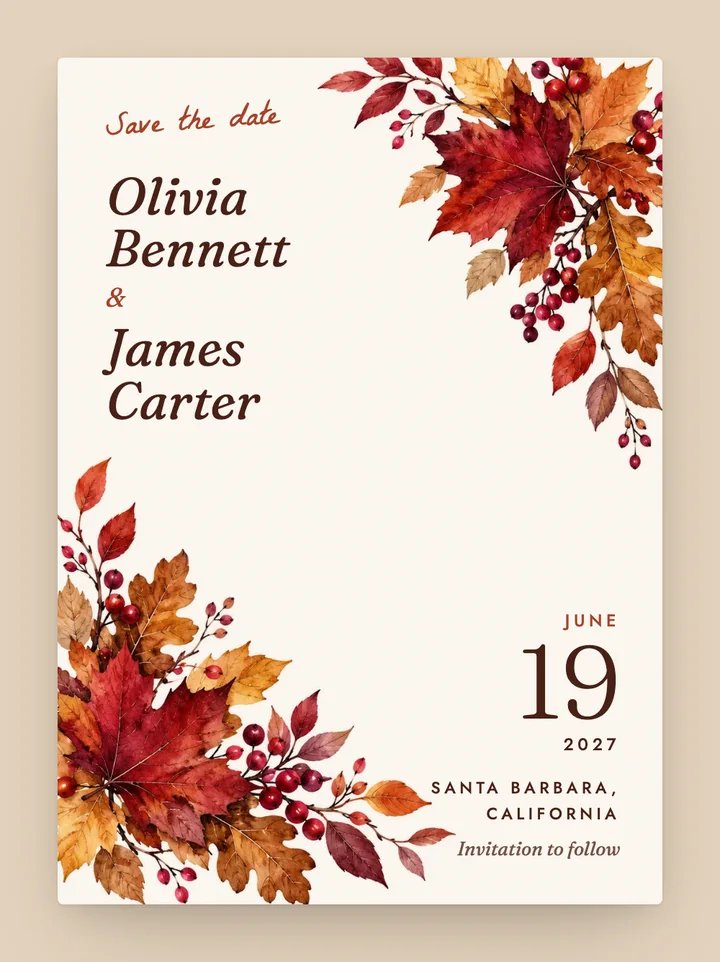
Rustic · Botanical
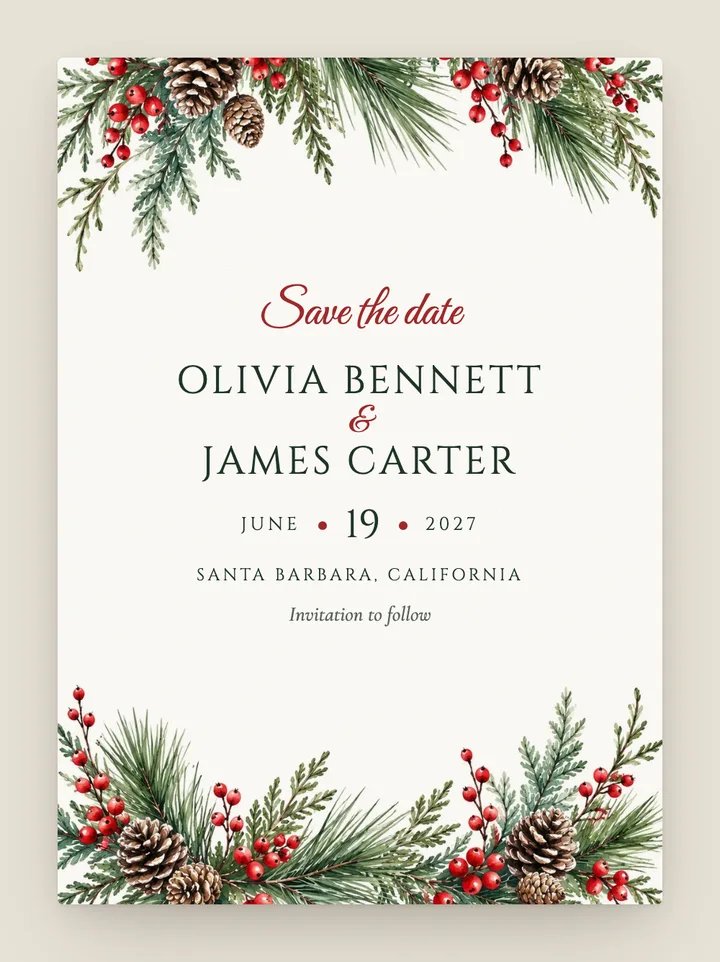
Classic · Botanical
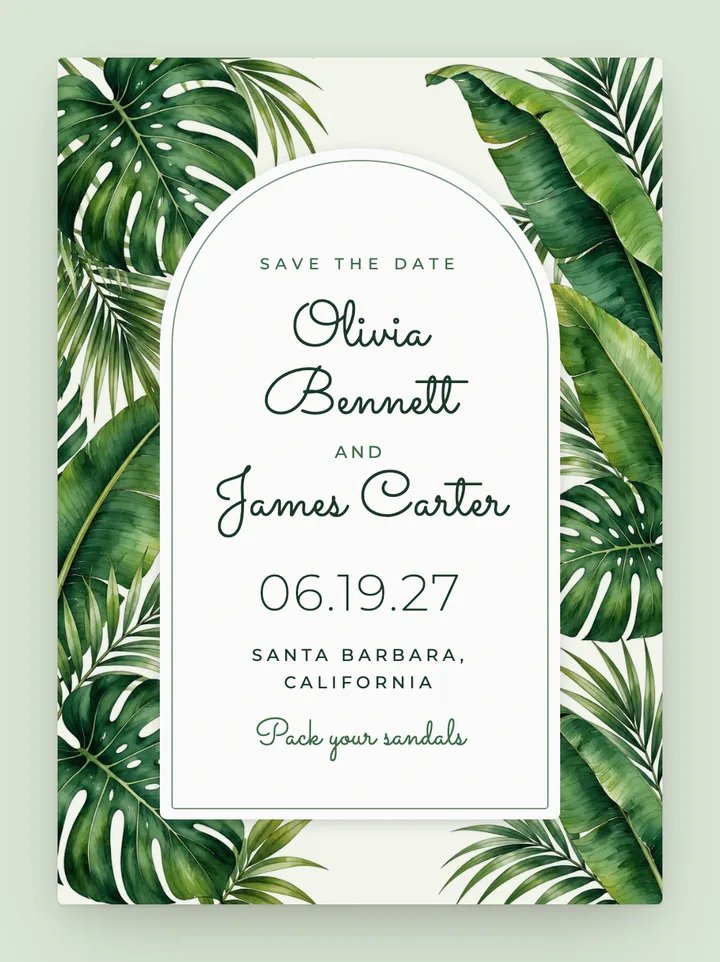
Destination · Botanical
Romantic · Black tie
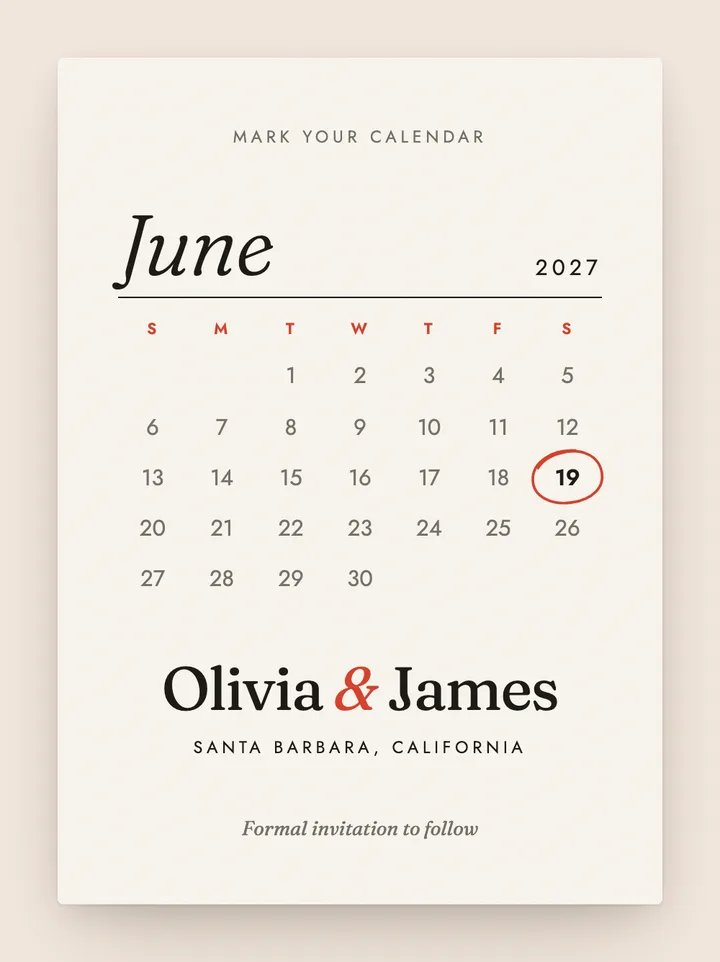
Modern · Minimalist
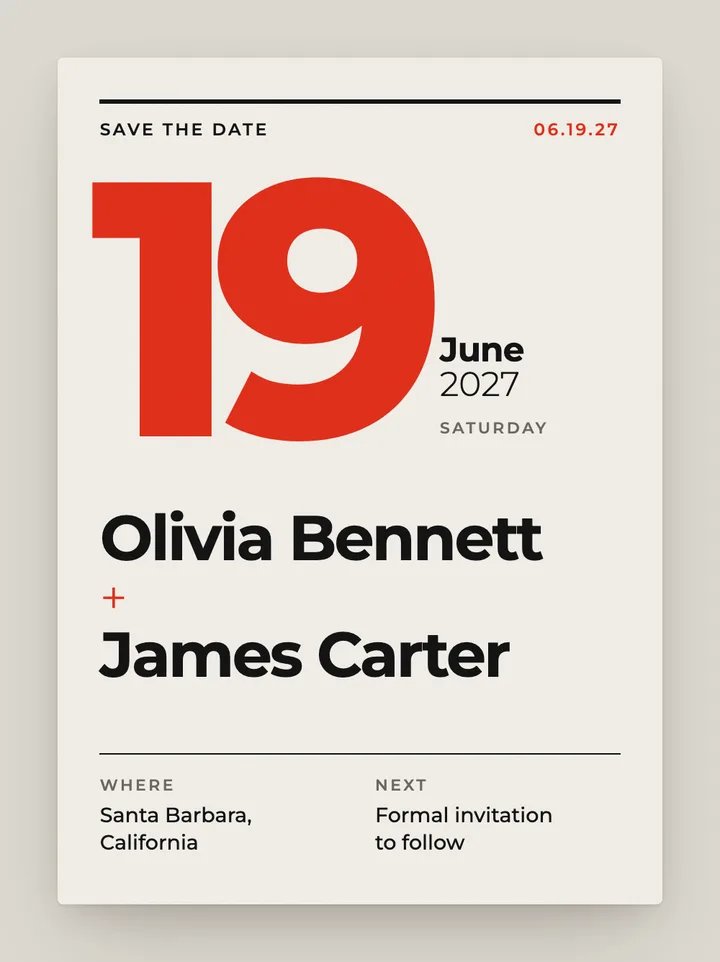
Modern · Minimalist
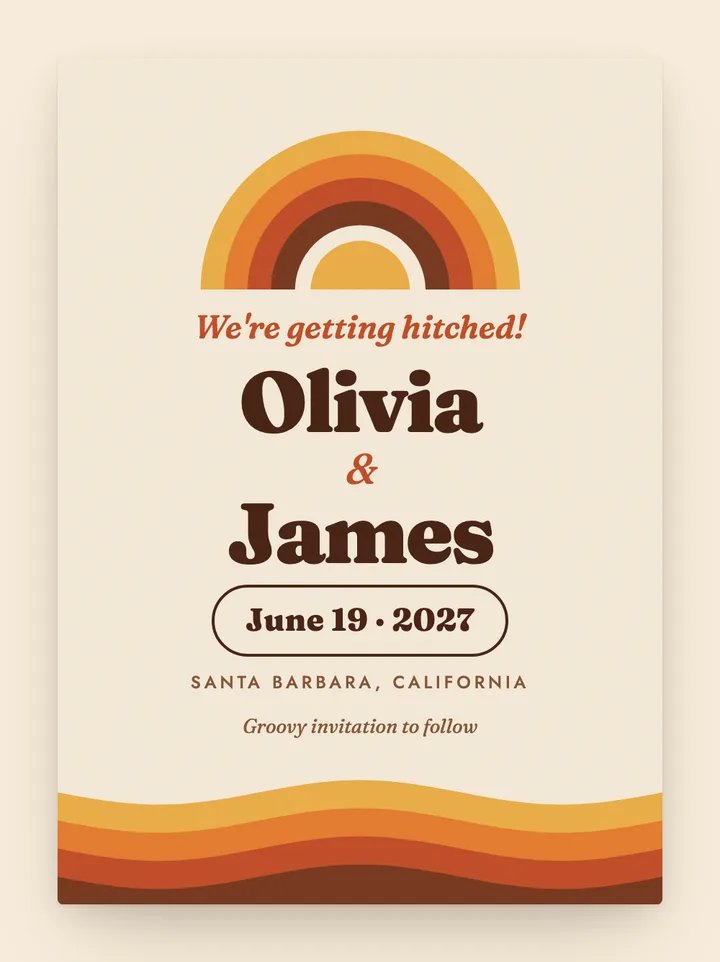
Playful · Modern
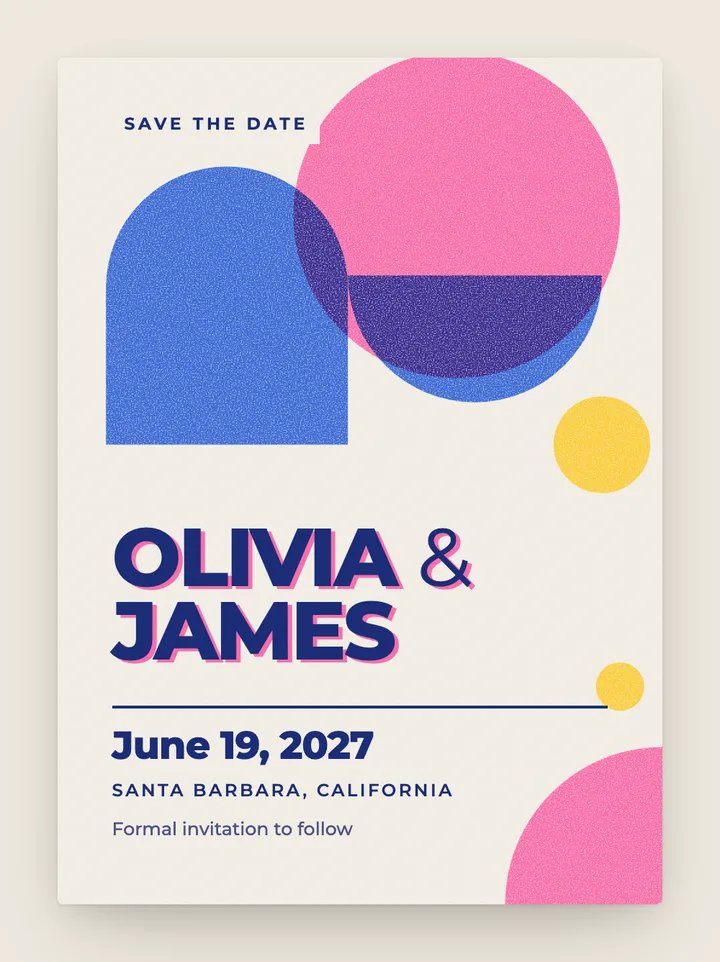
Modern · Playful
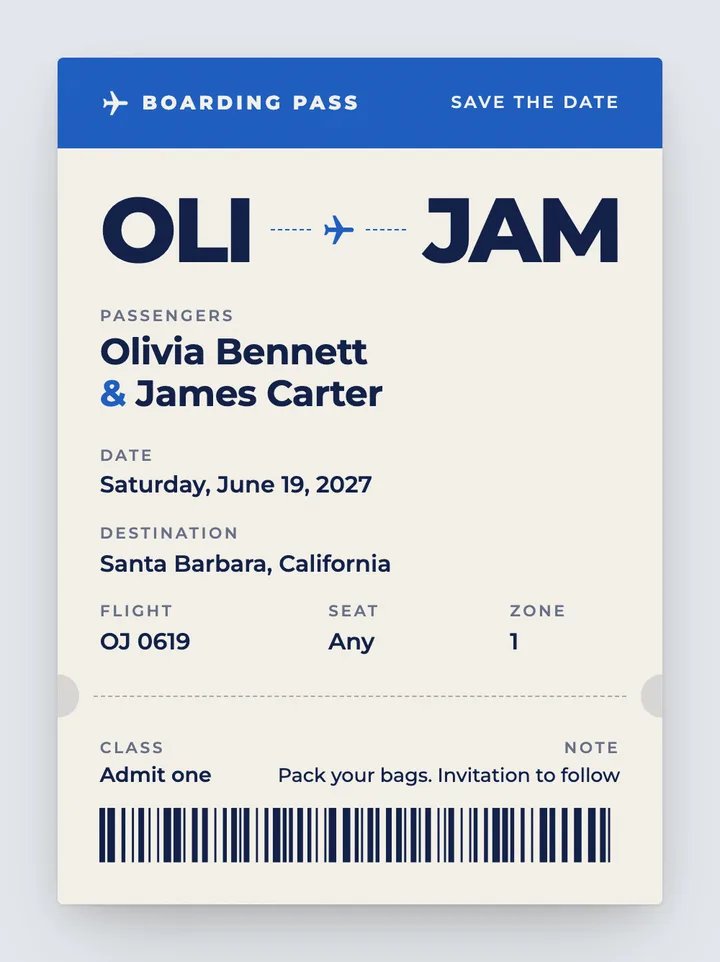
Playful · Modern
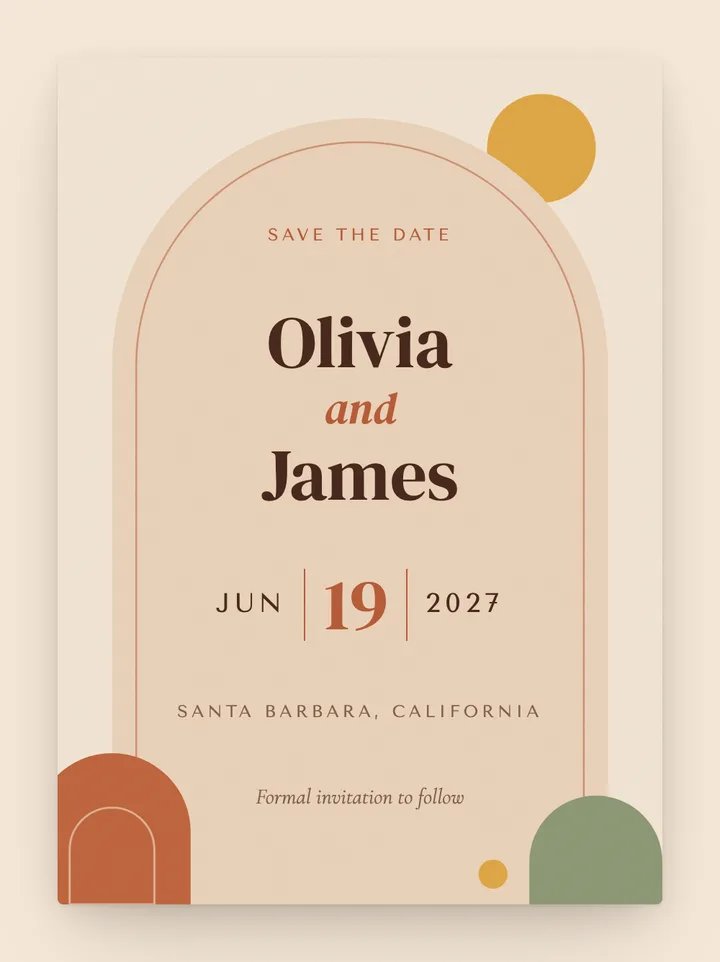
Boho · Modern
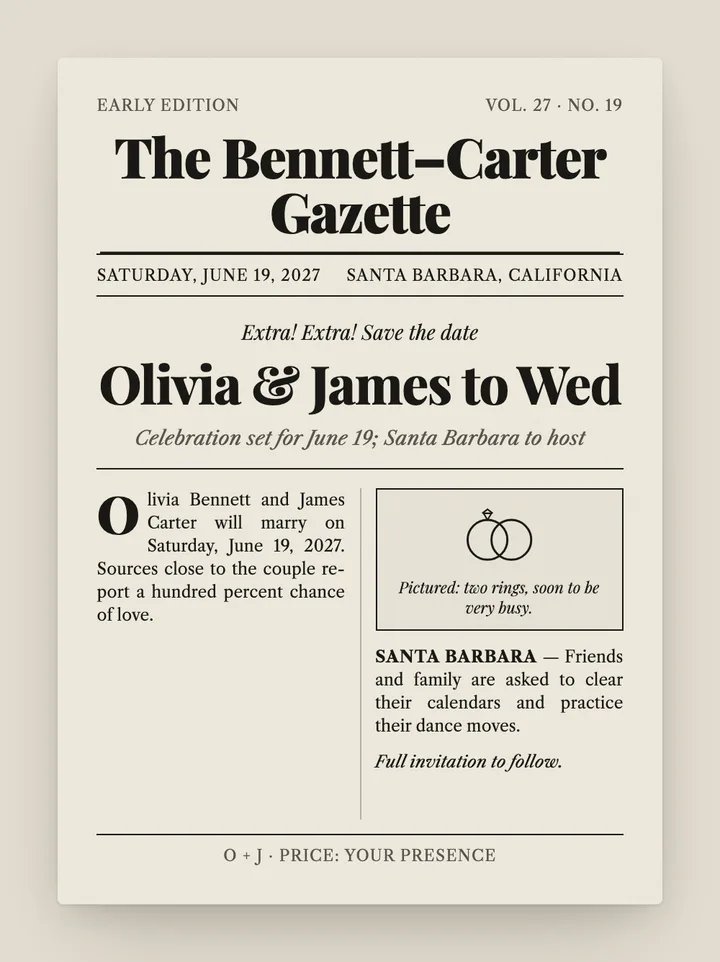
Editorial · Playful
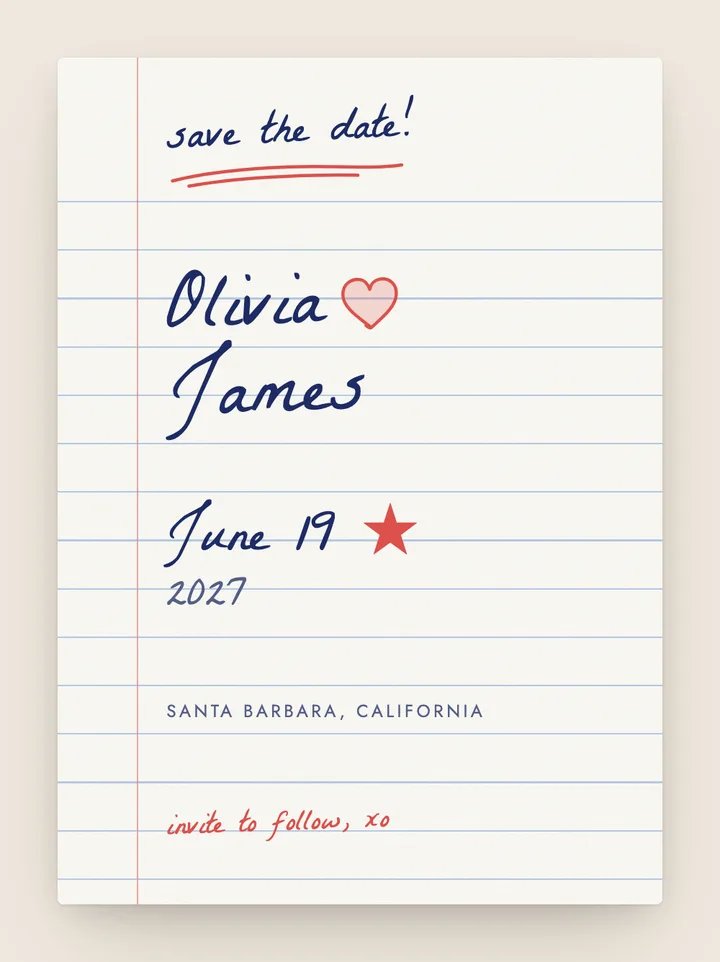
Playful · Minimalist
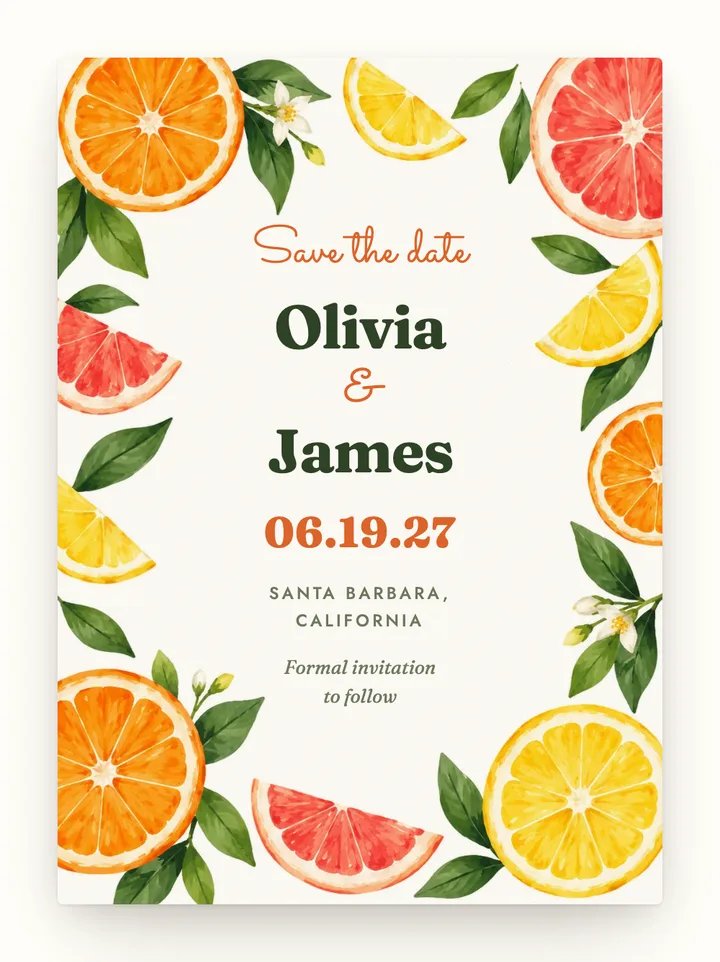
Playful · Modern
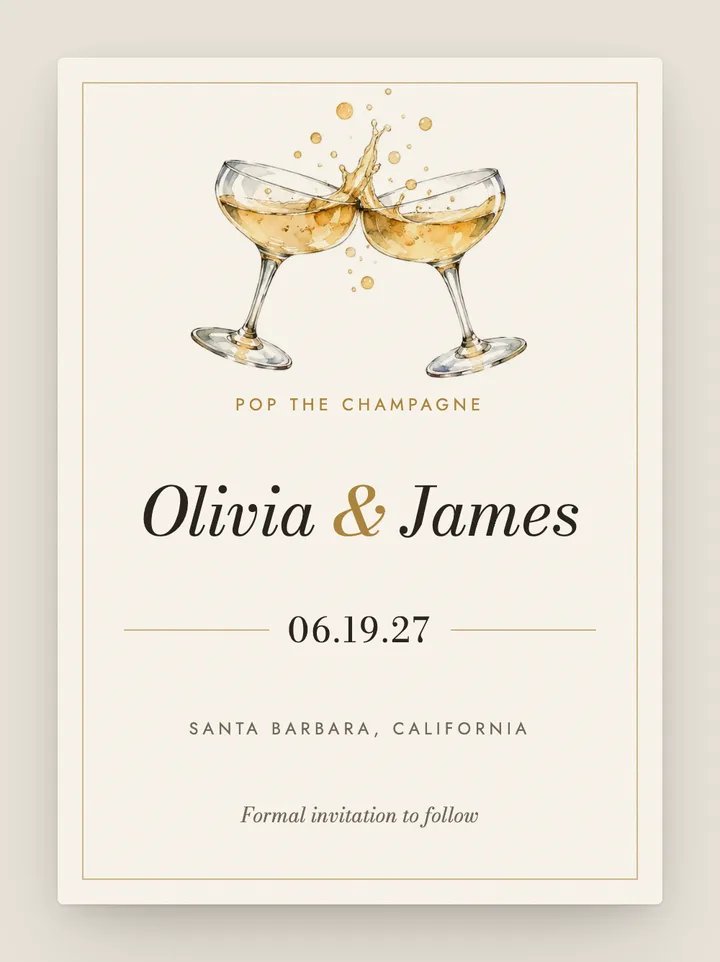
Modern · Romantic
Services like Paperless Post, Evite and Greenvelope send save the dates by email. Ours go by text, to the number you already have.
E-vite services differ and change their pricing; check each provider for current details. Comparing a specific service? See Text My Wedding vs. Paperless Post or all comparisons.
Designing is free, and you don't need an account to start. Texting yourself a test is free too. To send to your guest list, you pick a one-time plan, starting at $19, sized by how many texts you plan to send. There is no subscription, no coins and no charge per card or per guest.
No. Guests receive an ordinary text message. Tapping the link opens the card in their phone's web browser, on iPhone or Android, with nothing to download and nothing to sign in to.
Yes. Once a guest opens their save the date, they can add your wedding to Google Calendar or to Apple and Outlook calendars in one tap. Save the dates don't usually ask for an RSVP; that comes with the invitation, which you can send to the same list later.
Every guest gets their own link. The envelope is addressed to the name on your guest list, or to the household name if you've grouped guests together, so a couple shares one envelope addressed to both of them.
The text itself says who is getting married and what the link is for, so a basic phone still gets the news. The animated card needs a web browser, though. For the handful of guests without one, a phone call or a printed card is the kindest option.
These cards are designed for phones and are sent by text, so there is no print file to download. If you also want paper save the dates, our free save-the-date templates are set up for printing.
Yes. Every guest's link shows the current version of your card, so fixing a typo or changing the time updates it for everyone who opens it. For a change guests need to notice, send a short follow-up text to the same list.
The preview shows a sealed envelope with your first names and “Save the date”, so the card itself stays a surprise until the guest opens it.
Text My Wedding sends to US and Canadian phone numbers. Guests with those numbers still receive texts while traveling abroad, as long as their carrier supports international service. Numbers from other countries are not supported yet.
Six to eight months before the wedding is typical, and eight to twelve months for a destination wedding or a holiday weekend, when guests need to book travel and time off.
Yes. Every design comes as both a save the date and an invitation, so you can send matching cards months apart to the same guest list.
Design your save the date free, with no signup. Add your guests and send it when you're ready, from a one-time plan.
Free to design, no signup. Send from $19, one time, no subscription.