
Canva Free
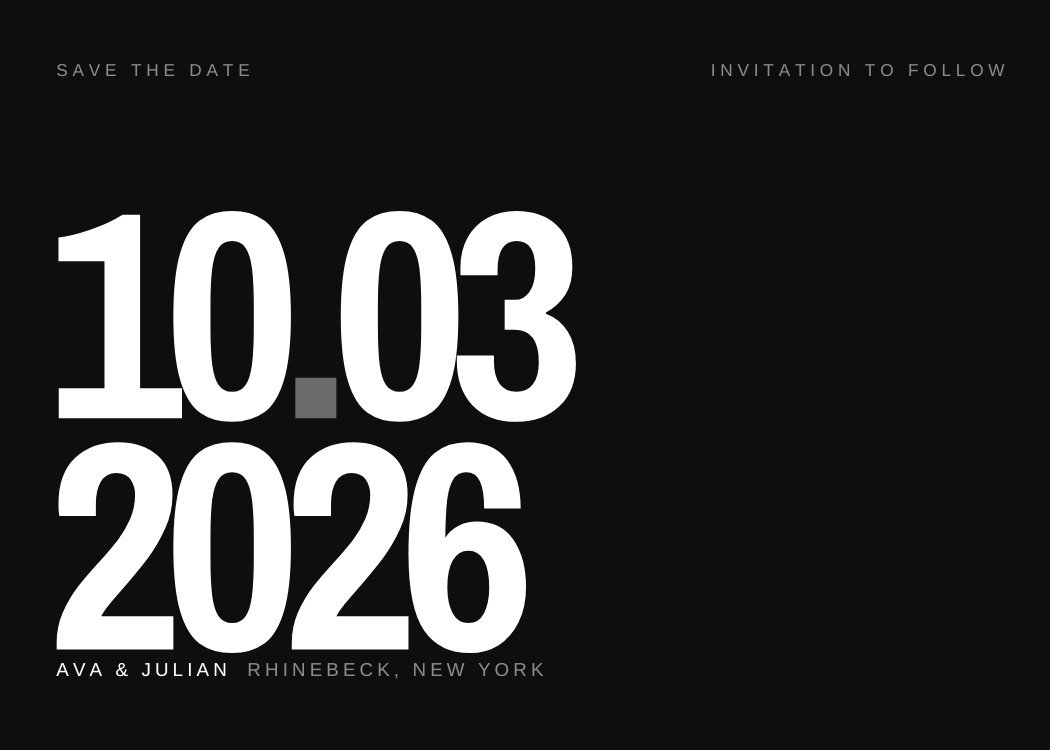
50 editable save the date templates designed for Canva. Names, date, city — then text it to your whole guest list with Text My Wedding, months before the invitation exists.
Eight designs spanning the range — typographic, photo-led, seasonal and playful — so you can see the collection quickly.
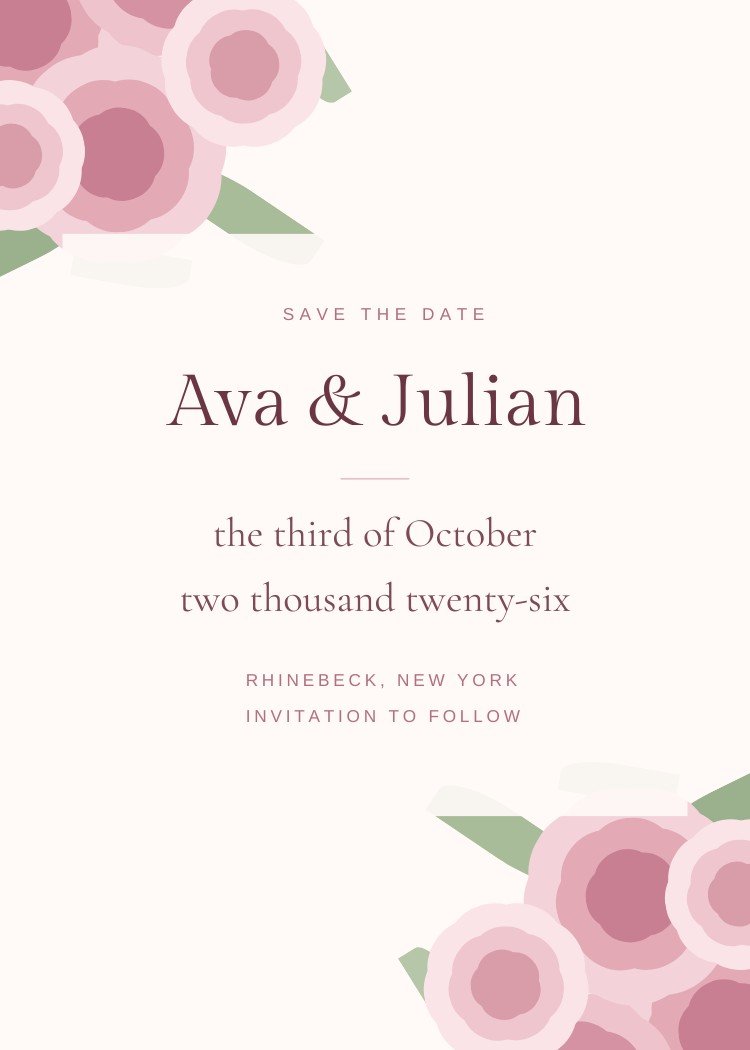
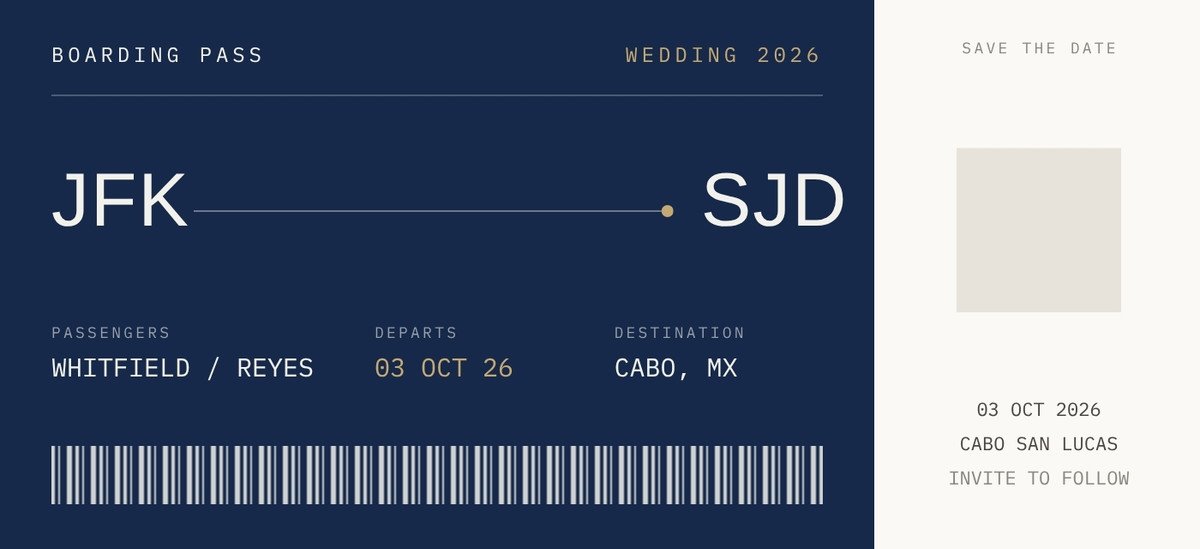
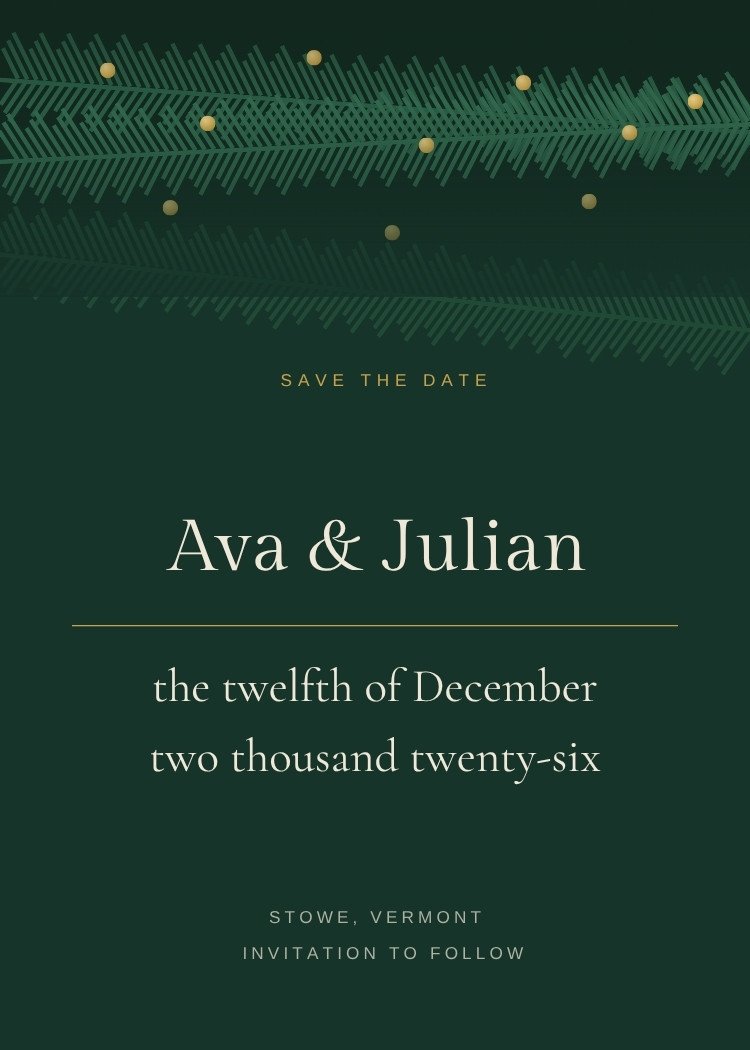
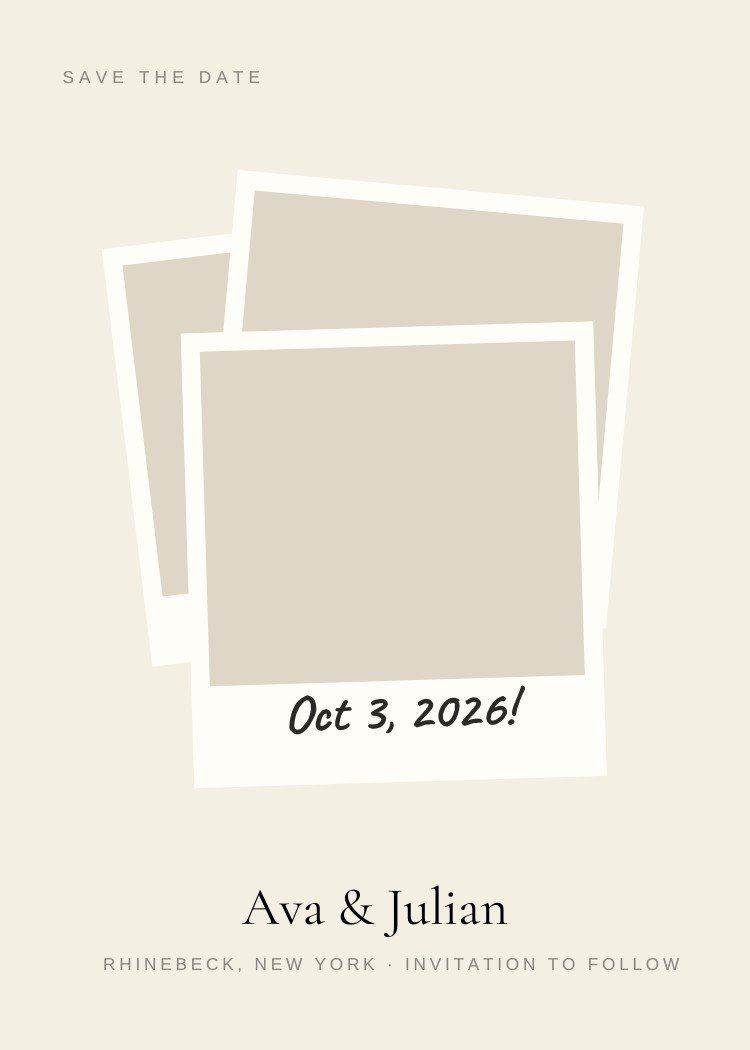
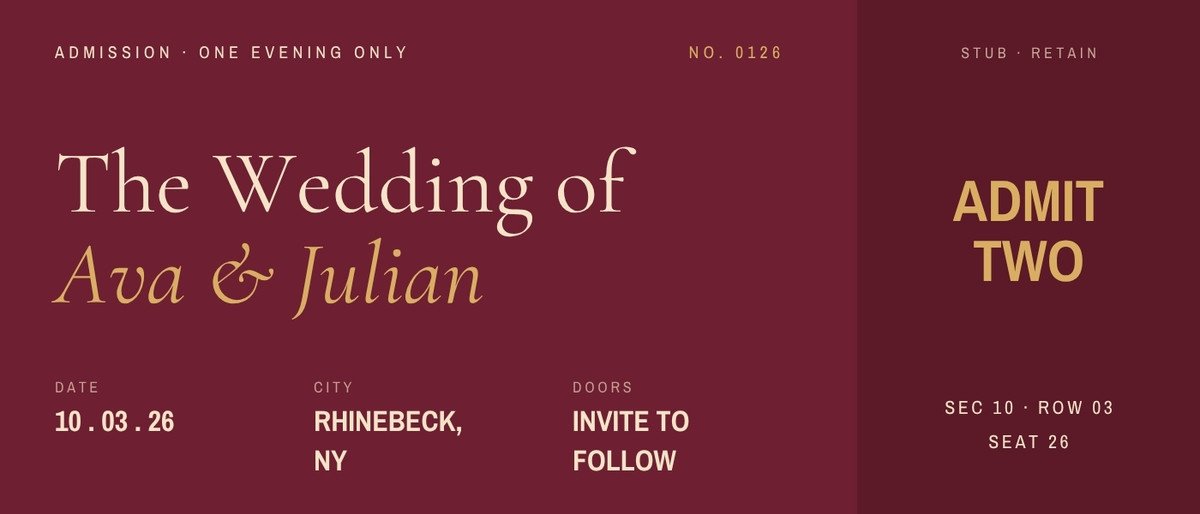
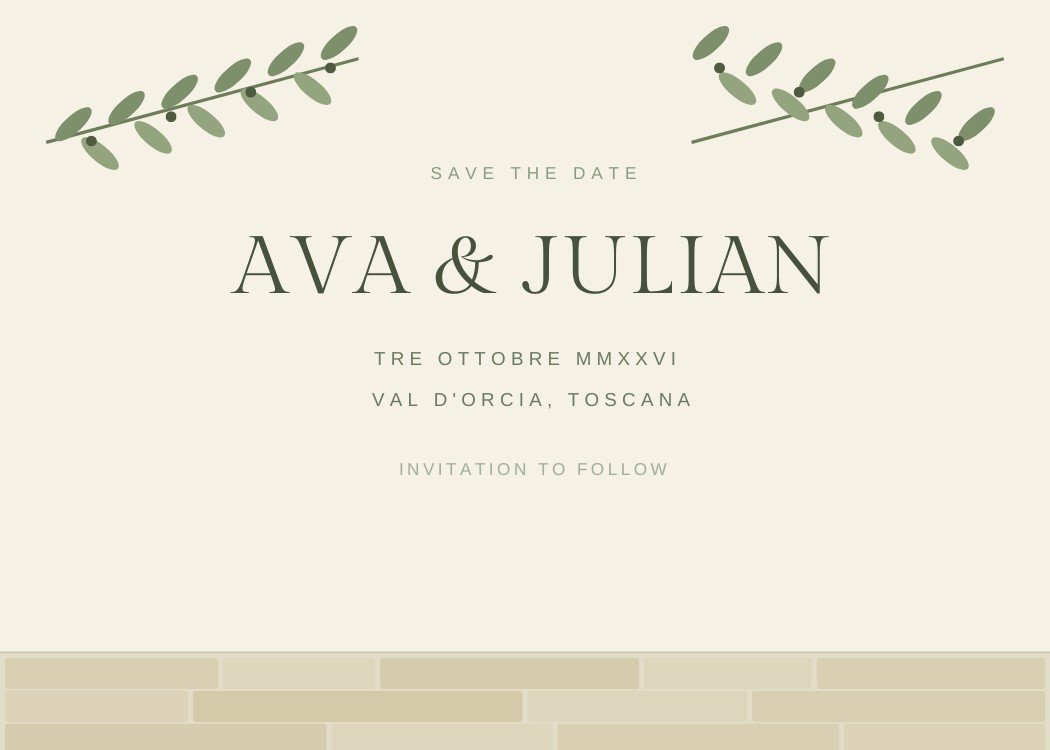
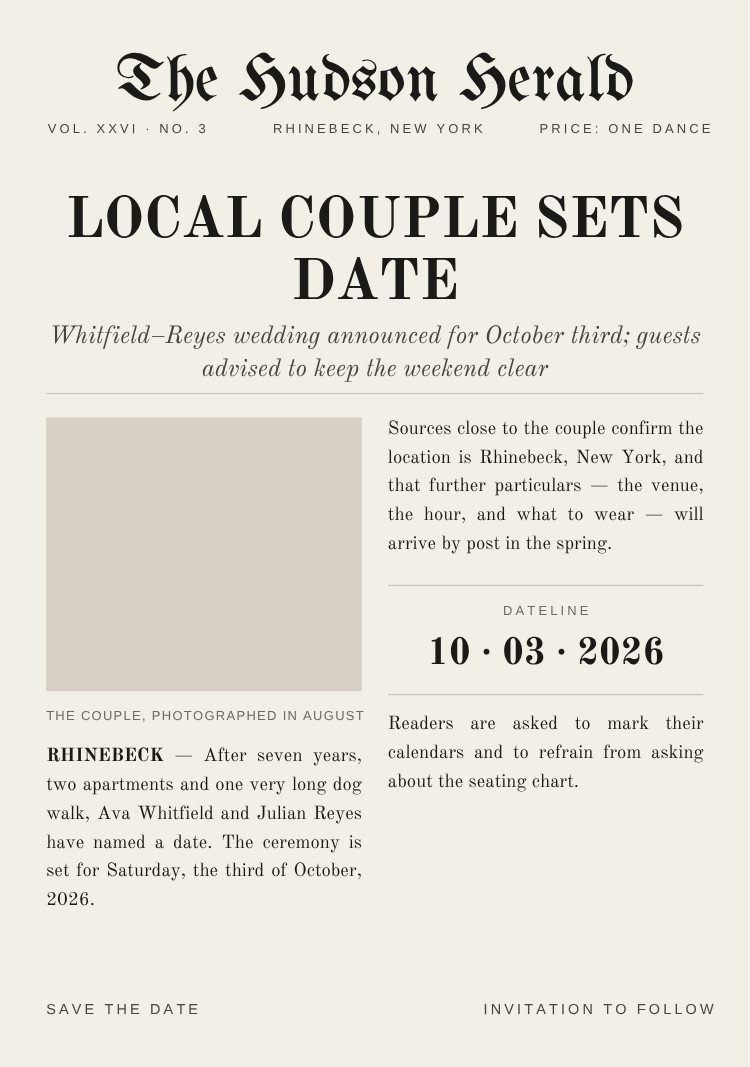
The idea the card is built on — a ticket, a calendar page, a photo strip, or type alone.
One idea per card, generous margins, and nothing competing with the date.
Big type, flat colour and layouts built to survive a message thread.
Weather forecasts, calendar pages and handwriting in the margin.
Built around engagement pictures, from one hero shot to a twelve-frame proof sheet.
Centred serif wording, hairline rules and dates spelled out in words.
Script, gold and seals — formal without tipping into stiff.
Palette-led browsing, with real save the dates behind each swatch so you can see the range inside a color.
Cream, ivory, bone and taupe — the palette that matches everything later.
Maximum contrast, which is what a thumbnail in a text thread needs.
Warm clay and rust — the desert and autumn palette.
Keylines, seals and script — used as an accent, not a fill.
Kraft, leather and sepia — the rustic and travel palette.
Muted, slightly grey blue — soft without being pastel.
Where the wedding is, and how the card says so before the venue is even booked.
Boarding passes, luggage tags and itineraries for guests who need to book flights.
Peonies, wildflowers and soft grounds for outdoor spring weddings.
Olive groves, coastal towns and dates given in Italian.
Kraft tones, sliding doors and taped photographs.
Ridgelines and treelines for weddings above the snow line.
Pines, boughs and deep green grounds.
Palettes that suit the month you're marrying in.
Citrus, sun, olive and coastal gradients for June to August.
Rust, burgundy and kraft for September to November.
Blush, wildflower and soft washes for March to May.
Evergreen, gold and deep grounds for December to February.
How the save the date reaches guests — magnet, postcard, photo card or a text message.
Export a print-ready PDF and send them to a print shop or run them at home.
Composed to be read in a message thread, not on paper.
Horizontal cards, which is the save-the-date default rather than the exception.
Real photo wells, from one hero image to a twelve-frame grid.
Two or more photographs in one layout.
Proportions and margins that survive being ordered as a fridge magnet.
The full collection. Open any design to see what’s editable, preview it inside a text thread, and open it in Canva.
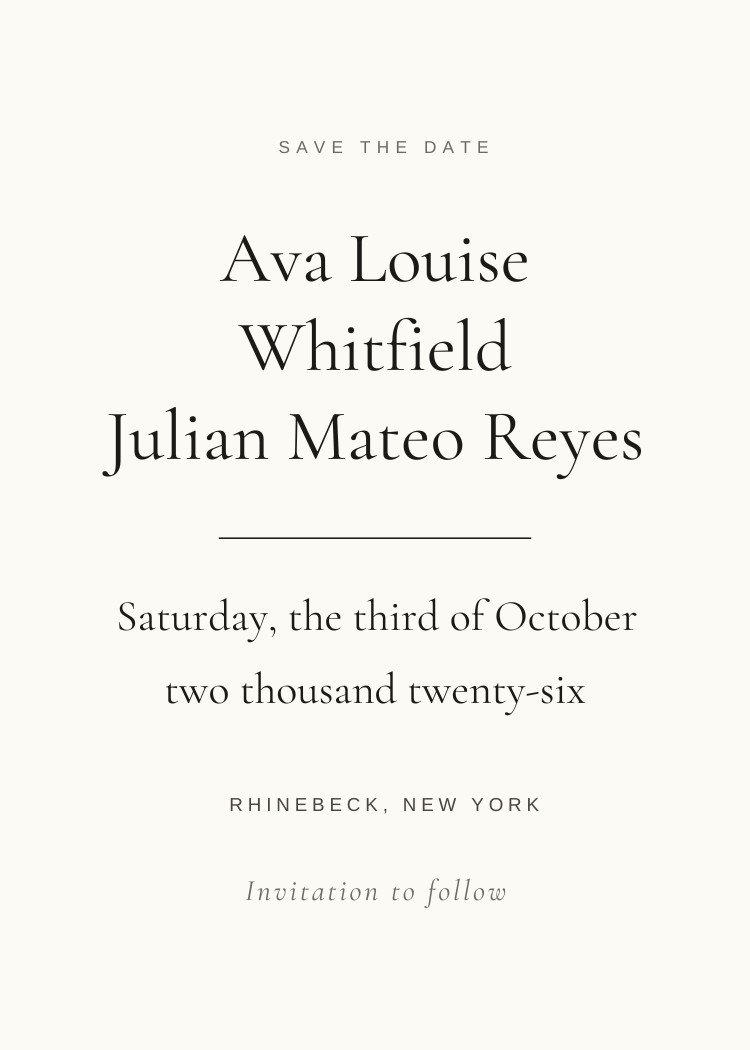
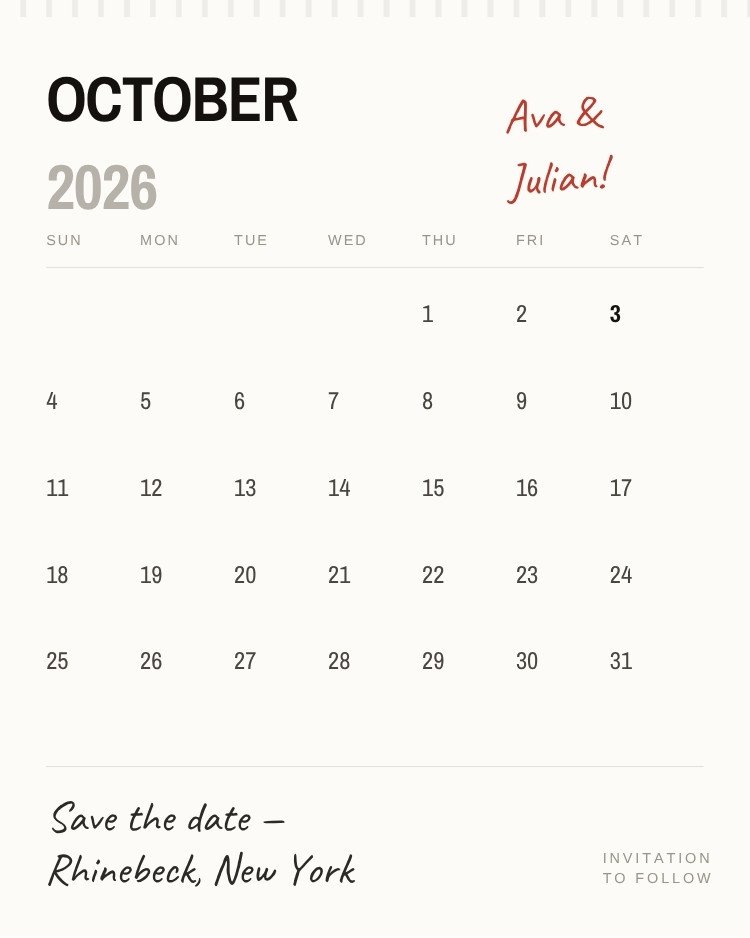
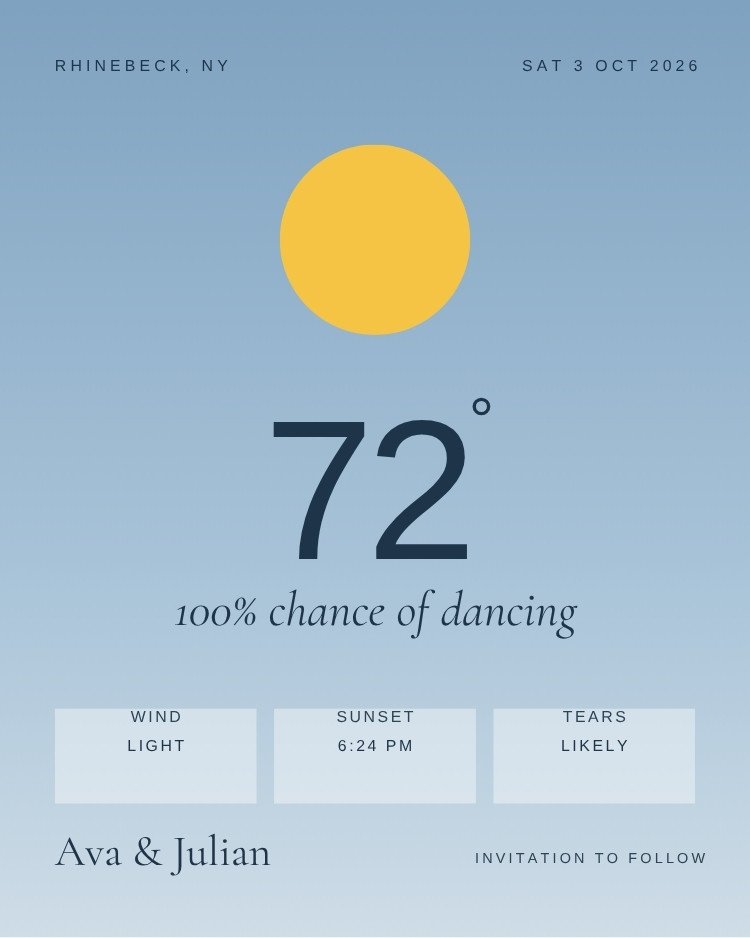
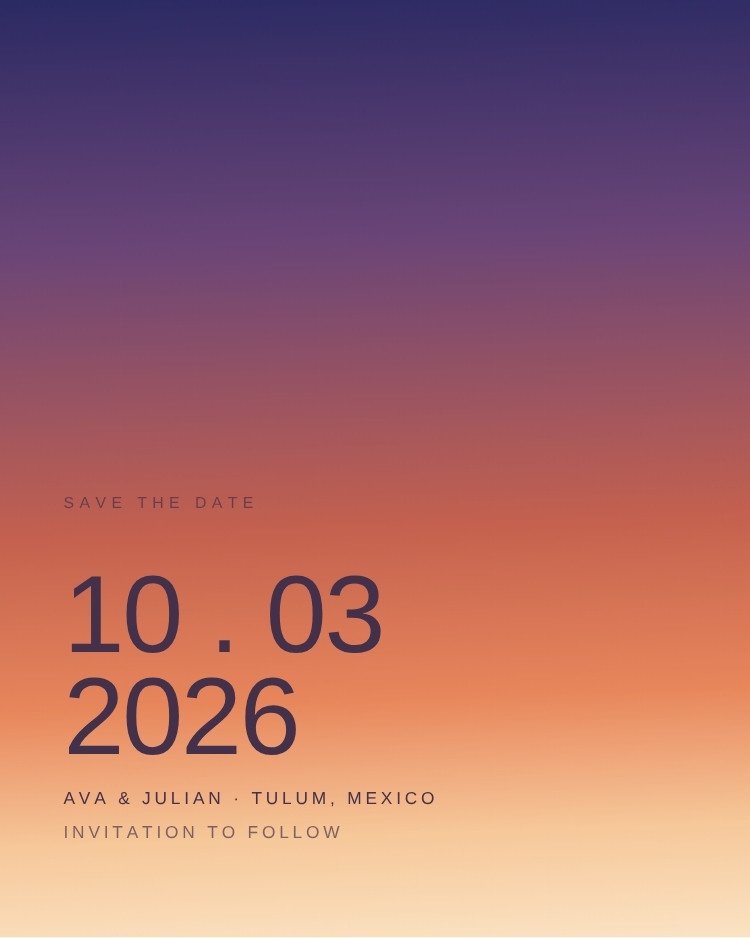
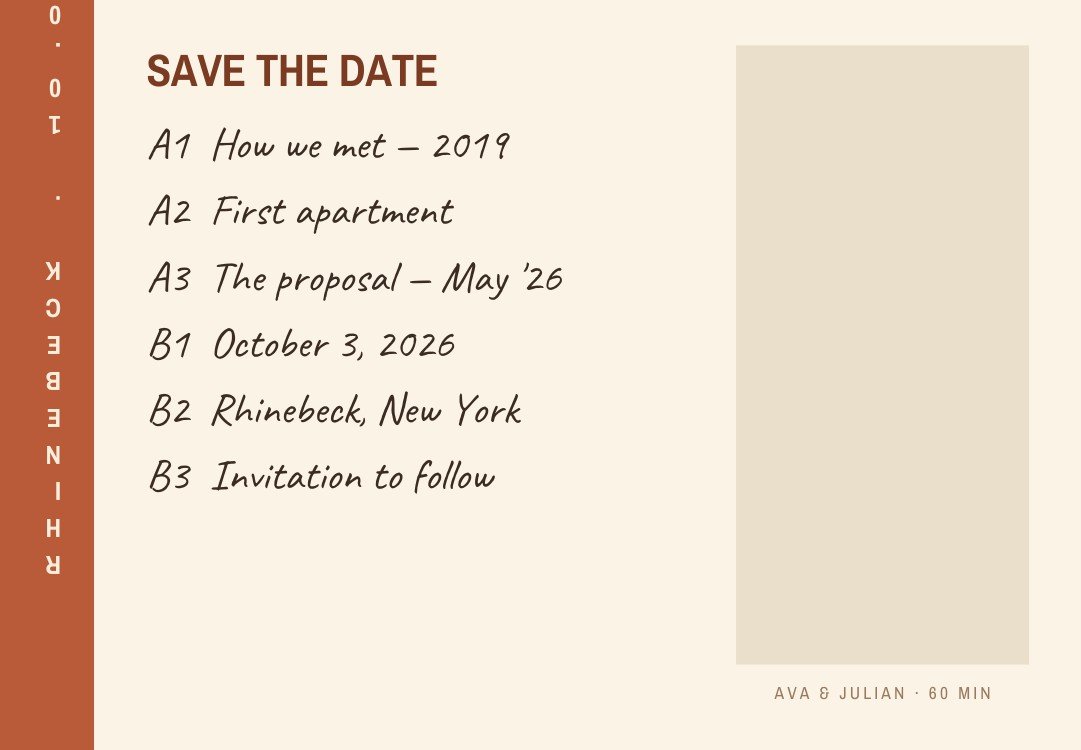
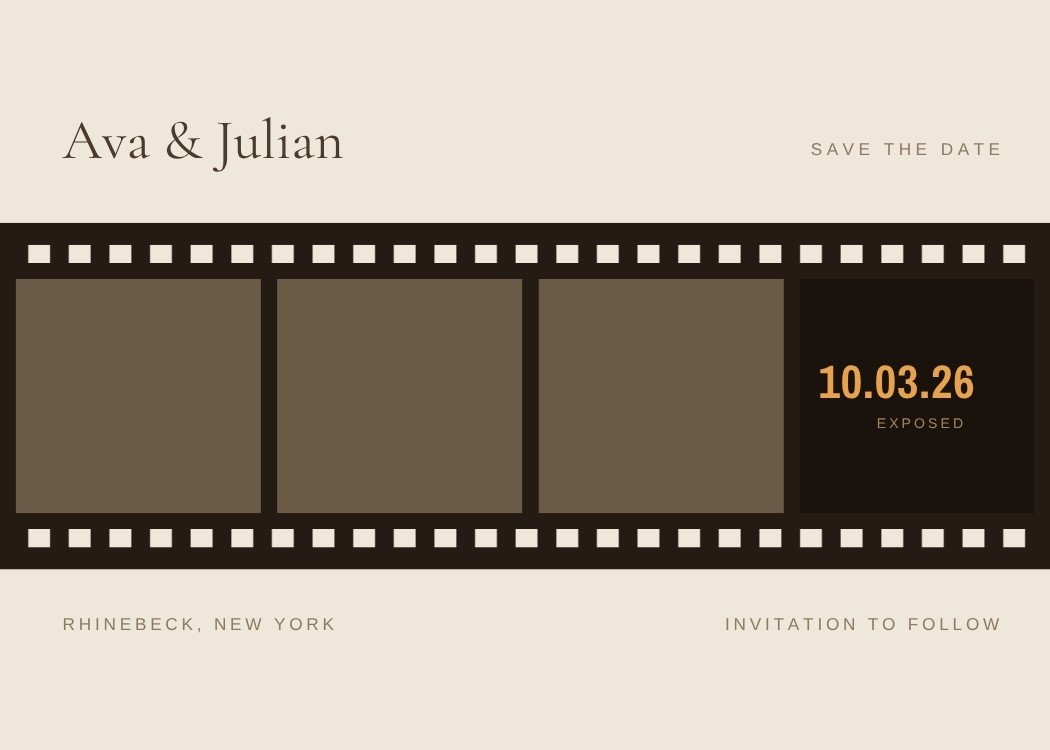
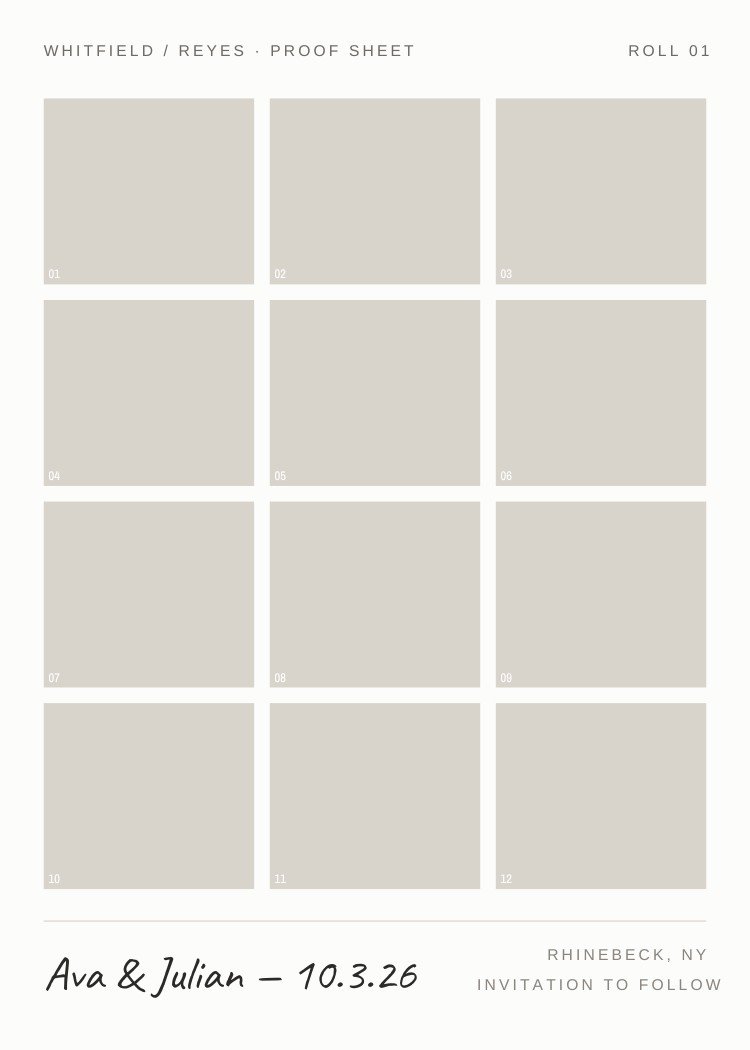
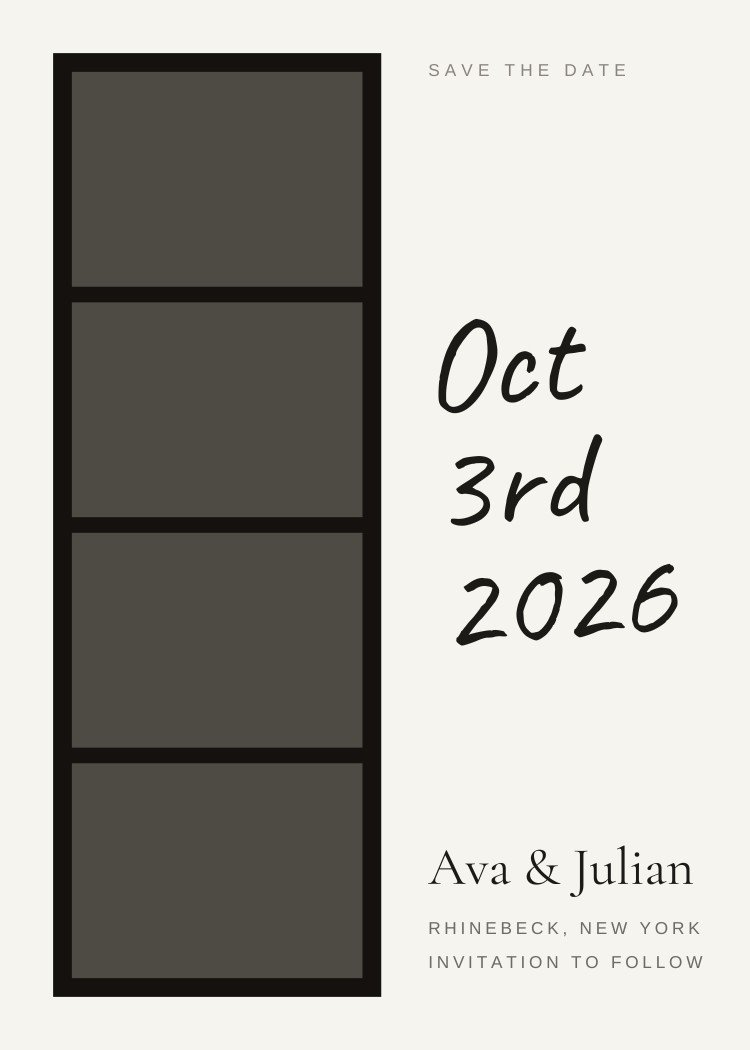
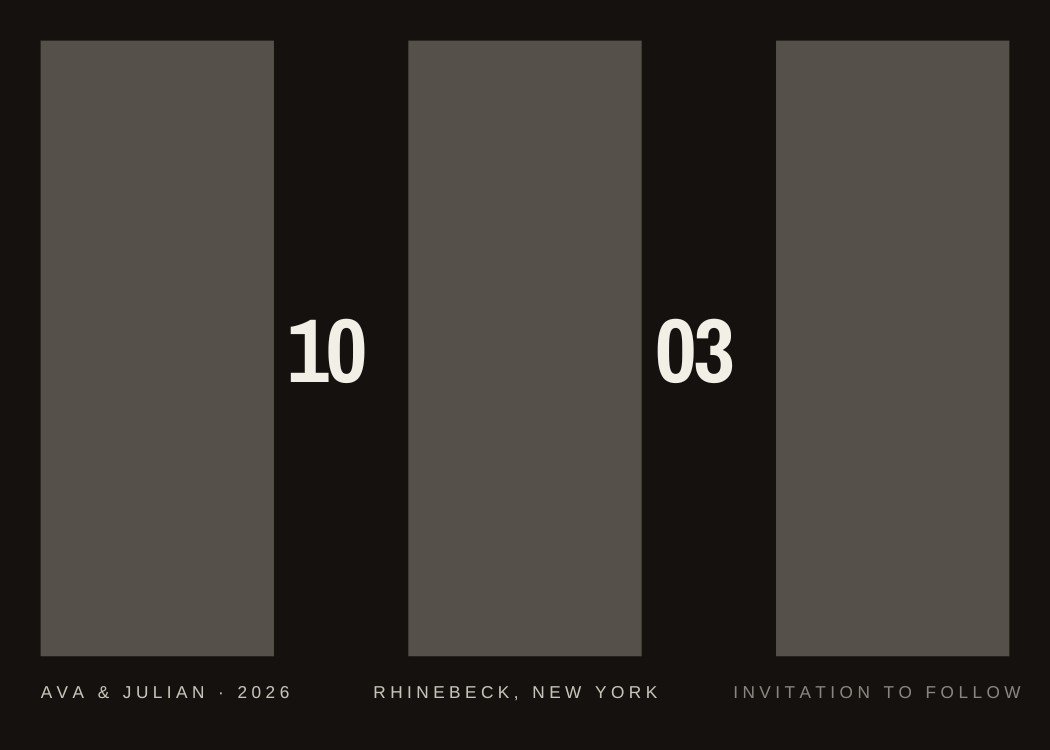
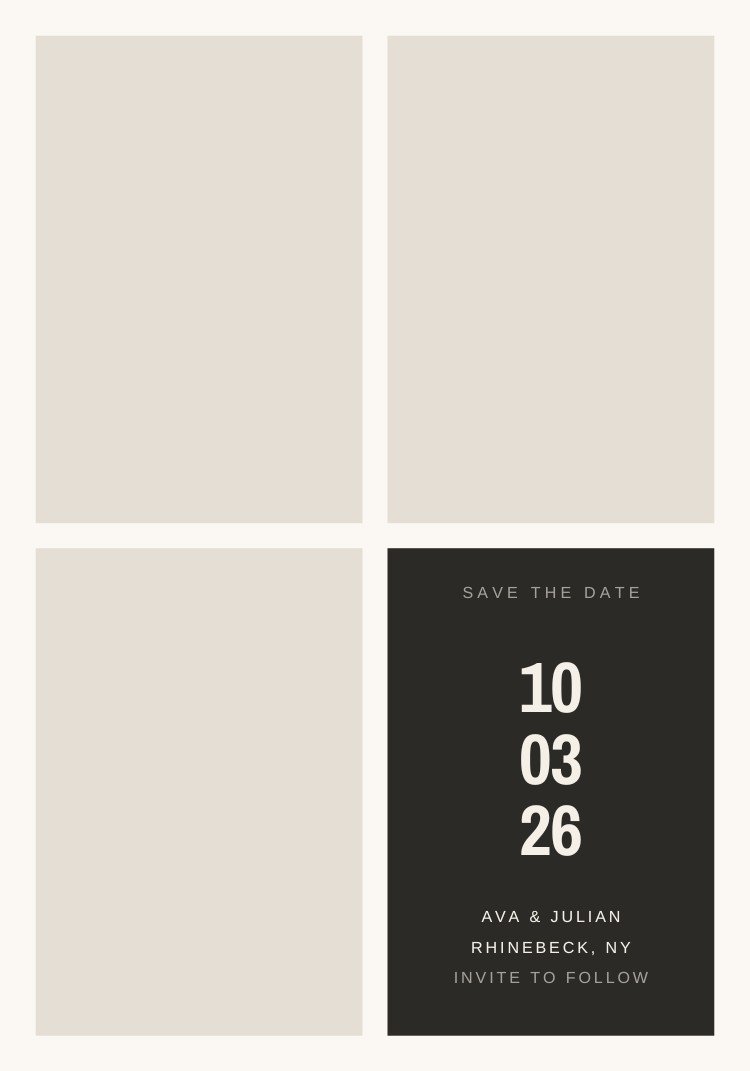
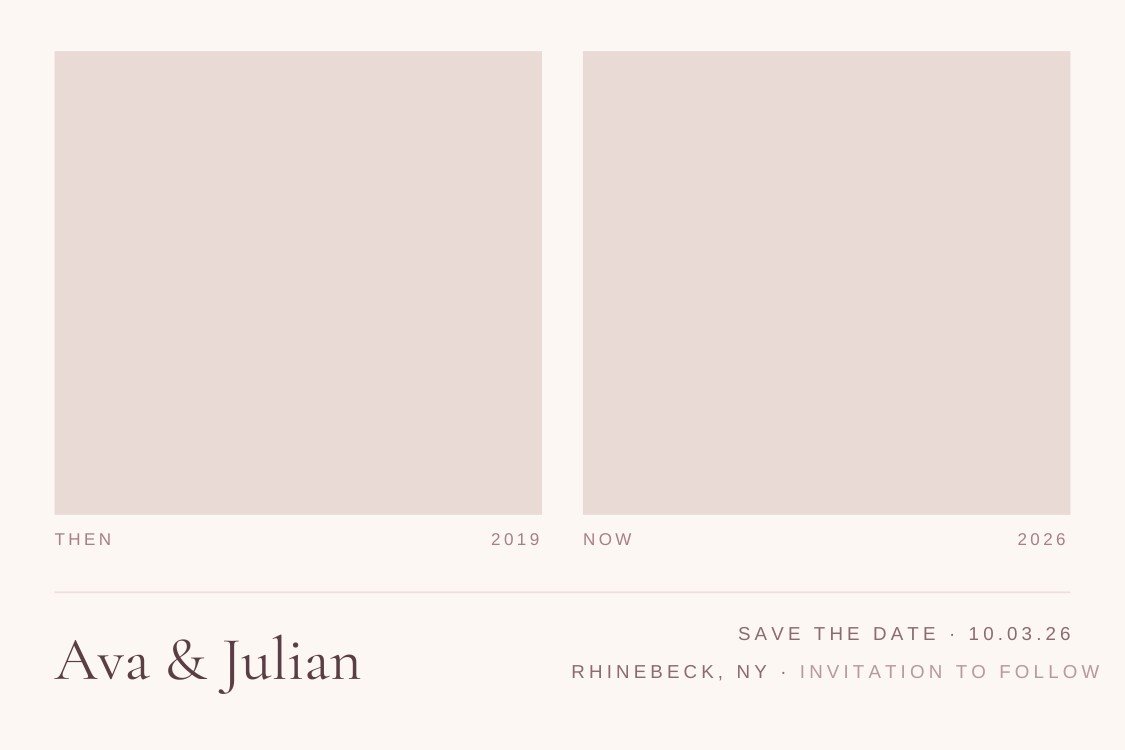
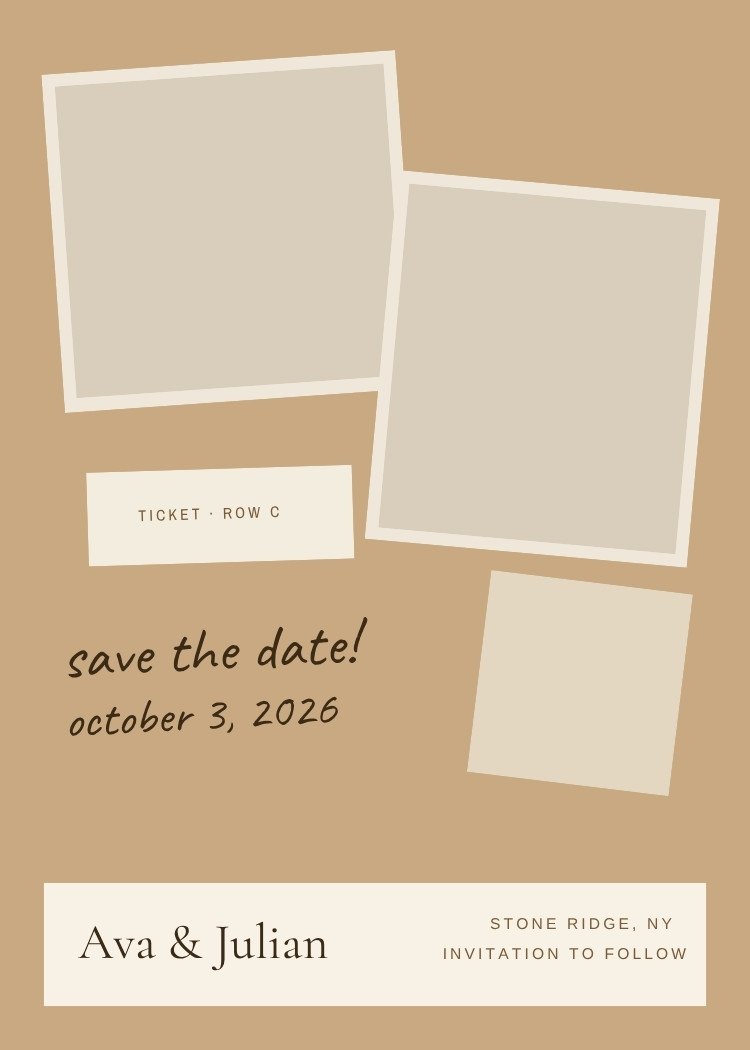
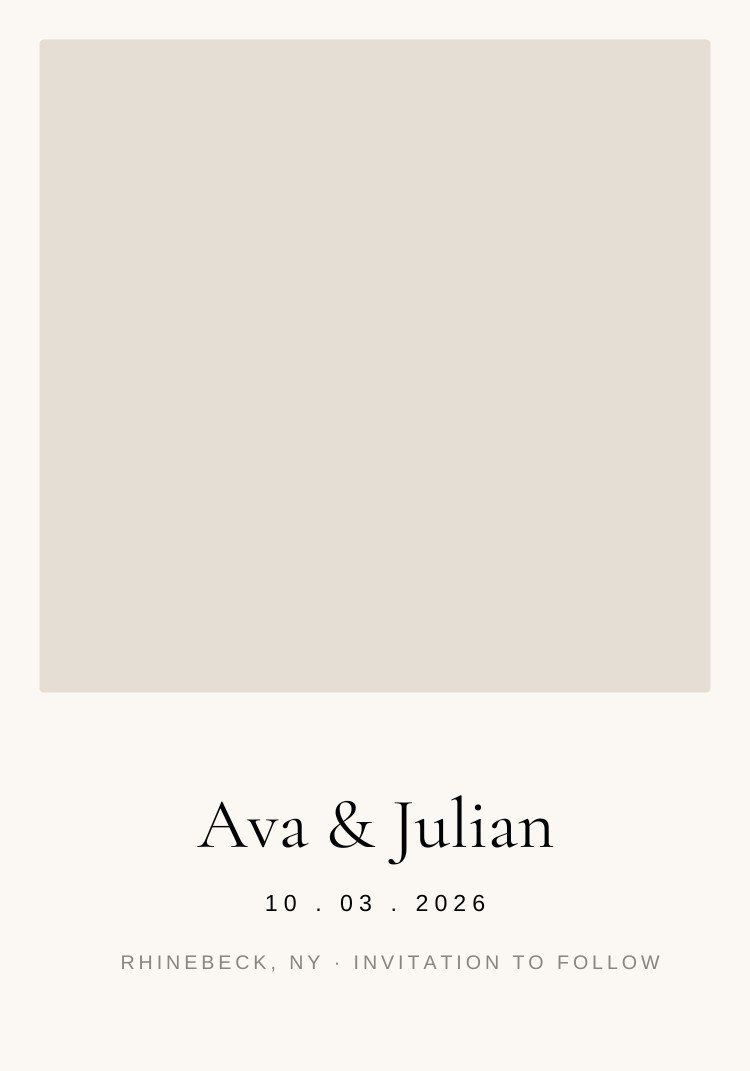
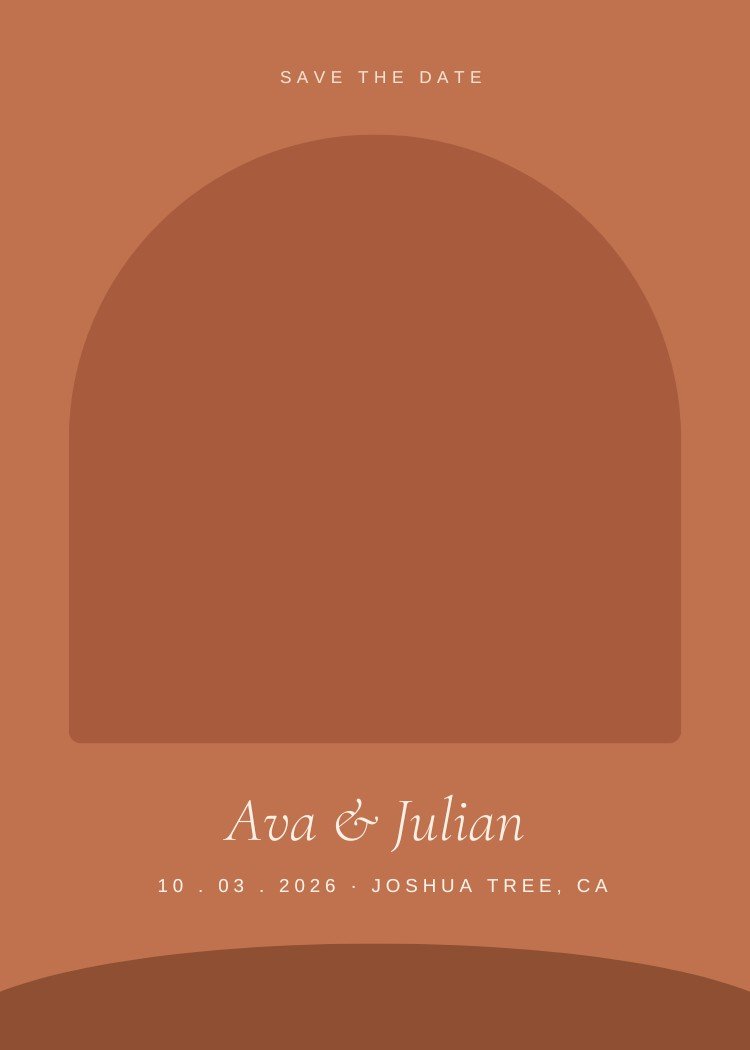
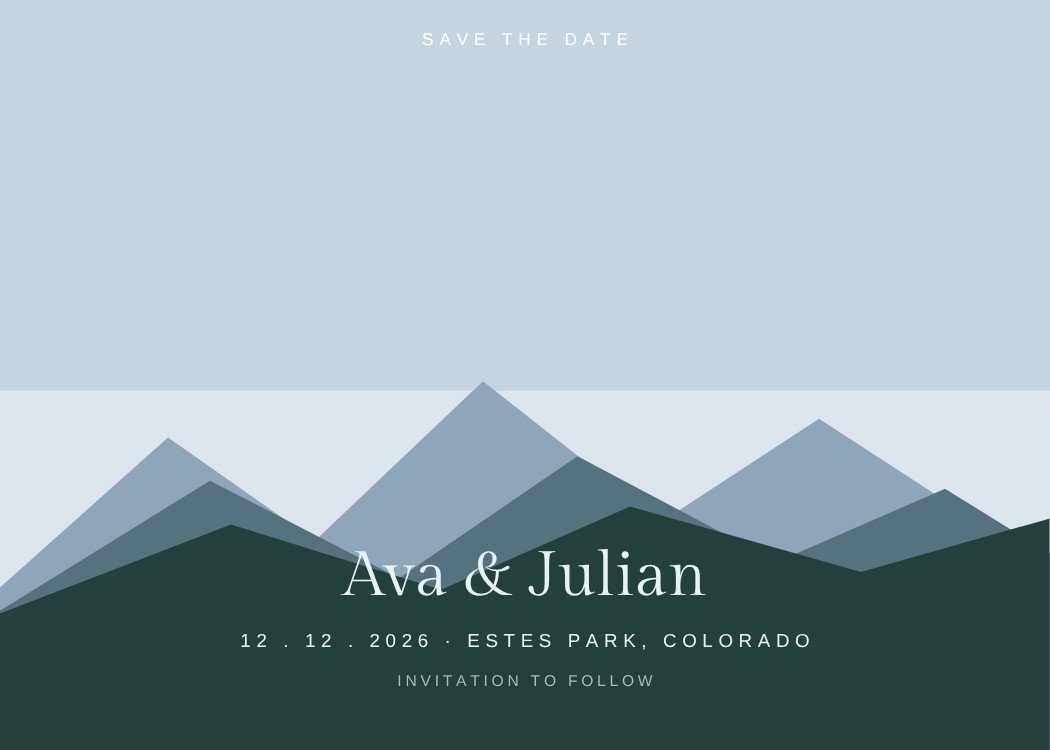
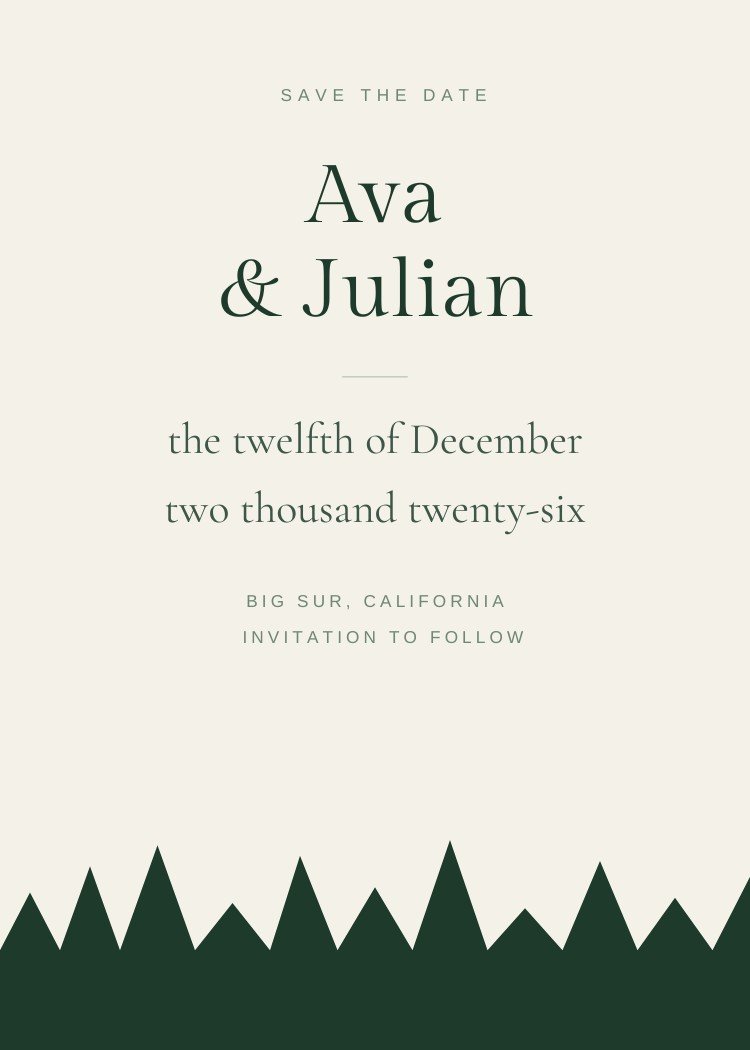
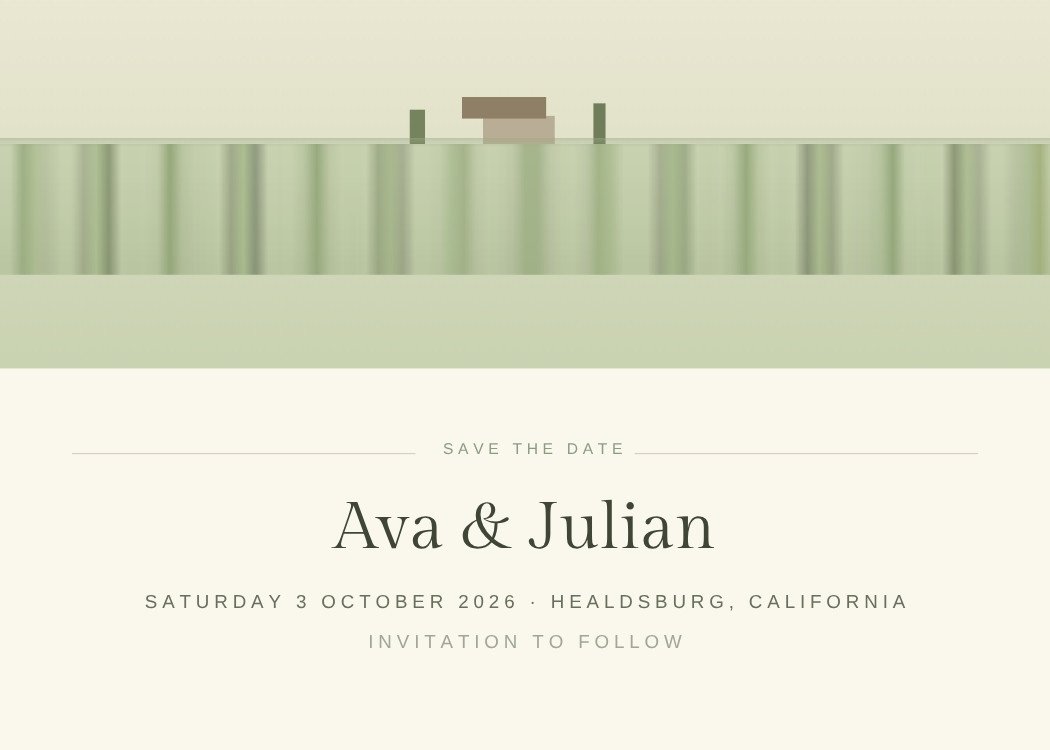
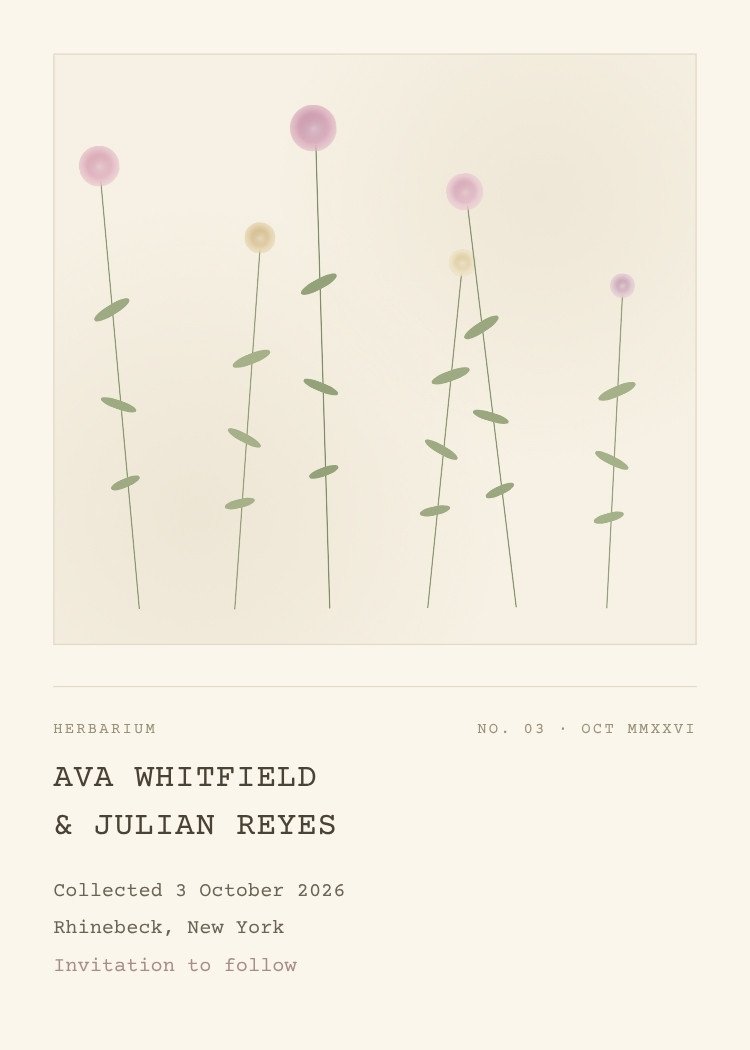
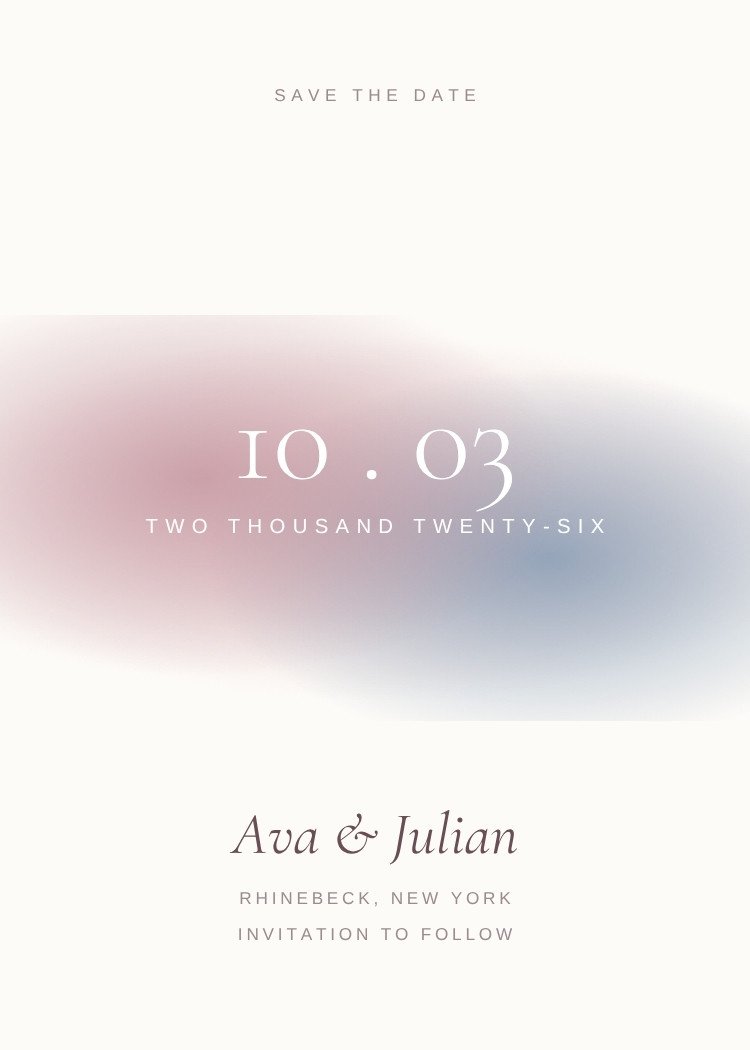
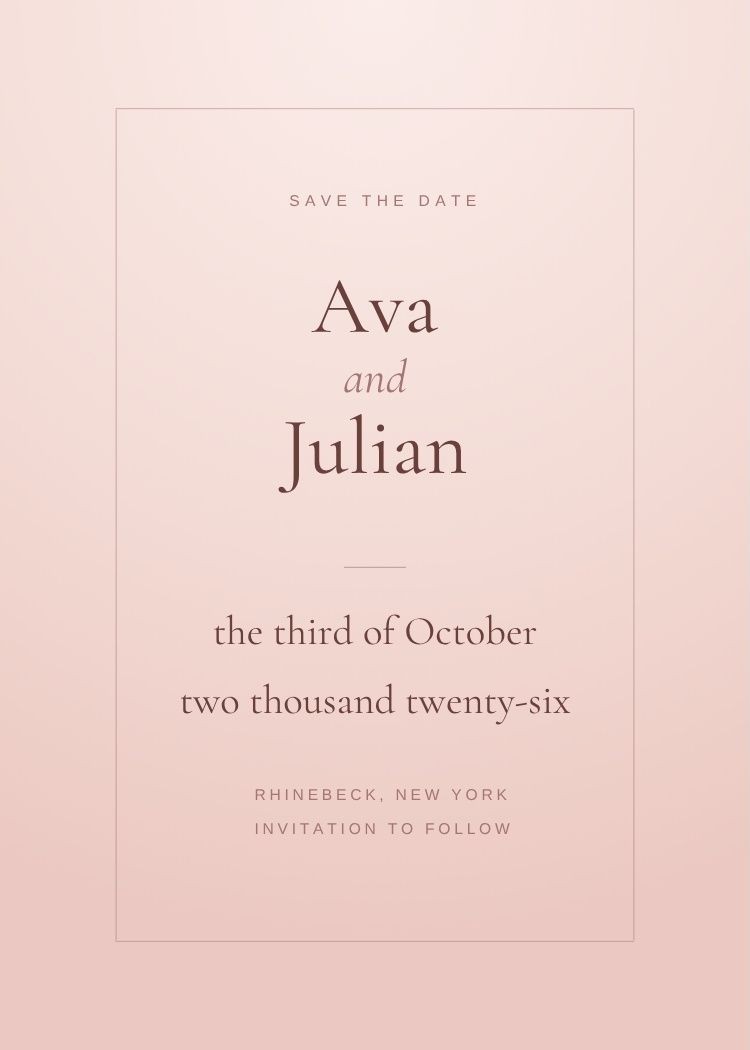
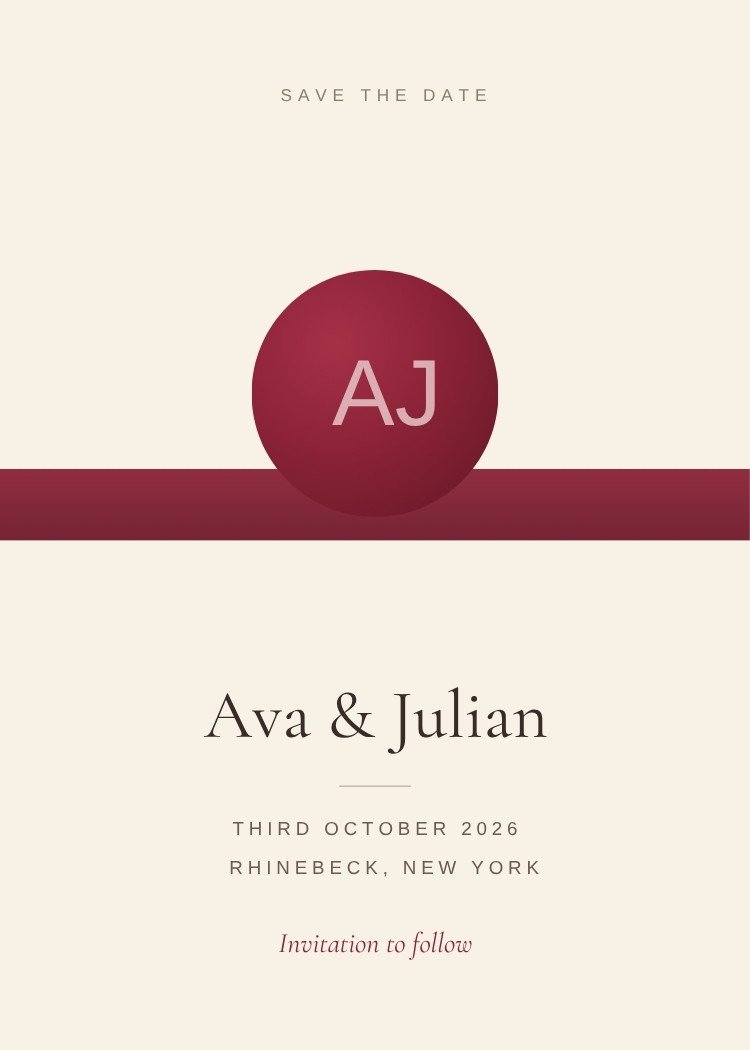
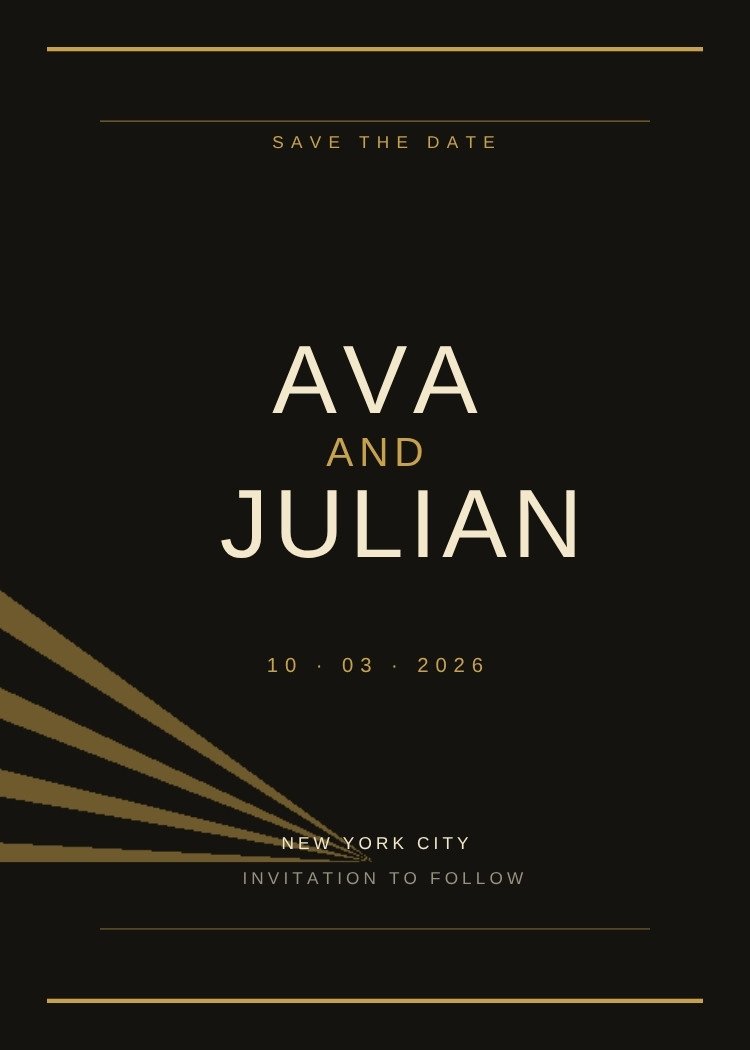
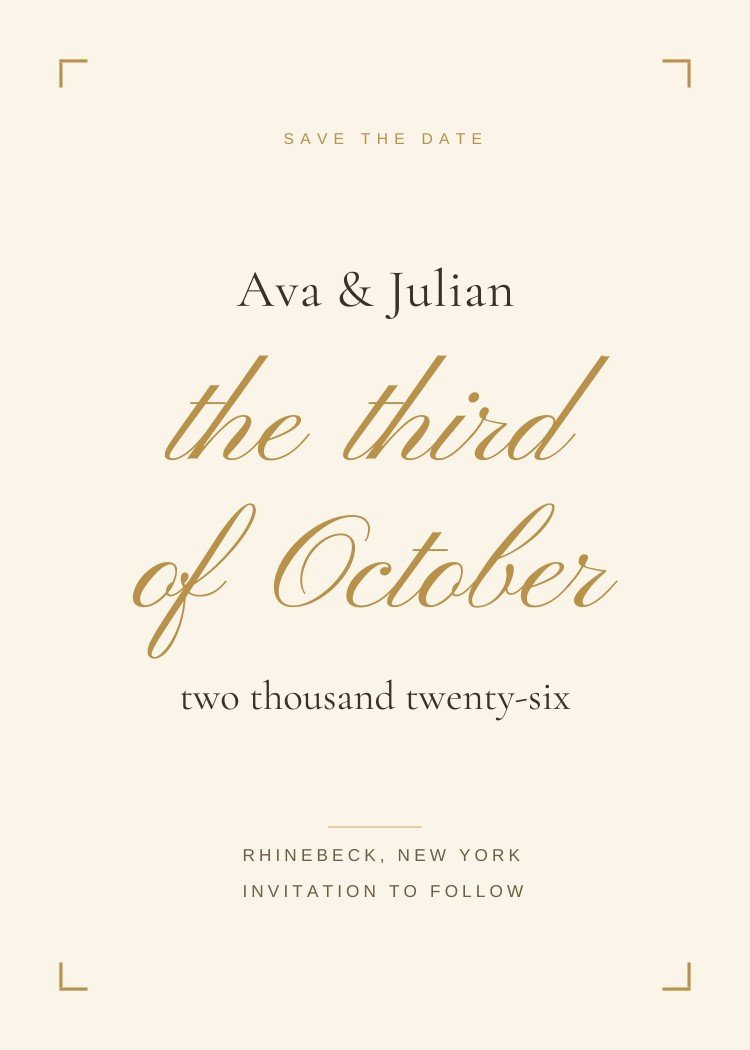
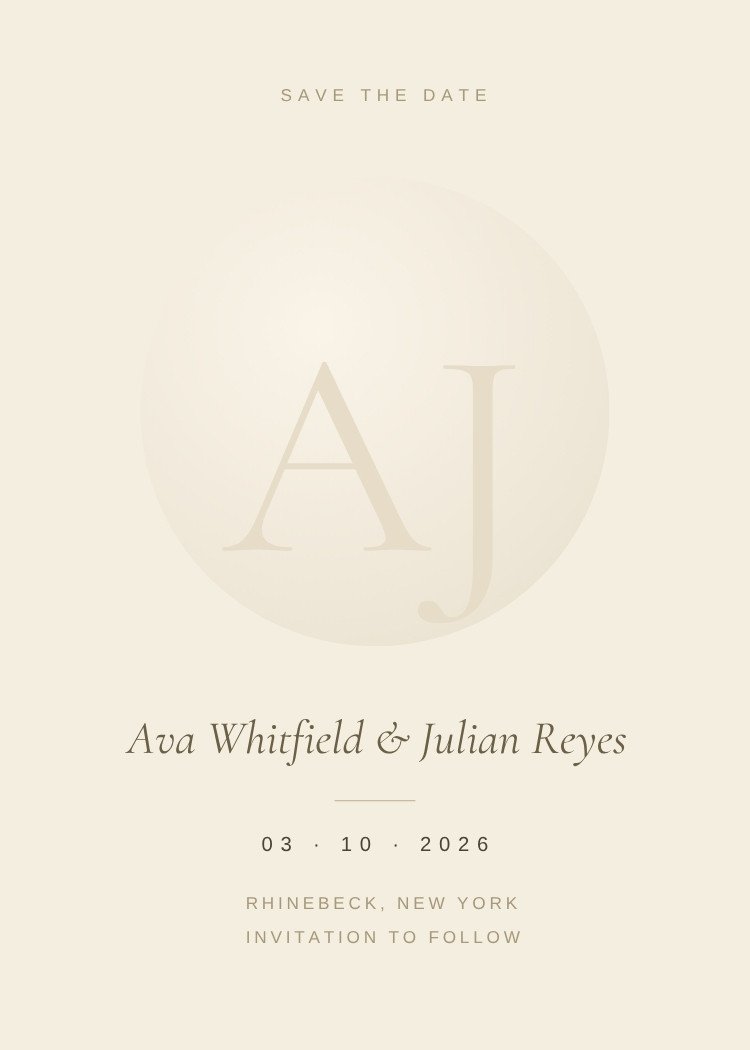
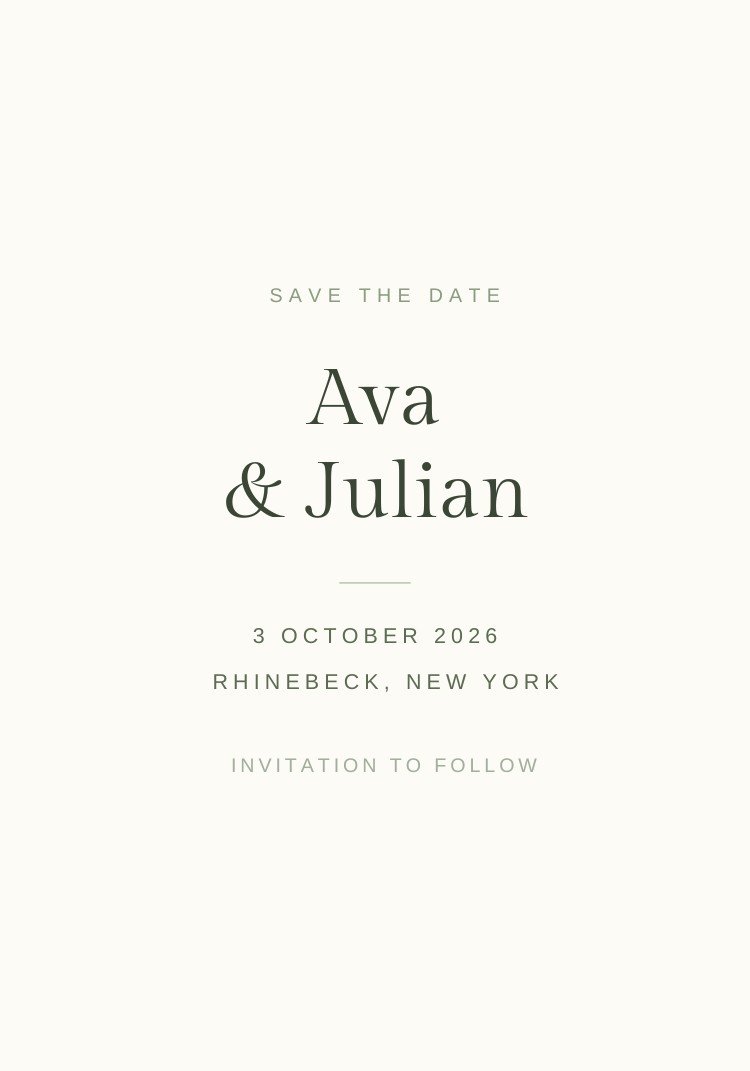
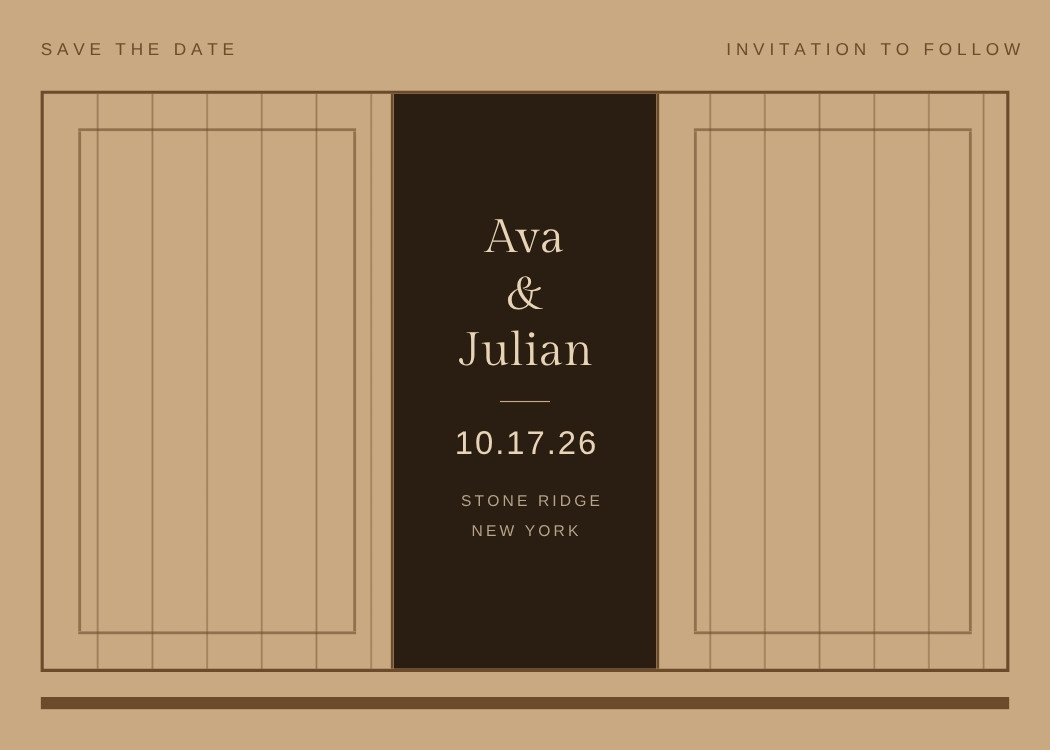
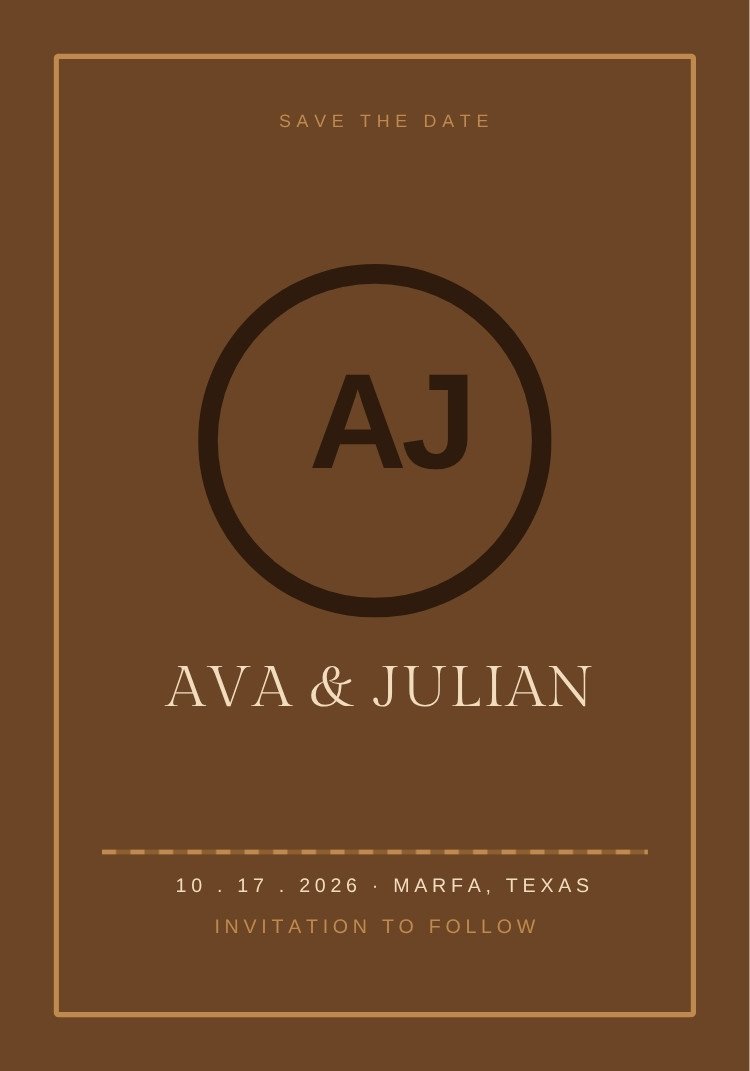
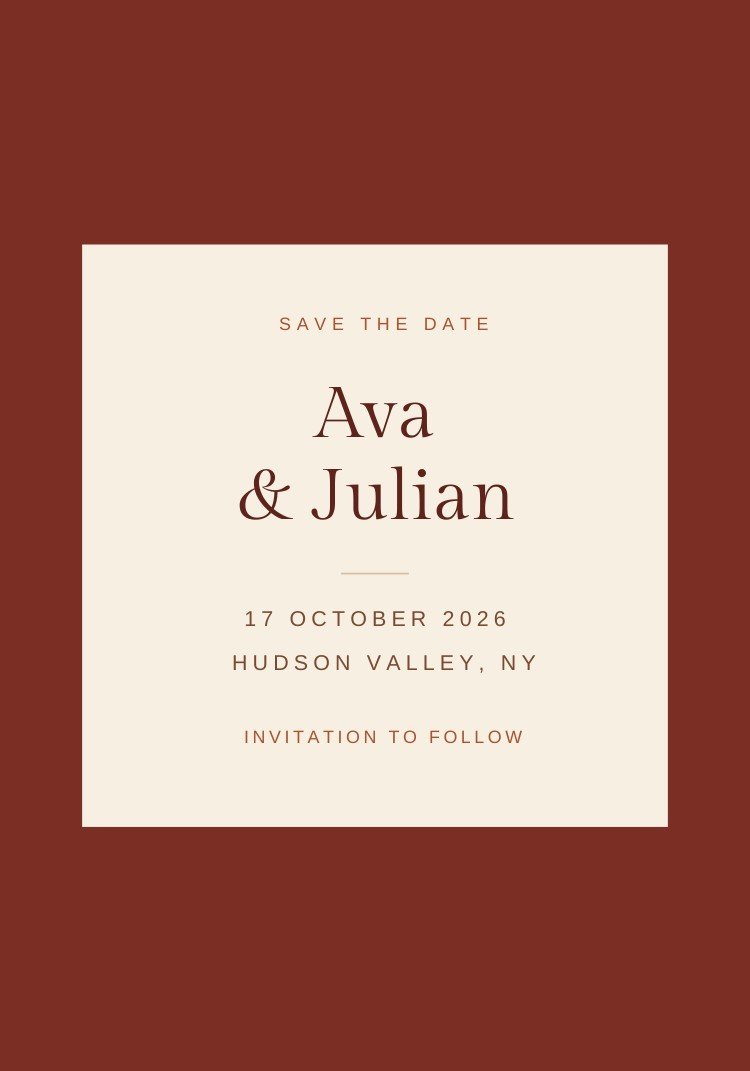
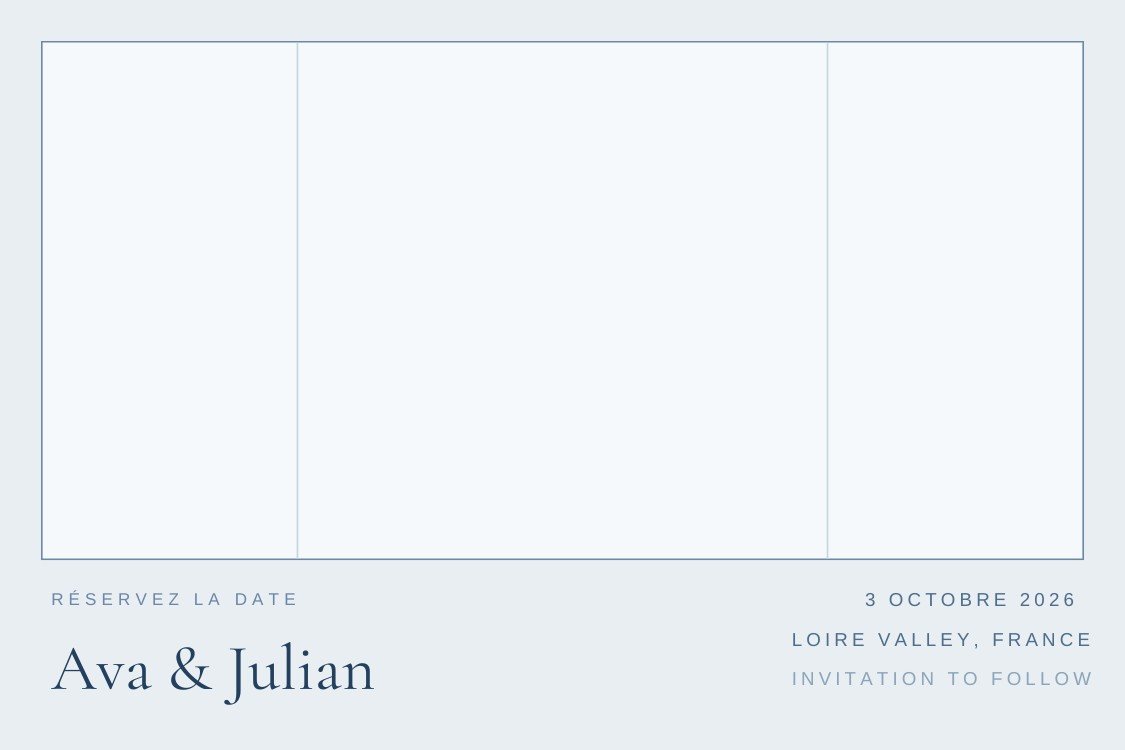
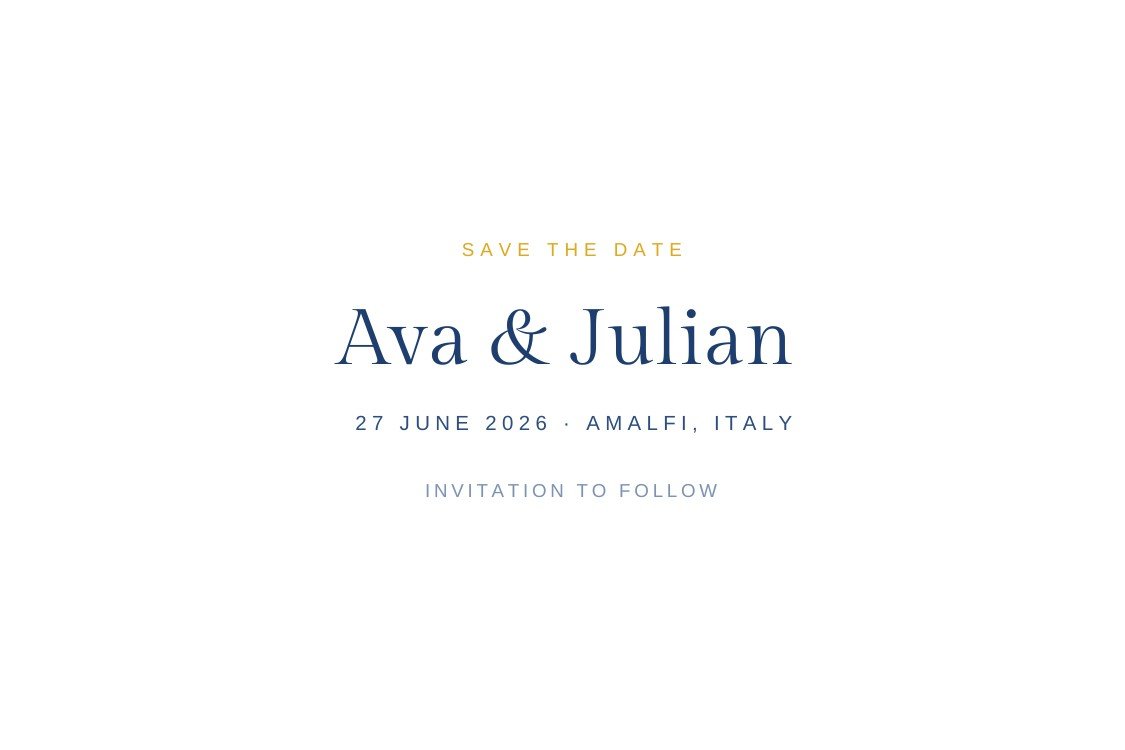
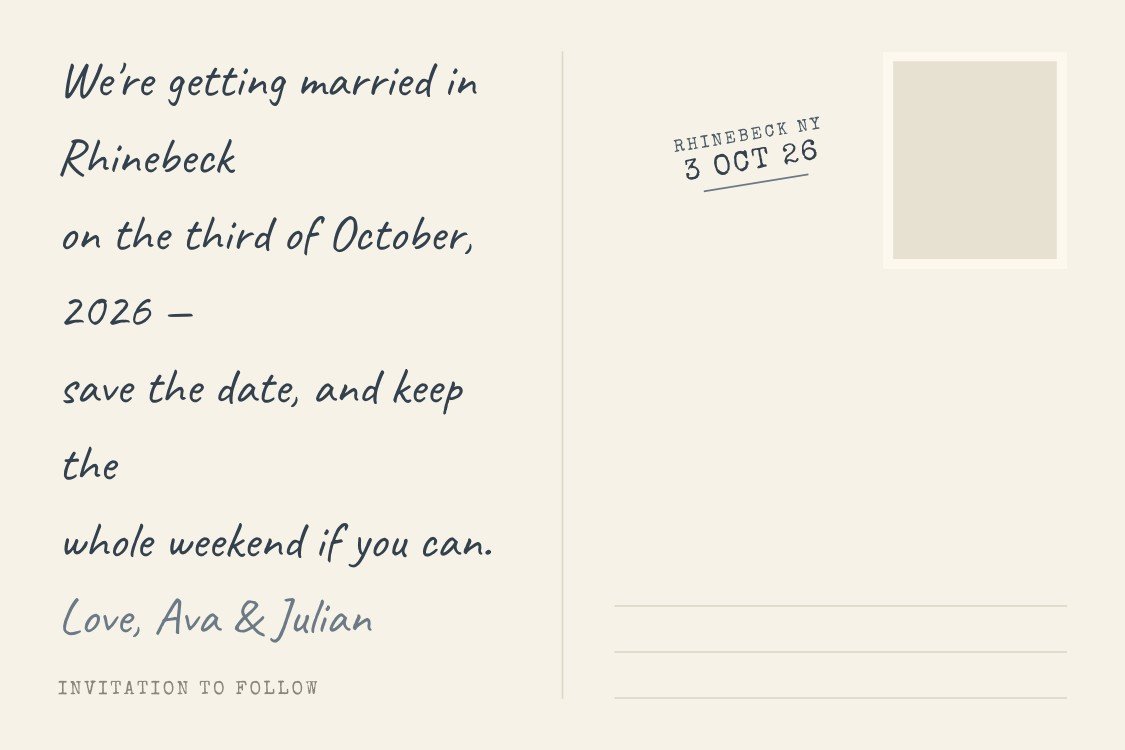
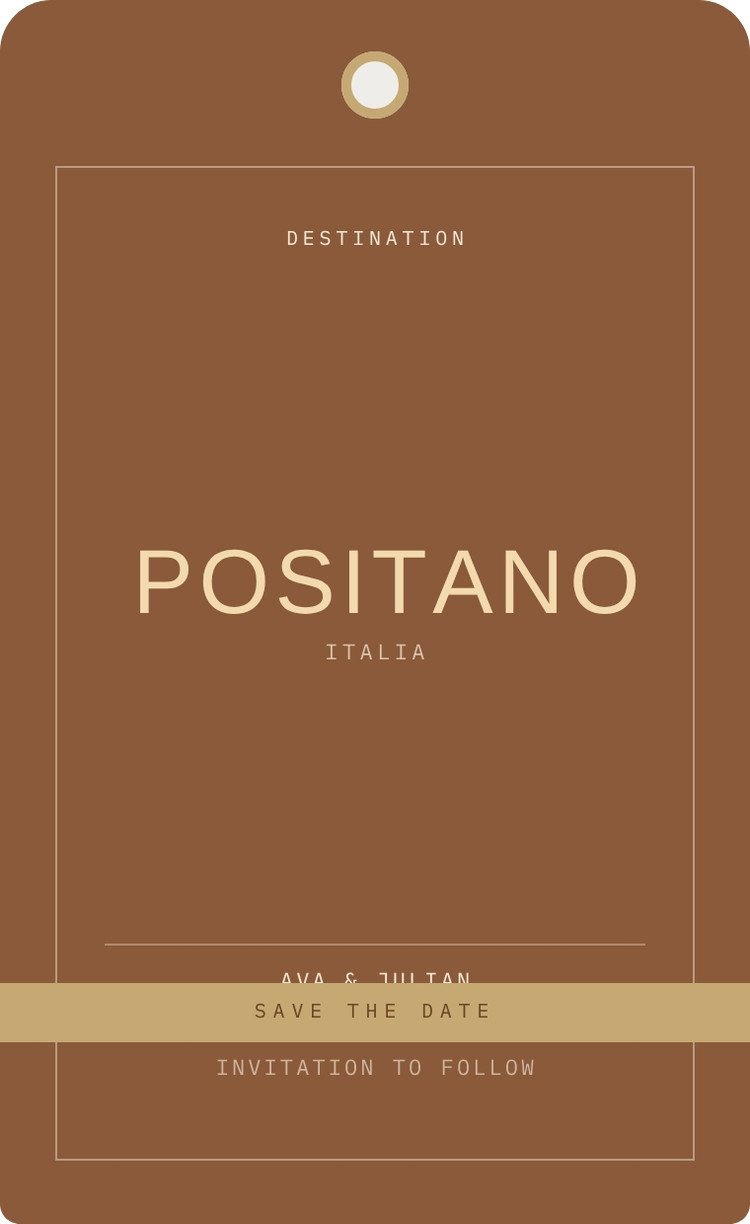
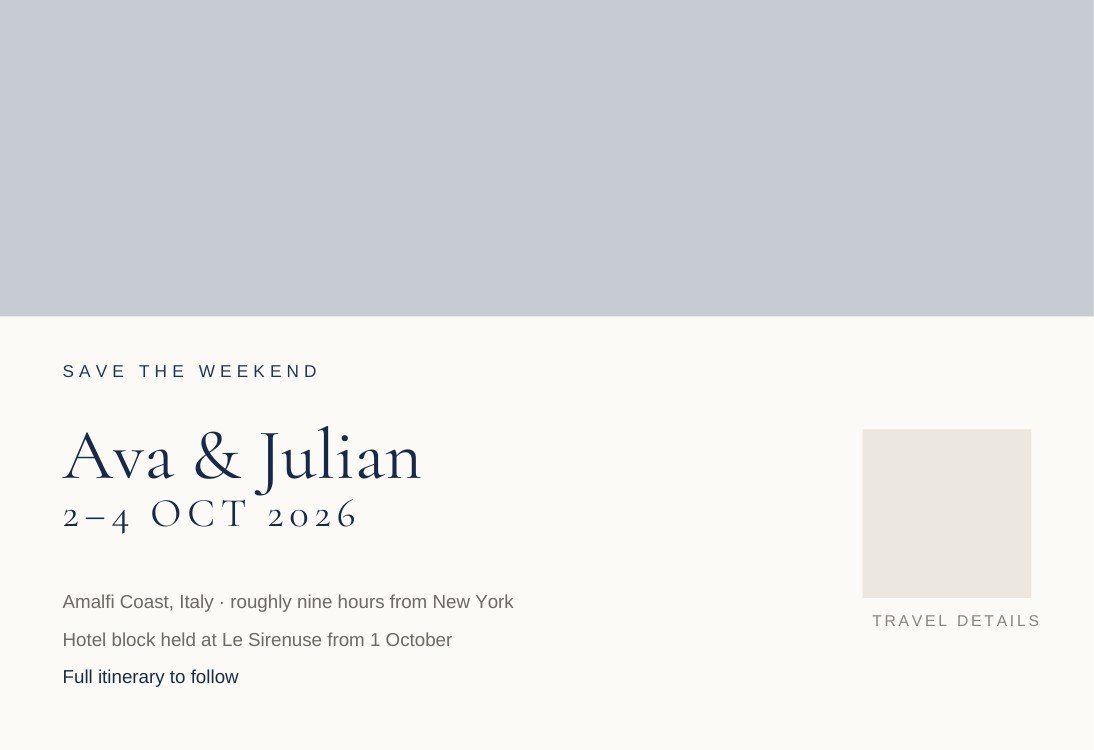
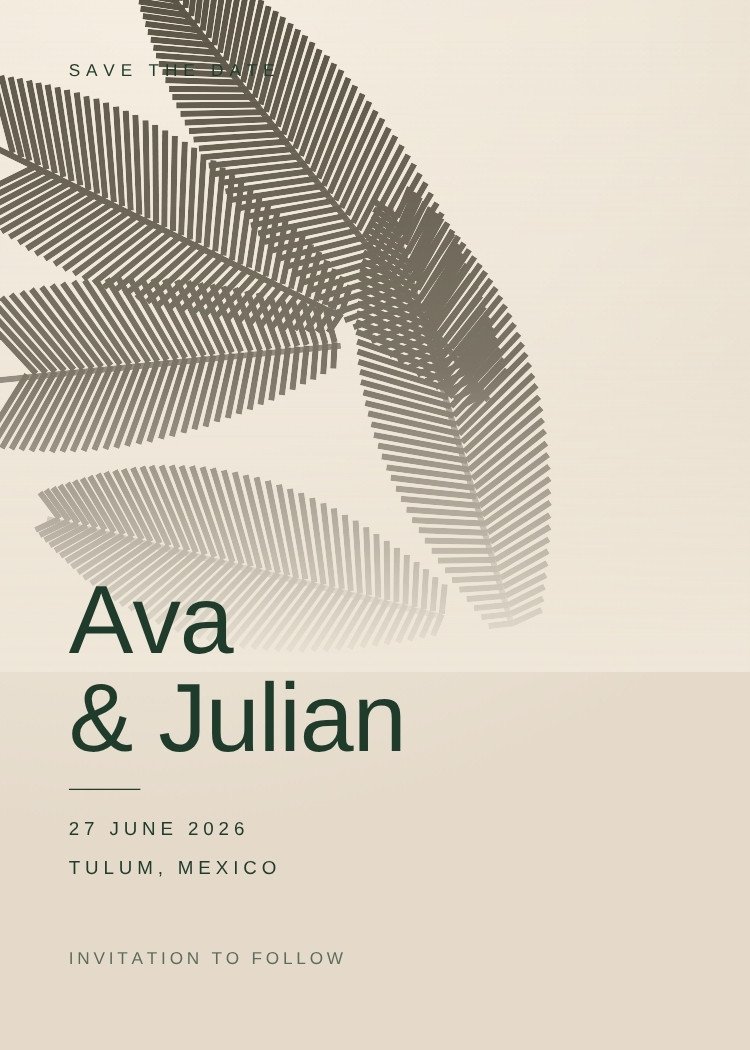
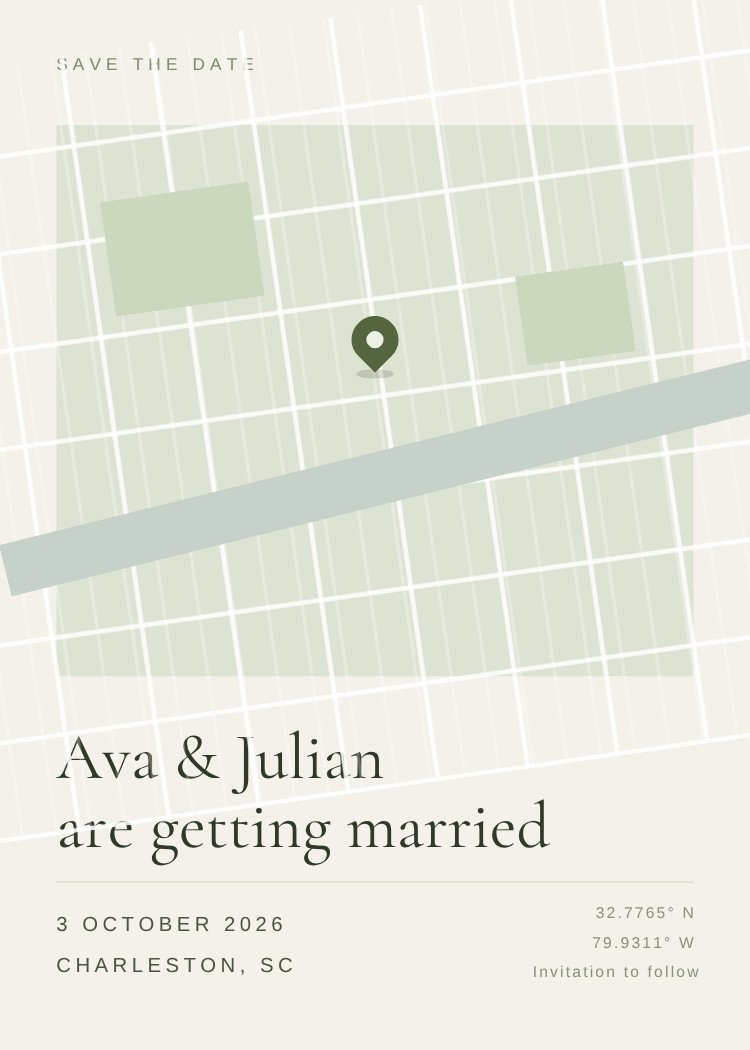
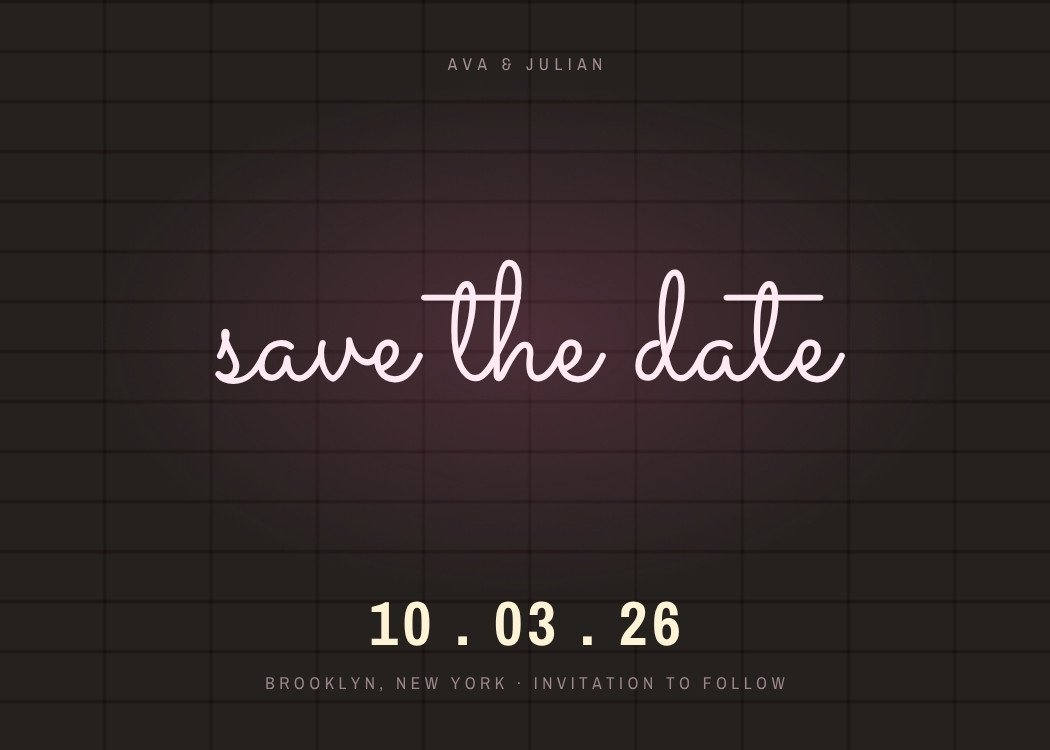
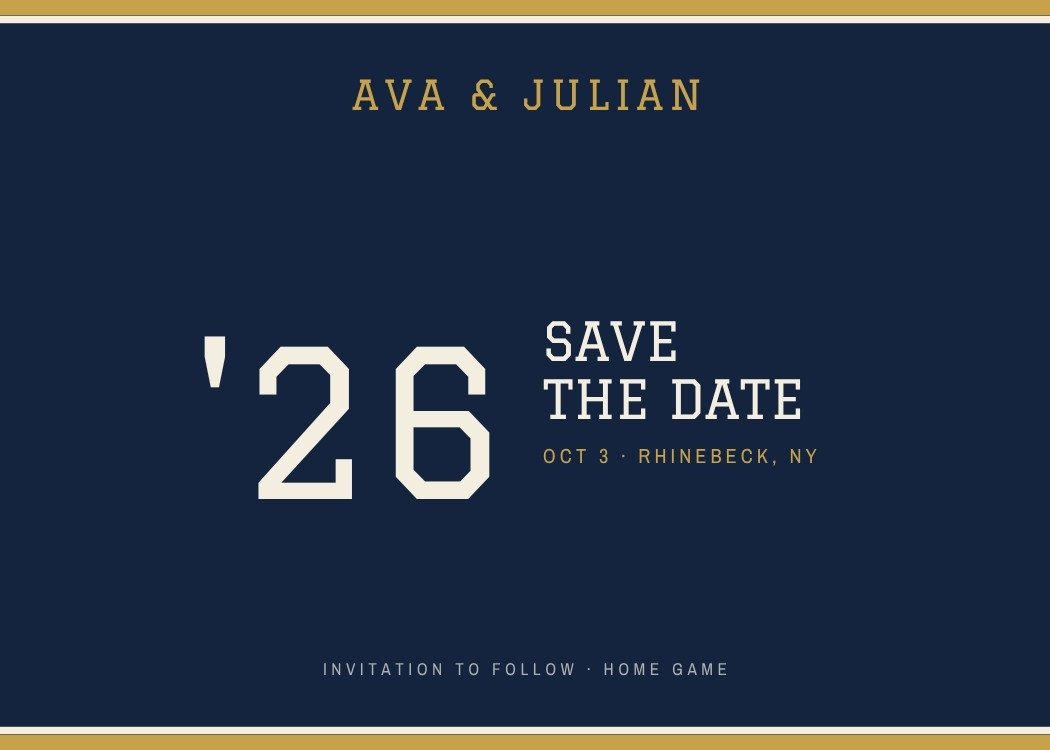
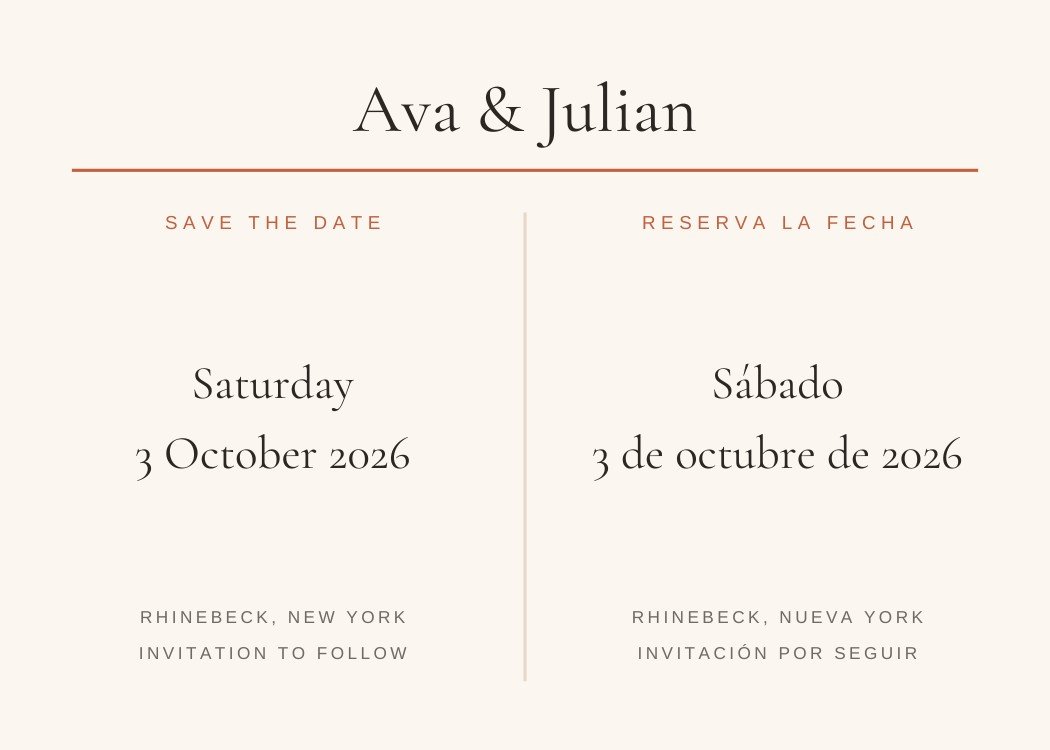
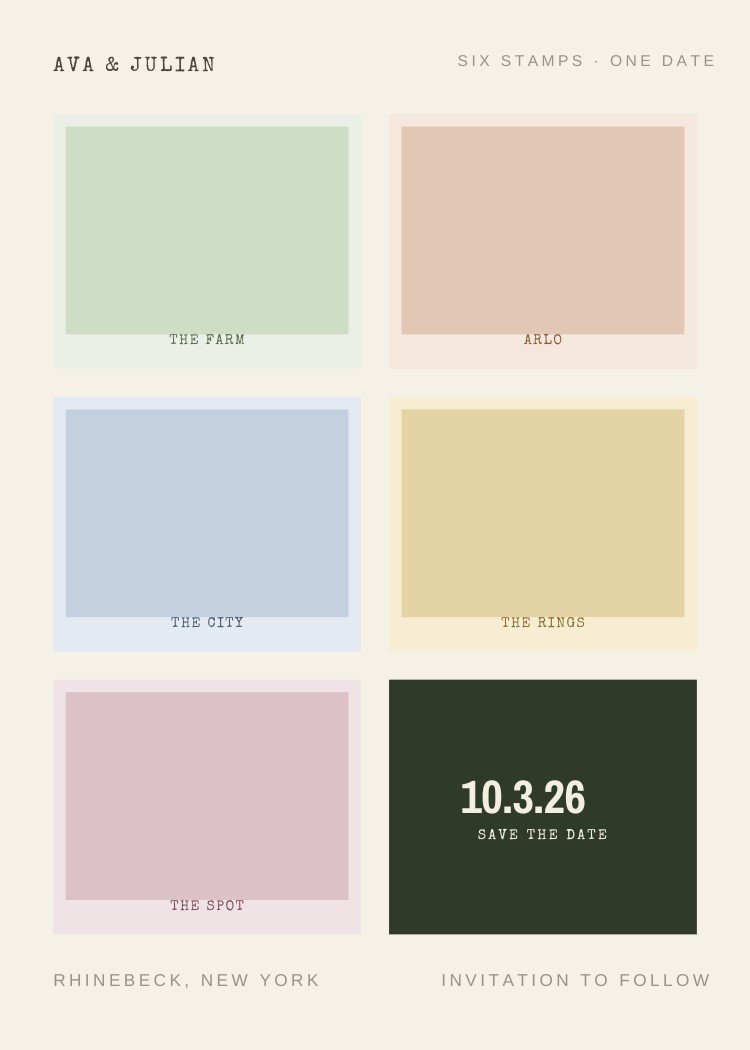
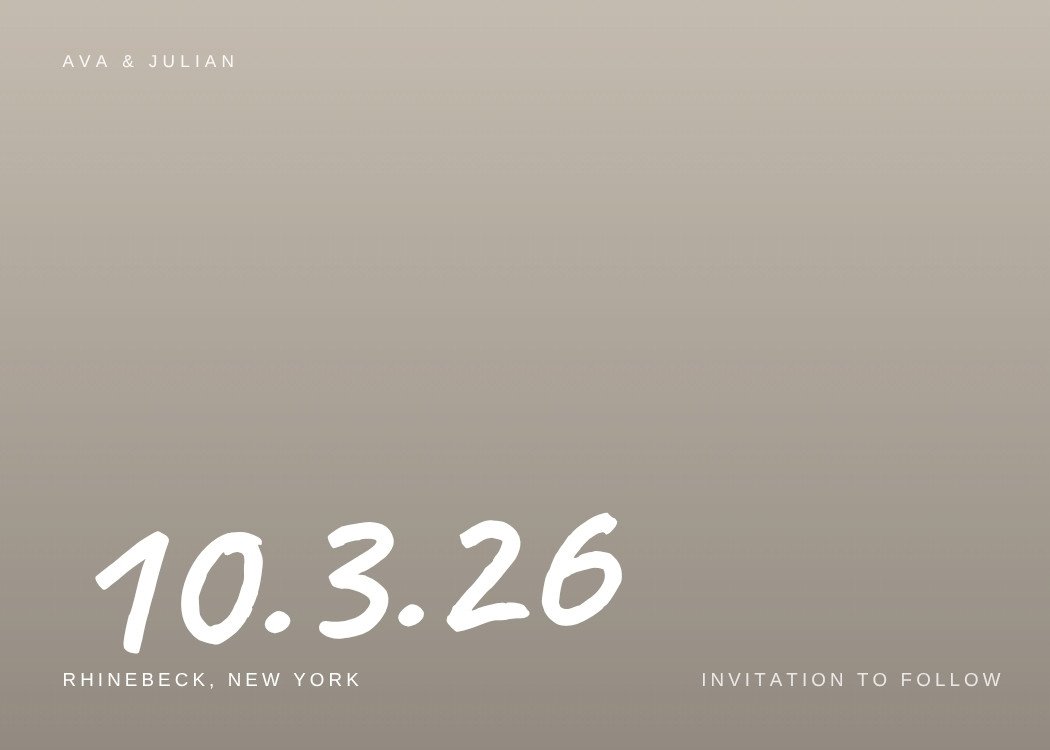
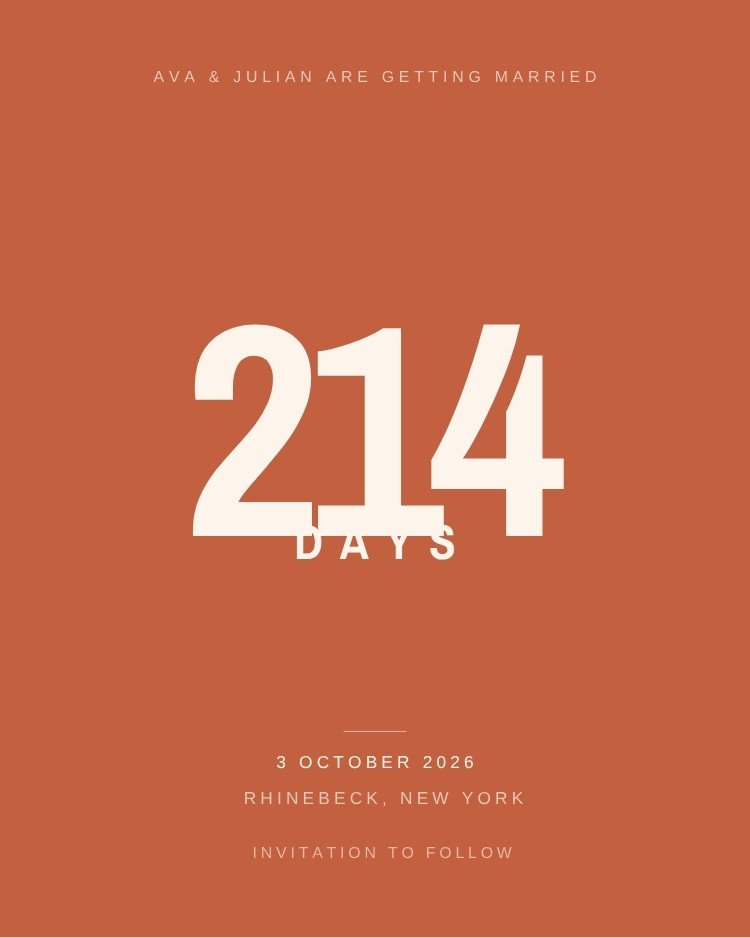
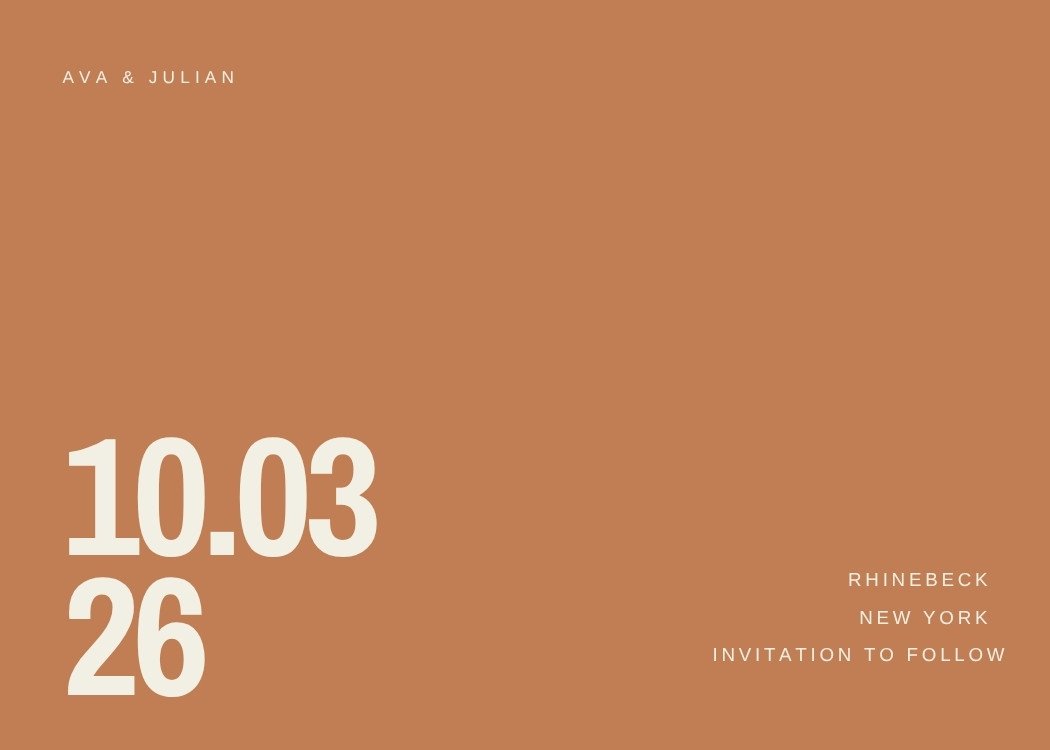
The save the date is the first thing your guest list is ever used for. Build it once here and it carries the rest of the wedding.
Browse by style, color, season or format and open a design to see what's editable.
Names, date, city and photos. The design opens in a new tab, so this page stays where it is.
Create your event, import your guests and send the card to everyone at once — no addresses needed.
The guest list you build now carries through to the invitation, the RSVPs and the wedding-week updates.
Customize the design in Canva, then use Text My Wedding to text it to every guest at once and keep the list for the invitation.
Six to eight months before the wedding for a local date, and nine to twelve months if guests need flights or a hotel block. Anything earlier than a year tends to be forgotten; anything later than four months and guests have already booked the weekend.
Three things: your names, the date, and the city. Add "invitation to follow" so guests know the details are coming. Ceremony address, timings, dress code and RSVP information all belong on the invitation, not here.
They do different jobs. The save the date holds the weekend before guests commit to anything else, and it goes out months before the invitation is designed. Skipping it is fine for a small local wedding and risky for a destination one.
Every design on this page is free to open and edit. A free Canva account is enough for all of them — none require Canva Pro to customize or download.
Yes, and it is the most reliable way to reach everyone. Download your finished design from Canva, create an event in Text My Wedding and send it to your whole guest list at once — no addresses to collect, and you can see who received it.
No. Photo save the dates are the most common, but roughly half the designs here are typographic and need nothing but your names and the date — useful if the engagement shoot has not happened yet.
No. These templates are designed for Canva and open in Canva, but Text My Wedding is an independent product and is not affiliated with or endorsed by Canva. Canva is a trademark of Canva Pty Ltd.
Canva is a trademark of Canva Pty Ltd. Text My Wedding is not affiliated with or endorsed by Canva.
Ready for the next card? Browse wedding invitation templates and the invitation wording generator. Still setting the date? Try the wedding planning timeline.