
Canva Free
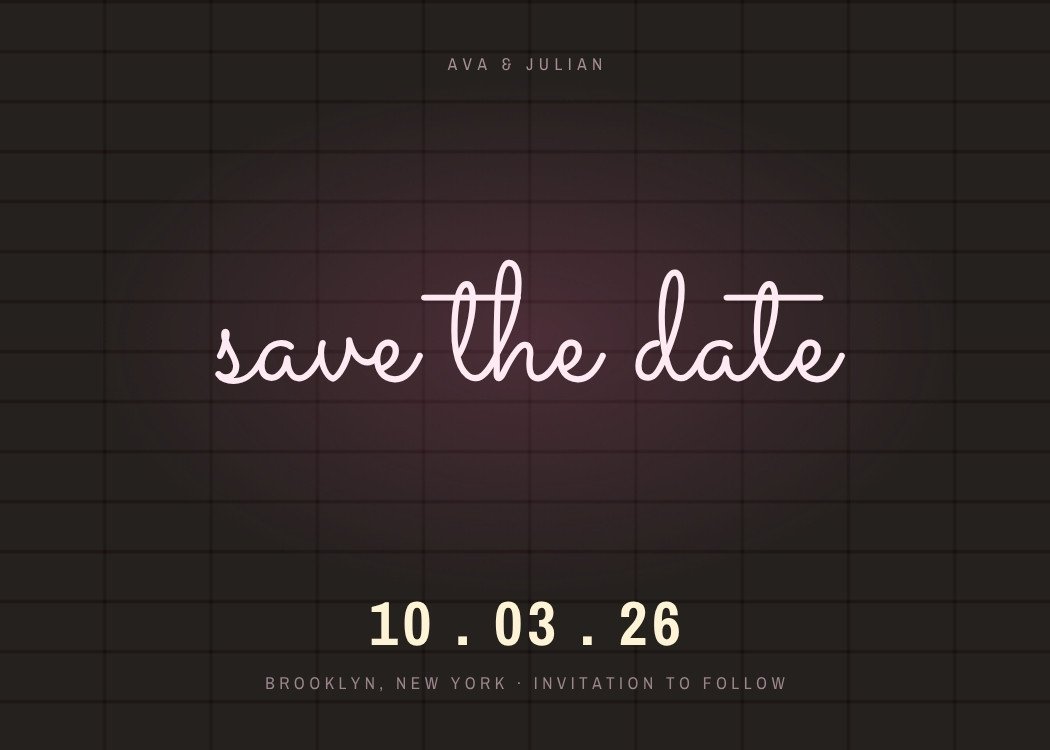
Each guest gets their own link by text. An envelope addressed to them opens to the card and an add-to-calendar button. Shown: Love Notes, our animated design closest to Calendar Page, not the Canva file itself.
Customize & send — freeFree to design, no signup. Send from $19, one time, no subscription.
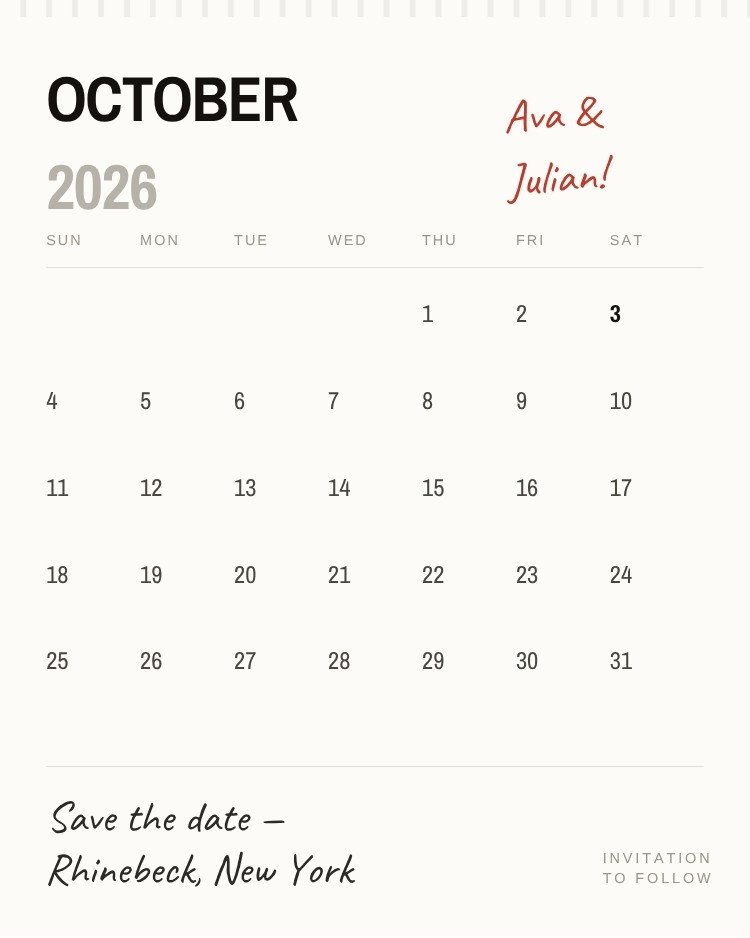
A full month grid with the wedding day picked out in bold, the year ghosted behind the month name, and the couple's names written in red marker across the top corner. A torn-edge strip runs down the left side like a page pulled from a wall calendar.
Open this template in Canva to edit the names, date, city and photos.
Customize in CanvaCanva is a trademark of Canva Pty Ltd. Text My Wedding is not affiliated with or endorsed by Canva.
One list from the save the date to the thank you. No addresses to chase, no wedding website to build, no spreadsheet of replies.
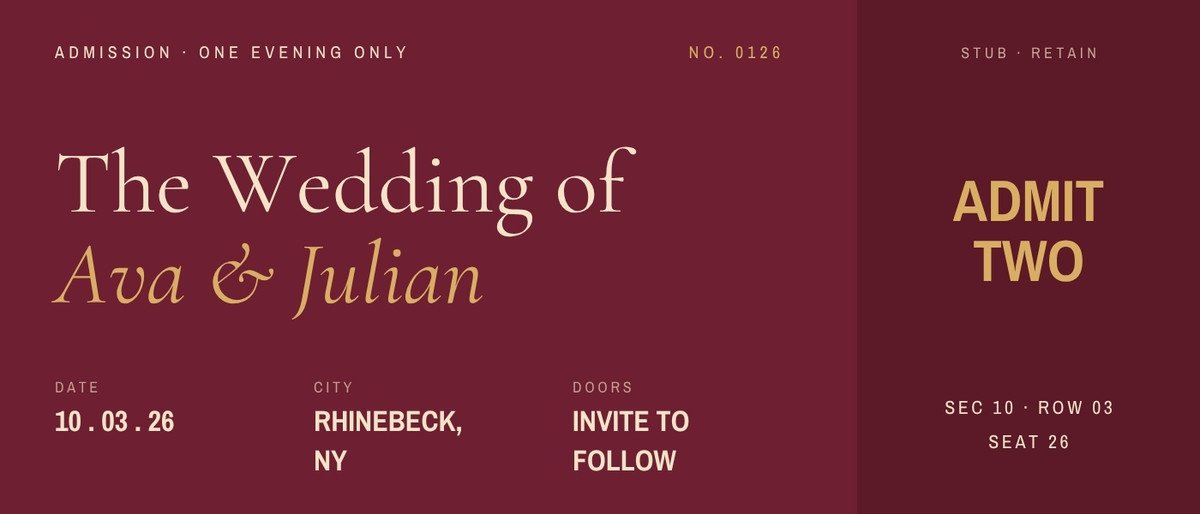
Designs that share this template’s style, palette or format.
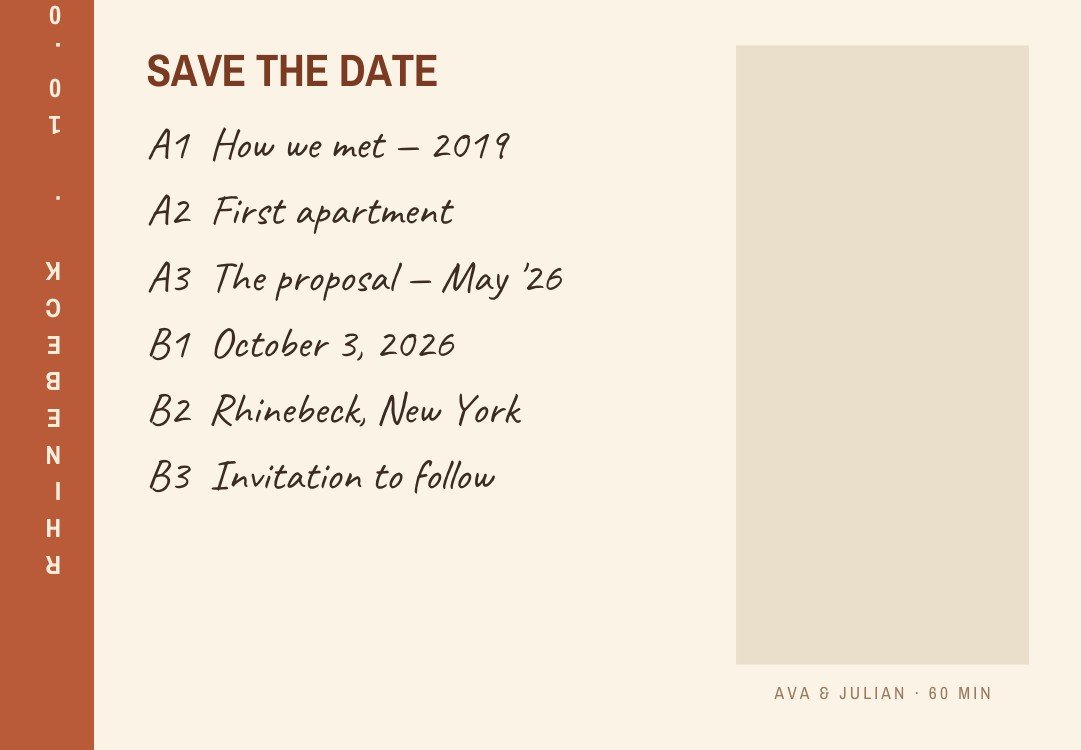
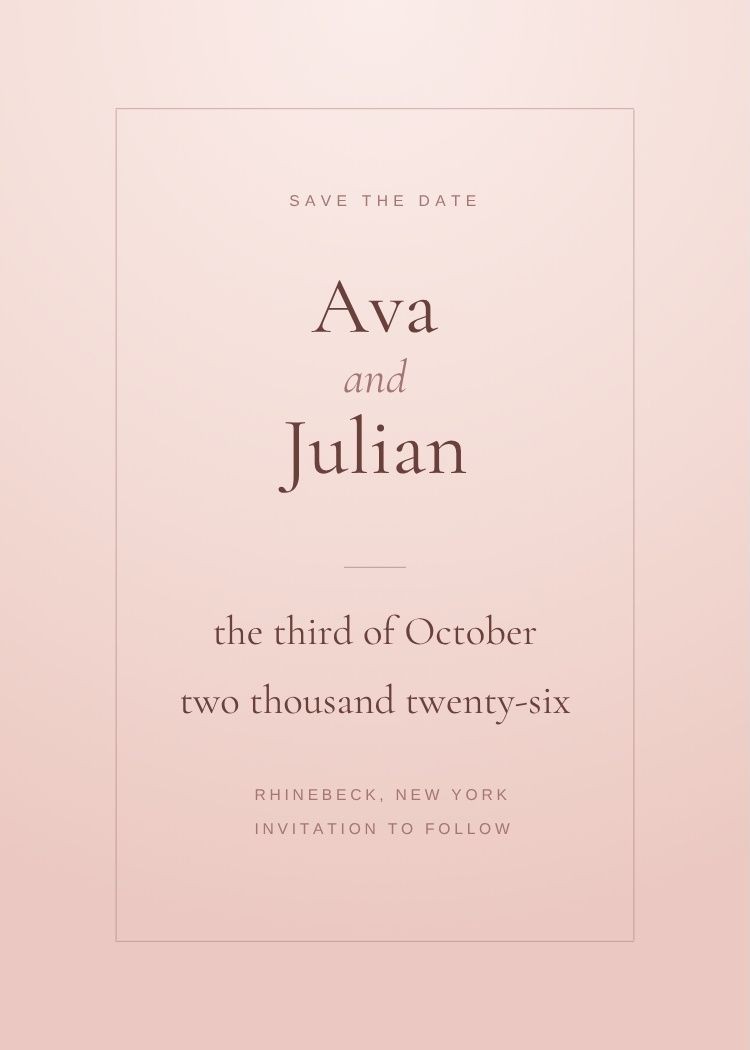
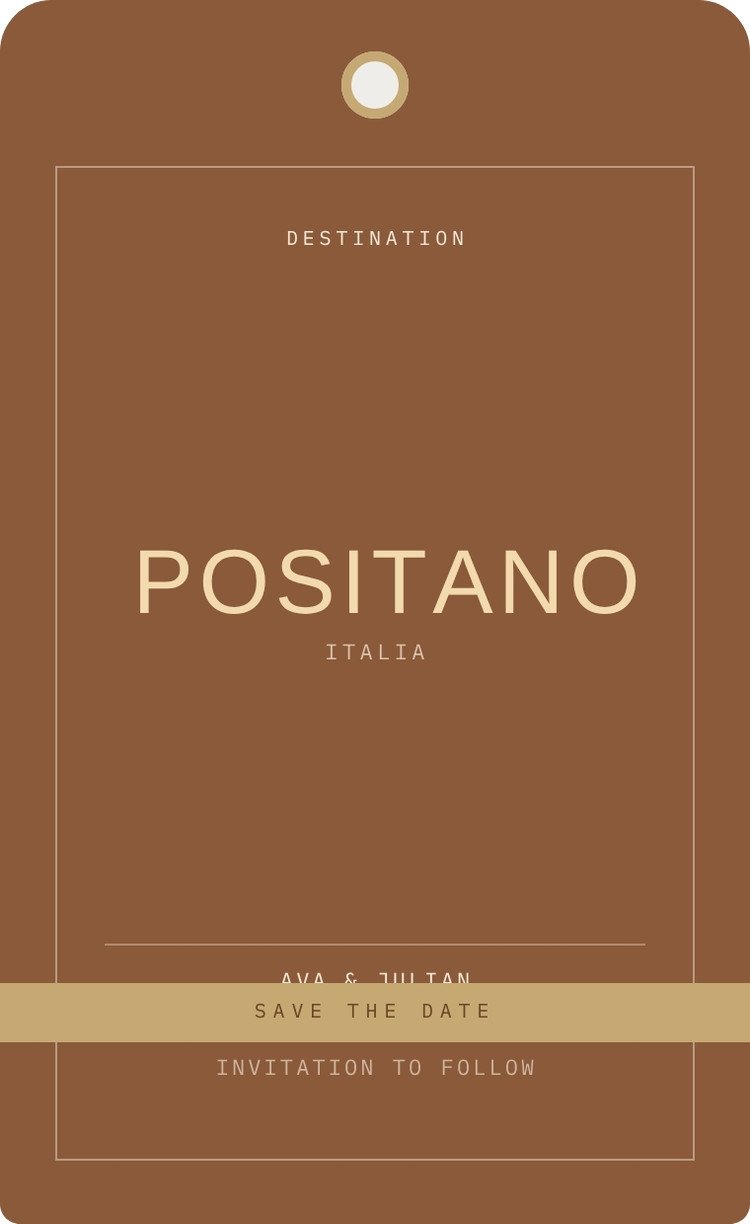
Yes. The template is free to open and edit in Canva, and a free Canva account is enough to change the wording and download the file — no Canva Pro required.
5 × 7 inches, portrait. Export a PDF from Canva for printing, or a PNG/JPG sized for sending by text.
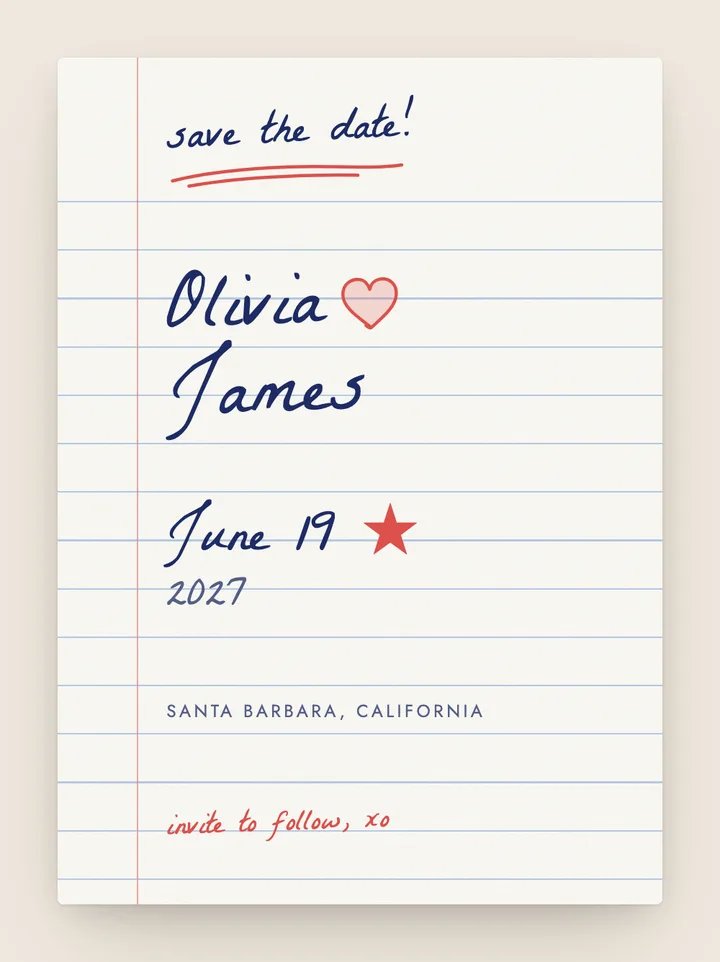
This design has no photo frame — the layout depends on the space around the wording, which is useful if the engagement shoot hasn't happened yet. If you want a photo, browse the photo save the dates instead.
Your names, the date and the city, plus "invitation to follow". Resist adding the venue address, timings or RSVP details — those belong on the invitation, and a save the date often goes out before they're decided.
Export a PNG from Canva, then create your Text My Wedding event, import your guest list and attach the file. Every guest gets it as a text, and the same list carries through to the invitation and the RSVPs.
Canva is a trademark of Canva Pty Ltd. Text My Wedding is not affiliated with or endorsed by Canva.