Photo
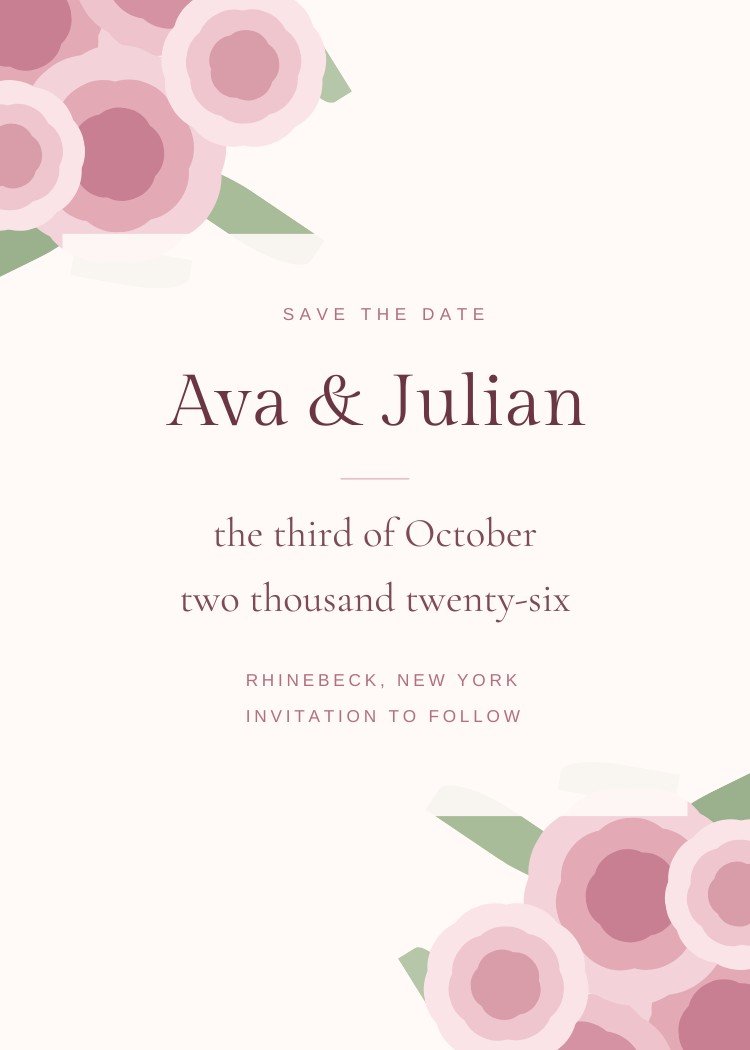
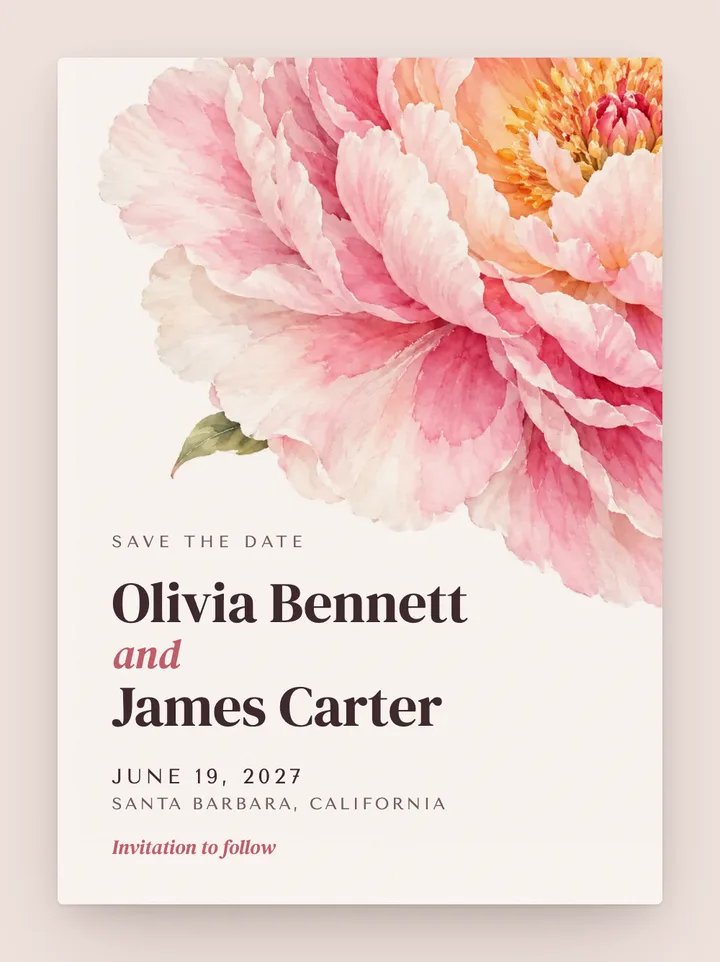
Each guest gets their own link by text. An envelope addressed to them opens to the card and an add-to-calendar button. Shown: Bloom, our animated design closest to Pressed Wildflower, not the Canva file itself.
Customize & send — freeFree to design, no signup. Send from $19, one time, no subscription.
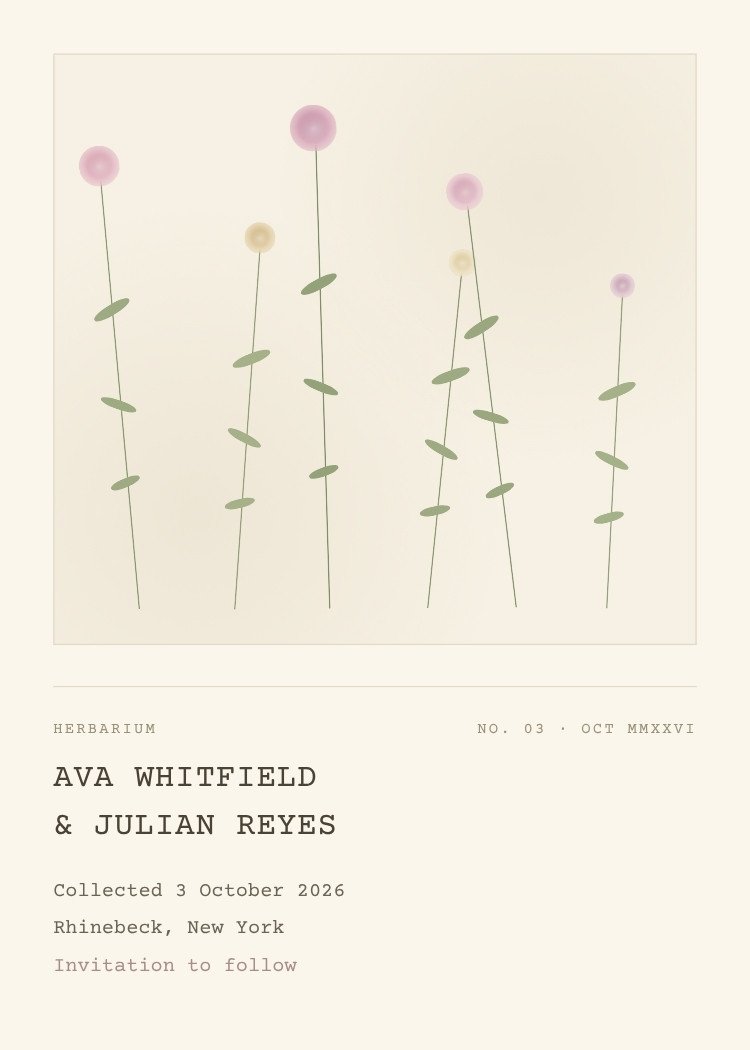
Slender wildflower stems stand inside a ruled specimen box, their pink and cream heads at different heights like a pressed sample. Everything beneath is typed in a monospace herbarium label — "collected", the date, the town.
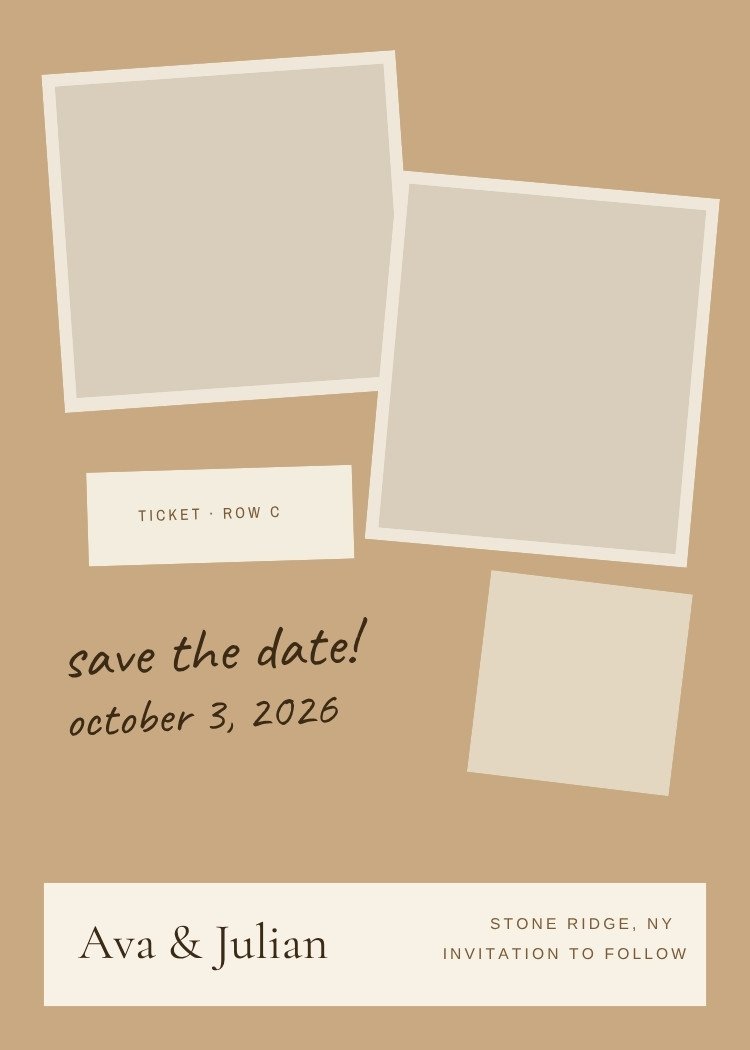
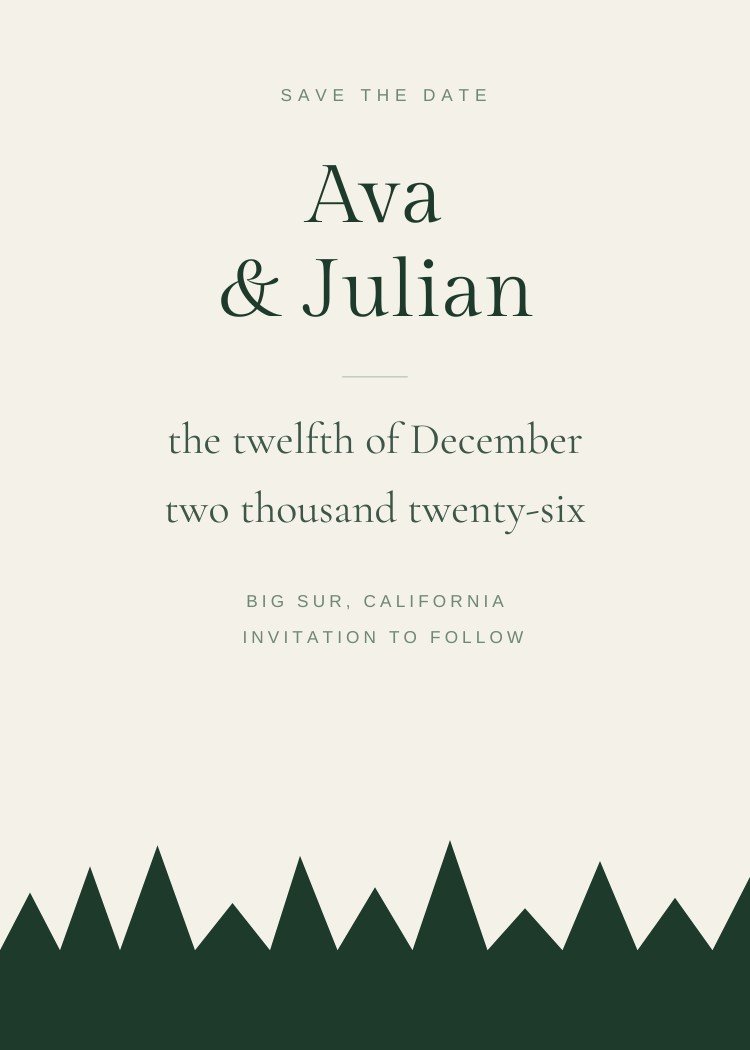
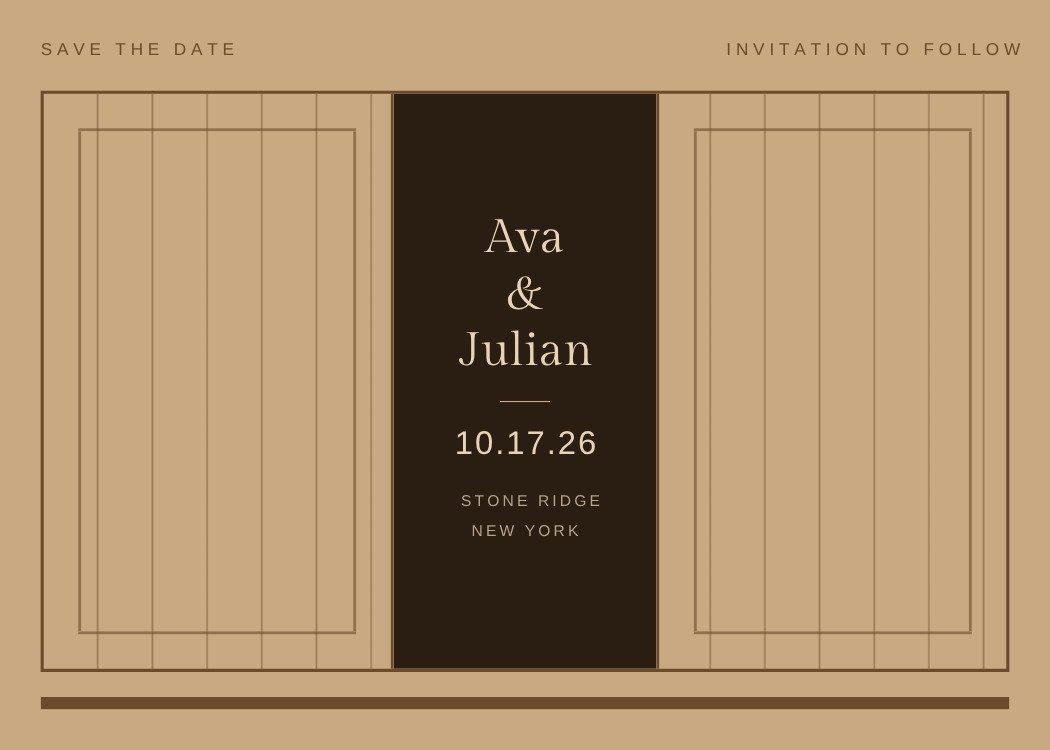
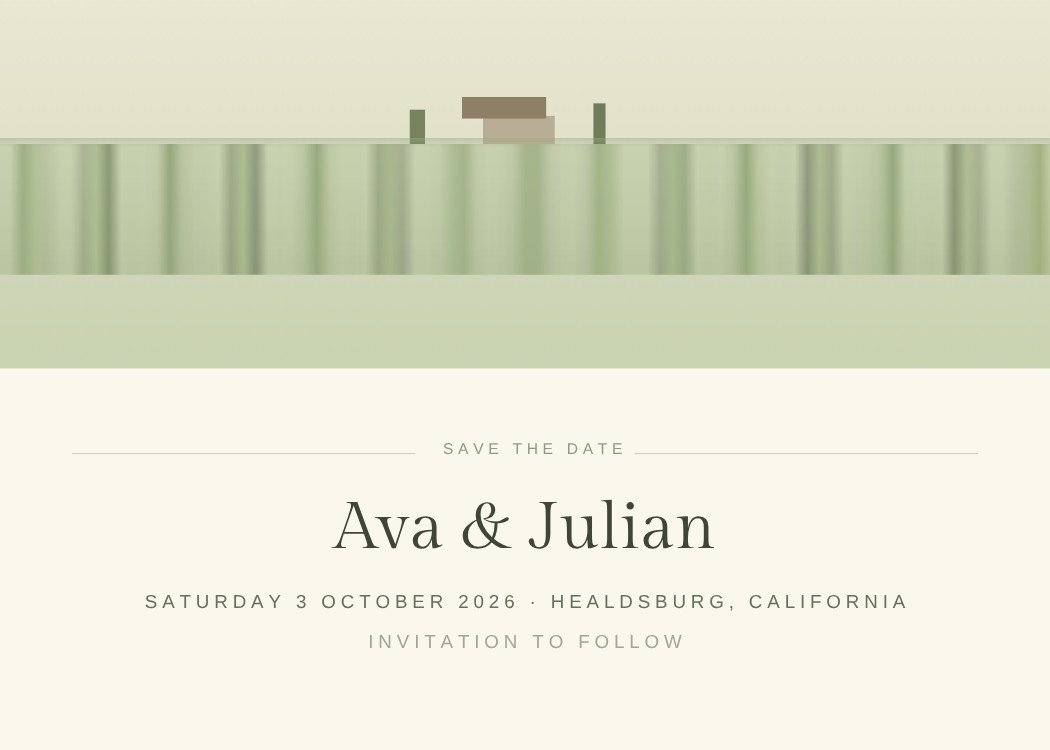
Open this template in Canva to edit the names, date, city and photos.
Customize in CanvaCanva is a trademark of Canva Pty Ltd. Text My Wedding is not affiliated with or endorsed by Canva.
One list from the save the date to the thank you. No addresses to chase, no wedding website to build, no spreadsheet of replies.
Yes. The template is free to open and edit in Canva, and a free Canva account is enough to change the wording and download the file — no Canva Pro required.
5 × 7 inches, portrait. Export a PDF from Canva for printing, or a PNG/JPG sized for sending by text.
The design includes a photo frame — in Canva, drag your engagement photo onto the frame and it snaps into place, cropped to fit. Swap or reposition it any time.
Your names, the date and the city, plus "invitation to follow". Resist adding the venue address, timings or RSVP details — those belong on the invitation, and a save the date often goes out before they're decided.
Export a PNG from Canva, then create your Text My Wedding event, import your guest list and attach the file. Every guest gets it as a text, and the same list carries through to the invitation and the RSVPs.
Canva is a trademark of Canva Pty Ltd. Text My Wedding is not affiliated with or endorsed by Canva.