Text My Wedding
PricingVideo Demo
Sign In/Up
Home/Save the date templates/Emerald green/Pine Forest
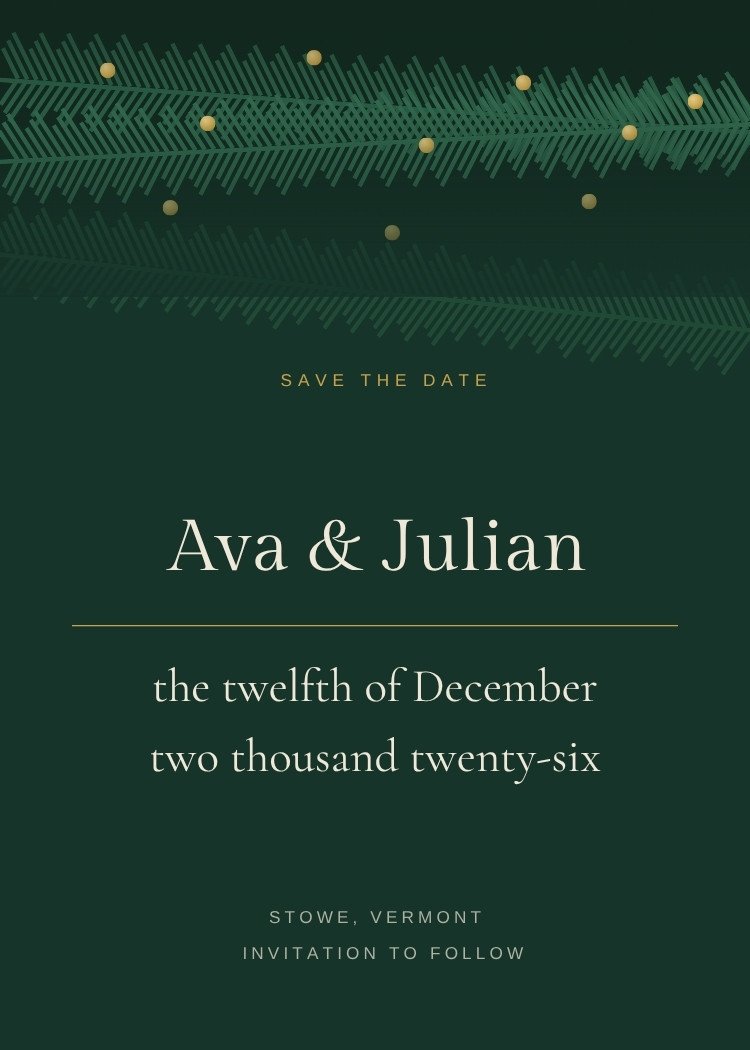
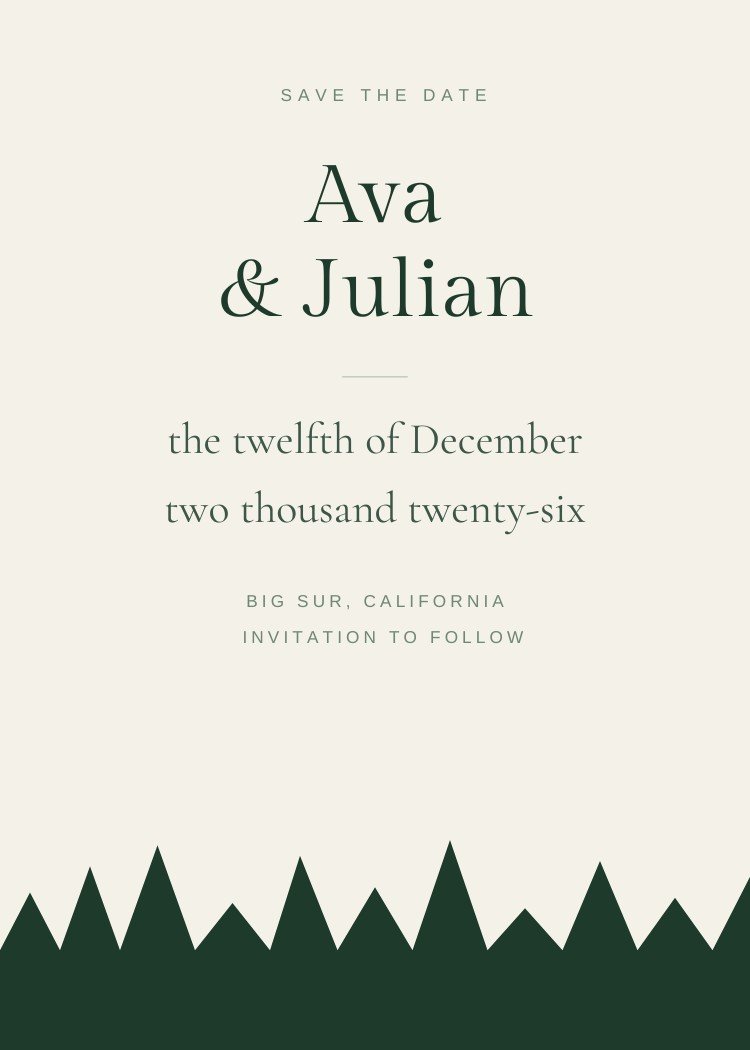
Pine Forest save the date template — full design preview
FreeCanva Free

Pine Forest Save the Date

A silhouetted treeline of firs runs along the bottom quarter in deep green, leaving the whole upper card as open bone-white sky for the names and the date written out in words. The contrast is high enough to hold up shrunk into a message.

1 Customize your save the date

Customize it in Canva

Open this template in Canva to edit the names, date, city and photos.

Customize in Canva
  • Free Canva account required — no Canva Pro elements
  • Opens in a new tab, so this page stays where it is
  • Every text box, color and font is editable
2 Send it to your guests

Text it with Text My Wedding

Send the finished card to every guest at once, then keep the same list for the invitation and the RSVPs.

Send With Text My Wedding
  • No mailing addresses to collect — just phone numbers
  • See who received it instead of guessing
  • The same guest list carries through to the invitation
Free to use. No Text My Wedding account needed to customize the design.
Print-ready export from Canva, plus message-sized exports for texting.
Opens as a copy in your own Canva account — the original stays untouched.
Specifications

What you’re getting

Editing platform
Canva
Canva account
Free account required
Canva Pro
Not required
Size
5 × 7 inches, portrait
Editable text
Yes
Editable colors
Yes
Editable fonts
Yes
Photo support
No photo frame in this design
Magnet-safe margins
Not built for magnet trim
Printable
Yes — export as PDF
Digital sharing
Yes — message-sized exports
Download formats
PDF, PNG and JPG
Editable elements

What you can change

  • Names
  • Date
  • City or location
  • “Invitation to follow” line
  • Fonts
  • Color palette
  • Photo
  • Multiple photos

Canva is a trademark of Canva Pty Ltd. Text My Wedding is not affiliated with or endorsed by Canva.

Step one

How customizing works

  1. Open in Canva. The template loads as a copy in your own Canva account — the original stays untouched, so you can start again at any point.
  2. Edit the wording.Names, date and city are ordinary text boxes. Keep it to three facts plus “invitation to follow”.
  3. Swap the palette. Colors are applied as document colors: change one and every element that uses it follows.
  4. Download. PDF for print, PNG or JPG for texting.
Step two

How sending works

  1. Create your event. Names and the date — about a minute, and the venue can wait.
  2. Add your guests. Import a spreadsheet or paste numbers; households stay grouped.
  3. Attach the card. Upload the file you exported from Canva and send it to everyone at once.
  4. Keep the list. The same guest list runs the invitation, the RSVPs and the wedding-week updates.
Next step

Send your save the date, then keep the guest list.

One list from the save the date to the thank you. No addresses to chase, no wedding website to build, no spreadsheet of replies.

Send This Save the DateSee how it works
Similar

You might also like

Designs that share this template’s style, palette or format.
All emerald green templates
Canva Free
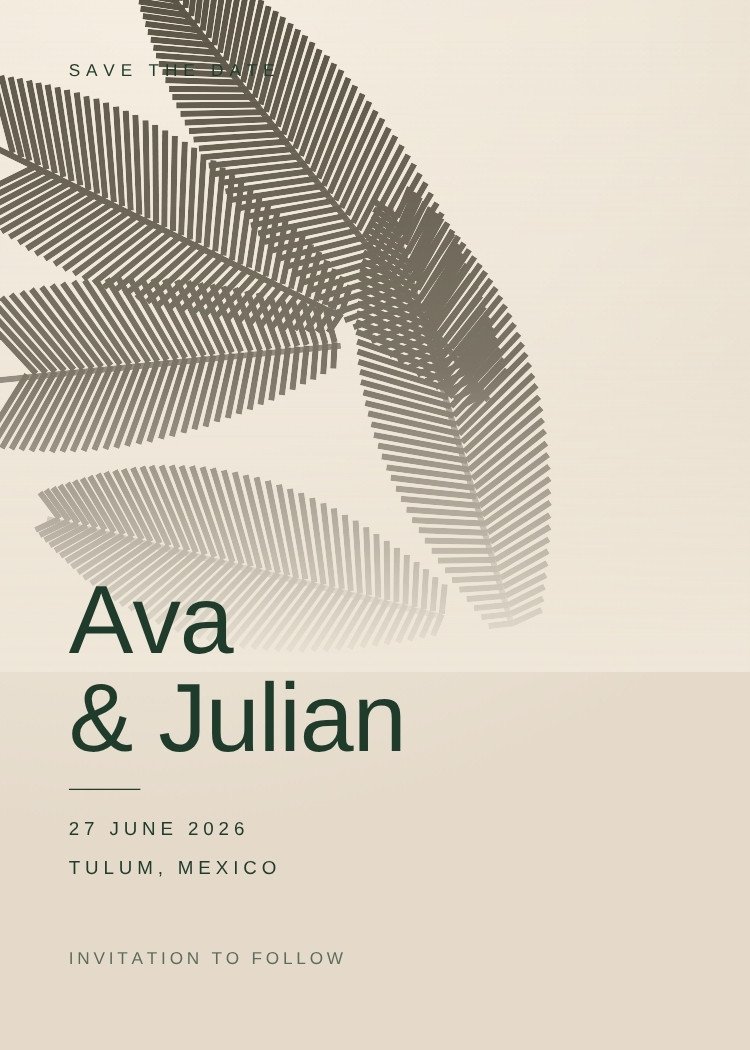
Palm Shadow — modern neutral save the date template, editable in Canva
Modern · NeutralPalm ShadowEditable in CanvaView template →
Canva Free
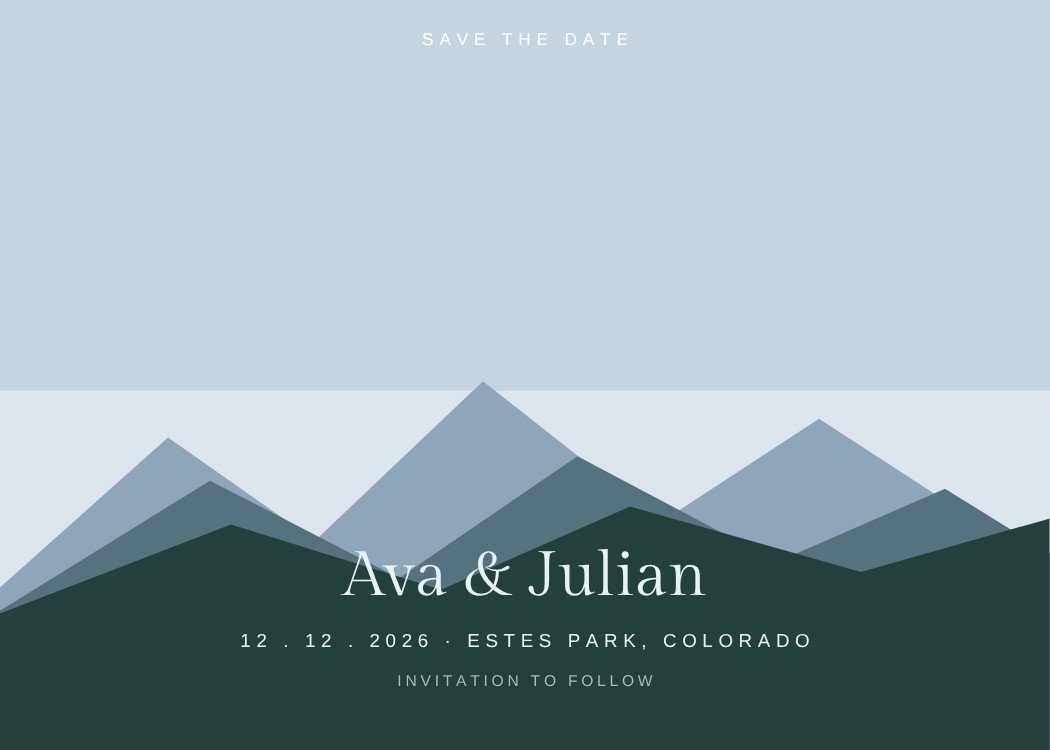
Mountain Ridge — minimalist dusty blue save the date template, editable in Canva
Minimalist · Dusty blueMountain RidgeEditable in CanvaView template →
Photo
Winter Evergreen — classic emerald green save the date template, editable in Canva
Classic · Emerald greenWinter EvergreenEditable in CanvaView template →
Photo
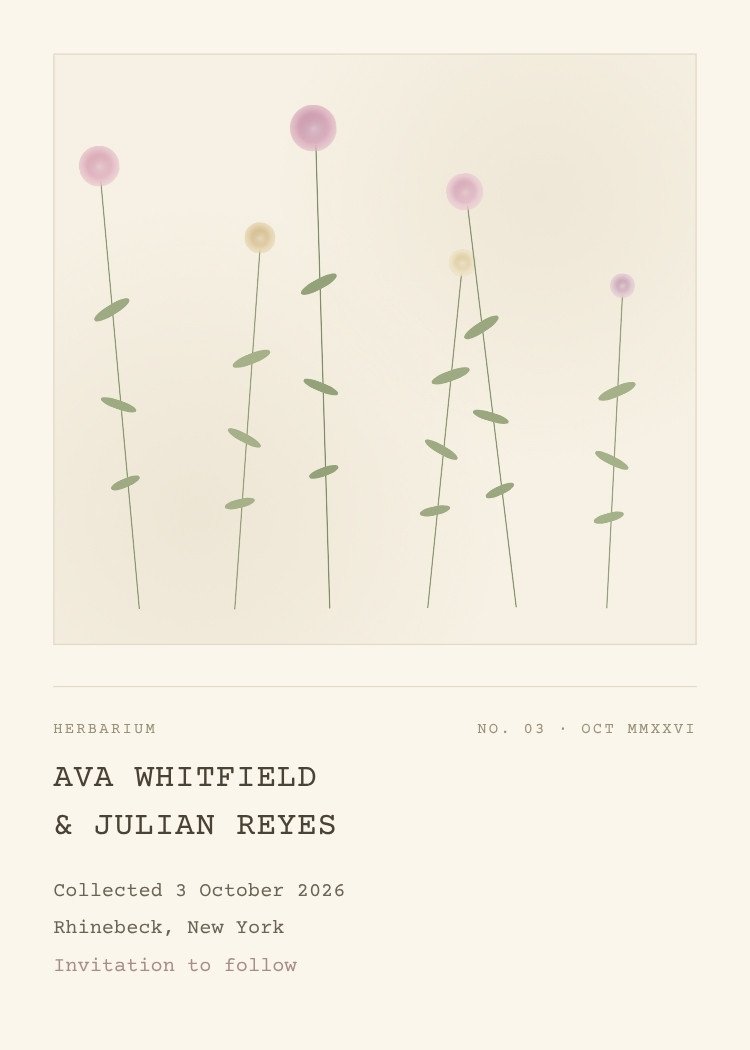
Pressed Wildflower — floral neutral save the date template, editable in Canva
Floral · NeutralPressed WildflowerEditable in CanvaView template →
Canva Free
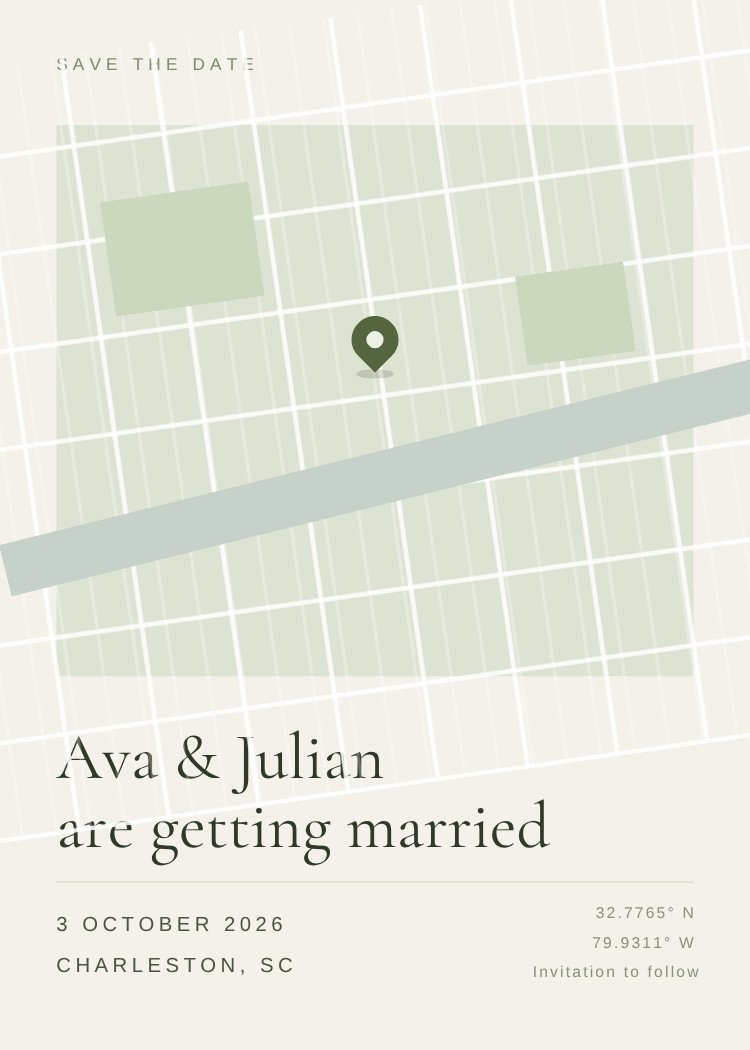
Dropped Pin — minimalist sage green save the date template, editable in Canva
Minimalist · Sage greenDropped PinEditable in CanvaView template →
More like this:
MinimalistRusticBotanicalEmerald greenNeutralForestMountainWinterPrintableDigital
Questions

Pine Forest template questions

Is the Pine Forest template free?

Yes. The template is free to open and edit in Canva, and a free Canva account is enough to change the wording and download the file — no Canva Pro required.

What size is it?

5 × 7 inches, portrait. Export a PDF from Canva for printing, or a PNG/JPG sized for sending by text.

Can I add our engagement photo?

This design has no photo frame — the layout depends on the space around the wording, which is useful if the engagement shoot hasn't happened yet. If you want a photo, browse the photo save the dates instead.

What should the wording say?

Your names, the date and the city, plus "invitation to follow". Resist adding the venue address, timings or RSVP details — those belong on the invitation, and a save the date often goes out before they're decided.

How do I send it to guests?

Export a PNG from Canva, then create your Text My Wedding event, import your guest list and attach the file. Every guest gets it as a text, and the same list carries through to the invitation and the RSVPs.

Canva is a trademark of Canva Pty Ltd. Text My Wedding is not affiliated with or endorsed by Canva.

Customize in CanvaSend

Footer

Text My Wedding

Making smooth, fun wedding days come true.

FacebookInstagramPinterestTikTok

Product

Wedding text messagingPhoto & video collectionGuest managementPricingVideo demo

Templates

Invitation templatesSave-the-date templatesGuest list templatePlanning spreadsheetAll templates

Integrations

The KnotZolaJoyCanvaAll integrations

Free tools

Wedding timeline generatorAlcohol calculatorHashtag generatorVow generatorAll tools & examples

Learn

BlogHelp centerFAQsReviewsWedding planning timelineContact us

Use cases

Save the datesDigital invitesRSVP remindersWedding day scheduleTransportation updatesWedding photosThank yousTexts without reply allAll 16 use cases

© 2026 DFM Software, LLC. All rights reserved.

About usFor wedding plannersCompare alternativesAffiliatesTermsPrivacyRefunds