Text My Wedding
PricingVideo Demo
Sign In/Up
Home/Save the date templates/Styles/Modern

Modern Save the Date Templates

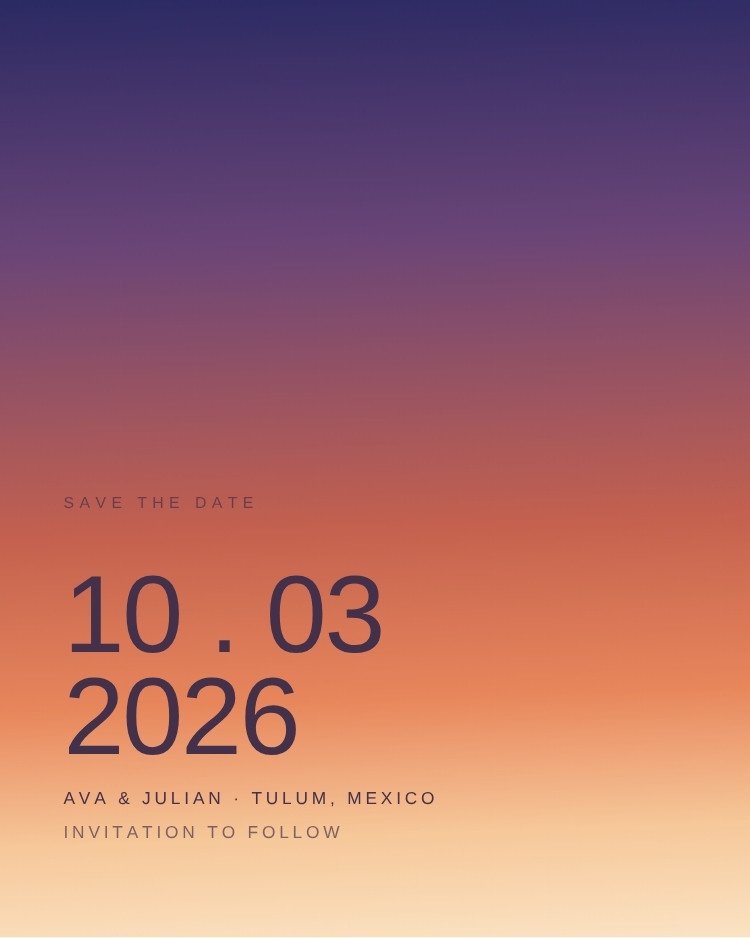
Modern save the dates put the date first and the decoration nowhere. These designs work in flat colour blocks and oversized type rather than illustration, which is exactly what you want when most of your guests will first see the card as a thumbnail in a text message.

They are also the easiest designs here to edit badly — the whole effect rests on the type sizes, so change the wording but leave the scale relationships alone.
16 templates·Updated August 2026·Free to edit in Canva
Related:
DigitalMinimalistLandscapePrintable
16 modern templates
Canva Free
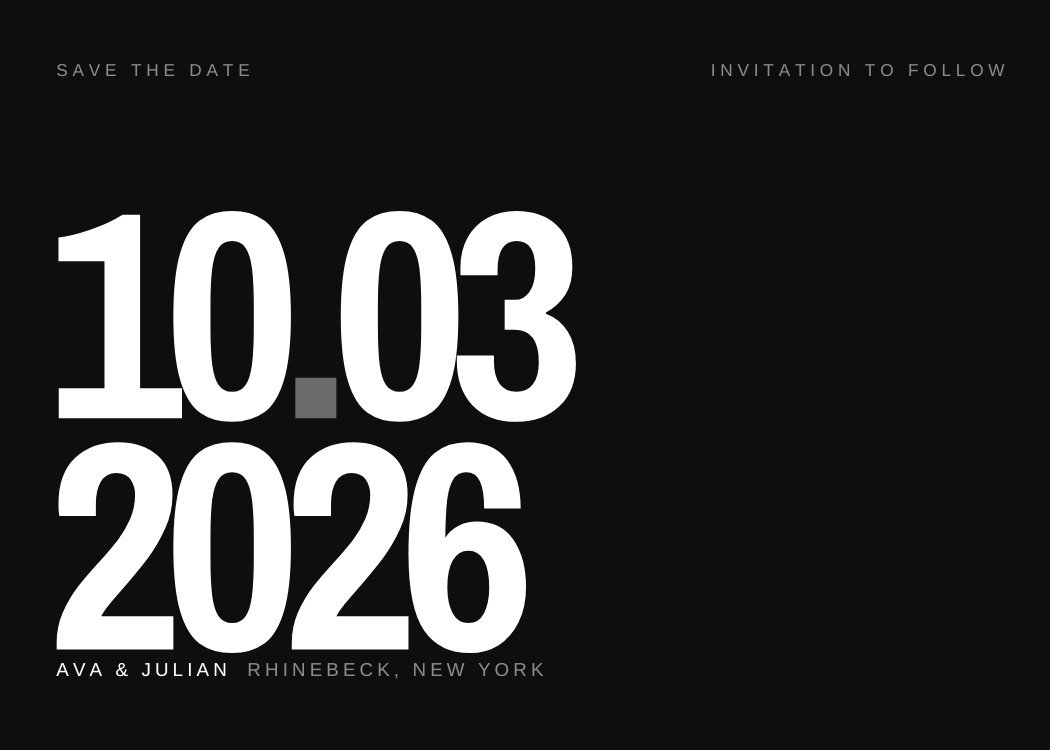
Giant Date — modern black and white save the date template, editable in Canva
Modern · Black and whiteGiant DateEditable in CanvaView template →
Canva Free
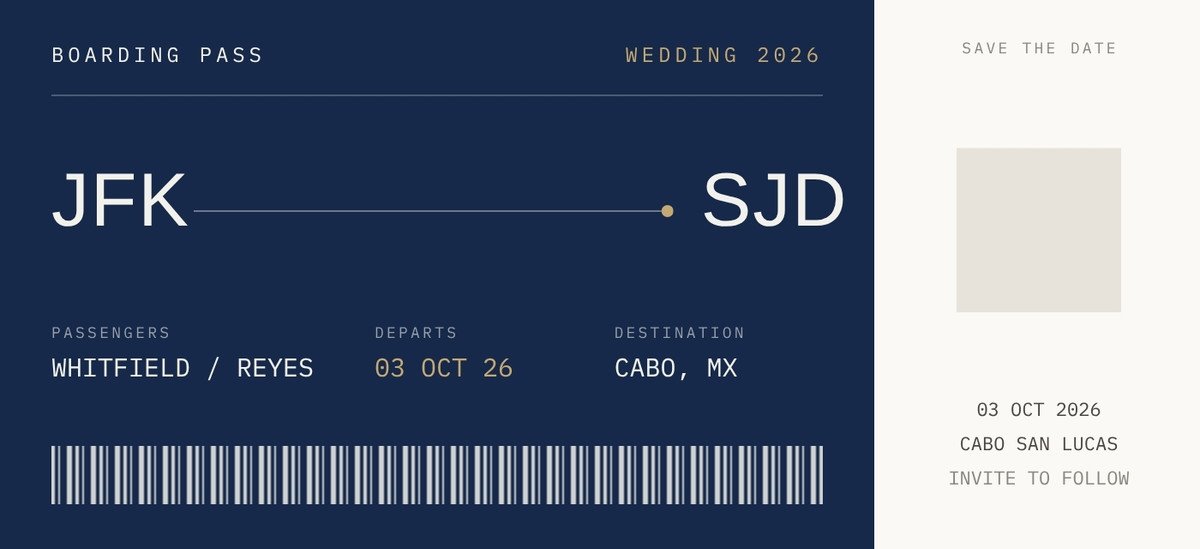
Boarding Pass — modern navy save the date template, editable in Canva
Modern · NavyBoarding PassEditable in CanvaView template →
Canva Free
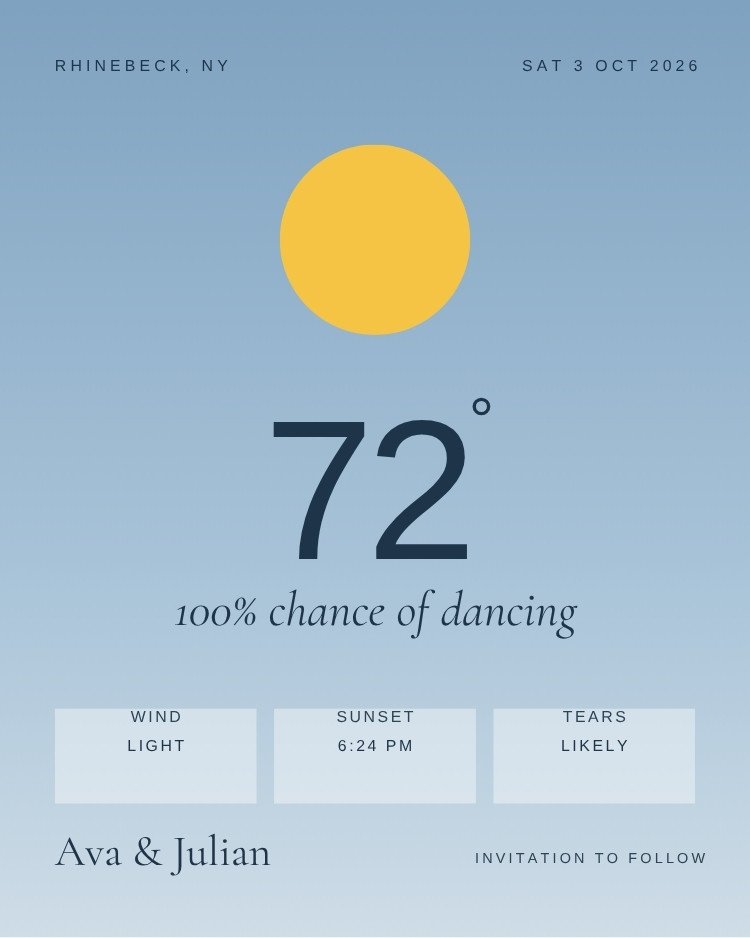
The Forecast — whimsical dusty blue save the date template, editable in Canva
Whimsical · Dusty blueThe ForecastEditable in CanvaView template →
Canva Free
Sunset Gradient — modern colorful save the date template, editable in Canva
Modern · ColorfulSunset GradientEditable in CanvaView template →
CollagePhoto
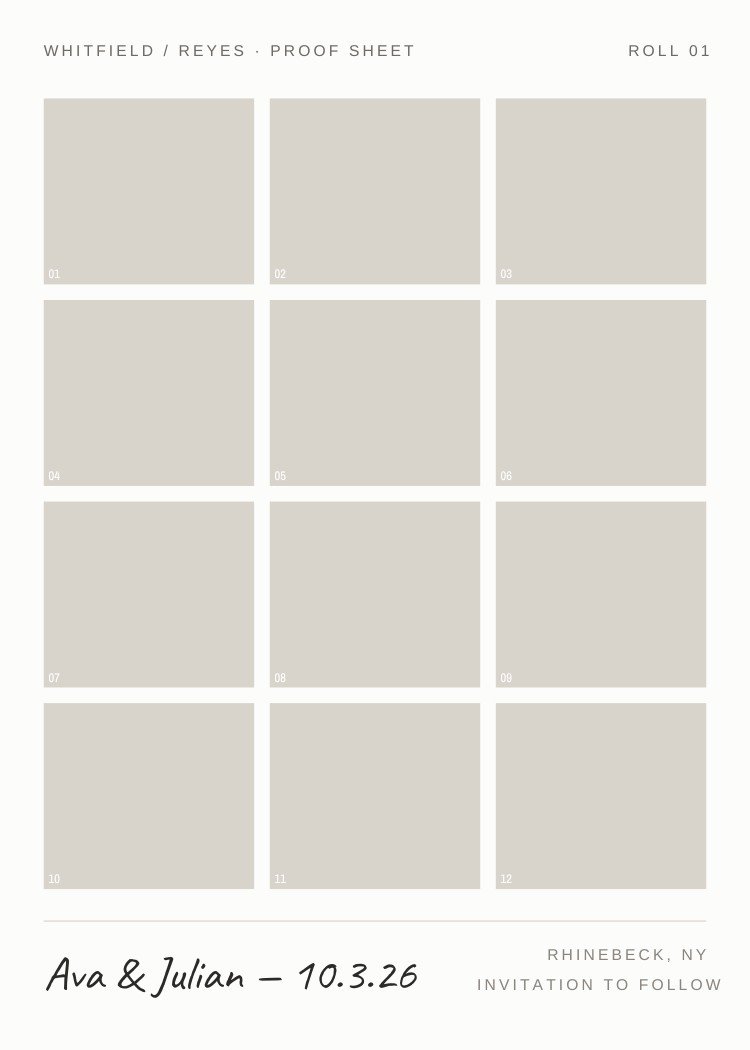
Contact Sheet — photo neutral save the date template, editable in Canva
Photo · NeutralContact SheetEditable in CanvaView template →
CollagePhoto
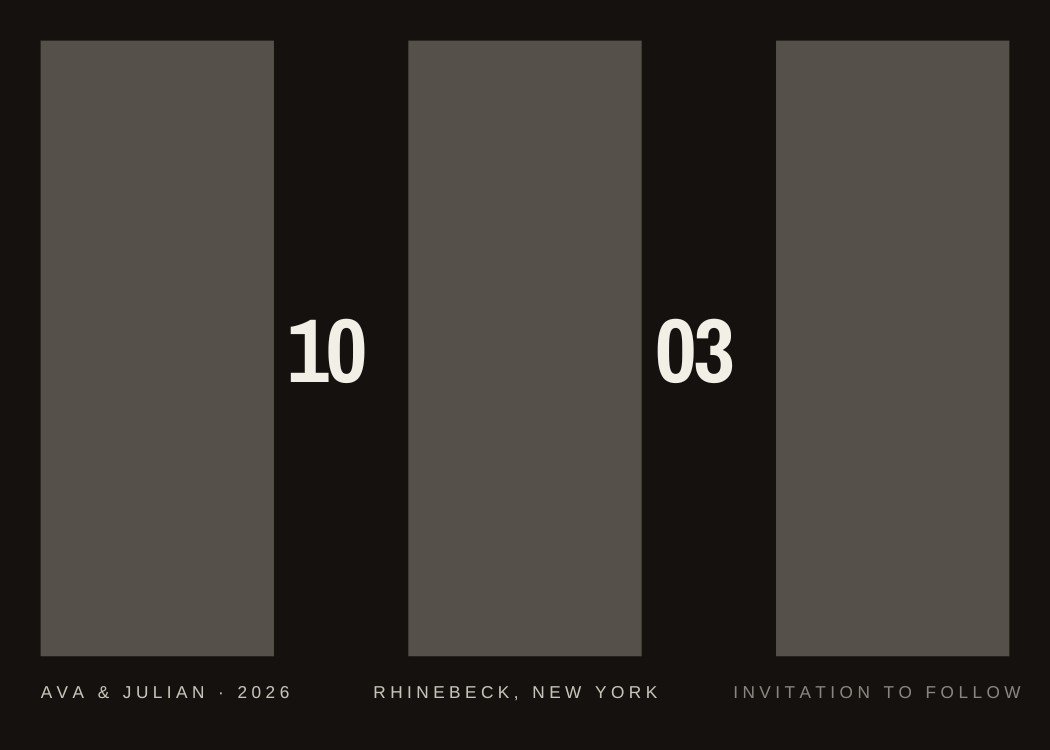
Triptych — modern black and white save the date template, editable in Canva
Modern · Black and whiteTriptychEditable in CanvaView template →
CollageMagnet
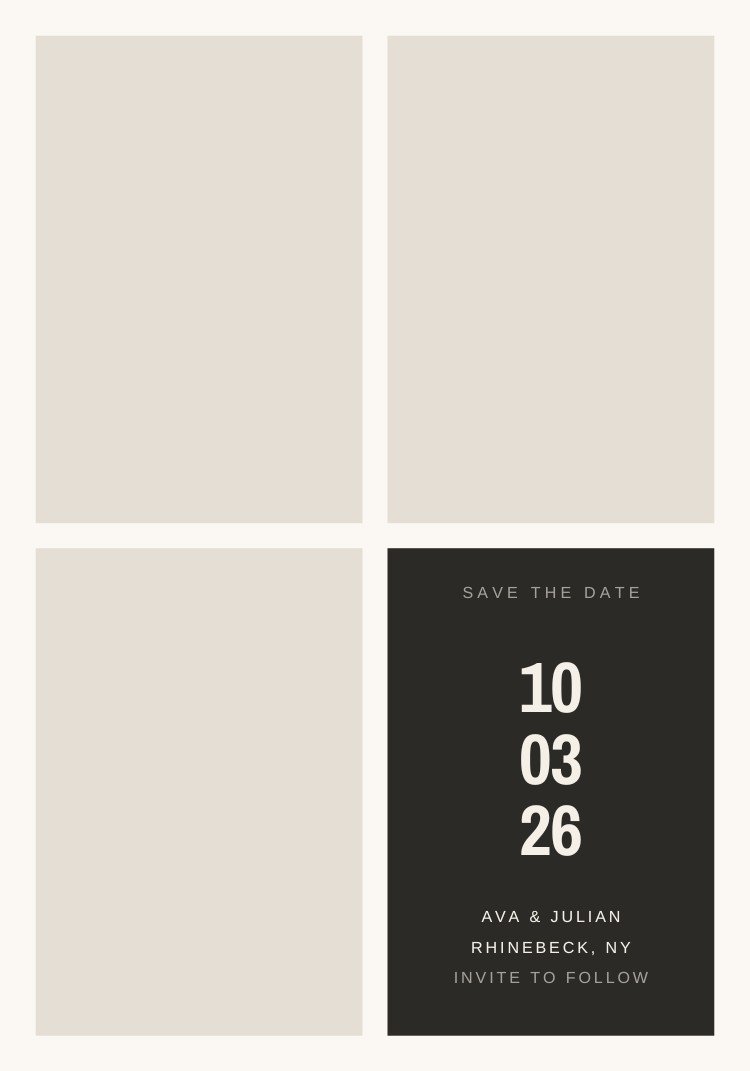
Four Up — minimalist neutral save the date template, editable in Canva
Minimalist · NeutralFour UpEditable in CanvaView template →
Canva Free
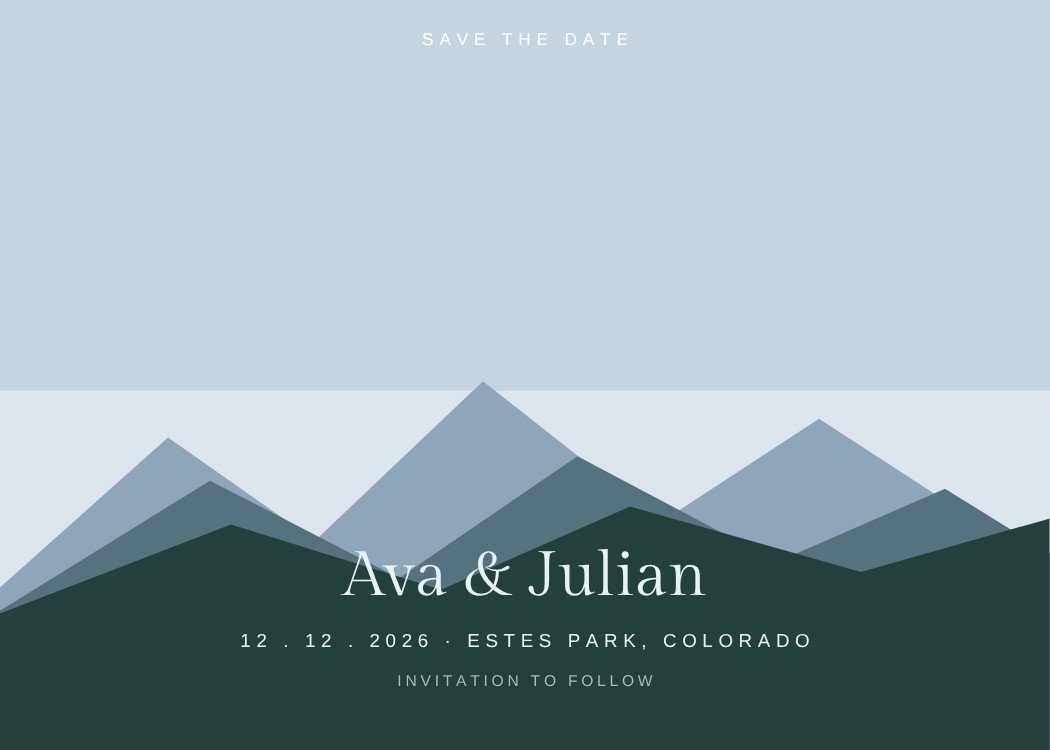
Mountain Ridge — minimalist dusty blue save the date template, editable in Canva
Minimalist · Dusty blueMountain RidgeEditable in CanvaView template →
Next step · Text My Wedding

Found the one?

Text your save the date to every guest at once, then keep the same list for the invitation, the reminders and the wedding-week updates.

Start Sending Save the Dates
Save our date! Invitation to follow →
Already in the calendar 🤍
PhotoCanva Free
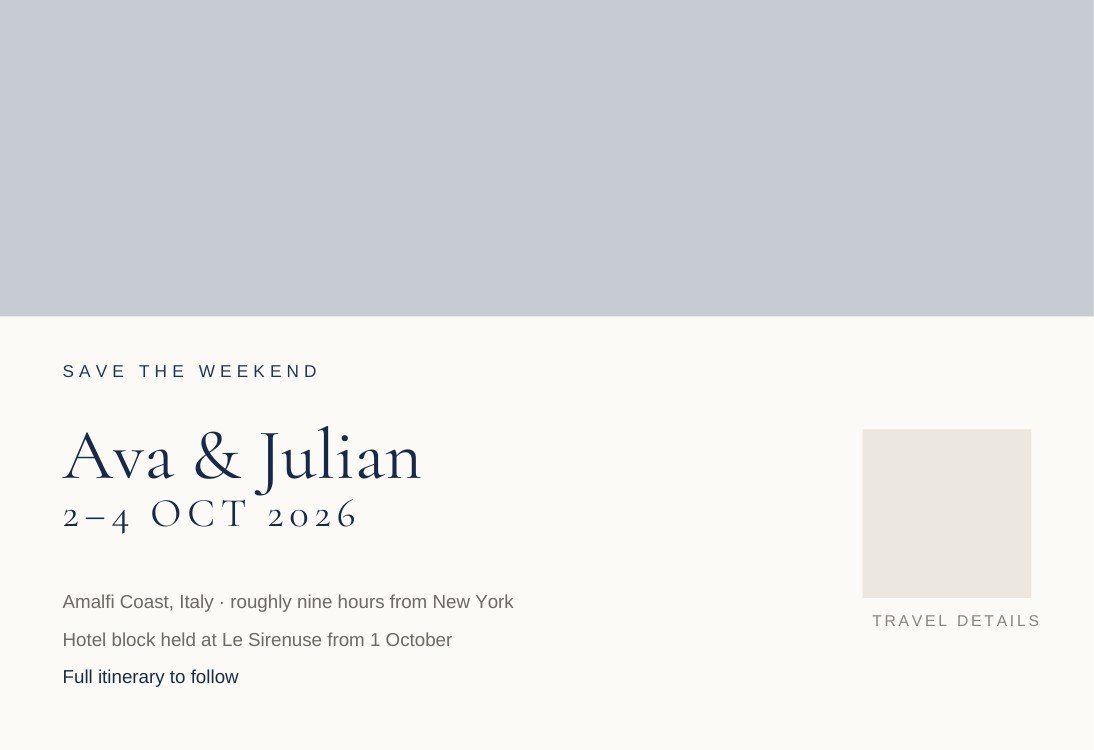
Weekend Teaser — elegant dusty blue save the date template, editable in Canva
Elegant · Dusty blueWeekend TeaserEditable in CanvaView template →
Canva Free
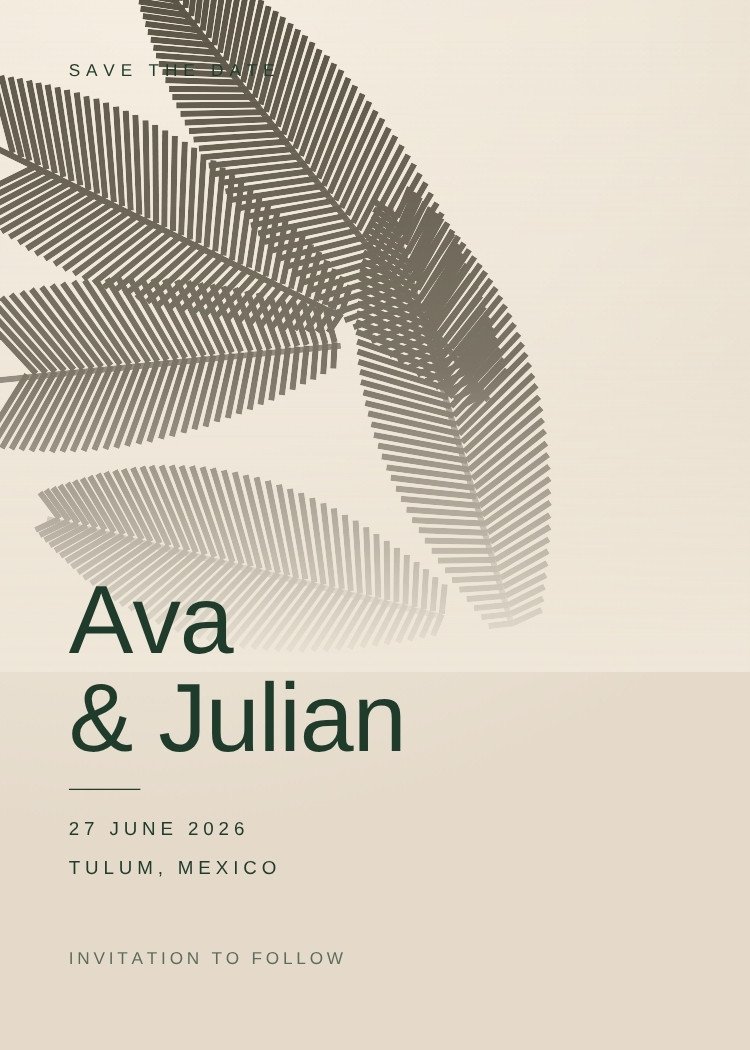
Palm Shadow — modern neutral save the date template, editable in Canva
Modern · NeutralPalm ShadowEditable in CanvaView template →
Canva Free
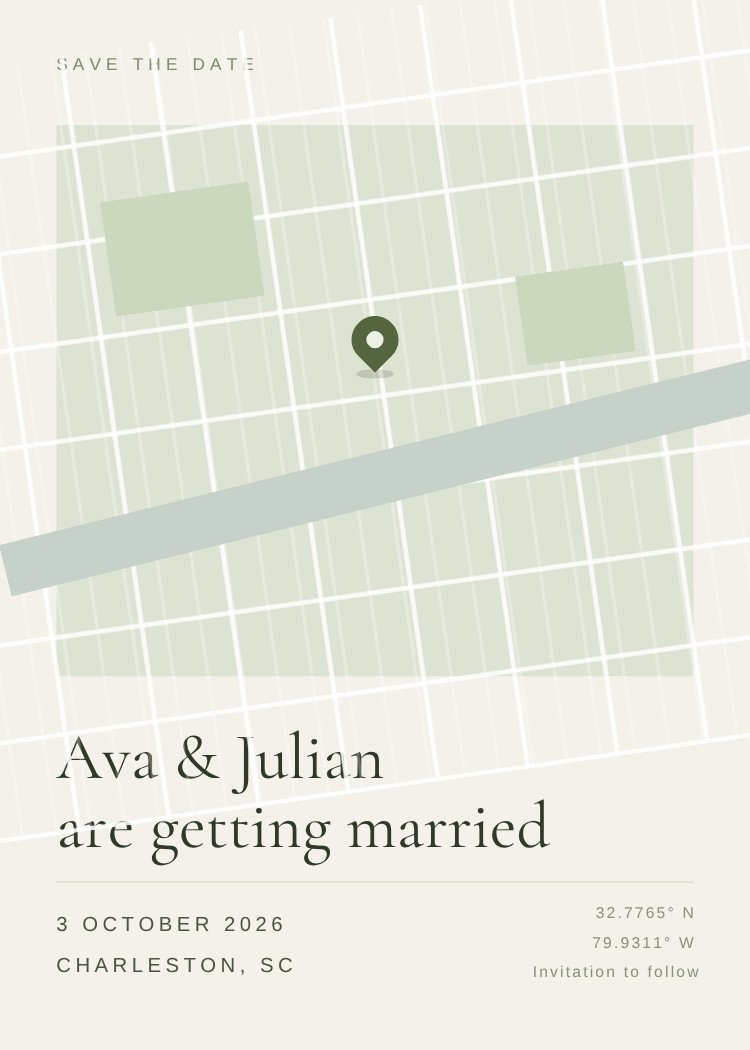
Dropped Pin — minimalist sage green save the date template, editable in Canva
Minimalist · Sage greenDropped PinEditable in CanvaView template →
Canva Free
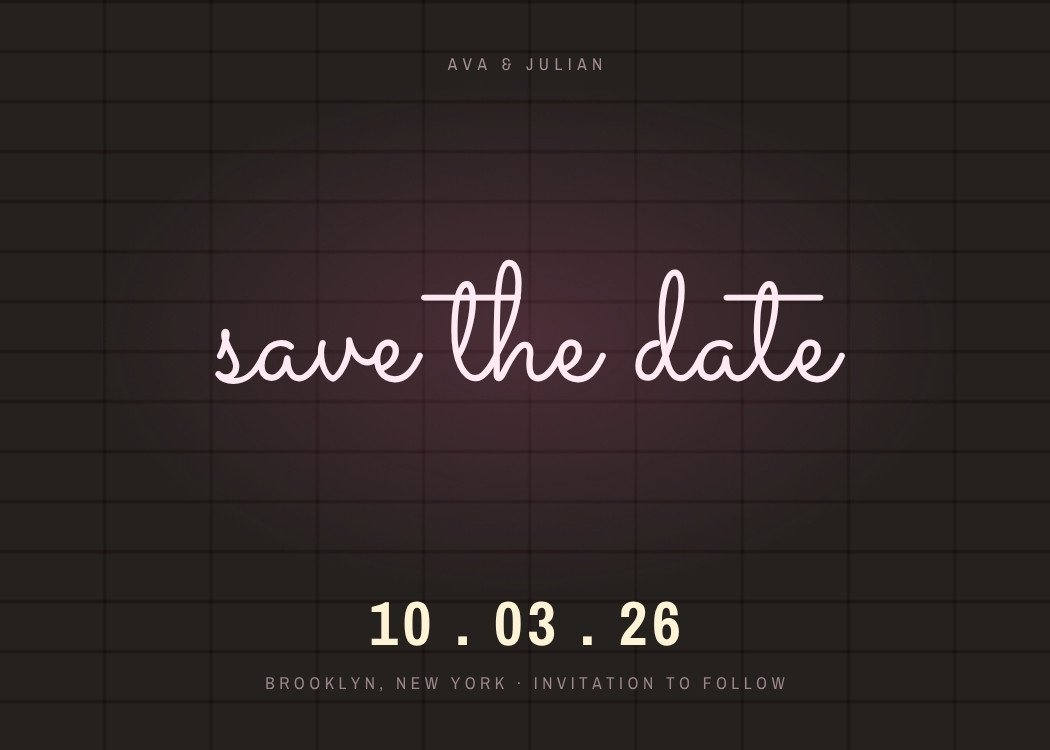
Neon Sign — modern pink save the date template, editable in Canva
Modern · PinkNeon SignEditable in CanvaView template →
Canva Free
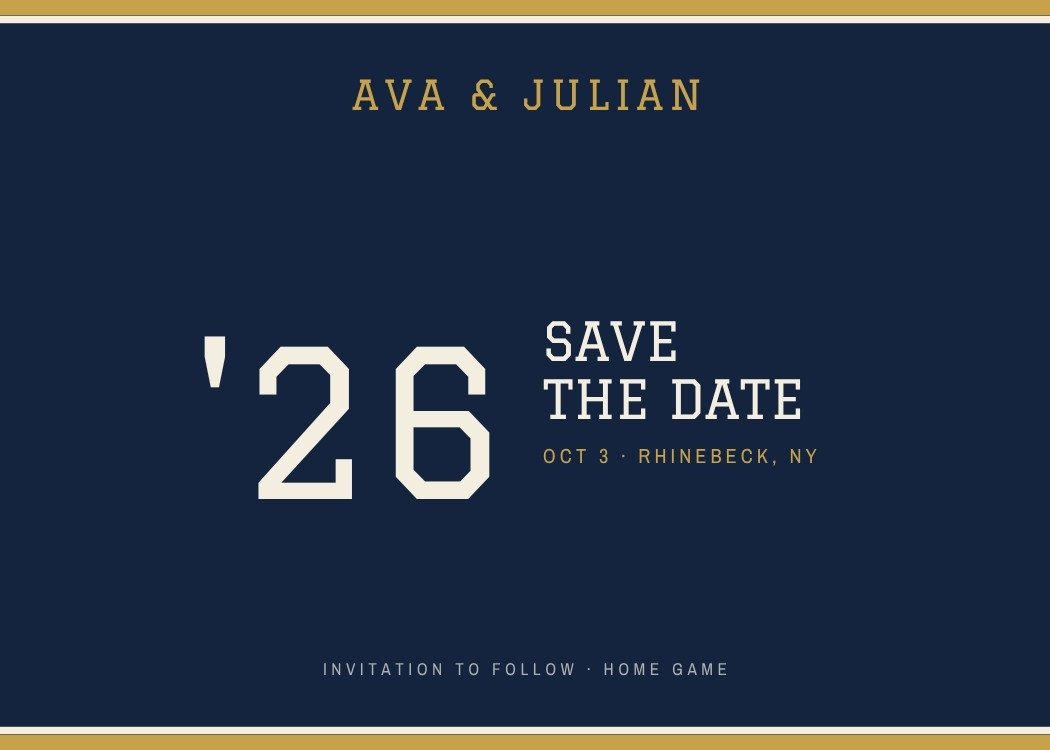
Varsity — retro navy save the date template, editable in Canva
Retro · NavyVarsityEditable in CanvaView template →
BilingualCanva Free
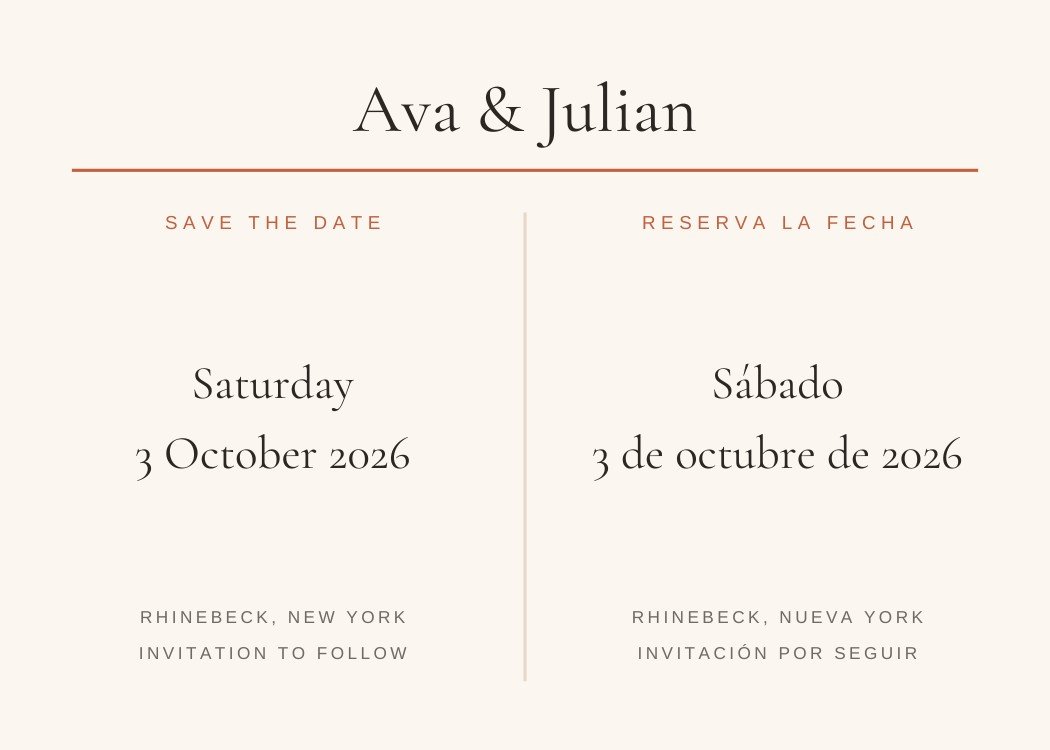
Reserva La Fecha — classic terracotta save the date template, editable in Canva
Classic · TerracottaReserva La FechaEditable in CanvaView template →
Canva Free
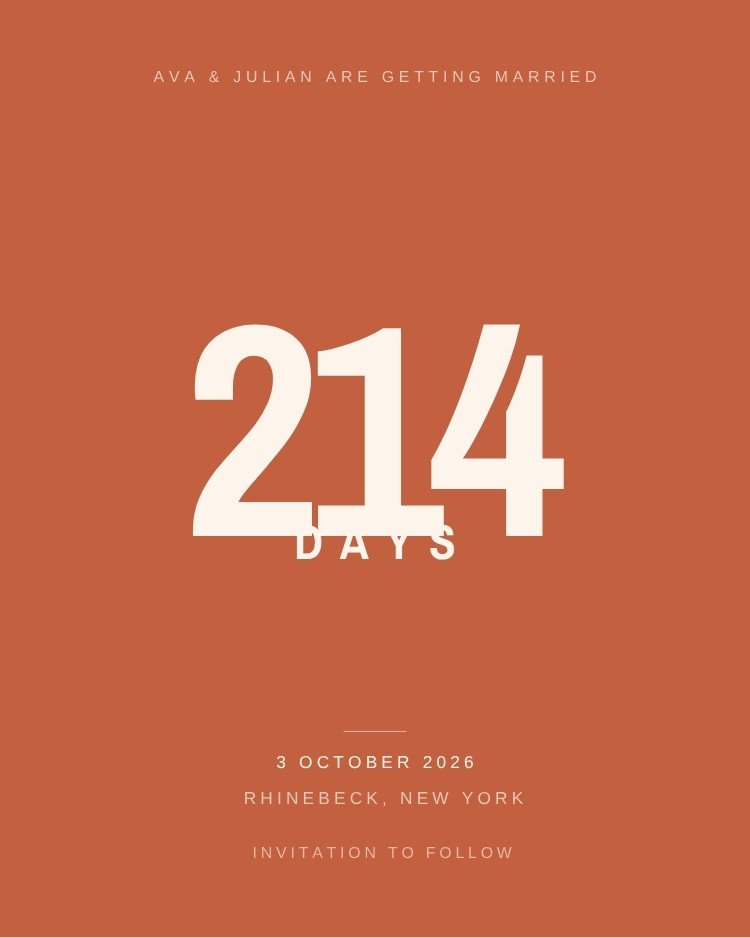
Countdown — modern terracotta save the date template, editable in Canva
Modern · TerracottaCountdownEditable in CanvaView template →
Canva Free
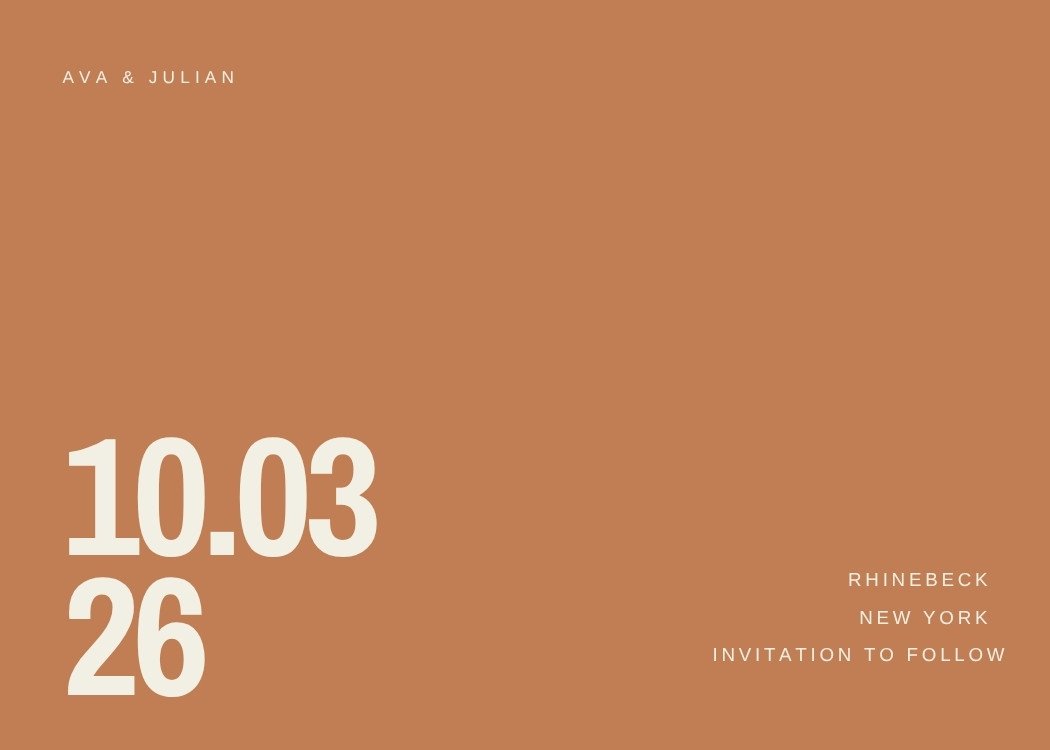
Terracotta Date — modern terracotta save the date template, editable in Canva
Modern · TerracottaTerracotta DateEditable in CanvaView template →
Choosing

Which modern save the date is right for your wedding?

Four questions that narrow 16 templates down to two or three, faster than scrolling will.

Delivery

Texting, posting or magnets?

Texted cards need a large date and very few words. Printed ones can carry fine rules and dense layouts. Magnet designs keep everything clear of the trim.

Photo

Do you have photos yet?

If the engagement shoot has not happened, pick a typographic design. Photo layouts render their frames as flat grey until you fill them.

Venue

Is the venue booked?

Save the dates go out early, often before the venue is locked. Designs that name only a city survive a change of plan; ones tied to a landscape do not.

Travel

Are guests flying in?

Destination weddings need more than three facts — a date range, rough travel time and a hint at the hotel block. Those designs make room for it.

Next step

Ready to send your save the date?

Customize the design in Canva, then use Text My Wedding to text it to every guest at once and keep the list for the invitation.

Create Your EventSee how it works
Keep browsing

Related categories

Digital

Composed to be read in a message thread, not on paper.

27 templatesBrowse →

Minimalist

One idea per card, generous margins, and nothing competing with the date.

21 templatesBrowse →

Landscape

Horizontal cards, which is the save-the-date default rather than the exception.

20 templatesBrowse →

Printable

Export a print-ready PDF and send them to a print shop or run them at home.

35 templatesBrowse →
Customizing

How editing works in Canva

What changes, what stays, and what you get back when you’re done.

  1. Open the template in Canva. Every design on this page opens in a new tab, and a free Canva account is enough for all of them.
  2. Replace the wording. Names, date and city are ordinary text boxes — click and type. Nothing is flattened into the artwork.
  3. Drop in a photo. Designs with photo wells accept a dragged image and crop it to fit. Typographic designs have no wells to fill.
  4. Download. PNG or JPG for texting, PDF for printing.

Come back to Text My Wedding to send the finished file to your guest list — every guest gets it as a text, and the list you build now is the same one the invitation and the RSVPs will use.

Canva is a trademark of Canva Pty Ltd. Text My Wedding is not affiliated with or endorsed by Canva.
Questions

Modern save the date questions

Are the modern save the date templates free?

Yes — every design in this collection is free to open and edit in Canva, and none of them require Canva Pro. A free Canva account is enough to change the wording and download the file.

What should the wording say?

Names, the date, and the city — plus "invitation to follow". A save the date is not the place for the ceremony address, timings, dress code or RSVP details; all of that belongs on the invitation.

Can I text a modern save the date?

Yes. Export a PNG or JPG from Canva, create your event in Text My Wedding, and send it to your whole guest list at once. There are no addresses to collect and you can see who received it.

Can I print these instead?

Most designs here export as a print-ready PDF from Canva, so any print shop or a home printer will handle them. Each template's page lists its exact orientation and download formats.

Canva is a trademark of Canva Pty Ltd. Text My Wedding is not affiliated with or endorsed by Canva.

Footer

Text My Wedding

Making smooth, fun wedding days come true.

FacebookInstagramPinterestTikTok

Product

Wedding text messagingPhoto & video collectionGuest managementPricingVideo demo

Templates

Invitation templatesSave-the-date templatesGuest list templatePlanning spreadsheetAll templates

Integrations

The KnotZolaJoyCanvaAll integrations

Free tools

Wedding timeline generatorAlcohol calculatorHashtag generatorVow generatorAll tools & examples

Learn

BlogHelp centerFAQsReviewsWedding planning timelineContact us

Use cases

Save the datesDigital invitesRSVP remindersWedding day scheduleTransportation updatesWedding photosThank yousTexts without reply allAll 16 use cases

© 2026 DFM Software, LLC. All rights reserved.

About usFor wedding plannersCompare alternativesAffiliatesTermsPrivacyRefunds