
Magnet
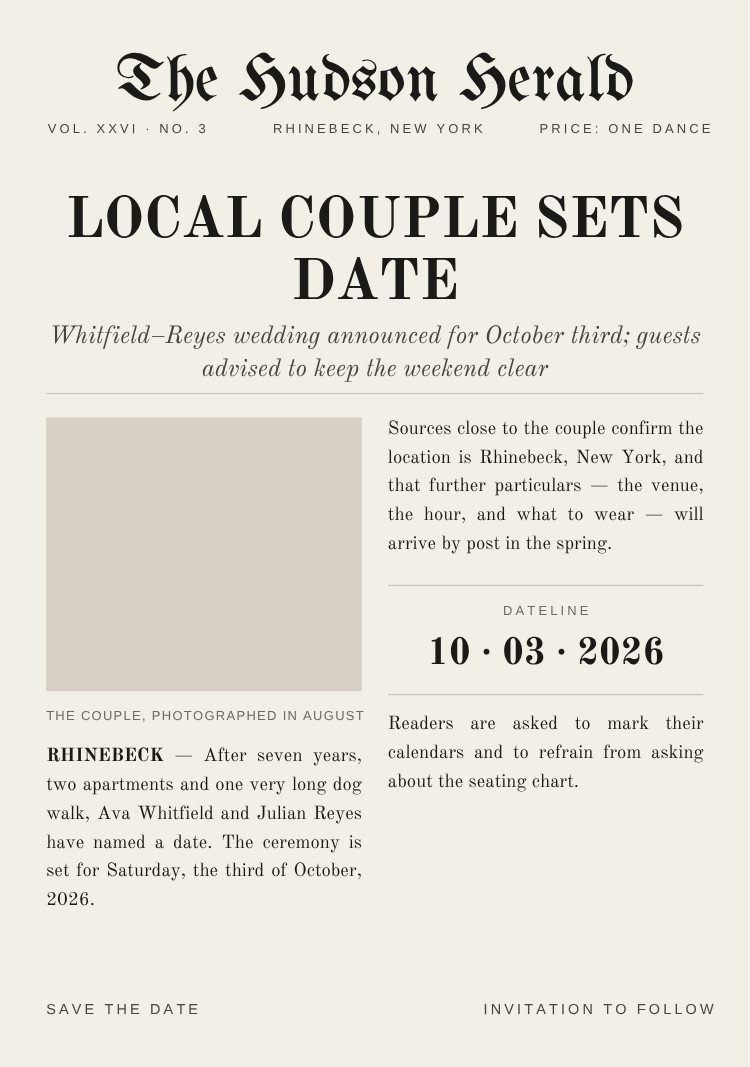
A full broadsheet front page — blackletter masthead, volume and price line, a two-deck headline announcing the date, and two justified columns of playful copy around a photo well. The dateline is set as a boxed panel so the date survives the density around it.
Open this template in Canva to edit the names, date, city and photos.
Customize in CanvaSend the finished card to every guest at once, then keep the same list for the invitation and the RSVPs.
Send With Text My WeddingCanva is a trademark of Canva Pty Ltd. Text My Wedding is not affiliated with or endorsed by Canva.
One list from the save the date to the thank you. No addresses to chase, no wedding website to build, no spreadsheet of replies.
Designs that share this template’s style, palette or format.
Yes. The template is free to open and edit in Canva, and a free Canva account is enough to change the wording and download the file — no Canva Pro required.
5 × 7 inches, portrait. Export a PDF from Canva for printing, or a PNG/JPG sized for sending by text.
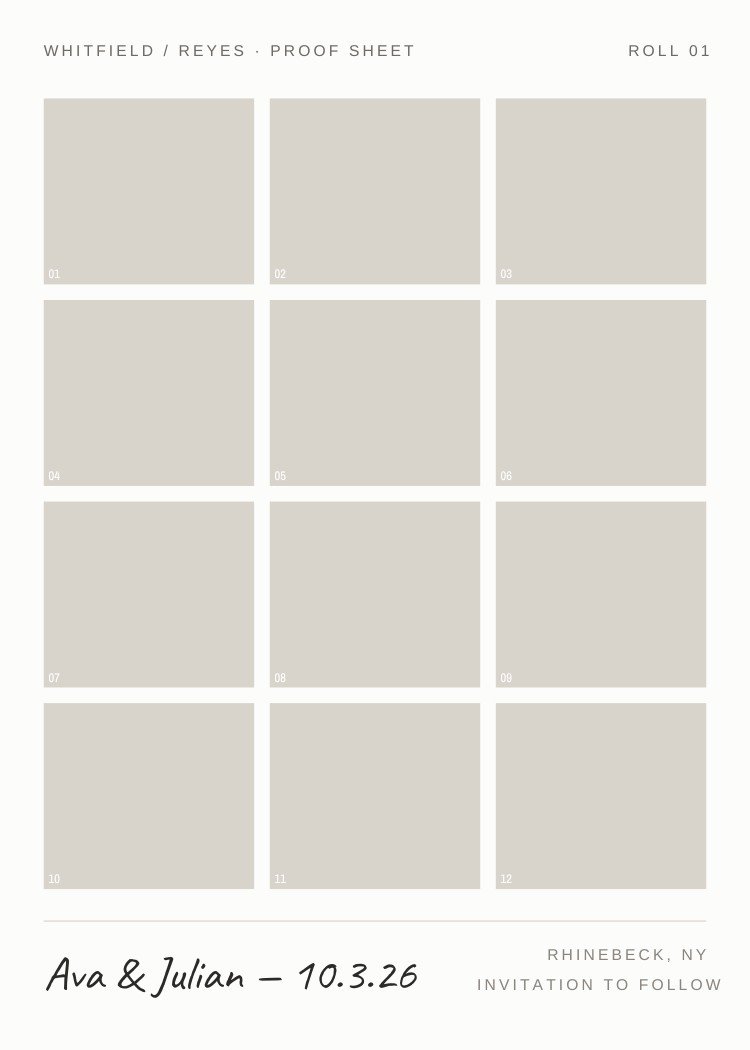
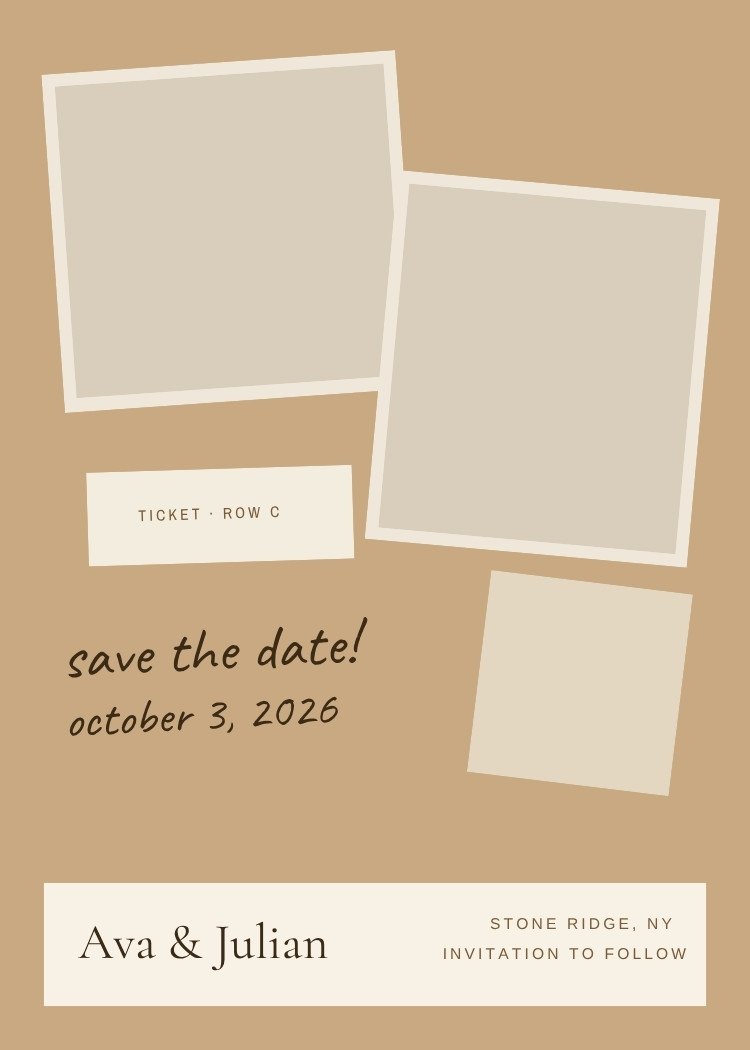
The design includes a photo frame — in Canva, drag your engagement photo onto the frame and it snaps into place, cropped to fit. Swap or reposition it any time.
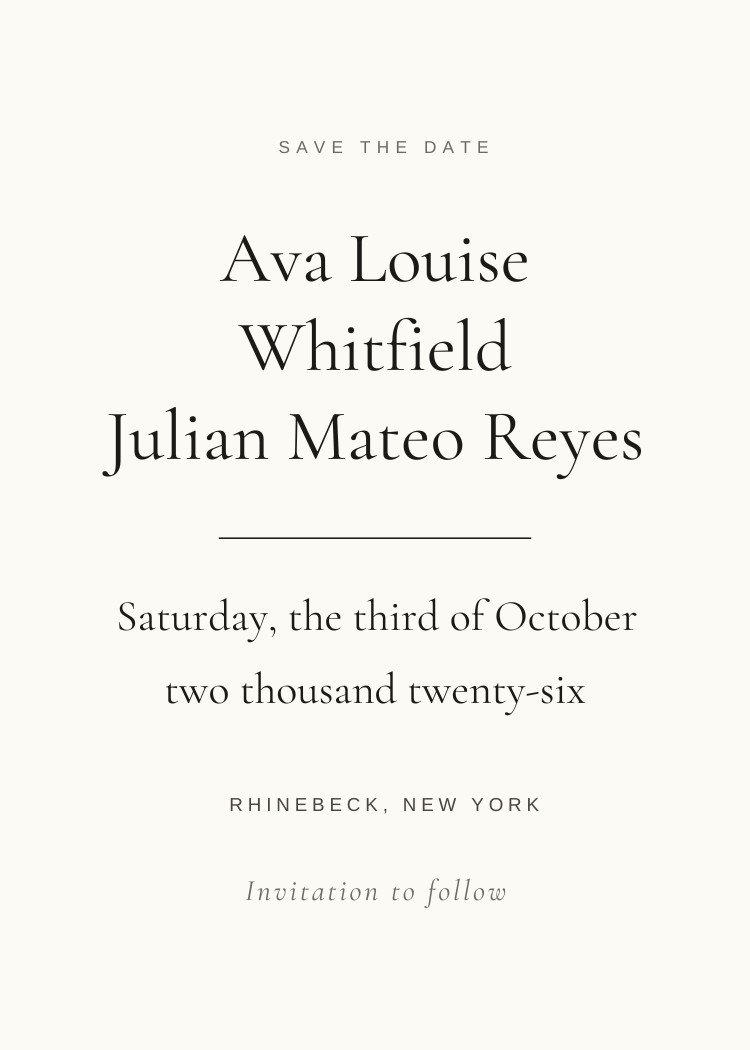
Your names, the date and the city, plus "invitation to follow". Resist adding the venue address, timings or RSVP details — those belong on the invitation, and a save the date often goes out before they're decided.
Export a PNG from Canva, then create your Text My Wedding event, import your guest list and attach the file. Every guest gets it as a text, and the same list carries through to the invitation and the RSVPs.
Canva is a trademark of Canva Pty Ltd. Text My Wedding is not affiliated with or endorsed by Canva.