Canva Free
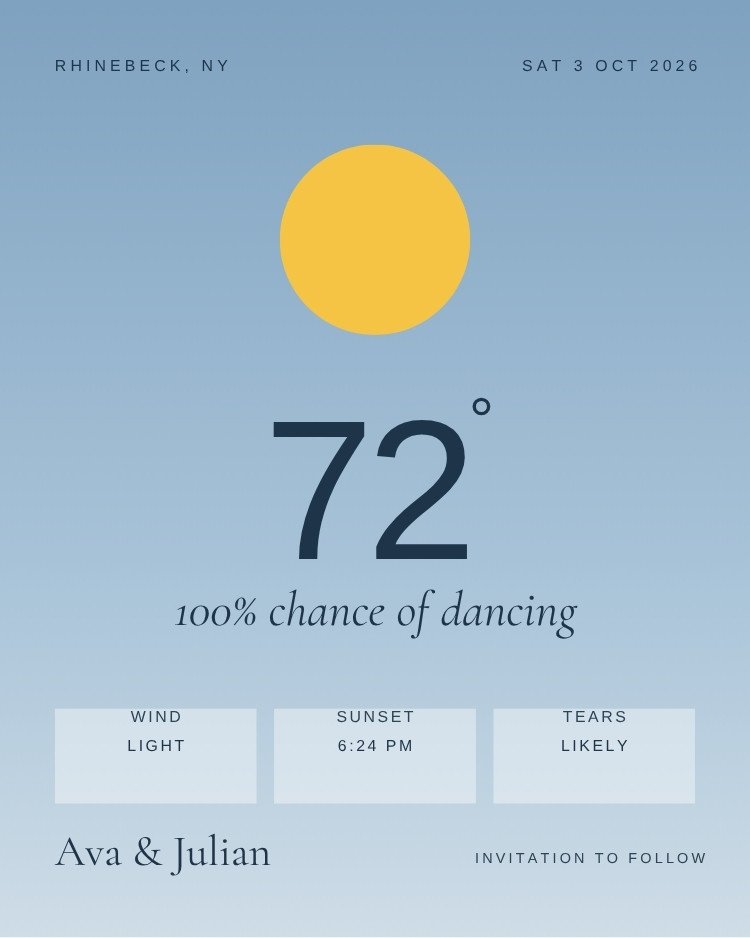
Summer save the dates cover both the Mediterranean version of the season and the backyard version. The palettes run warm — coral, yellow, olive — and several of these are built for a destination wedding abroad.
Summer dates fill guests' calendars fastest, so these are worth sending earlier than the usual six months.
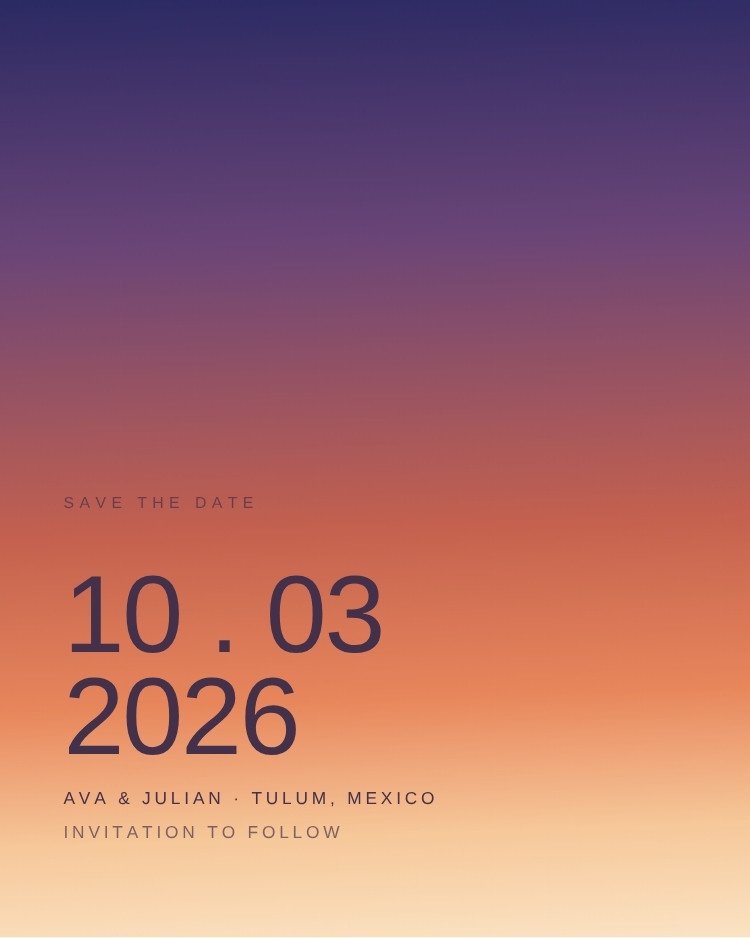
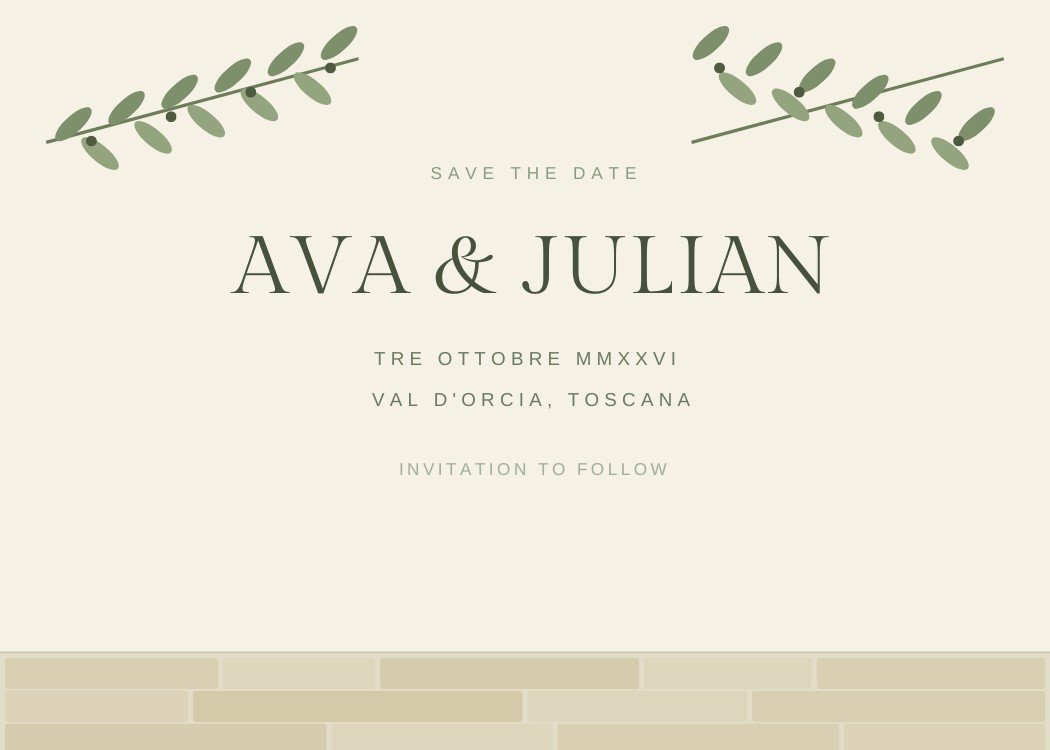
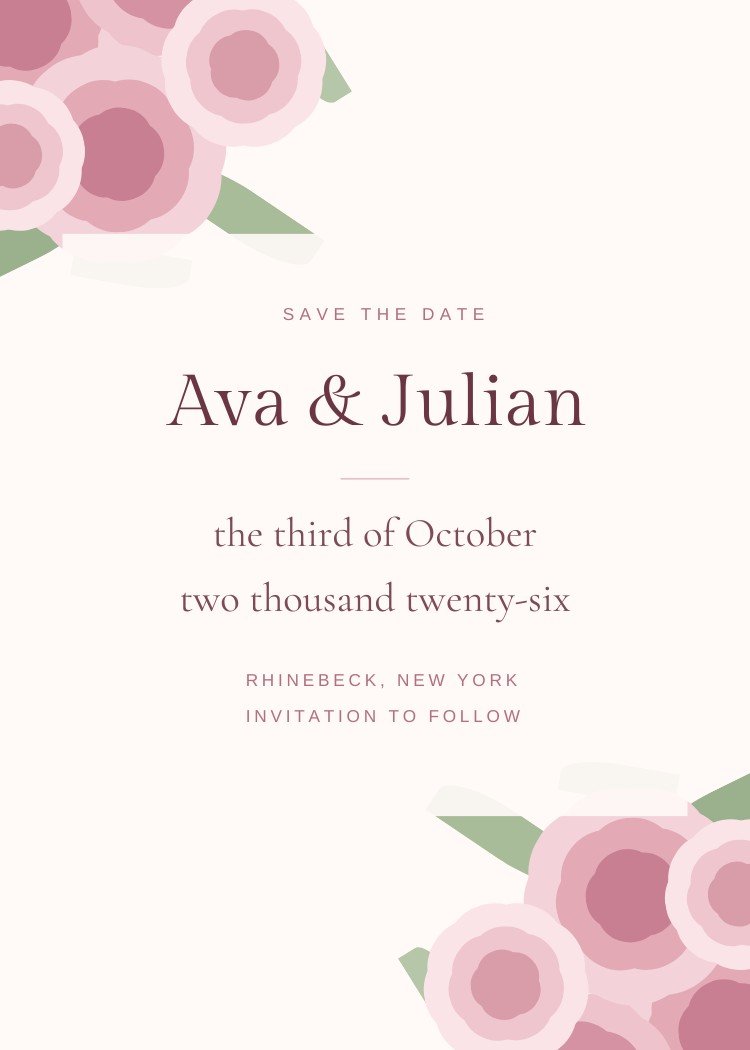
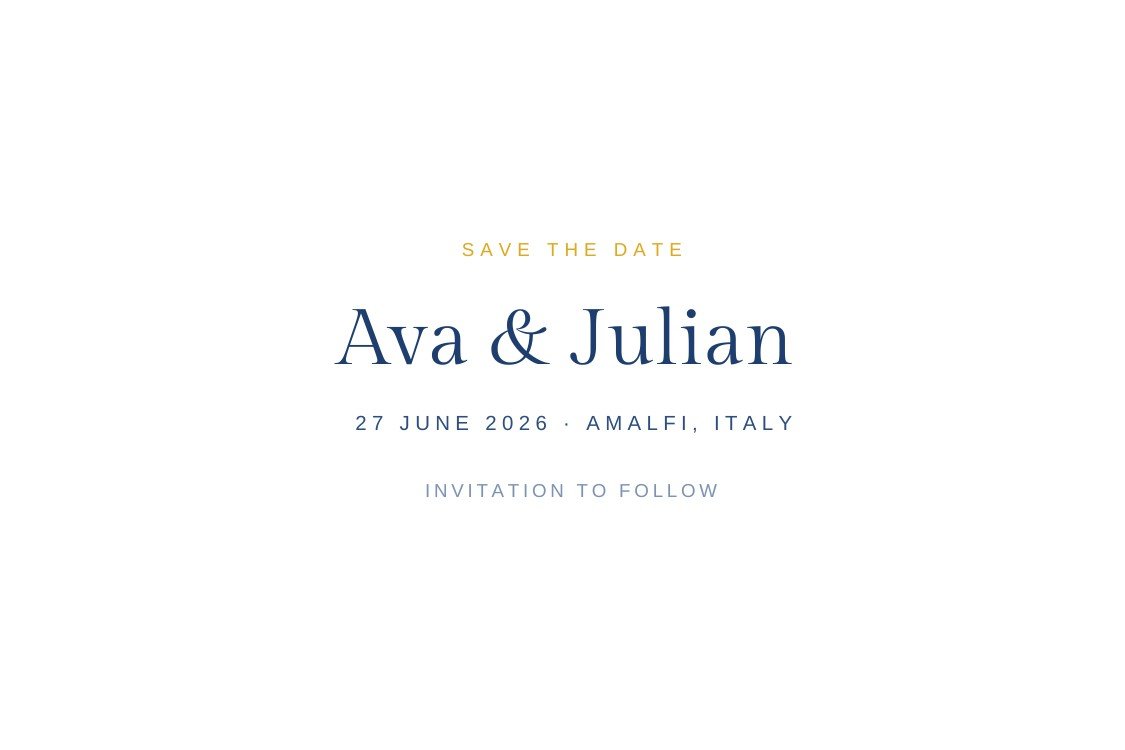
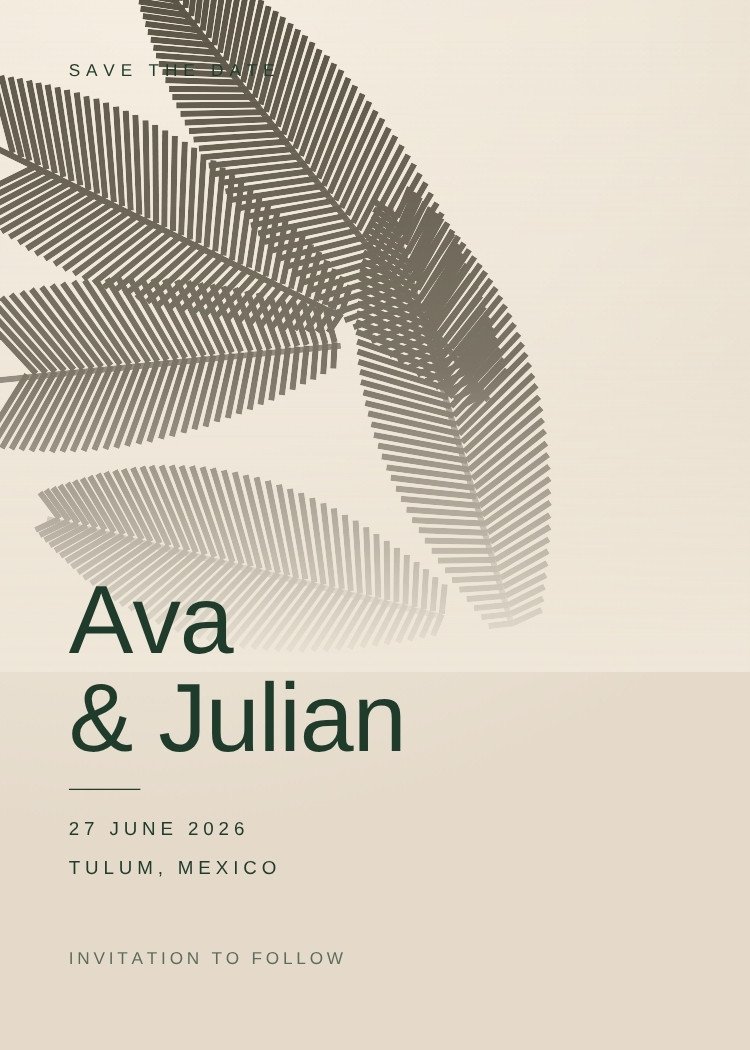
Four questions that narrow 6 templates down to two or three, faster than scrolling will.
Texted cards need a large date and very few words. Printed ones can carry fine rules and dense layouts. Magnet designs keep everything clear of the trim.
If the engagement shoot has not happened, pick a typographic design. Photo layouts render their frames as flat grey until you fill them.
Save the dates go out early, often before the venue is locked. Designs that name only a city survive a change of plan; ones tied to a landscape do not.
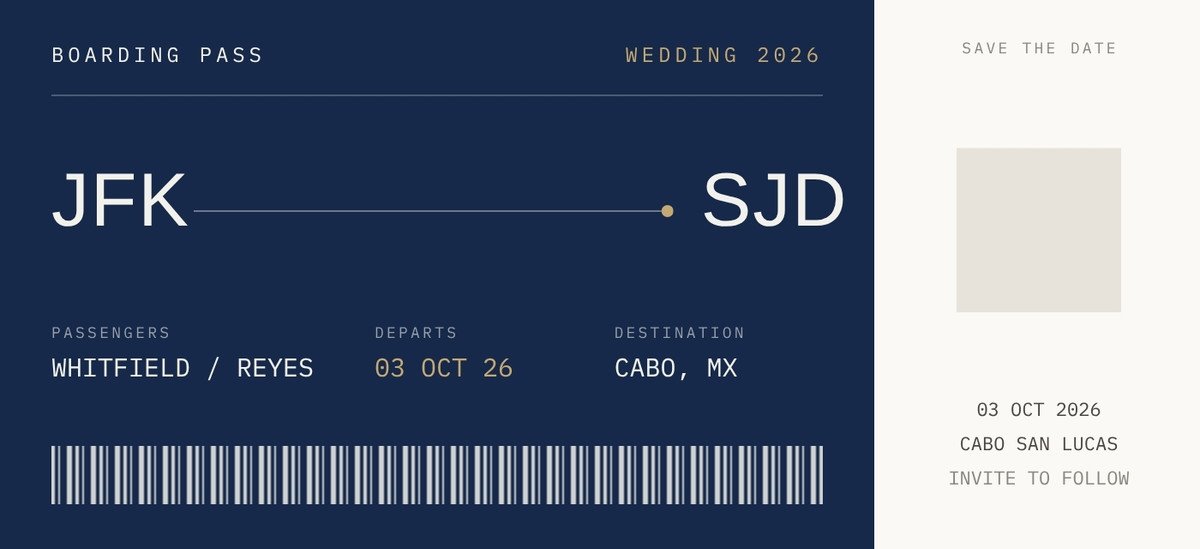
Destination weddings need more than three facts — a date range, rough travel time and a hint at the hotel block. Those designs make room for it.
Customize the design in Canva, then use Text My Wedding to text it to every guest at once and keep the list for the invitation.
Composed to be read in a message thread, not on paper.
Export a print-ready PDF and send them to a print shop or run them at home.
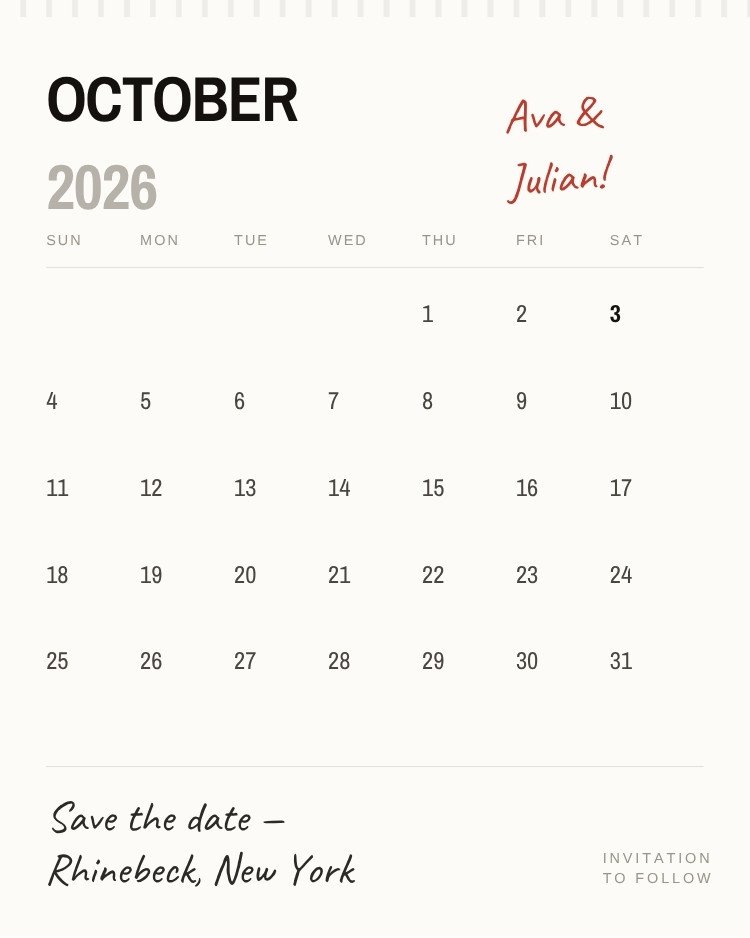
One idea per card, generous margins, and nothing competing with the date.
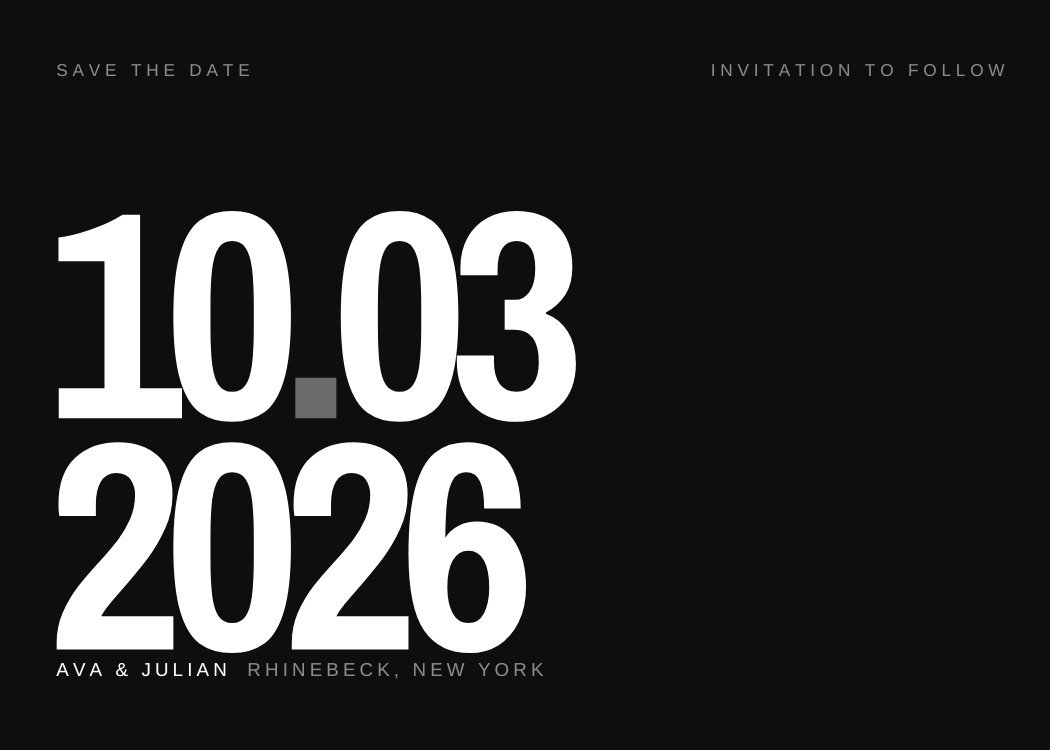
Big type, flat colour and layouts built to survive a message thread.
What changes, what stays, and what you get back when you’re done.
Come back to Text My Wedding to send the finished file to your guest list — every guest gets it as a text, and the list you build now is the same one the invitation and the RSVPs will use.
Canva is a trademark of Canva Pty Ltd. Text My Wedding is not affiliated with or endorsed by Canva.
Yes — every design in this collection is free to open and edit in Canva, and none of them require Canva Pro. A free Canva account is enough to change the wording and download the file.
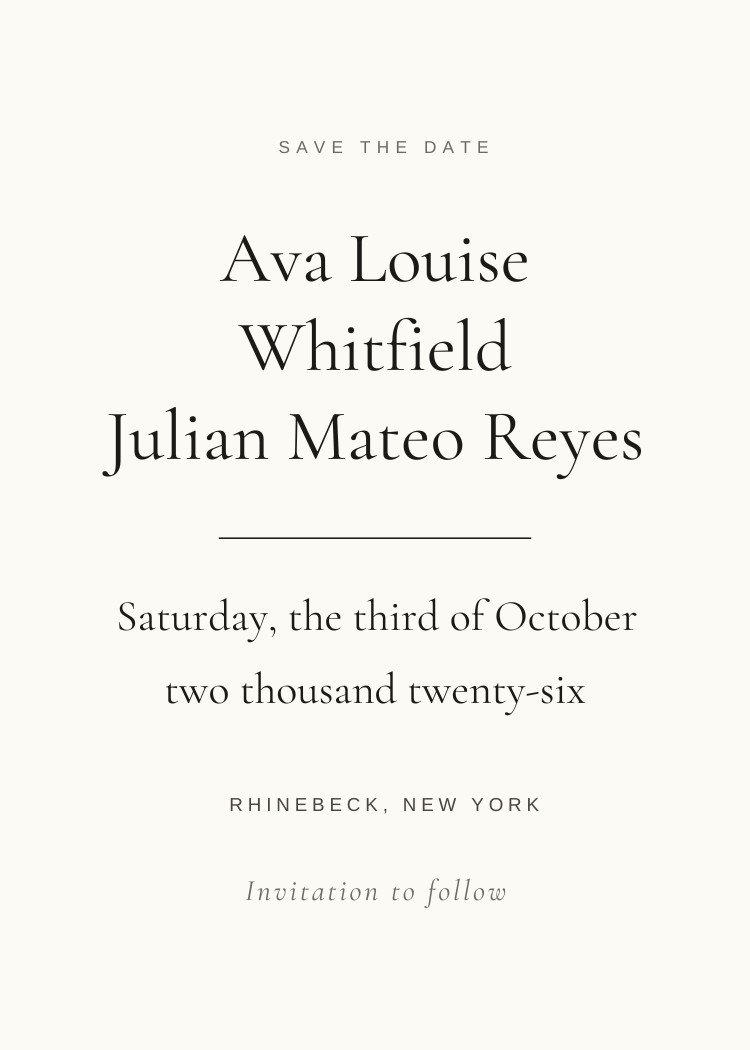
Names, the date, and the city — plus "invitation to follow". A save the date is not the place for the ceremony address, timings, dress code or RSVP details; all of that belongs on the invitation.
Yes. Export a PNG or JPG from Canva, create your event in Text My Wedding, and send it to your whole guest list at once. There are no addresses to collect and you can see who received it.
Most designs here export as a print-ready PDF from Canva, so any print shop or a home printer will handle them. Each template's page lists its exact orientation and download formats.
Canva is a trademark of Canva Pty Ltd. Text My Wedding is not affiliated with or endorsed by Canva.