Text My Wedding
PricingVideo Demo
Sign In/Up
Home/Invitation templates/Black & white/Sans Minimal
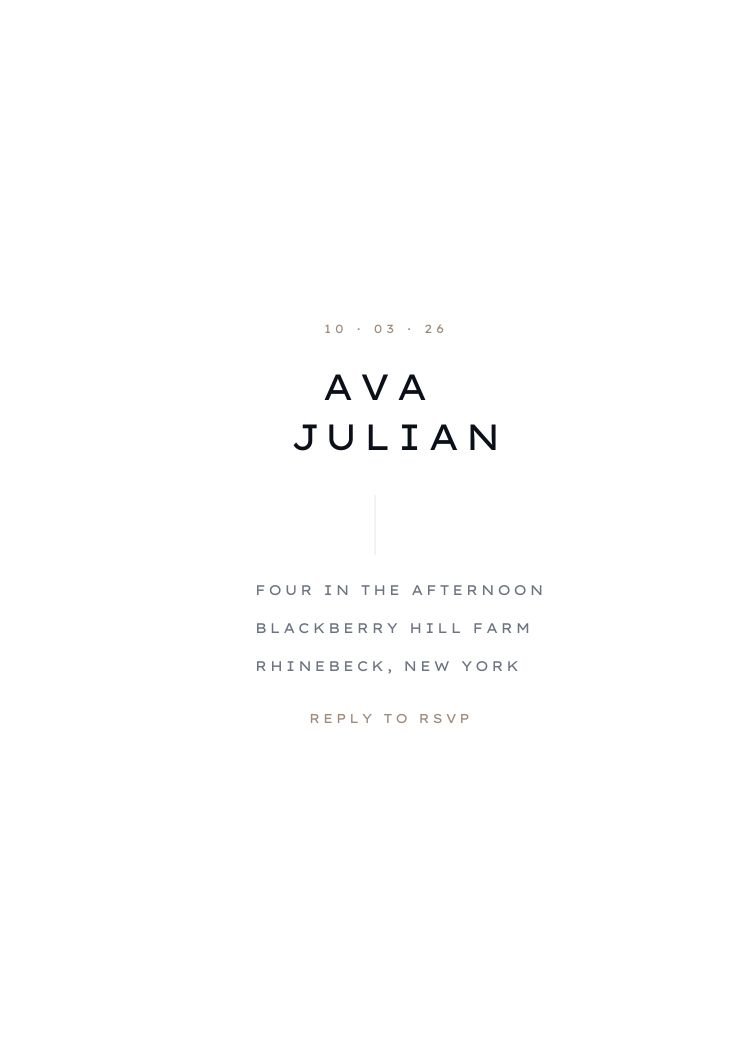
Sans Minimal wedding invitation template — full design preview
FreeCanva FreeText RSVP

Sans Minimal Wedding Invitation

Nearly all white space: a taupe date, two staggered lines of widely tracked mono-style caps for the first names, a short vertical tick, then three left-aligned detail lines and 'Reply to RSVP'. That closing line assumes the invitation arrives as a text you can answer directly, making this the most SMS-native card in the set.

1 Customize your invitation

Customize it in Canva

Open this template in Canva to edit the names, wording, fonts, colors and RSVP information.

Customize in Canva
  • Free Canva account required — no Canva Pro elements
  • Opens in a new tab, so this page stays where it is
  • Every text box, color and font is editable
2 Send it to your guests

Send it with Text My Wedding

Text your finished invitation to every guest, collect RSVPs and follow up with reminders — all from one guest list.

Send With Text My Wedding
  • Every guest gets the invitation with their own RSVP link
  • Replies land against your guest list, not a shared inbox
  • Schedule reminders for anyone who hasn’t answered
Free to use. No Text My Wedding account needed to customize the design.
Print-ready export from Canva, plus message-sized exports for texting.
Opens as a copy in your own Canva account — the original stays untouched.
Specifications

What you’re getting

Editing platform
Canva
Canva account
Free account required
Canva Pro
Not required
Size
5 × 7 inches, portrait
Editable text
Yes
Editable colors
Yes
Editable fonts
Yes
Photo support
No photo frame in this design
QR-code support
Add your own in Canva
Printable
Yes — export as PDF
Digital sharing
Yes — message-sized exports
Download formats
PDF, PNG and JPG
Editable elements

What you can change

  • Names
  • Date and time
  • Venue and address
  • Invitation wording
  • RSVP details
  • Fonts
  • Color palette
  • Photo
  • QR code well

Canva is a trademark of Canva Pty Ltd. Text My Wedding is not affiliated with or endorsed by Canva.

Step one

How customizing works

  1. Open in Canva. The template loads as a copy in your own Canva account — the original stays untouched, so you can start again at any point.
  2. Edit the wording. Names, date, time, venue and the RSVP line are ordinary text boxes. The layout holds as the text gets longer.
  3. Swap the palette. Colors are applied as document colors: change one and every element that uses it follows.
  4. Download. PDF for print, PNG or JPG for texting.
Step two

How sending works

  1. Create your event. Names, date and your RSVP deadline — about a minute.
  2. Add your guests. Import a spreadsheet or paste numbers; households stay grouped.
  3. Attach the invitation. Upload the file you exported from Canva; each guest gets it with their own RSVP link.
  4. Track and follow up.Watch replies come in, then schedule a reminder to the people who haven’t answered.
Next step

Send your invitation, collect RSVPs and keep guests updated.

One guest list from the save the date to the thank you. No wedding website to build, no cards to chase, no spreadsheet of replies.

Send This InvitationSee how it works
Similar

You might also like

Designs that share this template’s style, palette or format.
All black & white templates
Photo
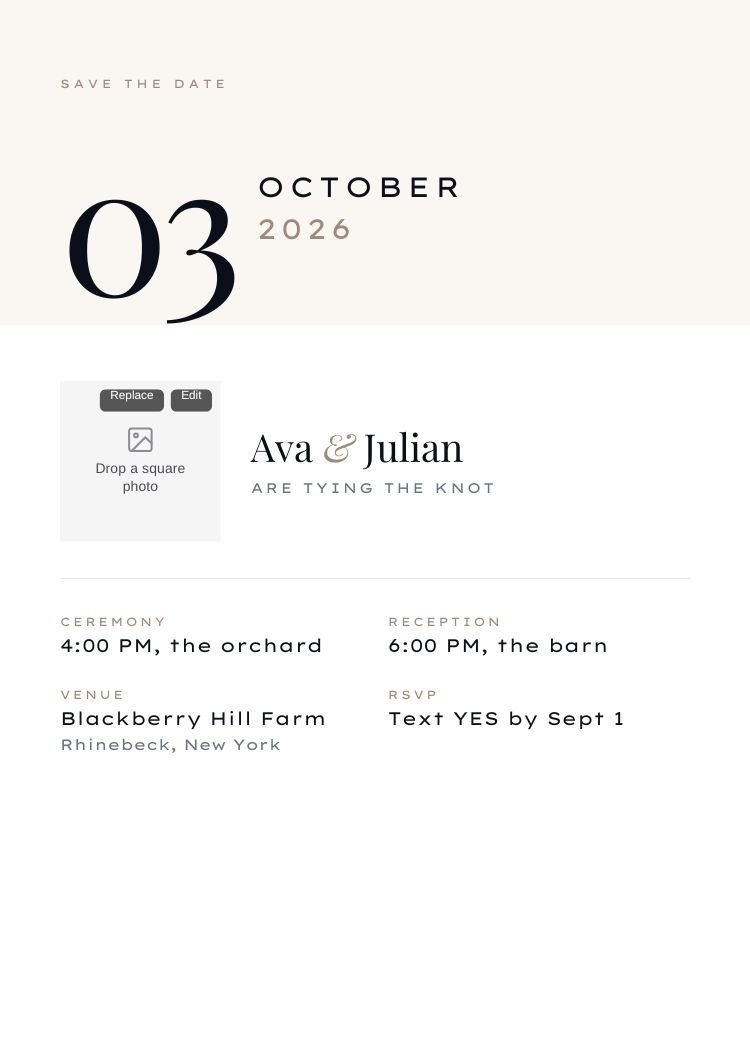
Date Block — modern neutral & ivory wedding invitation template, editable in Canva
Modern · Neutral & ivoryDate BlockEditable in CanvaView template →
Photo
Editorial Split — modern neutral & ivory wedding invitation template, editable in Canva
Modern · Neutral & ivoryEditorial SplitEditable in CanvaView template →
Canva Free
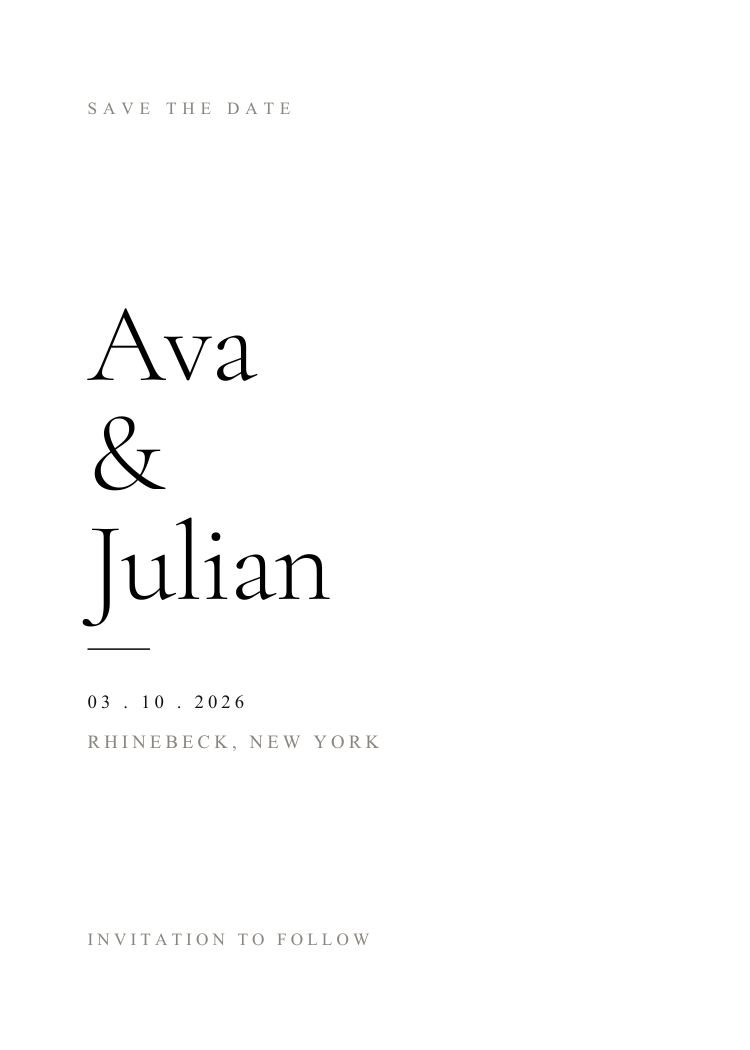
Black and White — minimalist black & white wedding invitation template, editable in Canva
Minimalist · Black & whiteBlack and WhiteEditable in CanvaView template →
Canva Free
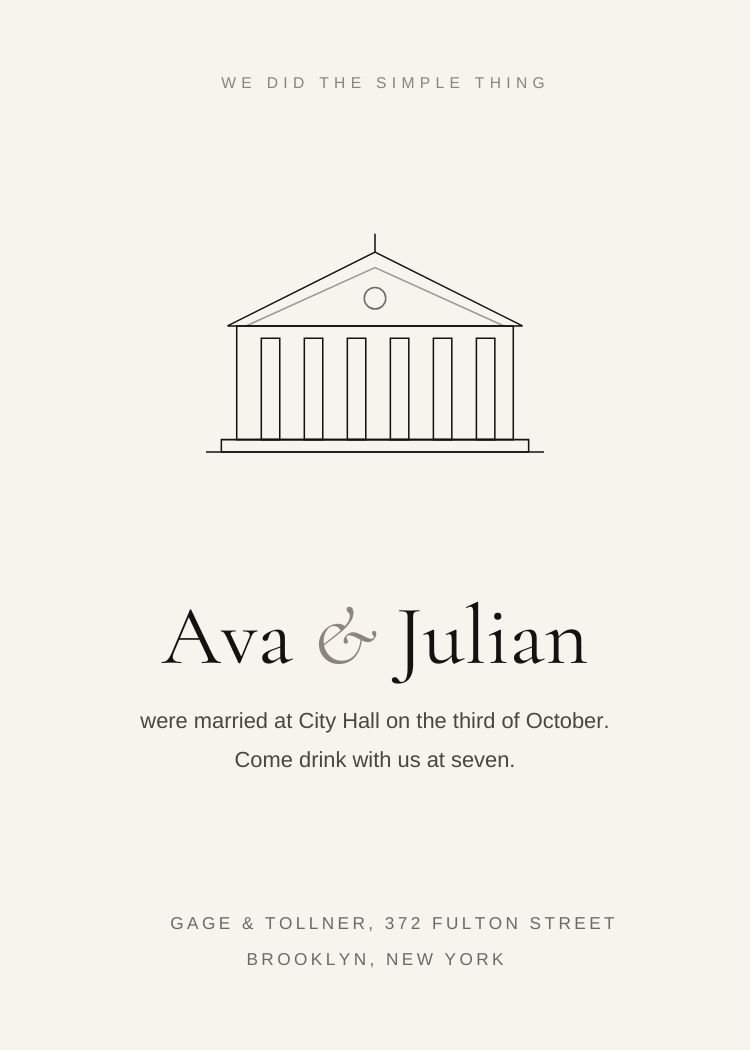
Courthouse — minimalist neutral & ivory wedding invitation template, editable in Canva
Minimalist · Neutral & ivoryCourthouseEditable in CanvaView template →
Canva Free
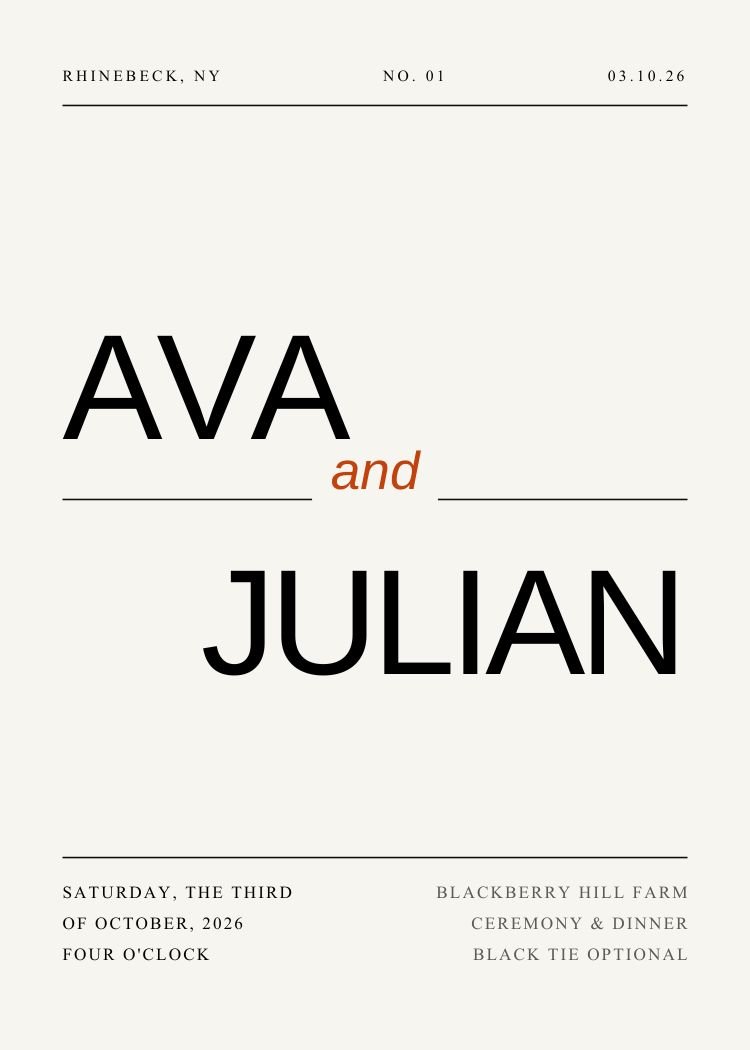
Editorial Typography — modern black & white wedding invitation template, editable in Canva
Modern · Black & whiteEditorial TypographyEditable in CanvaView template →
More like this:
MinimalistModernBlack & whitePrintableDigitalText RSVP
Questions

Sans Minimal template questions

Is the Sans Minimal template free?

Yes. The template is free to open and edit in Canva, and a free Canva account is enough to change the wording and download the file — no Canva Pro required.

What size is it?

5 × 7 inches, portrait. Export a PDF from Canva for printing, or a PNG/JPG sized for sending by text.

Can I add our engagement photo?

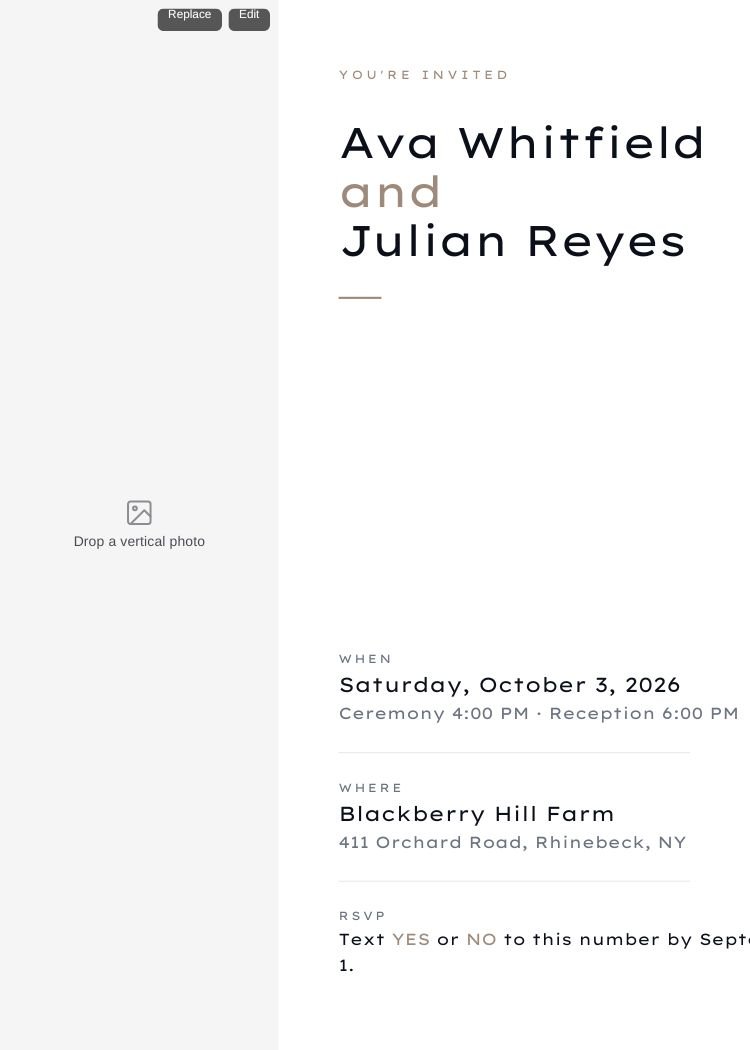
This design has no photo frame — the layout depends on the space around the wording. If you want a photo, browse the photo templates: the same wording structure with a photo well built in.

How do guests RSVP?

Send the invitation with Text My Wedding and every guest gets their own RSVP link in the text — no wedding website to build. Replies are tracked against your guest list automatically.

How do I send it to guests?

Export a PNG from Canva, then create your Text My Wedding event, add your guest list and attach the file. Each guest receives the invitation with a personal RSVP link, and replies are tracked against the list.

Canva is a trademark of Canva Pty Ltd. Text My Wedding is not affiliated with or endorsed by Canva.

Customize in CanvaSend

Footer

Text My Wedding logo. Text your wedding guests

Making smooth, fun wedding days come true.

FacebookInstagramPinterestTikTok

Resources

  • Pricing
  • Video Demo
  • Blog
  • Help Center
  • FAQs
  • Reviews

Integrations

  • Send a Canva Invitation by Text
  • Text Your The Knot Guest List
  • Text Your Zola Guest List
  • Text Your Joy Wedding Guests
  • Text Your Minted Website
  • Send Any Wedding Website by Text

Features

  • Wedding Text Messaging
  • Collect Wedding Photos
  • Wedding Guest Management

Tools

  • Wedding Timeline Generator
  • Wedding Planning Timeline
  • Wedding Alcohol Calculator
  • Wedding Hashtag Generator
  • Wedding Vow Generator
  • Wedding Vow Examples
  • Invitation Wording Generator
  • Invitation Wording Examples
  • Wedding QR Code Generator
  • Wedding QR Codes
  • Wedding Invitation Templates
  • Guest Photo & Video Collection
  • Wedding Wordsmith GPT
  • Vow Composer GPT
  • ReplayMyDay

Company

  • About Us
  • Terms of Service
  • Privacy Policy
  • Refund Policy
  • Contact us
  • For Wedding Planners
  • Affiliate Program

Alternatives

  • Text My Guest Alternative
  • Wed Texts Alternative
  • GuestPix Alternative
  • Paperless Post Alternative

Use Cases

RSVP RemindersDigital InvitesSave The DatesWedding UpdatesRehearsal Dinner RemindersWedding Day ScheduleGuest Transportation UpdatesPost Wedding Thank YousWedding PhotosMass TextsBulk TextsTexts Without Reply AllWeather UpdatesAccommodation InfoDestination Wedding TipsPost Wedding Brunch

© 2026 DFM Software, LLC All rights reserved.