
Canva Free
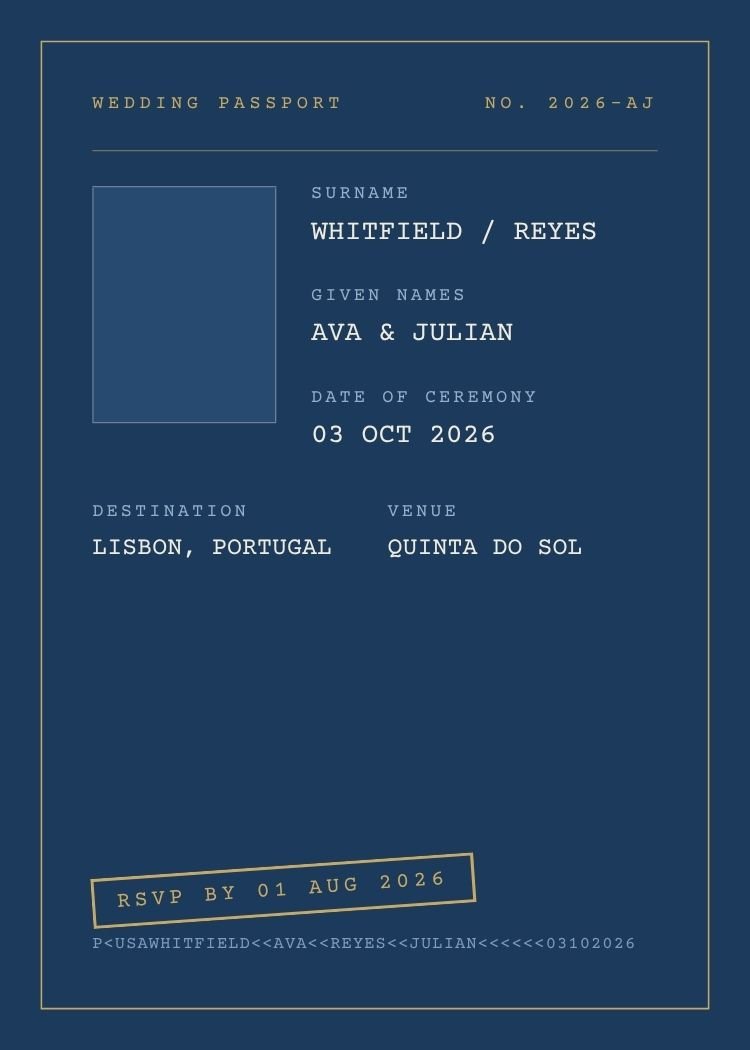
A full passport-spec-page pastiche: gold rule frame, monospaced SURNAME/GIVEN NAMES/DATE OF CEREMONY fields, a photo box, a tilted gold 'RSVP by' stamp and even a machine-readable code line at the foot. The conceit does the announcing for a destination wedding — guests get the joke in one glance at their phone.
Open this template in Canva to edit the names, wording, fonts, colors and RSVP information.
Customize in CanvaText your finished invitation to every guest, collect RSVPs and follow up with reminders — all from one guest list.
Send With Text My WeddingCanva is a trademark of Canva Pty Ltd. Text My Wedding is not affiliated with or endorsed by Canva.
One guest list from the save the date to the thank you. No wedding website to build, no cards to chase, no spreadsheet of replies.
Designs that share this template’s style, palette or format.
Yes. The template is free to open and edit in Canva, and a free Canva account is enough to change the wording and download the file — no Canva Pro required.
5 × 7 inches, portrait. Export a PDF from Canva for printing, or a PNG/JPG sized for sending by text.
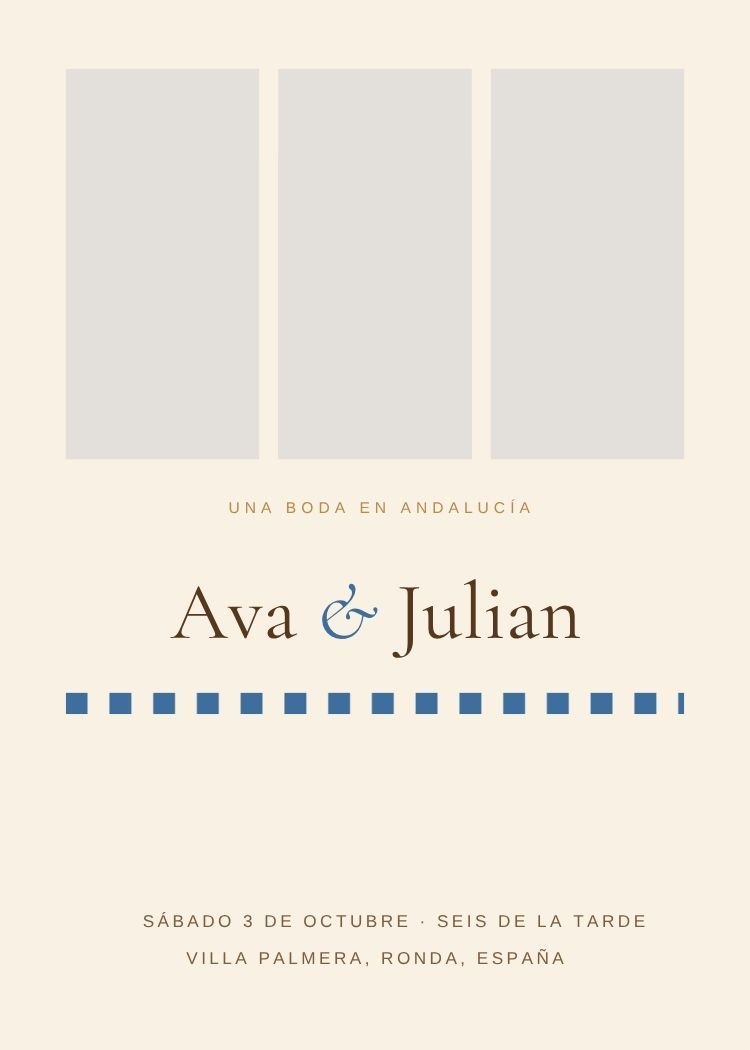
The design includes a photo frame — in Canva, drag your engagement photo onto the frame and it snaps into place, cropped to fit. Swap or reposition it any time.
Send the invitation with Text My Wedding and every guest gets their own RSVP link in the text — no wedding website to build. Replies are tracked against your guest list automatically.
Export a PNG from Canva, then create your Text My Wedding event, add your guest list and attach the file. Each guest receives the invitation with a personal RSVP link, and replies are tracked against the list.
Canva is a trademark of Canva Pty Ltd. Text My Wedding is not affiliated with or endorsed by Canva.