
Canva Free
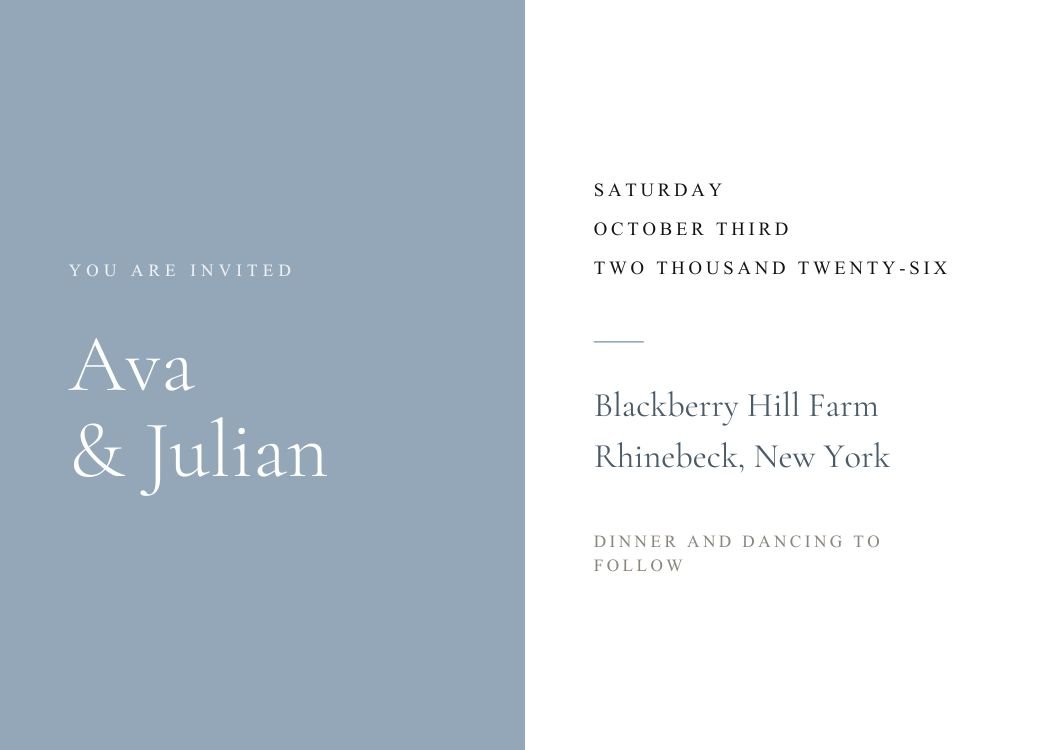
A half-and-half landscape split: solid dusty-blue panel on the left carrying the stacked white names, white panel on the right stacking date, venue, and a gold 'dinner and dancing' line. The two-column structure keeps names and logistics separately scannable — good when guests screenshot just the details side.
Open this template in Canva to edit the names, wording, fonts, colors and RSVP information.
Customize in CanvaText your finished invitation to every guest, collect RSVPs and follow up with reminders — all from one guest list.
Send With Text My WeddingCanva is a trademark of Canva Pty Ltd. Text My Wedding is not affiliated with or endorsed by Canva.
One guest list from the save the date to the thank you. No wedding website to build, no cards to chase, no spreadsheet of replies.
Designs that share this template’s style, palette or format.
Yes. The template is free to open and edit in Canva, and a free Canva account is enough to change the wording and download the file — no Canva Pro required.
7 × 5 inches, landscape. Export a PDF from Canva for printing, or a PNG/JPG sized for sending by text.
This design has no photo frame — the layout depends on the space around the wording. If you want a photo, browse the photo templates: the same wording structure with a photo well built in.
Send the invitation with Text My Wedding and every guest gets their own RSVP link in the text — no wedding website to build. Replies are tracked against your guest list automatically.
Export a PNG from Canva, then create your Text My Wedding event, add your guest list and attach the file. Each guest receives the invitation with a personal RSVP link, and replies are tracked against the list.
Canva is a trademark of Canva Pty Ltd. Text My Wedding is not affiliated with or endorsed by Canva.