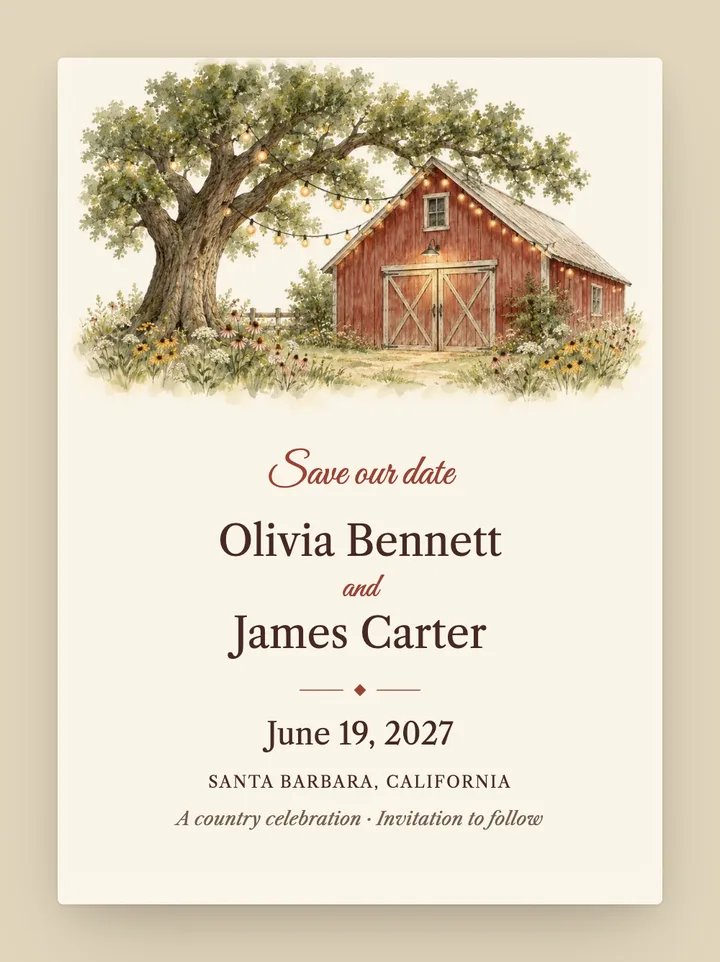
Hayloft
Rustic · Garden
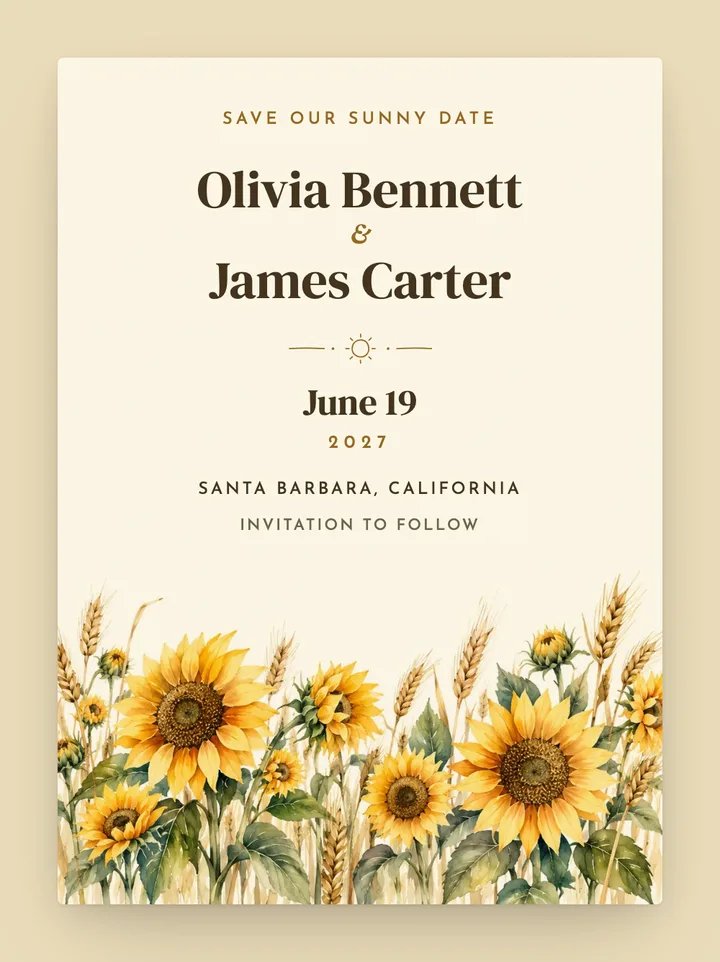
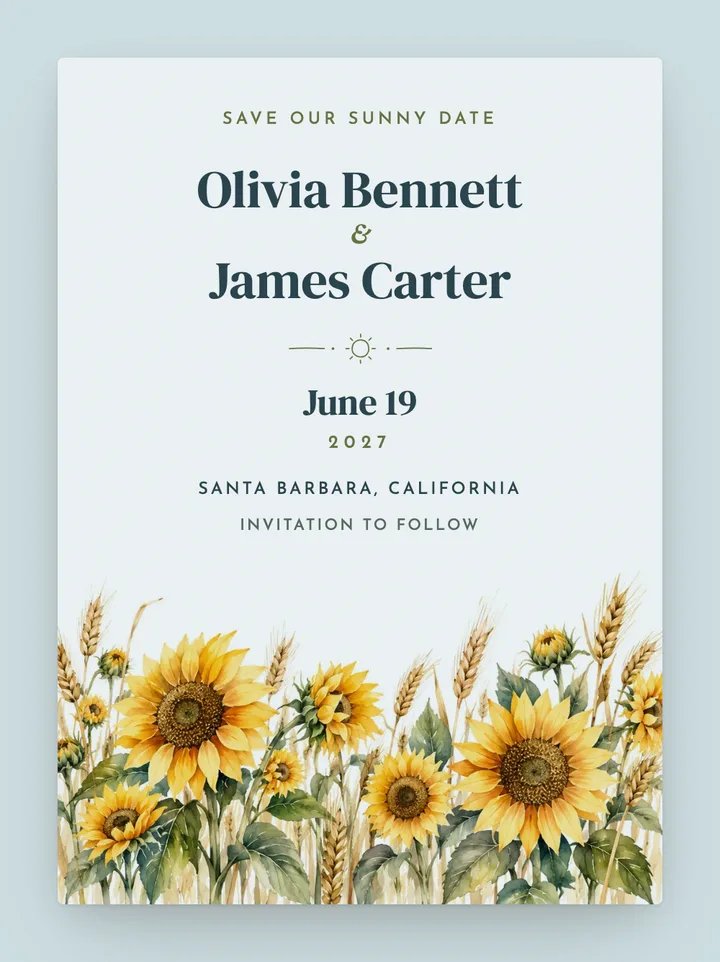
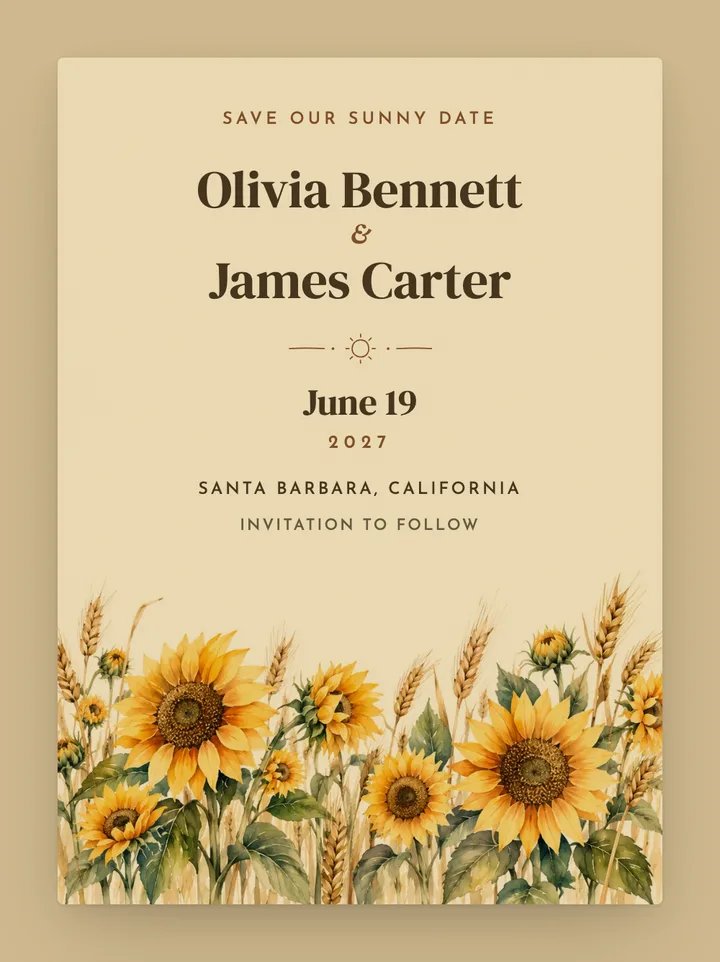
Golden watercolor sunflowers and wheat grow along the bottom beneath warm, rounded serif names. A small hand-drawn sun divides the names from clean, spaced wedding details.
Free to design, no signup. Send from $19, one time, no subscription.
5.0 on The Knot26,000+ couples2.5M+ texts sent
Also available as a Sunflower digital wedding invitation.
As a save the date, Sunflower keeps to the news: your names, the date and the city. The suggested wording opens with “Save our sunny date” and closes with “Invitation to follow”. Each guest gets it as a text with their own link. Tapping it turns over an envelope addressed to them, lifts the wax seal and slides the card out, with a button that adds the date to their calendar.
Sunflower sits in our rustic, garden, playful and watercolor collections and comes in 3 palettes, Golden, Sky and Harvest, built around yellow, cream and green. In the customizer you can switch palettes, edit your names, date, venue and the card's opening and closing lines, and choose the envelope liner, wax seal and stamp before you make an account.
Its artwork and palettes are made for summer and fall weddings. Save the dates usually go out six to eight months ahead, or eight to twelve for a destination wedding, so guests can book travel and time off before the invitation arrives.
Every save the date reaches guests as a text, then opens like real mail.
Each guest gets an ordinary text and their own link. No app, no account, no email to dig out.
It turns over, the wax seal lifts and the card slides out, addressed to the guest or their whole household.
Guests read your save the date and add the date to Google, Apple or Outlook in one tap.
Designing is free. Every plan to send it includes all of this, from save the date to wedding day.
Rated 5.0 on The Knot by couples who used Text My Wedding for save the dates, invitations, RSVPs and wedding-week updates.
Text my wedding has been so useful and convenient. It allowed us to send wedding invites and RSVP's to all our wedding guest at once. The fact the guest could easily RSVP using the link was perfect! The site allows you to see when the guest open the text as well, so you know they received it. It was user friendly. I also used the site to send a big thank you message after the wedding. However, i waited too long to send the thank you message, and my site expired. Without hesitation the staff extended our expiration date to allow me to send the thank you message. I highly recommend this site. 5 stars!
Darla W. The Knot · Jan 8, 2025
Currently using Text My Wedding to help keep my guests in the loop. We sent out digital save the dates and an engagement party invite and it was so easy! USPS is unreliable these days, so I like that we have a way to keep guests in the loop and can send text reminders to everyone!
Riley B.The Knot · Apr 15, 2024
This was an excellent service for our wedding! You never realize how much you need it until you use it! We used it to send out invitations and collect RSVPs, and then for last minute logistics communications
Sean M.The Knot · Apr 15, 2024
Yes. You can edit your names, date, venue and the card's opening and closing lines, and Sunflower comes in 3 palettes: Golden, Sky and Harvest. You can also choose the envelope liner, wax seal and stamp. All of it is free to try before you make an account.
Designing is free, and you don't need an account to start. Texting yourself a test is free too. To send to your guest list, you pick a one-time plan, starting at $19, sized by how many texts you plan to send. There is no subscription, no coins and no charge per card or per guest.
No. Guests receive an ordinary text message. Tapping the link opens the card in their phone's web browser, on iPhone or Android, with nothing to download and nothing to sign in to.
Yes. Once a guest opens their save the date, they can add your wedding to Google Calendar or to Apple and Outlook calendars in one tap. Save the dates don't usually ask for an RSVP; that comes with the invitation, which you can send to the same list later.
Yes. Every design comes as both a save the date and an invitation, so you can send matching cards months apart to the same guest list.
Text My Wedding sends to US and Canadian phone numbers. Guests with those numbers still receive texts while traveling abroad, as long as their carrier supports international service. Numbers from other countries are not supported yet.
Add your names, date and venue, pick a palette and preview the envelope. It's free, and there's nothing to sign up for until you send.
Free to design, no signup. Send from $19, one time, no subscription.