Text My Wedding
PricingVideo Demo
Sign In/Up
Home/Invitation templates/Colors/Terracotta

Terracotta Wedding Invitation Templates

Terracotta brings the warmth of fired clay to an invitation — earthier than orange, softer than rust. It is the anchor color for desert, boho and vineyard weddings and pairs naturally with arches and dried-grass motifs.

Each terracotta template here opens in Canva as your own copy, with the clay tones applied as document colors that shift together when you adjust them.

12 templates·Updated August 2026·Free to edit in Canva

The palette

Terracotta · Cream · Clay · Cocoa. Pairs with cream and kraft for daytime, or with deep brown for an evening desert palette.

Send yours by text
Related:
PrintableDigitalNeutral & ivoryModern
12 terracotta templates
BilingualText RSVP
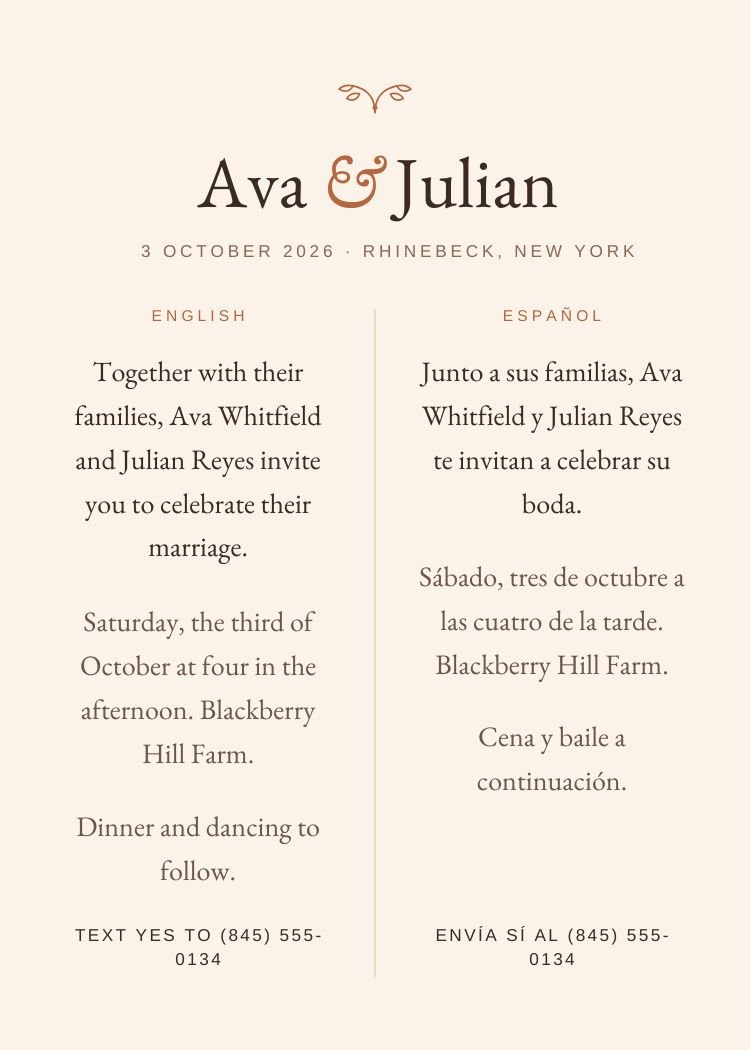
Bilingual — classic terracotta wedding invitation template, editable in Canva
Classic · TerracottaBilingualEditable in CanvaView template →
Canva Free
Bold Color — modern terracotta wedding invitation template, editable in Canva
Modern · TerracottaBold ColorEditable in CanvaView template →
Canva Free
Desert — modern terracotta wedding invitation template, editable in Canva
Modern · TerracottaDesertEditable in CanvaView template →
Canva Free
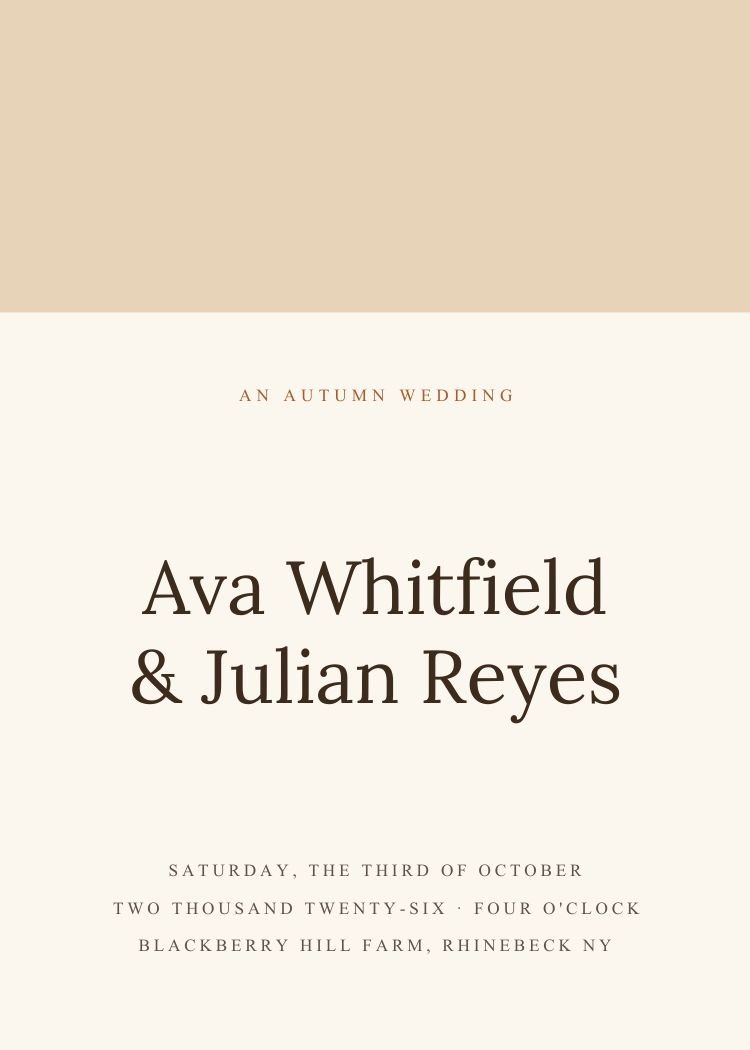
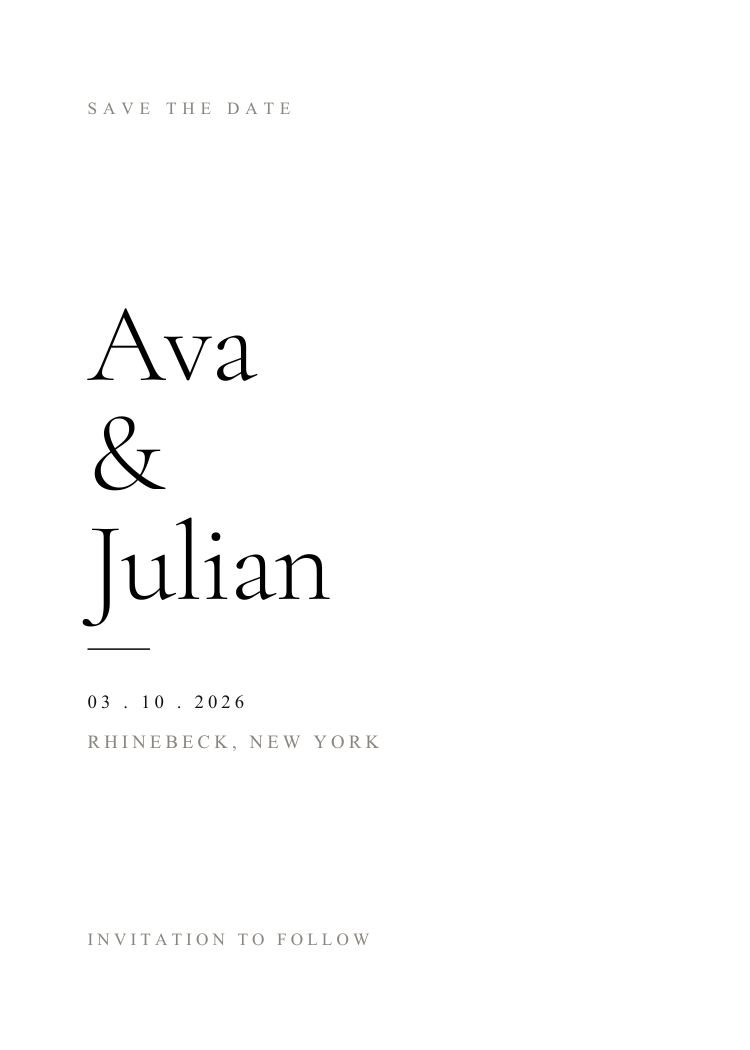
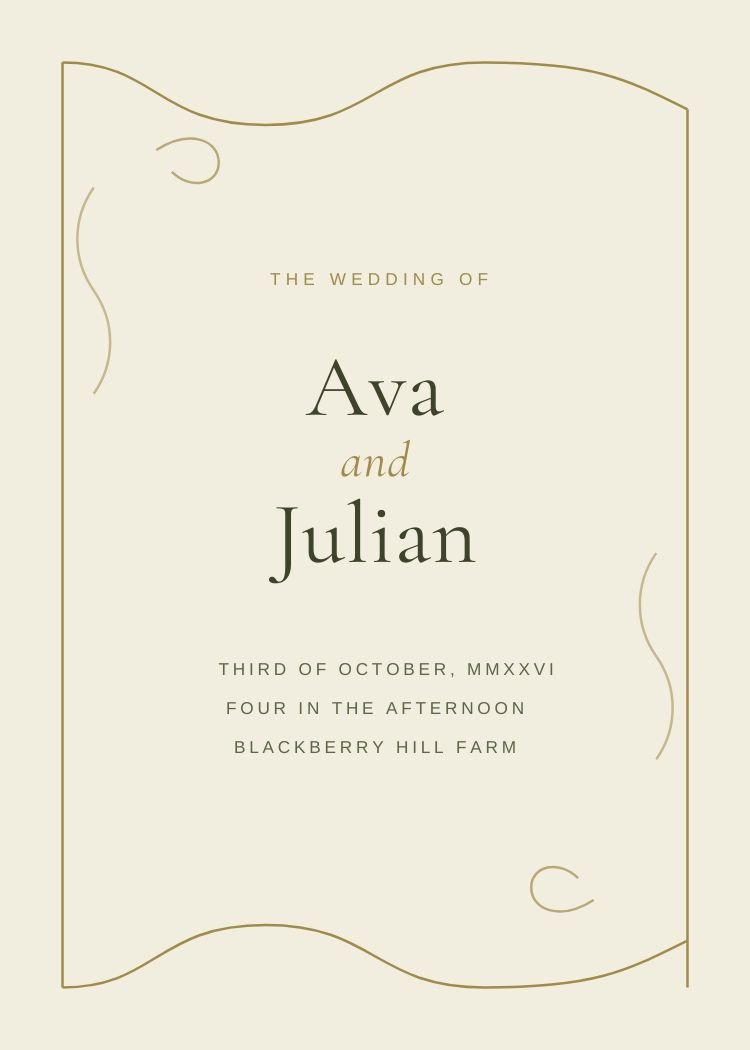
Fall — minimalist neutral & ivory wedding invitation template, editable in Canva
Minimalist · Neutral & ivoryFallEditable in CanvaView template →
Canva Free
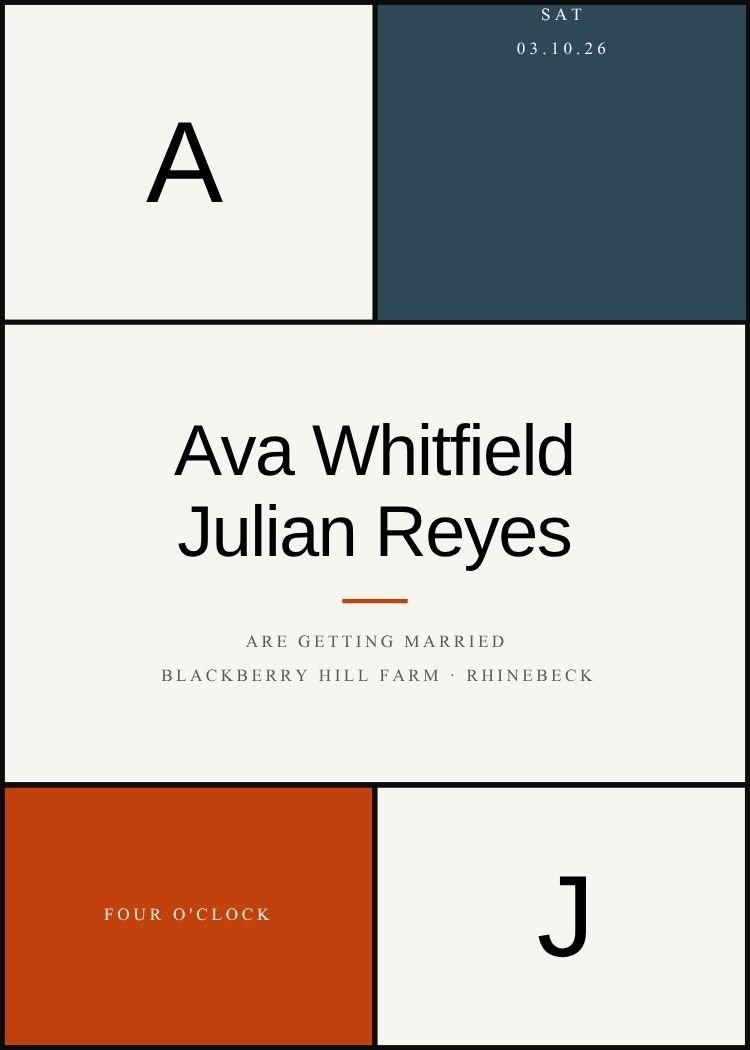
Geometric — modern navy wedding invitation template, editable in Canva
Modern · NavyGeometricEditable in CanvaView template →
Canva Free
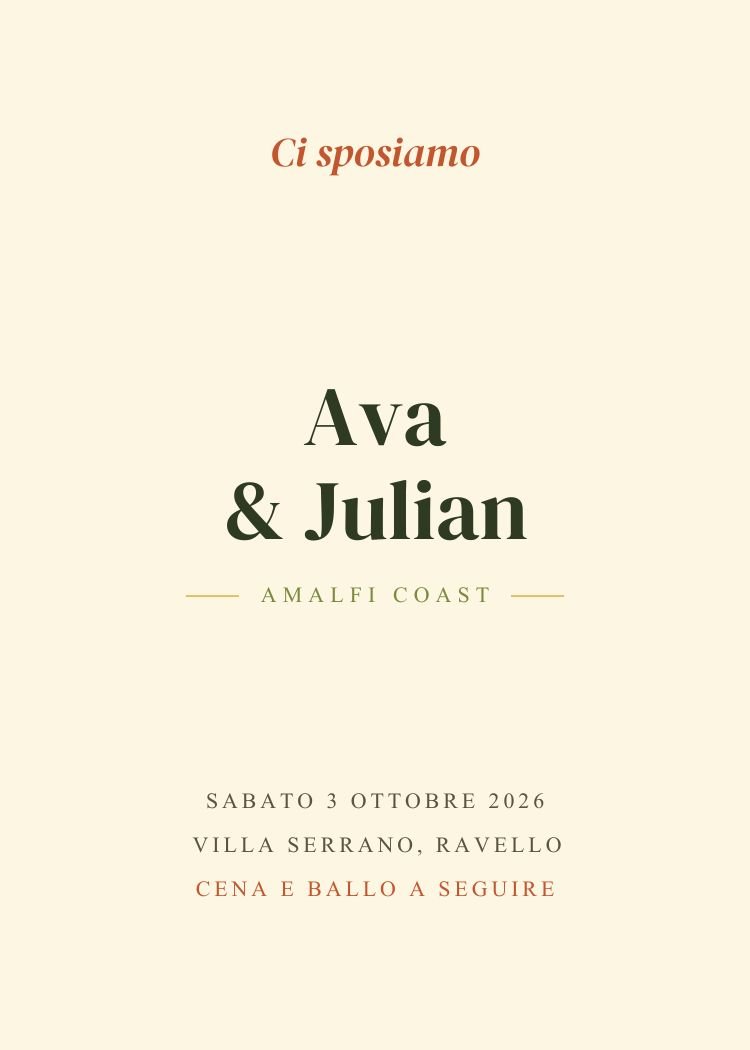
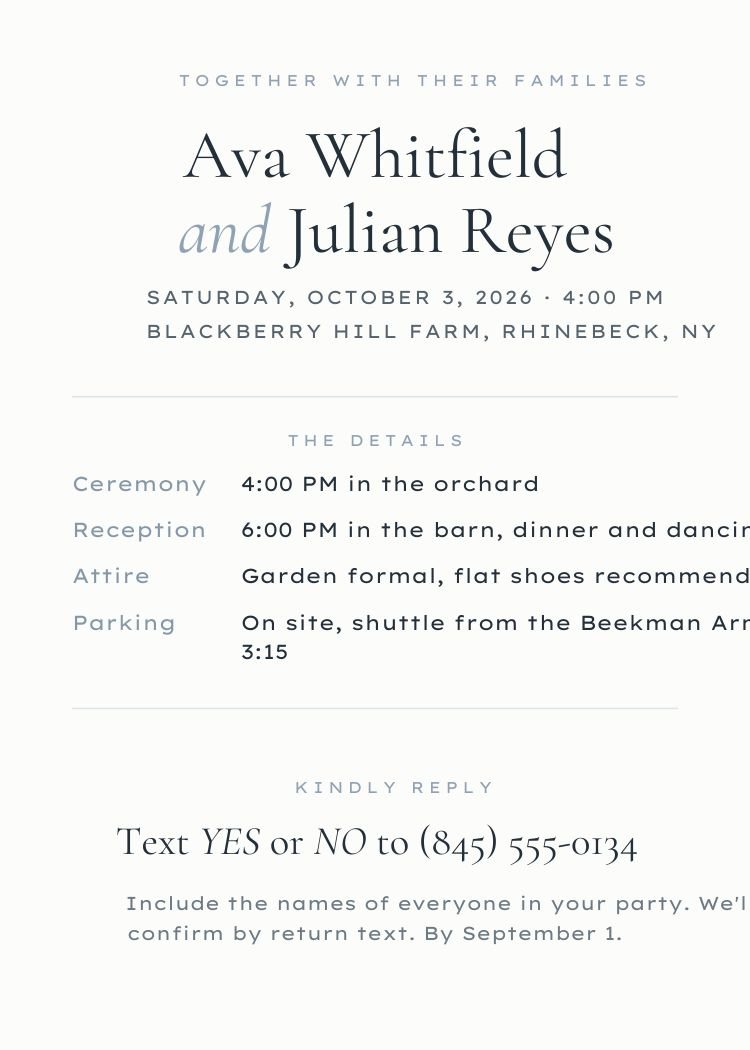
Italian — elegant neutral & ivory wedding invitation template, editable in Canva
Elegant · Neutral & ivoryItalianEditable in CanvaView template →
Text RSVPCanva Free
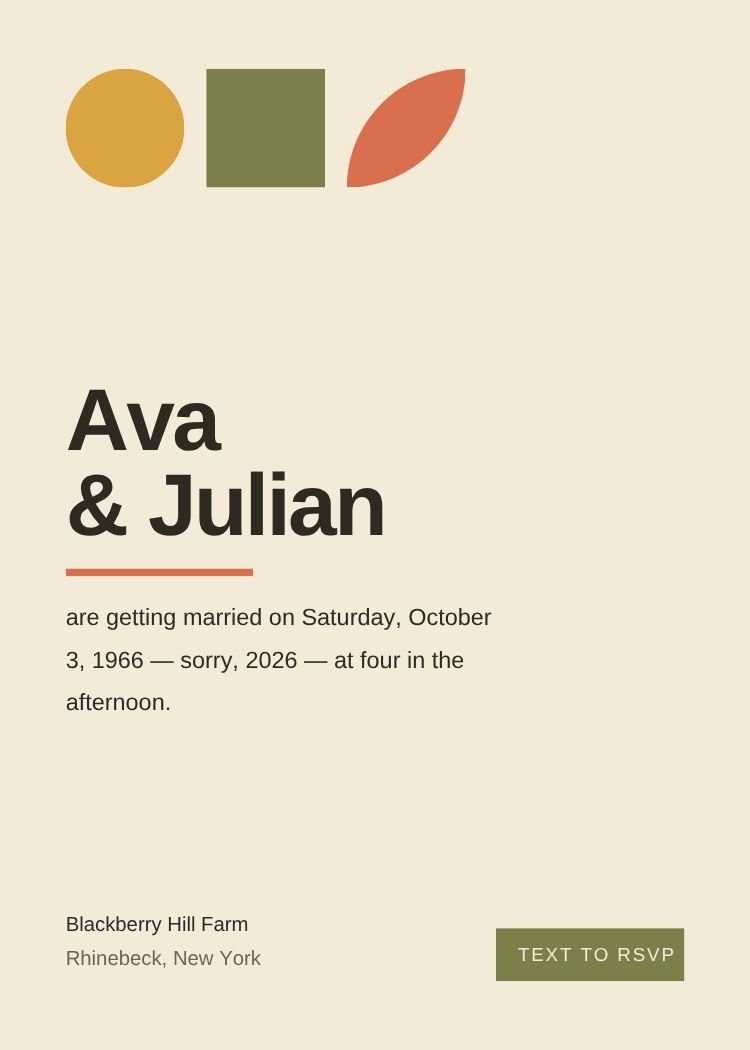
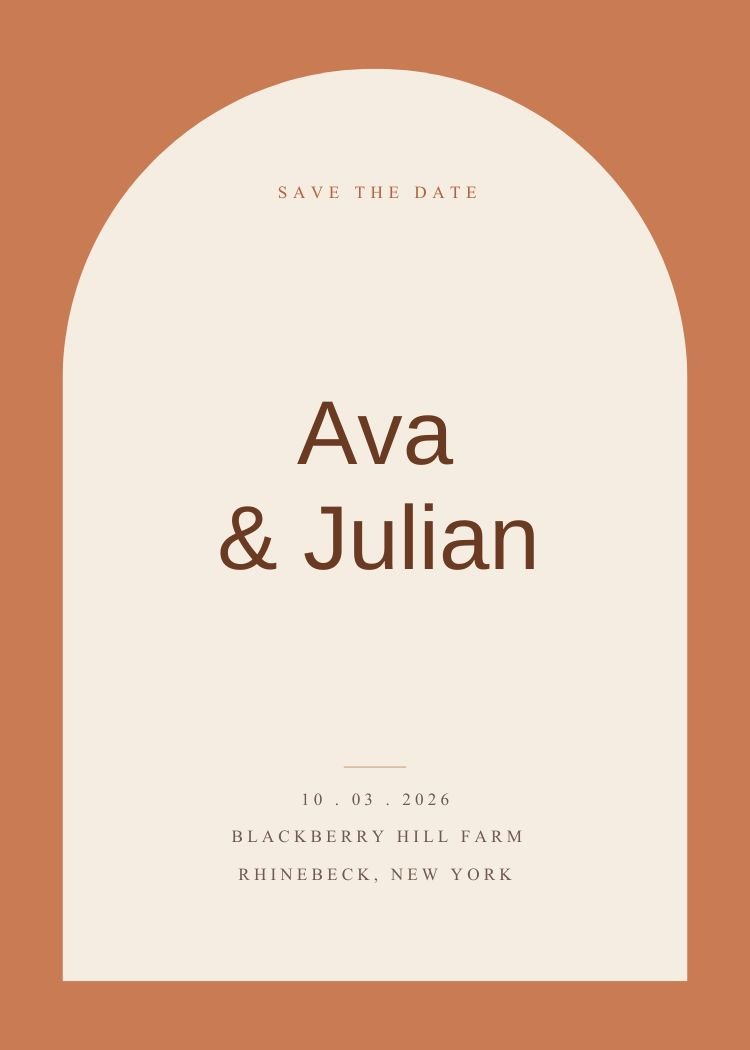
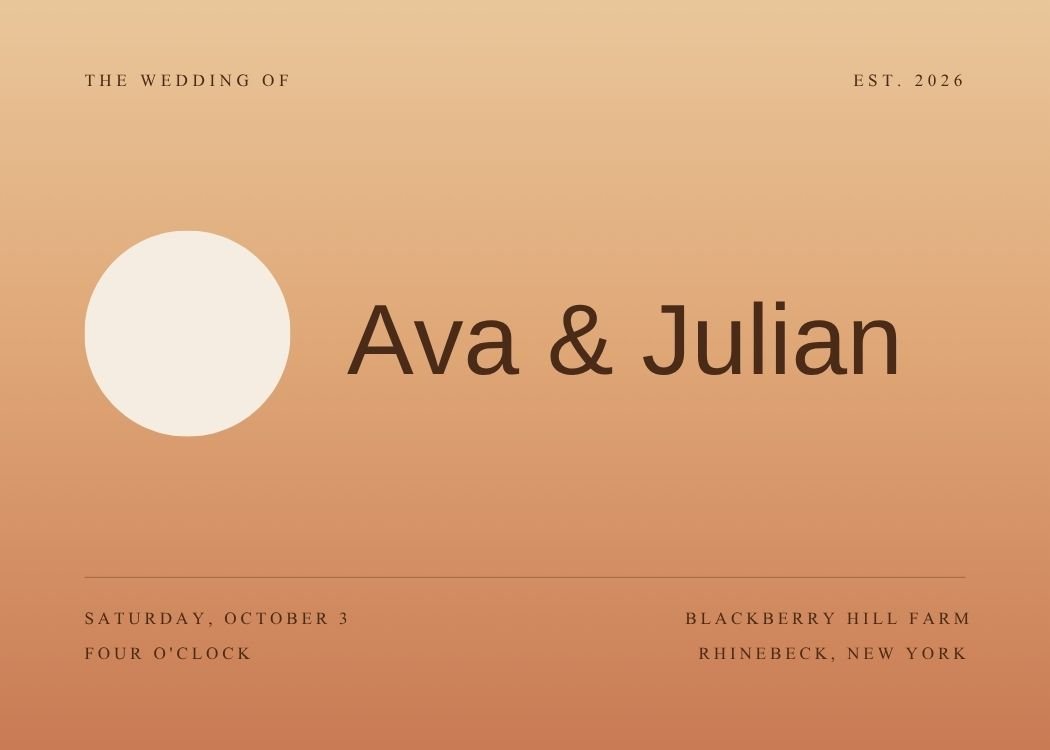
Mid-Century Modern — retro terracotta wedding invitation template, editable in Canva
Retro · TerracottaMid-Century ModernEditable in CanvaView template →
Canva Free
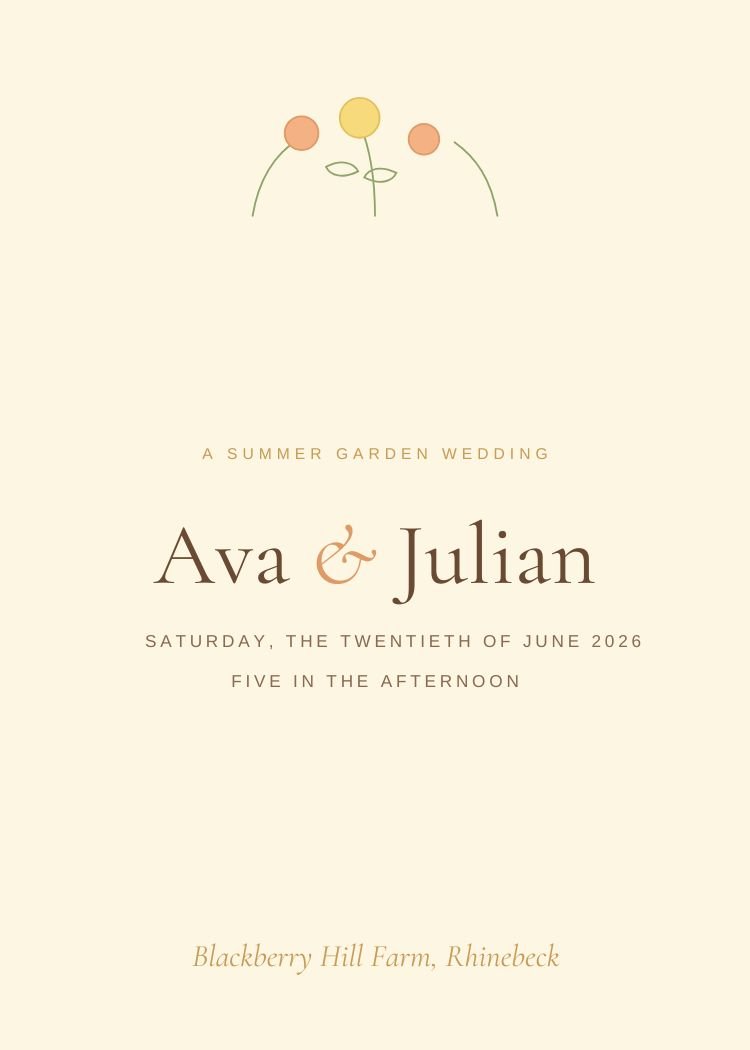
Peach and Butter Yellow — whimsical yellow & citrus wedding invitation template, editable in Canva
Whimsical · Yellow & citrusPeach and Butter YellowEditable in CanvaView template →
Next step · Text My Wedding

Found the perfect invitation?

Send it directly to your guests with Text My Wedding. Collect RSVPs, schedule reminders and keep everyone updated in one place.

Start Sending Invitations
You’re invited! Tap to RSVP →
Wouldn’t miss it 🤍
Canva Free
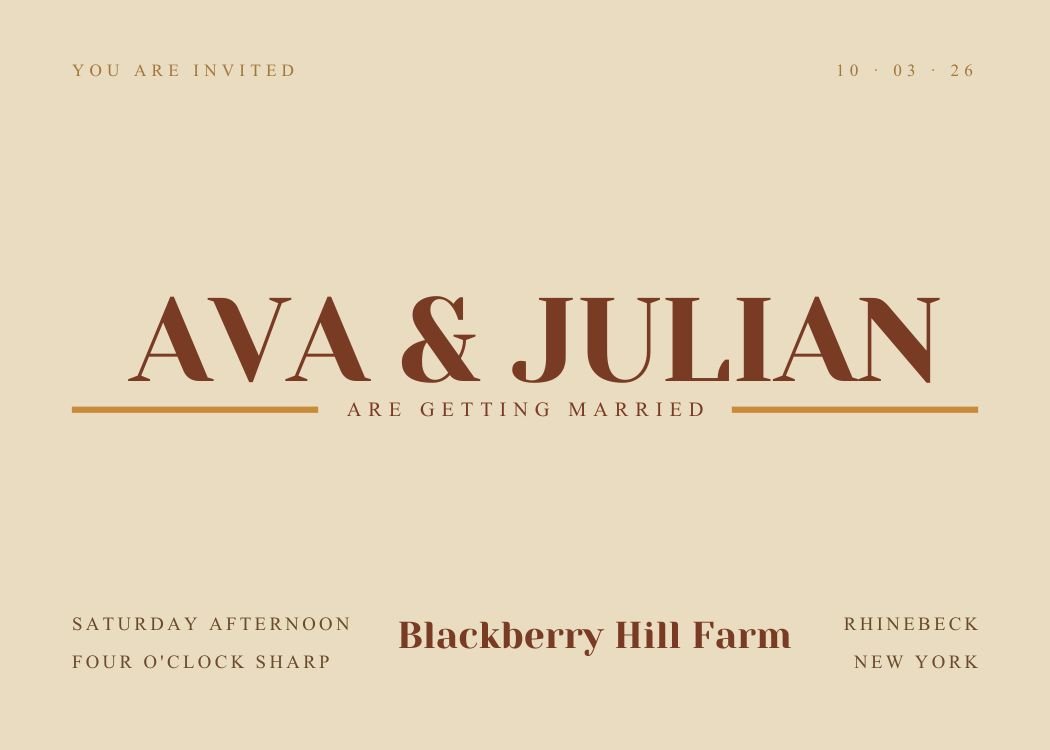
Retro Typography — retro terracotta wedding invitation template, editable in Canva
Retro · TerracottaRetro TypographyEditable in CanvaView template →
Canva Free
Seventies Retro — retro terracotta wedding invitation template, editable in Canva
Retro · TerracottaSeventies RetroEditable in CanvaView template →
Canva Free
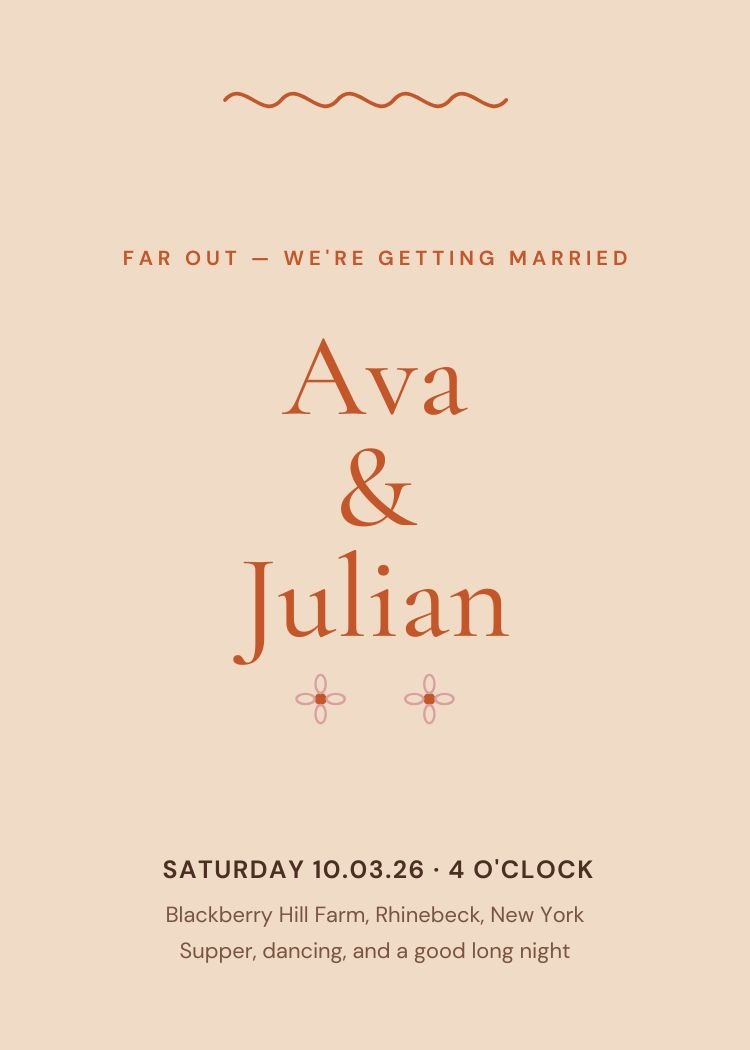
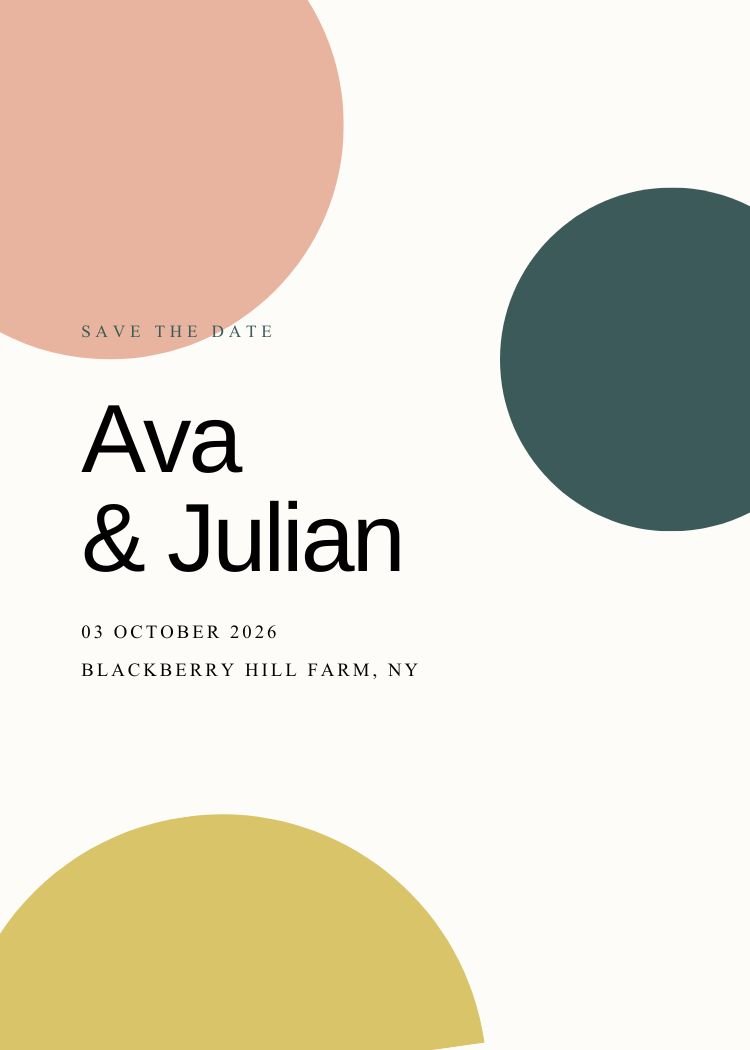
Terracotta — boho terracotta wedding invitation template, editable in Canva
Boho · TerracottaTerracottaEditable in CanvaView template →
Canva Free
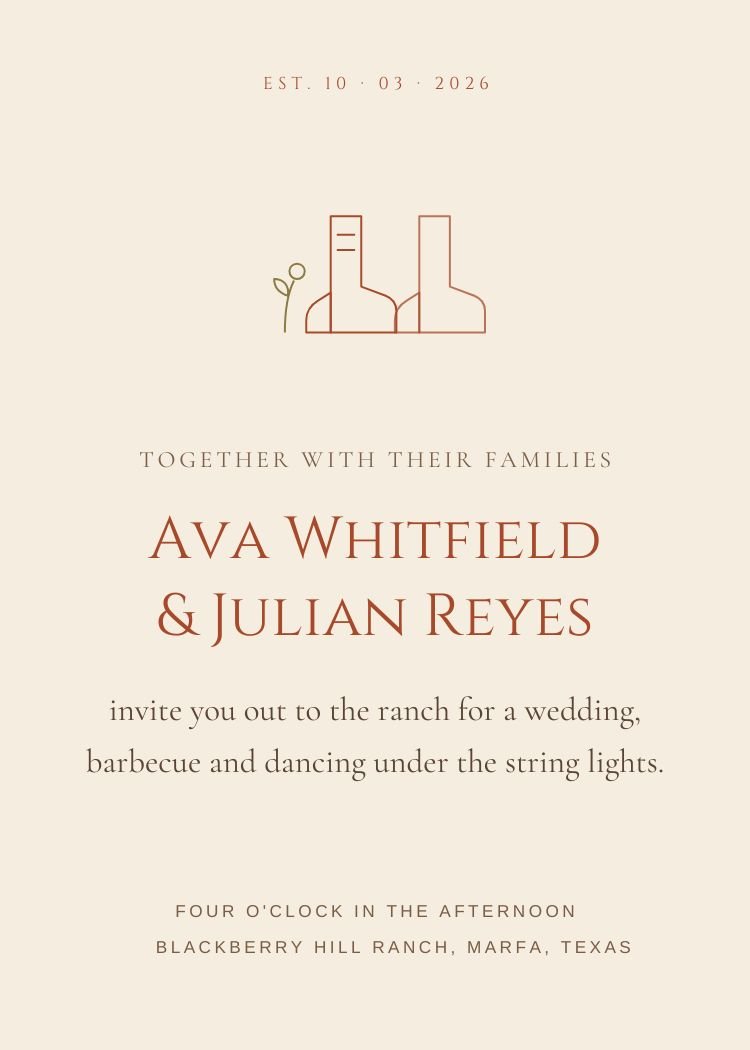
Western — rustic terracotta wedding invitation template, editable in Canva
Rustic · TerracottaWesternEditable in CanvaView template →
Choosing

Which terracotta invitation is right for your wedding?

Four questions that narrow 12 templates down to two or three, faster than scrolling will.

Delivery

Printing or texting?

Printed invitations can carry fine hairlines and small caps. Texted invitations need a larger date and a shorter wording block — designs marked Text RSVP are built for it.

Wording

Formal or plain-spoken?

Classic and elegant designs assume traditional third-person wording. Minimalist and modern designs assume you’ll write it the way you speak.

RSVP

How will guests reply?

Text RSVP designs leave the reply line to the message. QR designs reserve a well for a scannable code — useful when the invitation is printed.

Photo

With or without a photo?

Photo designs expect an engagement picture and degrade gracefully without one. The rest depend on type and space — nothing to upload, nothing to crop.

Next step

Ready to send your invitation?

Customize your design in Canva, then use Text My Wedding to send it directly to guests, collect RSVPs and schedule reminders.

Create Your EventSee how it works
Keep browsing

Related categories

Printable

Card layouts that export print-ready PDFs from Canva.

117 templatesBrowse →

Digital

Sized and composed for a message thread, not a mailbox.

117 templatesBrowse →

Neutral & ivory

Cream, ivory and kraft grounds that let type lead.

82 templatesBrowse →

Modern

Sans-serif headlines, asymmetric layouts and confident color.

47 templatesBrowse →
Customizing

How editing works in Canva

What changes, what stays, and what you get back when you’re done.

  1. Open the template in Canva. Every design on this page opens in a new tab, and a free Canva account is enough for all of them.
  2. Replace the wording. Names, date, time, venue and RSVP line are ordinary text boxes — click and type. Nothing is flattened into the artwork.
  3. Adjust colors and type. Palette colors are applied as document colors, so swapping one updates every element that uses it at once.
  4. Download. PDF for printing, PNG or JPG for sending by text.

Come back to Text My Wedding to send the finished file to your guest list — every guest gets the invitation with their own RSVP link, and replies land against the list instead of a shared inbox.

Canva is a trademark of Canva Pty Ltd. Text My Wedding is not affiliated with or endorsed by Canva.
Questions

Terracotta invitation questions

Are the terracotta templates free?

Yes — every design in this collection is free to open and edit in Canva, and none of them require Canva Pro. A free Canva account is enough to change the wording and download the file.

Can I change the colors and fonts?

Yes. Every text box, color and font in these Canva templates is editable — change a document color once and every element that uses it updates together.

Can I send a terracotta invitation by text?

Yes. Export a PNG or JPG from Canva, create your event in Text My Wedding, and attach it to a message. Each guest receives the invitation with their own RSVP link, and replies are tracked against your guest list.

Can I print these invitations?

Most designs here are set up as 5×7 cards, so you can export a print-ready PDF from Canva and use any print shop or a home printer. Each template's page lists its exact size.

Canva is a trademark of Canva Pty Ltd. Text My Wedding is not affiliated with or endorsed by Canva.
Footer

Text My Wedding logo. Text your wedding guests

Making smooth, fun wedding days come true.

FacebookInstagramPinterestTikTok

Resources

  • Pricing
  • Video Demo
  • Blog
  • Help Center
  • FAQs
  • Reviews

Integrations

  • Send a Canva Invitation by Text
  • Text Your The Knot Guest List
  • Text Your Zola Guest List
  • Text Your Joy Wedding Guests
  • Text Your Minted Website
  • Send Any Wedding Website by Text

Features

  • Wedding Text Messaging
  • Collect Wedding Photos
  • Wedding Guest Management

Tools

  • Wedding Timeline Generator
  • Wedding Planning Timeline
  • Wedding Alcohol Calculator
  • Wedding Hashtag Generator
  • Wedding Vow Generator
  • Wedding Vow Examples
  • Invitation Wording Generator
  • Invitation Wording Examples
  • Wedding QR Code Generator
  • Wedding QR Codes
  • Wedding Invitation Templates
  • Guest Photo & Video Collection
  • Wedding Wordsmith GPT
  • Vow Composer GPT
  • ReplayMyDay

Company

  • About Us
  • Terms of Service
  • Privacy Policy
  • Refund Policy
  • Contact us
  • For Wedding Planners
  • Affiliate Program

Alternatives

  • Text My Guest Alternative
  • Wed Texts Alternative
  • GuestPix Alternative
  • Paperless Post Alternative

Use Cases

RSVP RemindersDigital InvitesSave The DatesWedding UpdatesRehearsal Dinner RemindersWedding Day ScheduleGuest Transportation UpdatesPost Wedding Thank YousWedding PhotosMass TextsBulk TextsTexts Without Reply AllWeather UpdatesAccommodation InfoDestination Wedding TipsPost Wedding Brunch

© 2026 DFM Software, LLC All rights reserved.