Canva Free
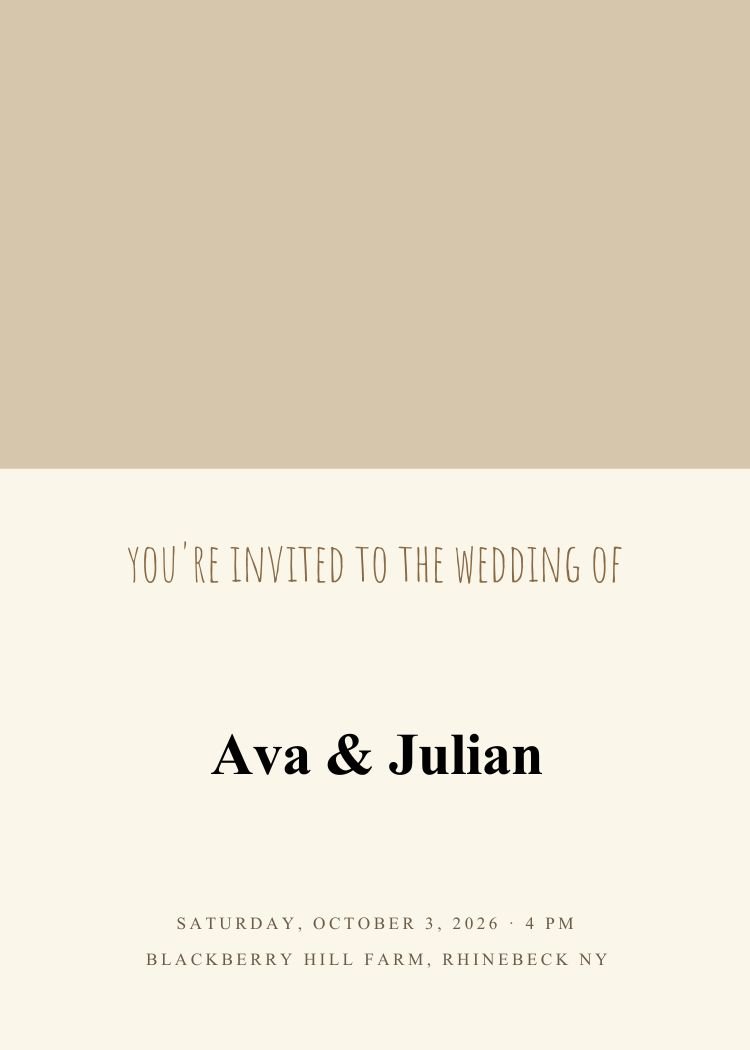
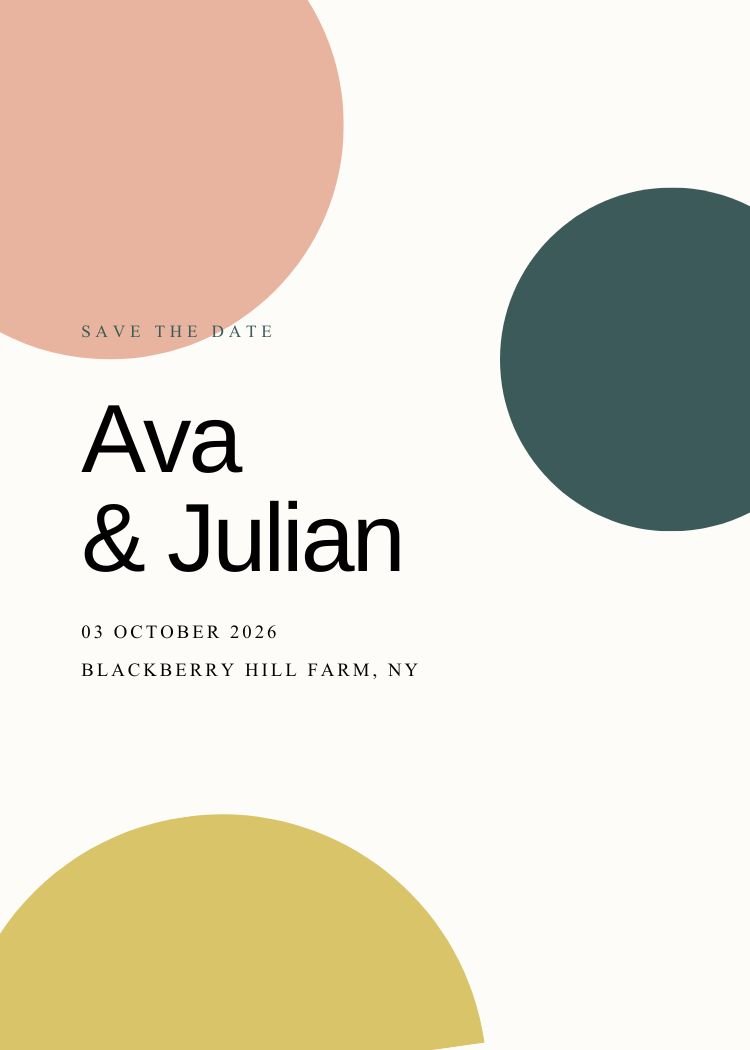
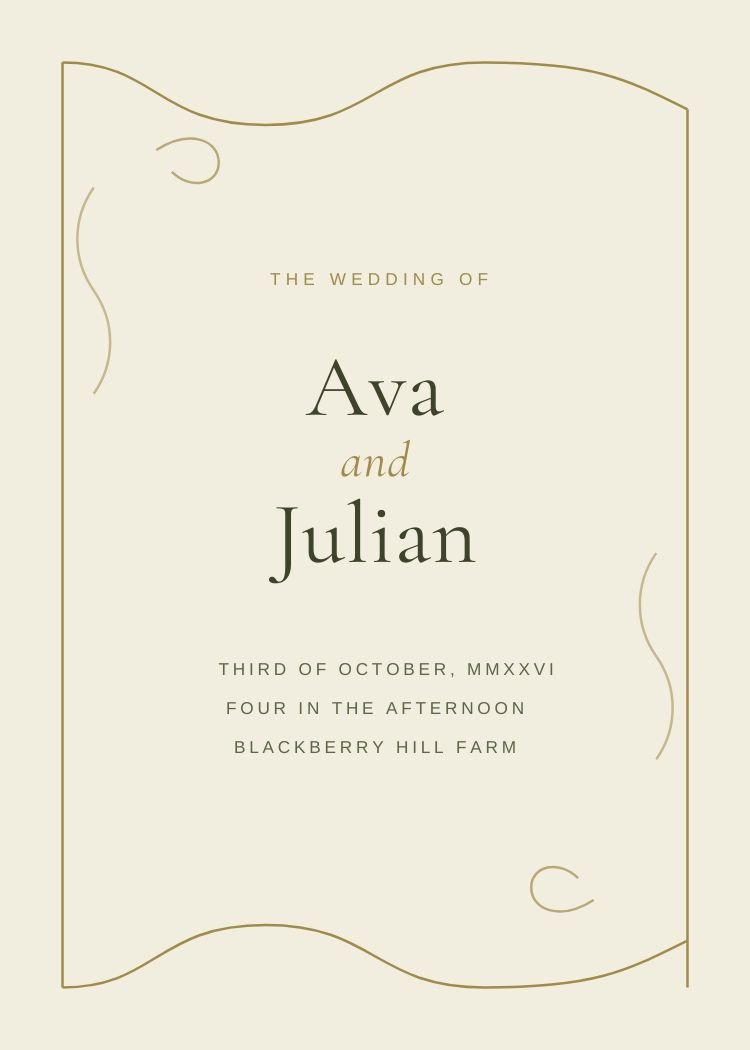
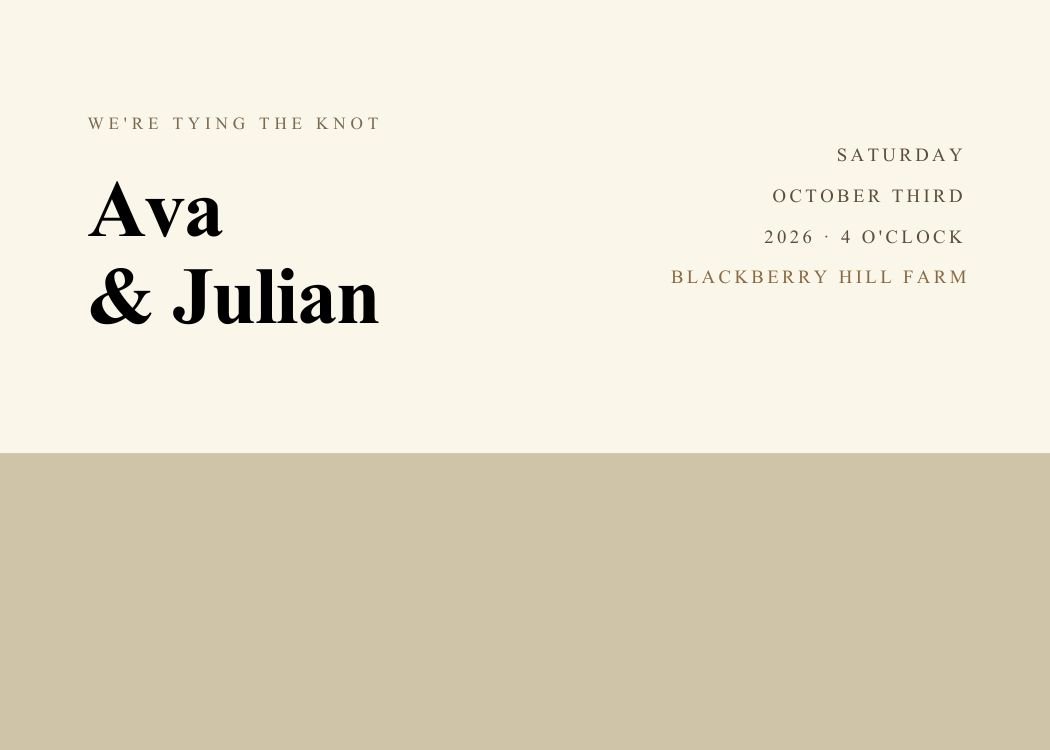
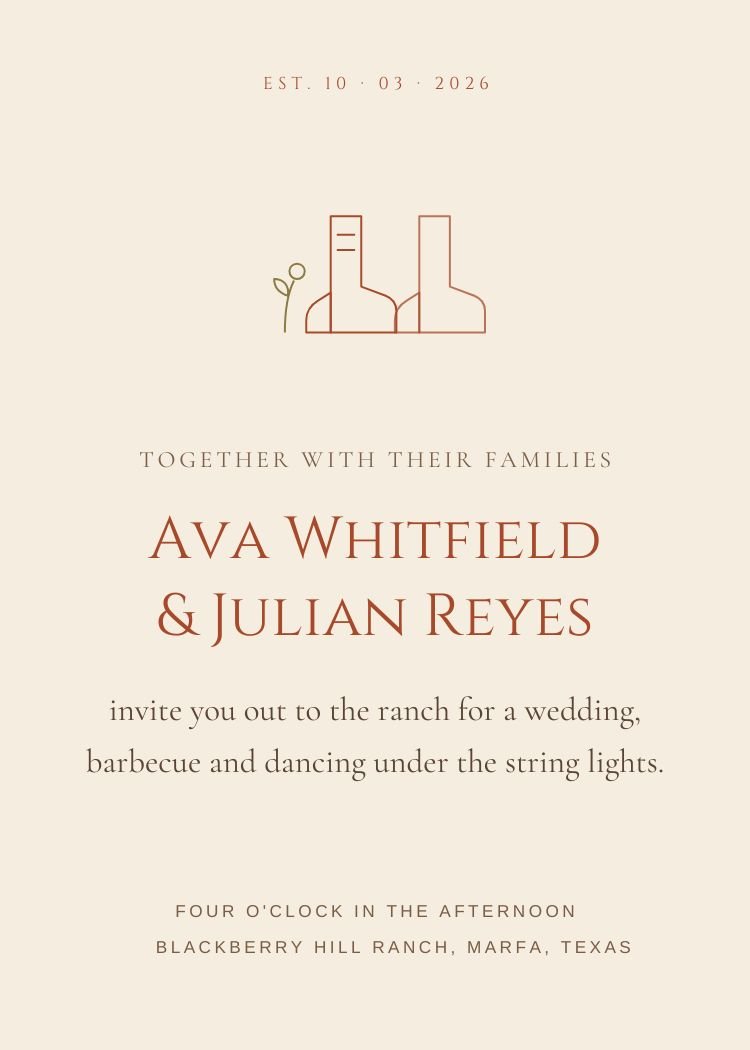
Rustic wedding invitations pair warm paper tones with unfussy type — closer to a well-set menu than to stationery. They hold long venue names without breaking, which is why the style persists for barn, farm and vineyard weddings.
Everything here is editable in Canva with a free account, and every design exports both as a print PDF and as a message-sized image for texting.
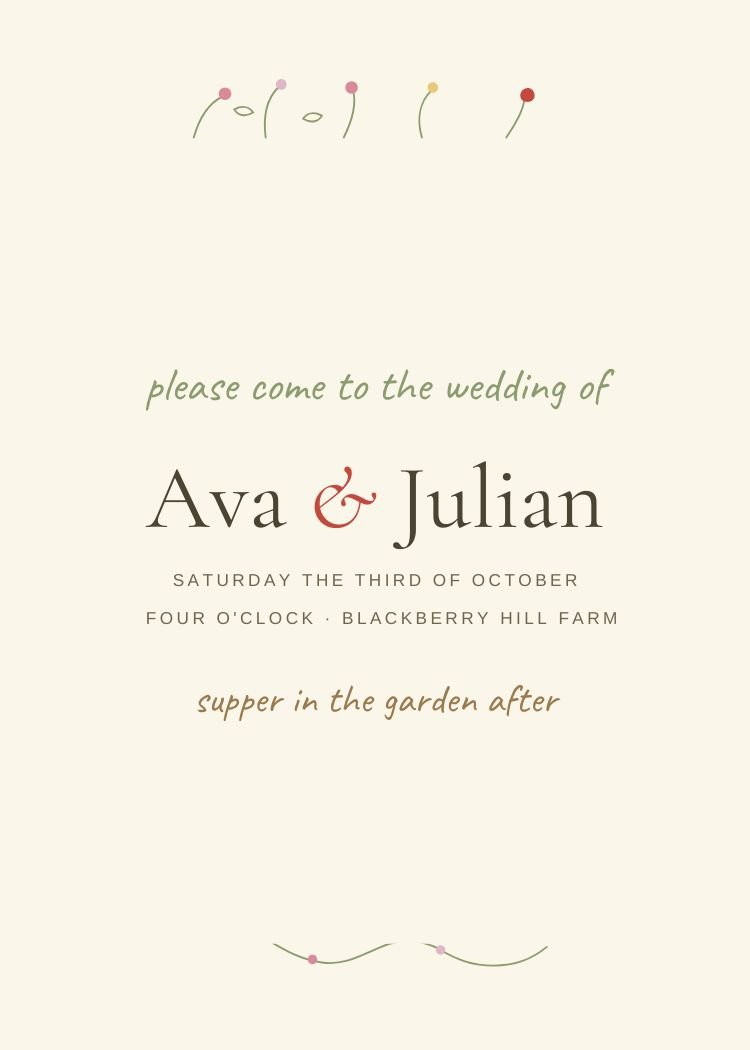
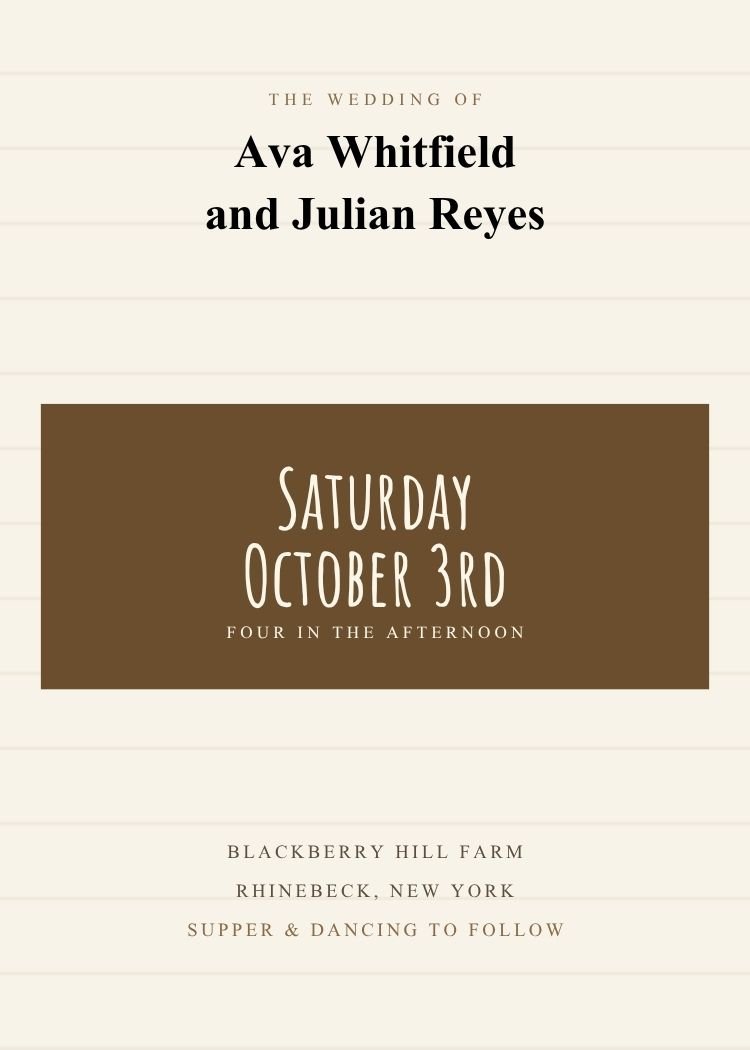
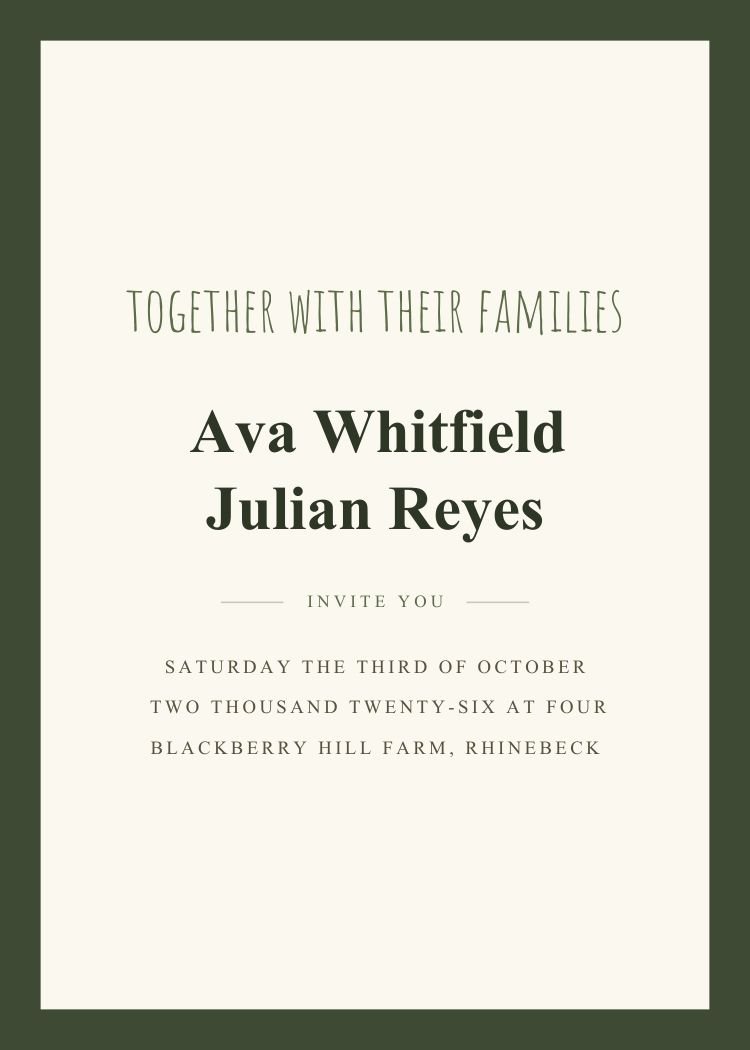
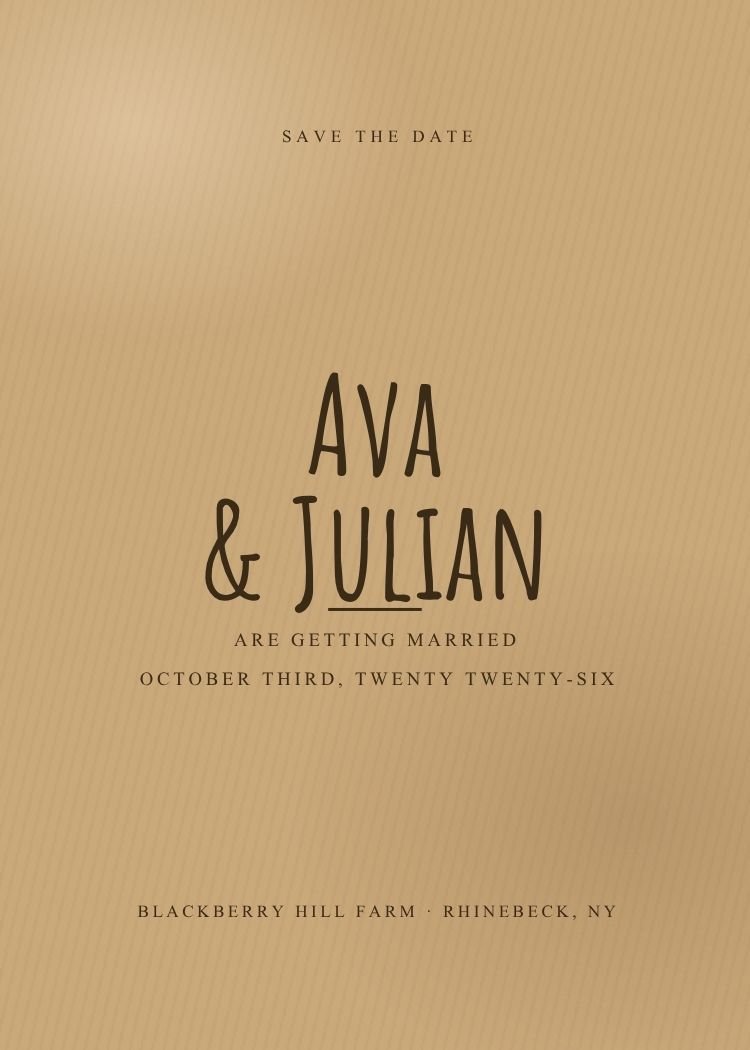
Four questions that narrow 7 templates down to two or three, faster than scrolling will.
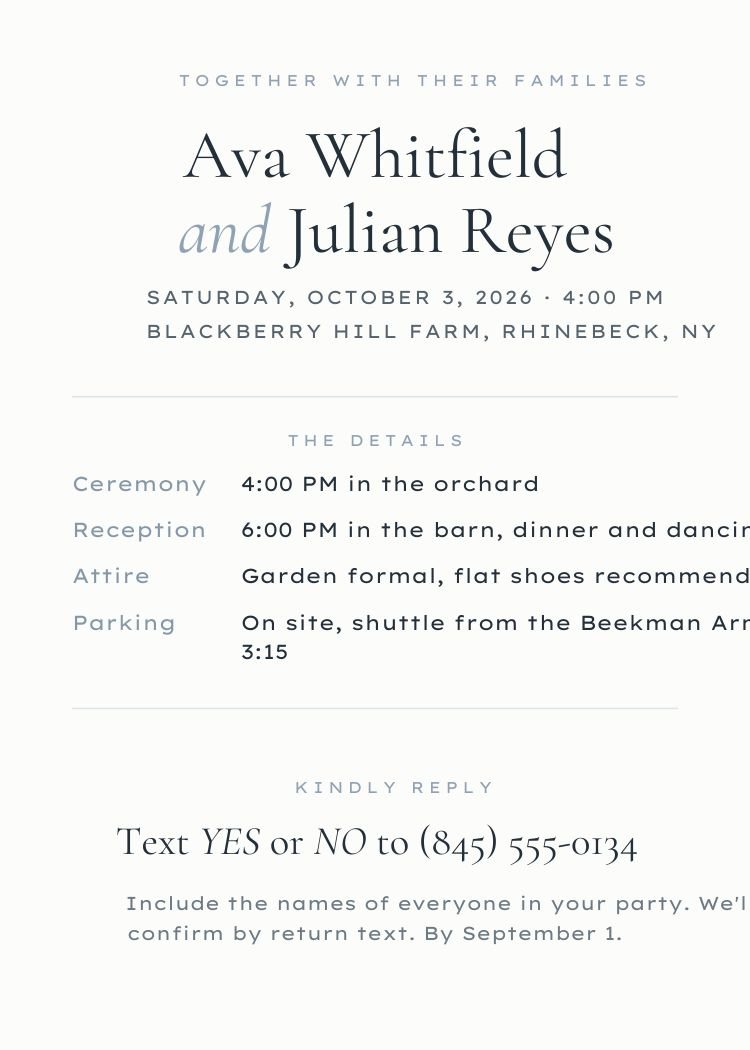
Printed invitations can carry fine hairlines and small caps. Texted invitations need a larger date and a shorter wording block — designs marked Text RSVP are built for it.
Classic and elegant designs assume traditional third-person wording. Minimalist and modern designs assume you’ll write it the way you speak.
Text RSVP designs leave the reply line to the message. QR designs reserve a well for a scannable code — useful when the invitation is printed.
Photo designs expect an engagement picture and degrade gracefully without one. The rest depend on type and space — nothing to upload, nothing to crop.
Customize your design in Canva, then use Text My Wedding to send it directly to guests, collect RSVPs and schedule reminders.
Card layouts that export print-ready PDFs from Canva.
Sized and composed for a message thread, not a mailbox.
Cream, ivory and kraft grounds that let type lead.
Illustrated motifs and looser, hand-set wording.
What changes, what stays, and what you get back when you’re done.
Come back to Text My Wedding to send the finished file to your guest list — every guest gets the invitation with their own RSVP link, and replies land against the list instead of a shared inbox.
Canva is a trademark of Canva Pty Ltd. Text My Wedding is not affiliated with or endorsed by Canva.
Yes — every design in this collection is free to open and edit in Canva, and none of them require Canva Pro. A free Canva account is enough to change the wording and download the file.
Yes. Every text box, color and font in these Canva templates is editable — change a document color once and every element that uses it updates together.
Yes. Export a PNG or JPG from Canva, create your event in Text My Wedding, and attach it to a message. Each guest receives the invitation with their own RSVP link, and replies are tracked against your guest list.
Most designs here are set up as 5×7 cards, so you can export a print-ready PDF from Canva and use any print shop or a home printer. Each template's page lists its exact size.
Canva is a trademark of Canva Pty Ltd. Text My Wedding is not affiliated with or endorsed by Canva.