Lined insideCanva Free
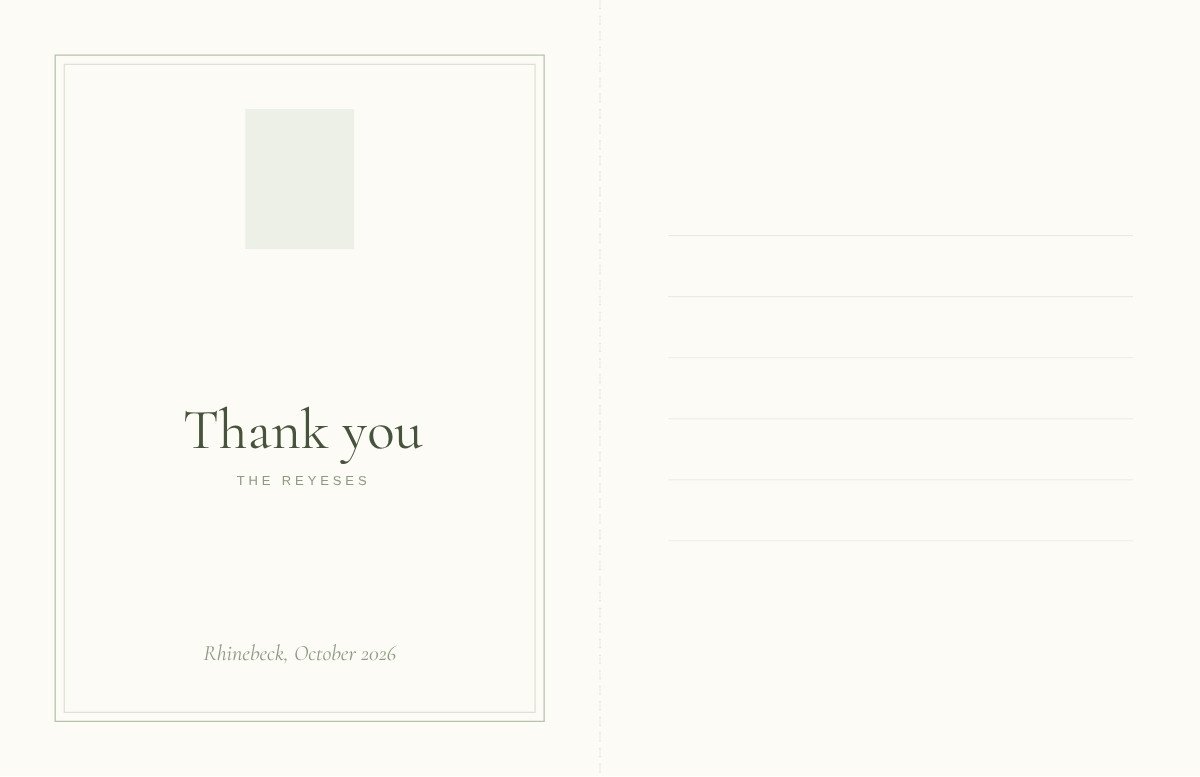
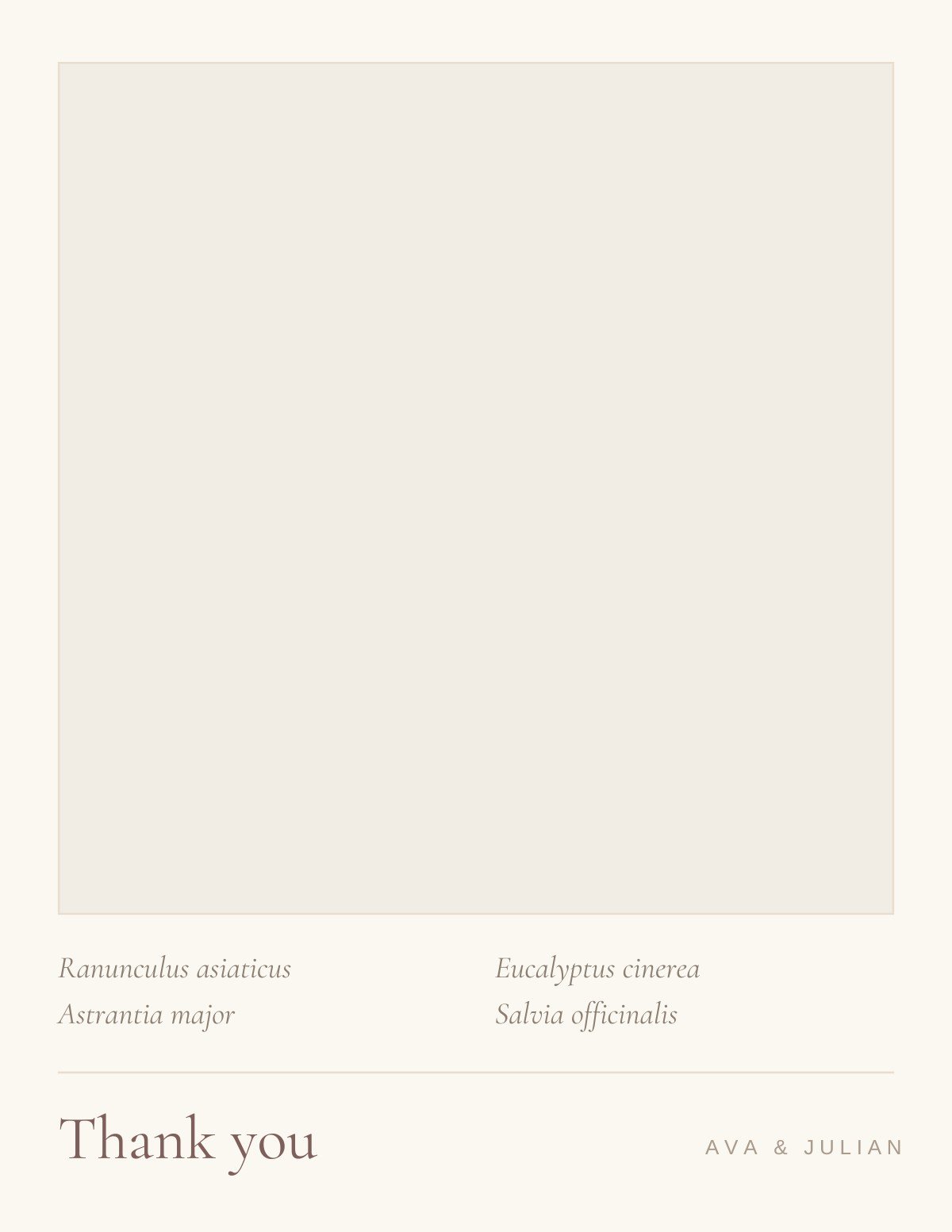
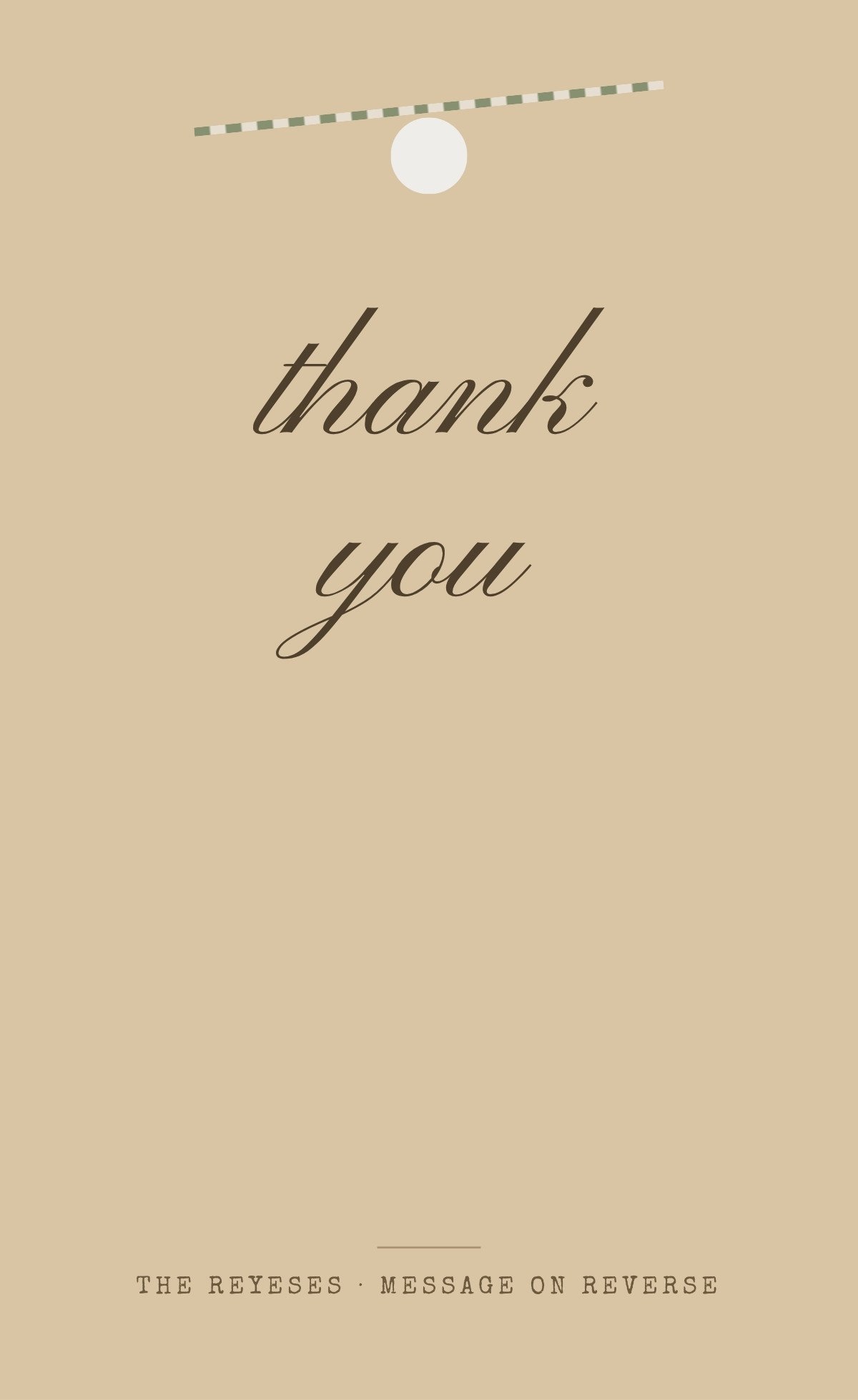
Three designs in the muted green that has anchored wedding palettes for a decade — a botanical border, a pressed bouquet, a gift tag with twine. On a thank-you card, sage does something specific: it is dark enough to frame and pale enough that blue or black ink still reads cleanly over it.
That last point matters more than it sounds. Several popular palettes fail on this card because the handwriting disappears into them. Sage is one of the few mid-tone colours you can safely print inside the writing area.
Four questions that narrow 3 templates down to two or three, faster than scrolling will.
Eighty to two hundred is normal. Past about a hundred, a flat card with a finite back is kinder to your hand than a folded card whose blank inside asks for a paragraph.
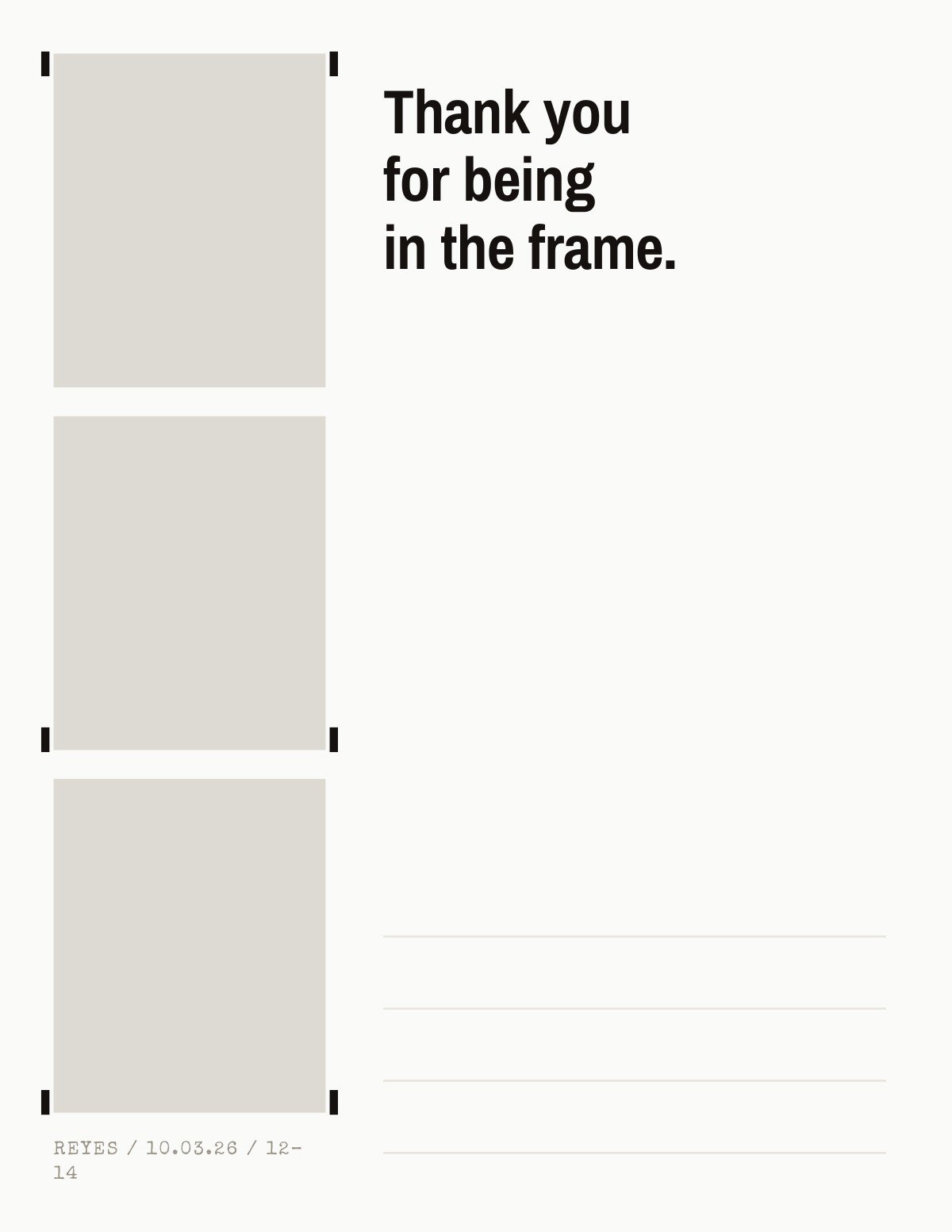
This is the one wedding card sent late enough to carry real photographs from the day. If the gallery has not arrived yet, pick a typographic design rather than waiting.
Usually not. Vendors and parents want the formal register; close friends can take the playful one. Splitting the order across two designs costs nothing and reads far better.
Foil and deboss need a press. Everything tagged printable is built to survive a home printer, with nothing important sitting in the bleed margin.
Customize the design in Canva, then use Text My Wedding to text your guests for their current address. Answers land in one list you can export for the envelopes.
Print-at-home safe: no bleed-critical art, no foil, nothing that needs a press.
A2 note cards with a blank inside — the default shape of a thank-you.
Pressed stems, evergreen boughs and drawn foliage, framing rather than filling.
Single-ply cards with the message on the reverse — quicker to write, cheaper to mail.
What changes, what stays, and what you get back when you’re done.
The design is the easy half. Knowing who gave what, and having a current address for every one of them, is the half that stalls — collect both by text with Text My Wedding, and see wedding thank-you card wording for what to write once the cards arrive.
Canva is a trademark of Canva Pty Ltd. Text My Wedding is not affiliated with or endorsed by Canva.
Yes — every design in this collection is free to open and edit in Canva, and none of them require Canva Pro. A free Canva account is enough to change the wording and download the file.
Three months is the convention both the Emily Post Institute and The Knot give, counted from when the gift arrives rather than from the wedding — so gifts that turn up before the day start their clock early. Later than that is still far better than never, and the Institute is explicit that there is no year-long grace period.
Name the specific gift, say what you will do with it, and add one line that could only be about that person. A different situation needs different wording — cash, a group gift, a guest who came empty-handed — and our wedding thank-you card wording guide has examples for each.
Most designs here export as a print-ready PDF from Canva, so a home printer or any print shop will handle them. The exception is anything using foil, which needs a press. Each template's page says which it is.
Canva is a trademark of Canva Pty Ltd. Text My Wedding is not affiliated with or endorsed by Canva.