Canva Free
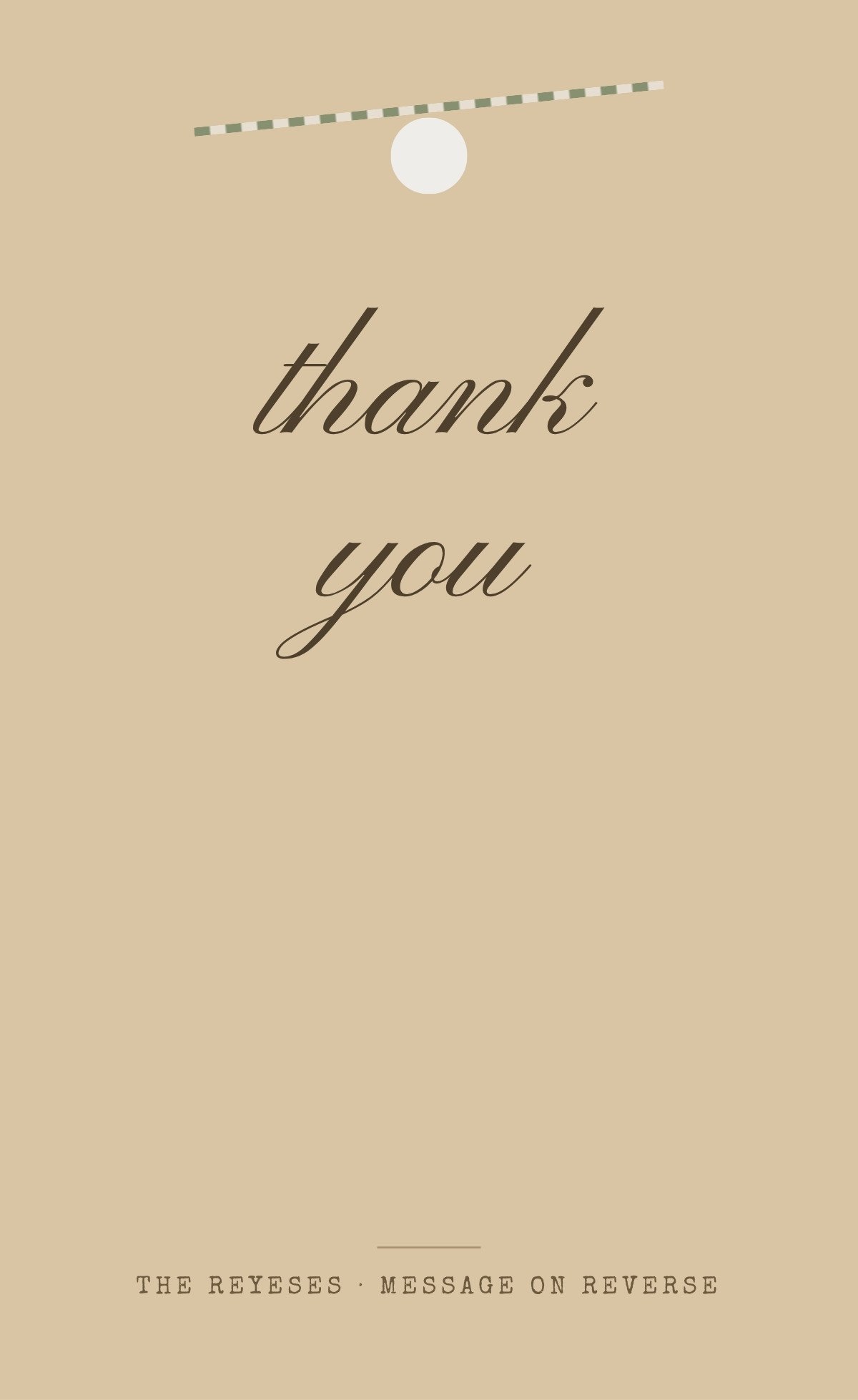
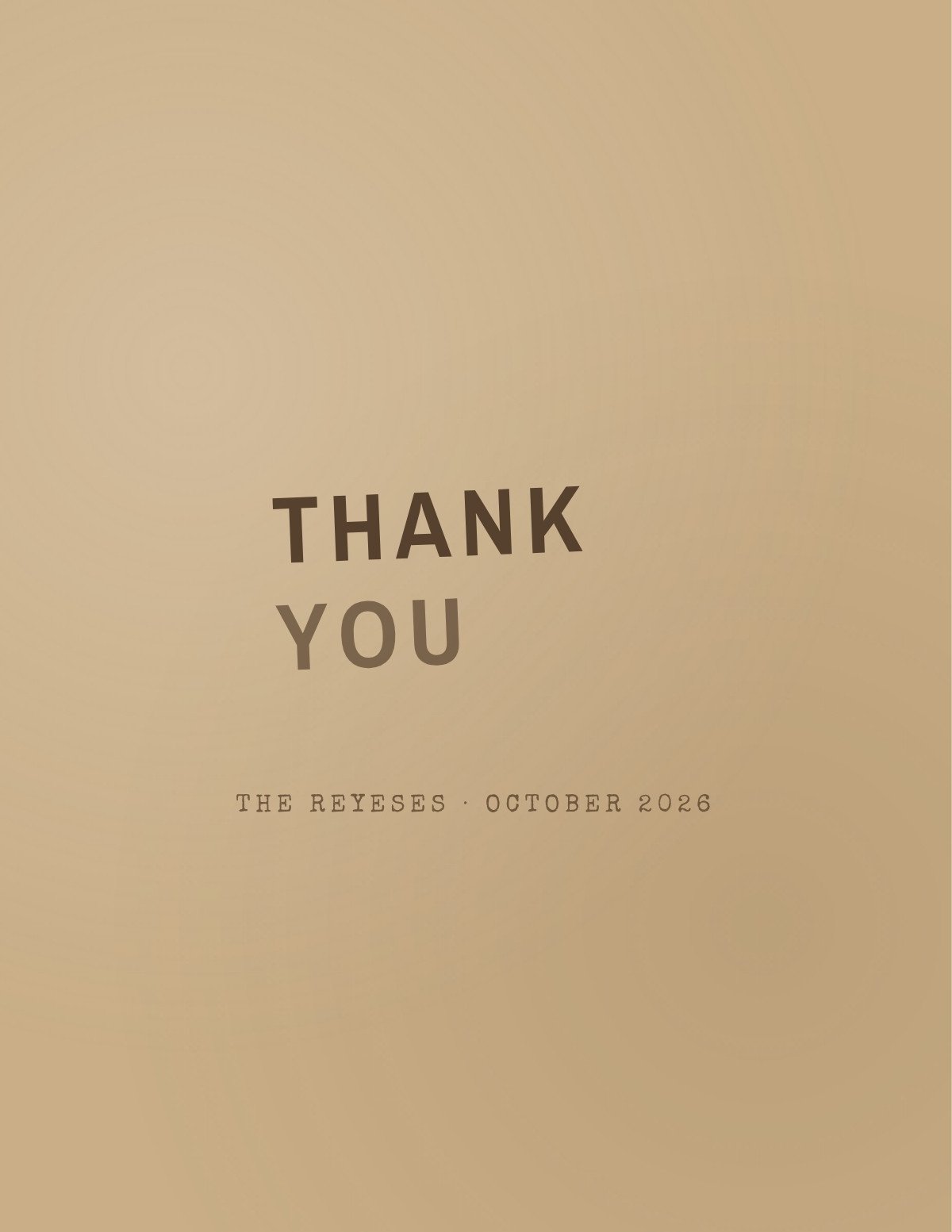
Thank you as an inked rubber-stamp impression on kraft — slightly off-register, ink pooling at the edges, one corner lighter where the block lifted.
Open this template in Canva to edit the names, monogram and front wording.
Customize in CanvaA hundred cards need a hundred current addresses. Text your guests for theirs and collect every reply in one list you can export for the envelopes.
Collect Addresses by TextCanva is a trademark of Canva Pty Ltd. Text My Wedding is not affiliated with or endorsed by Canva.
Eighty to two hundred cards need eighty to two hundred current addresses, and half your guests have moved since the wedding. Ask them by text and collect every reply in one list.
Designs that share this template’s style, palette or card type.
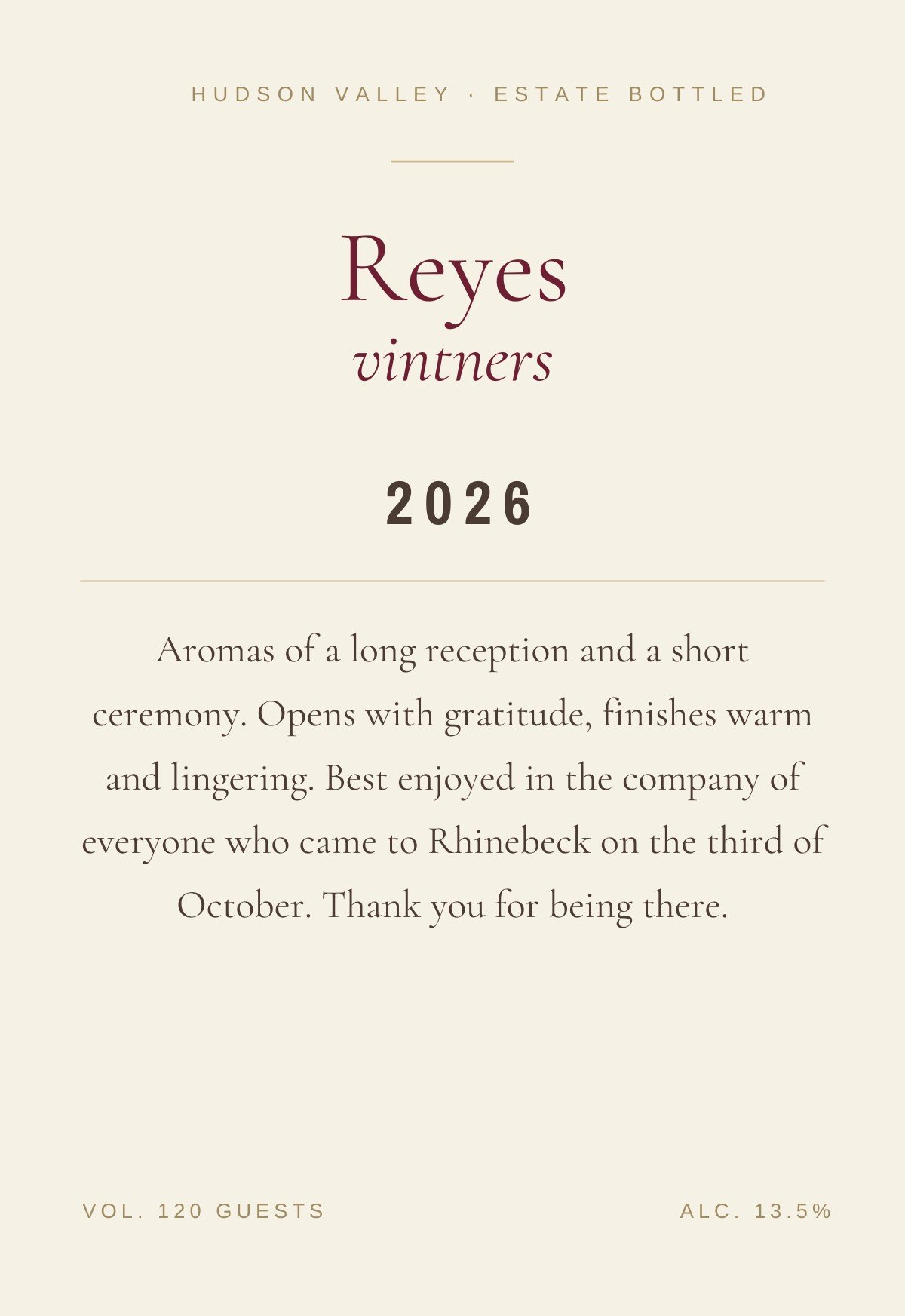
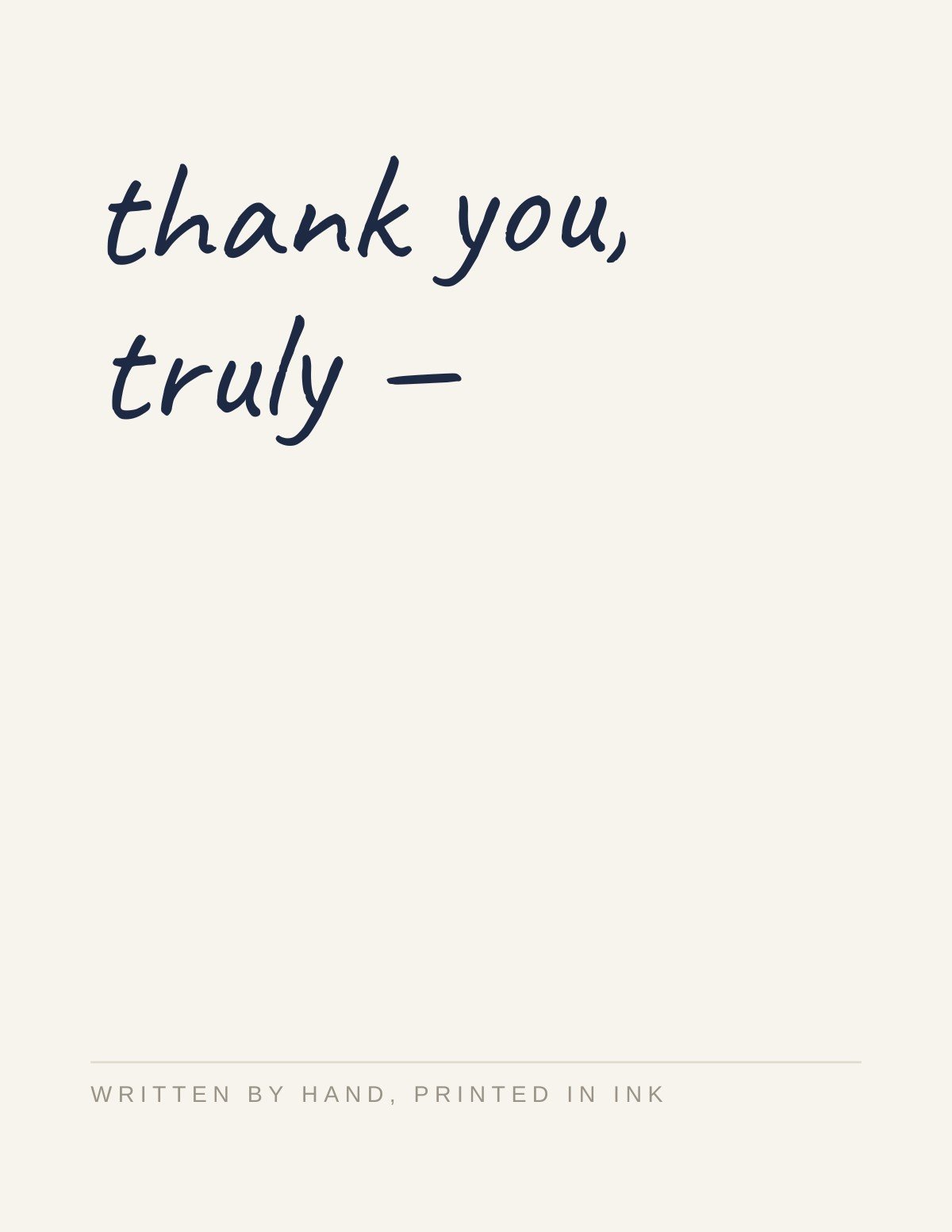
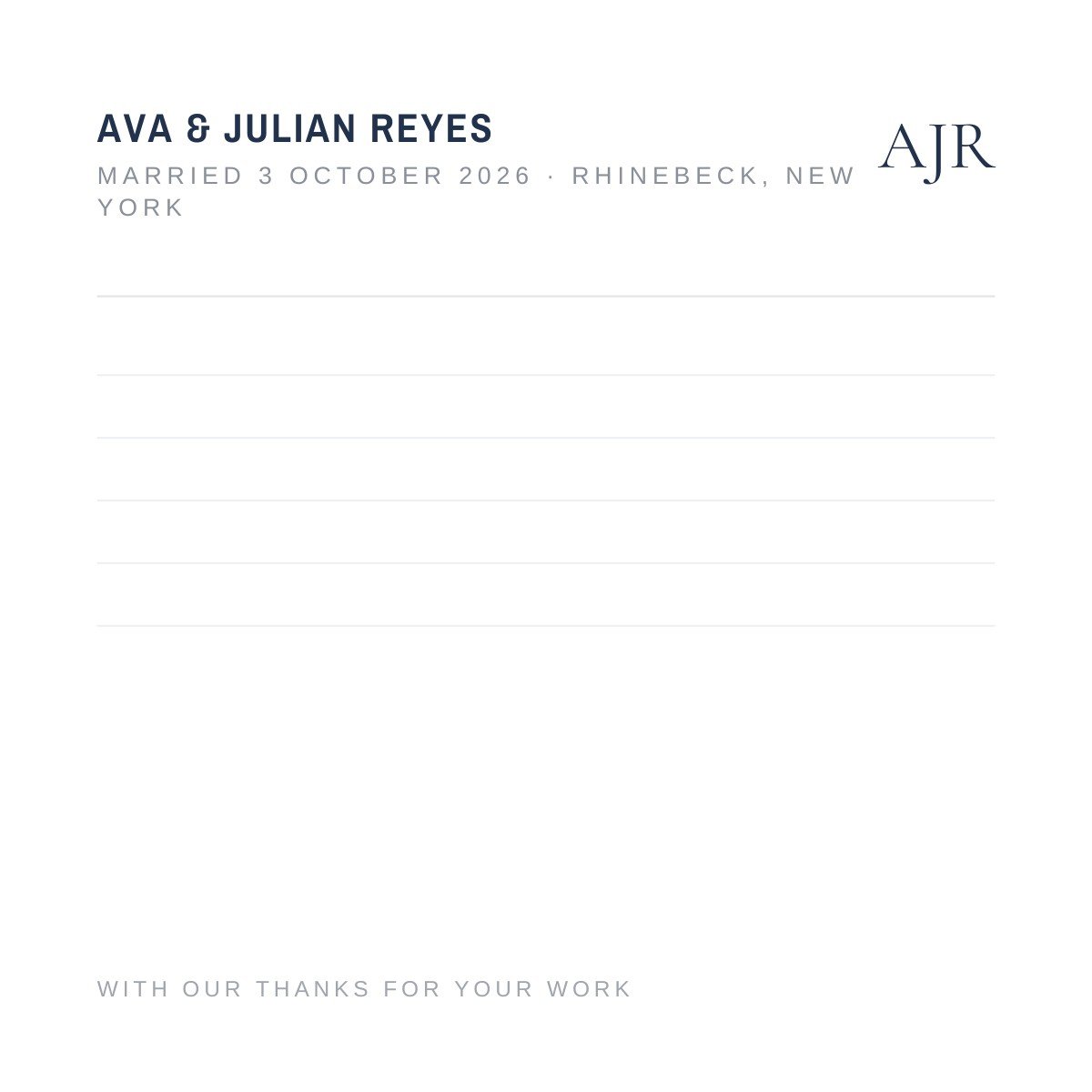
Got the card and stuck on the words? See wedding thank-you card wording for the six-part card format and examples by gift type.
Yes. The template is free to open and edit in Canva, and a free Canva account is enough to change the wording and download the file — no Canva Pro required.
4.25 × 5.5 inches flat, portrait. Export a PDF from Canva for printing at home or at a print shop.
On the reverse. This is a flat single-ply card, so the back is your writing surface — roughly three or four handwritten lines before it looks crowded, which is the right length for a specific thank-you.
This design has no photo frame — the layout depends on the space around the artwork. If you want a photo, browse the photo thank you cards instead.
Name the specific gift, say what you will do with it, and add one line that could only be about that person. Three or four lines is plenty. What changes is the situation rather than the length — cash, a group gift, a vendor, a guest who gave nothing — and each needs different wording.
Three months, counted from when the gift arrived rather than from the wedding — so gifts that turned up early started their clock early. Later is still much better than never; the Emily Post Institute is explicit that there is no year-long grace period.
Canva is a trademark of Canva Pty Ltd. Text My Wedding is not affiliated with or endorsed by Canva.