
When a guest replies to one of your texts, the reply comes only to you, and guests never see each other's phone numbers or replies. Text My Wedding sends every guest their own private one-to-one text from your event's number instead of a group thread, so nobody can “reply all.” On the Plus and Premium plans, you read replies in Inbox → Replies and answer a guest privately from Inbox → Direct messages.
Can guests see each other's phone numbers?
No. Each guest receives a separate text, the same way they would get a text from any single sender. There is no shared thread, so a guest sees only your event's number and their own conversation with it. Their reply goes back to your event, not to the other guests.
Guests also do not see your personal number. Every event sends from its own dedicated number. Events that send rich messages (RCS) show “Text My Wedding” as the sender on phones that support it.
Guests do not see one another's replies or photos unless you intentionally share your photo gallery link.
Which plans let me receive replies?
Receiving guest replies is included on the Plus and Premium plans, along with receiving photos guests text to your number and the shareable message and photo stream. The Lite and Starter plans send texts but do not include reply viewing. If Replies is locked for your event, upgrade to Plus or higher to open the inbox. See what Text My Wedding costs for each plan.
Planner subscriptions include replies on every wedding.
Where do I read replies?
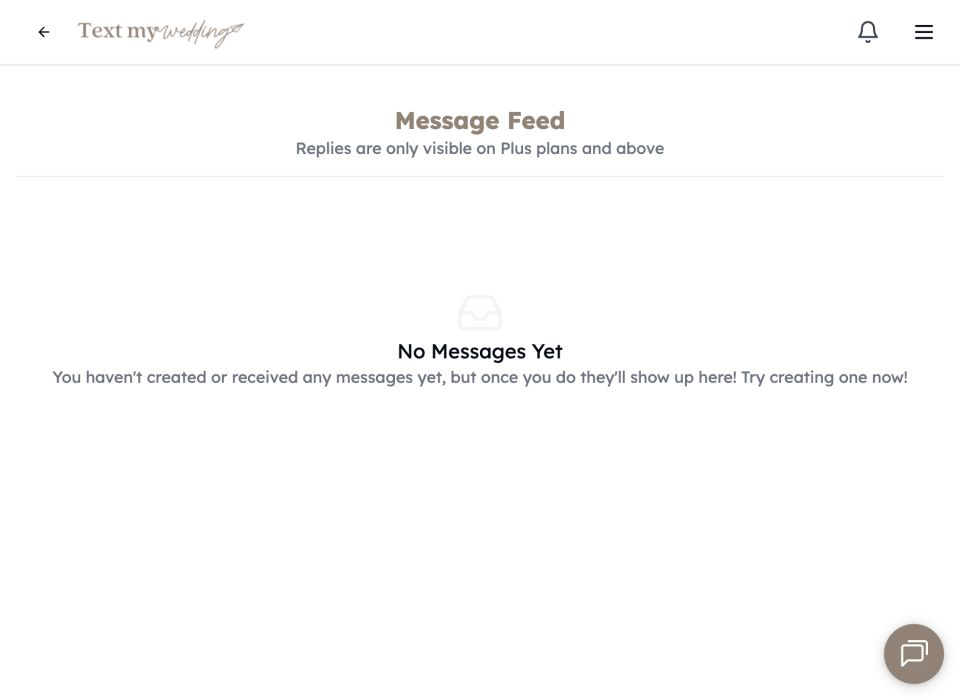
Choose Inbox → Replies in the app navigation. On Plus plans and above, this feed shows incoming guest texts and media with the sender and the event-local time.
To reply to someone, choose Inbox → Direct messages, search for the guest, review that private conversation, and send a one-to-one response. The guest receives it from the same event number as your group messages.
Do replies use my message limit?
Texts guests send you do not use your message limit. Each reply you send back to a guest is an outgoing text and uses one message, like any other text.
How do I get notified about new replies?
Under Settings → Notifications, turn on Notify me of replies via email? For push notifications on your phone, download the Text My Wedding iPhone app.
Choose Inbox → Notifications to see what has happened around your event, newest first: new guest replies, submitted addresses, guests who joined through your signup link, guests who opted out, and team members who accepted an invitation. Filter by All, Unread, Replies, Addresses, or Updates.
Can guests send photos by text?
On Plus plans and above, guests can reply to your event number with photos, and those photos appear with your guest photos. Carrier messaging compresses texted images, so for full-resolution originals share your guest upload page, which is included from the Starter plan.
Which replies show up?
Replies are matched to the guest by phone number, so they appear for people on your guest list. Ask anyone texting from a different phone to be added as a guest with that number.
What happens if a guest texts STOP or HELP?
A guest who texts STOP is opted out of your event's texts, moves to Opted out in your guest list, and is excluded from future sends. They must text START from their own phone to resubscribe; you cannot override an opt-out. A guest who texts HELP receives an automatic help message.
Can my partner or planner see replies too?
Yes. Anyone you add under Settings → Team gets the same access to manage the event, including the inbox. See settings and team access.