
Check a sent message
In Messages, open the recipient count on a sent message. The recipient panel lists delivered, failed, pending, and opted-out results for each guest.
Delivered means the carrier accepted the message. It does not guarantee that a phone displayed it in the main inbox; carriers and phones may still place an unfamiliar sender in spam, blocked, or unknown-sender folders.
Read and link activity
Some recipients show confirmed activity:
- An RCS read receipt
- A tracked-link open
- A rich-card button tap
Standard SMS has no read receipt, and supported phones can decline to share activity. No recorded activity does not mean the guest did not read the text.
Find replies
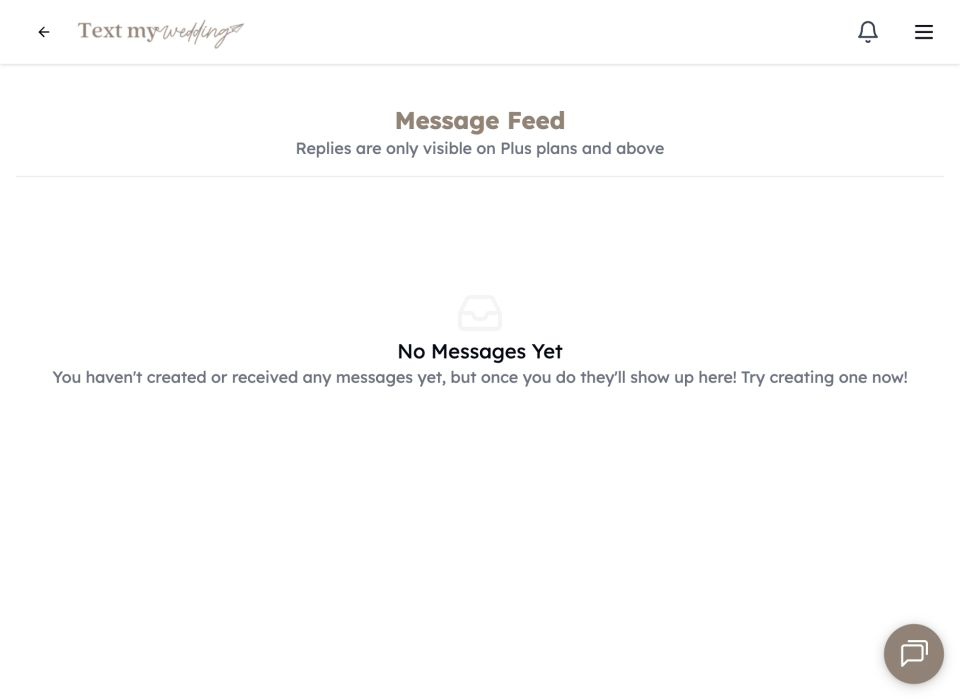
Choose Replies in the app navigation to see incoming guest messages on Plus plans and above. Choose Direct to open one guest’s private conversation. Replies never go to the other guests and do not use the message limit.
Enable reply emails under Settings → Notifications. An installed web app can also subscribe that phone to push alerts.
Troubleshoot a missing text
- Confirm the guest has a valid US or Canadian mobile number and is not Opted out.
- Check that guest in the message’s recipient panel.
- Ask them to search spam, blocked, and unknown-sender folders.
- Ask them to save the event number as a contact.
- Correct an invalid number and send a direct follow-up when appropriate.
- Contact support if several valid numbers failed in the same send.