
A household represents everyone sharing one invitation. It controls the shared mailing address and which people appear together on an RSVP link.
Open a household
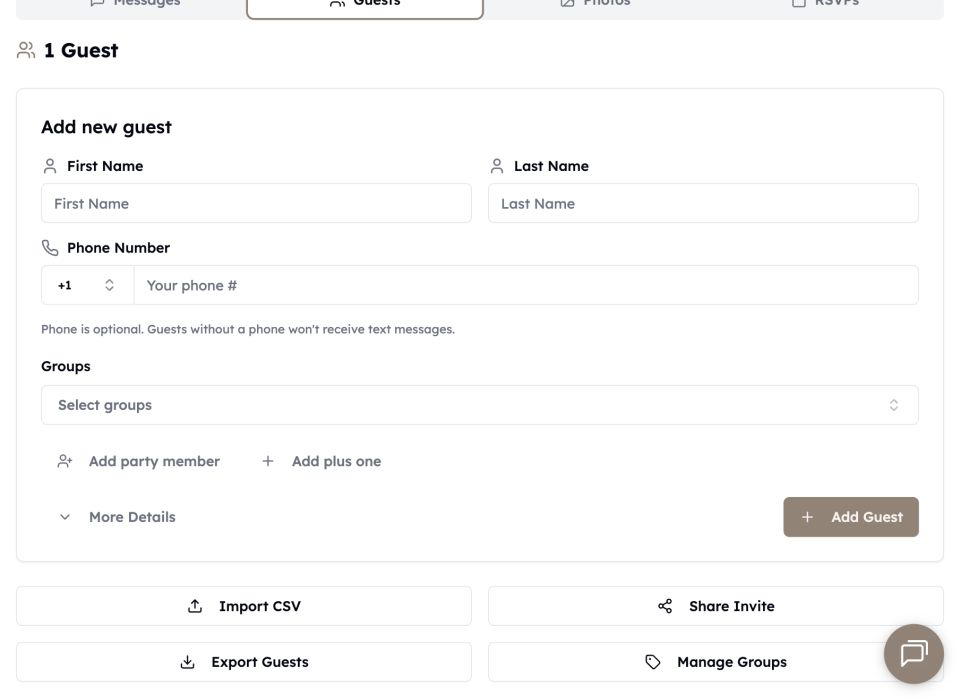
In Guests, choose the party of … link beneath a guest. The household editor shows its name, mailing address, and members.
Add people to the party
- Add member creates a named guest. Phone is optional.
- Add plus one creates a placeholder you can name later.
- Add existing guest moves a guest already in the list into this household.
Use a phone number for each adult who should receive their own texts. Children or unnamed plus-ones can remain without a number and still be included in the RSVP headcount.
RSVP behavior
One household invitation link lists every invited member. The respondent can mark each person attending or not attending. If two people should receive separate invitations or should not respond for one another, keep them in separate households.